

Overview
Quo is an official app in the ChatGPT directory. Send messages, pull call transcripts, and look up contacts just by asking ChatGPT.ChatGPT Plus or Pro is required to connect apps in ChatGPT.
Connect to ChatGPT
Quo is available to ChatGPT Plus and Pro users directly in ChatGPT’s app directory.- Open ChatGPT.
- From the left sidebar, click More, then click Apps
- Search for Quo, click the app listing
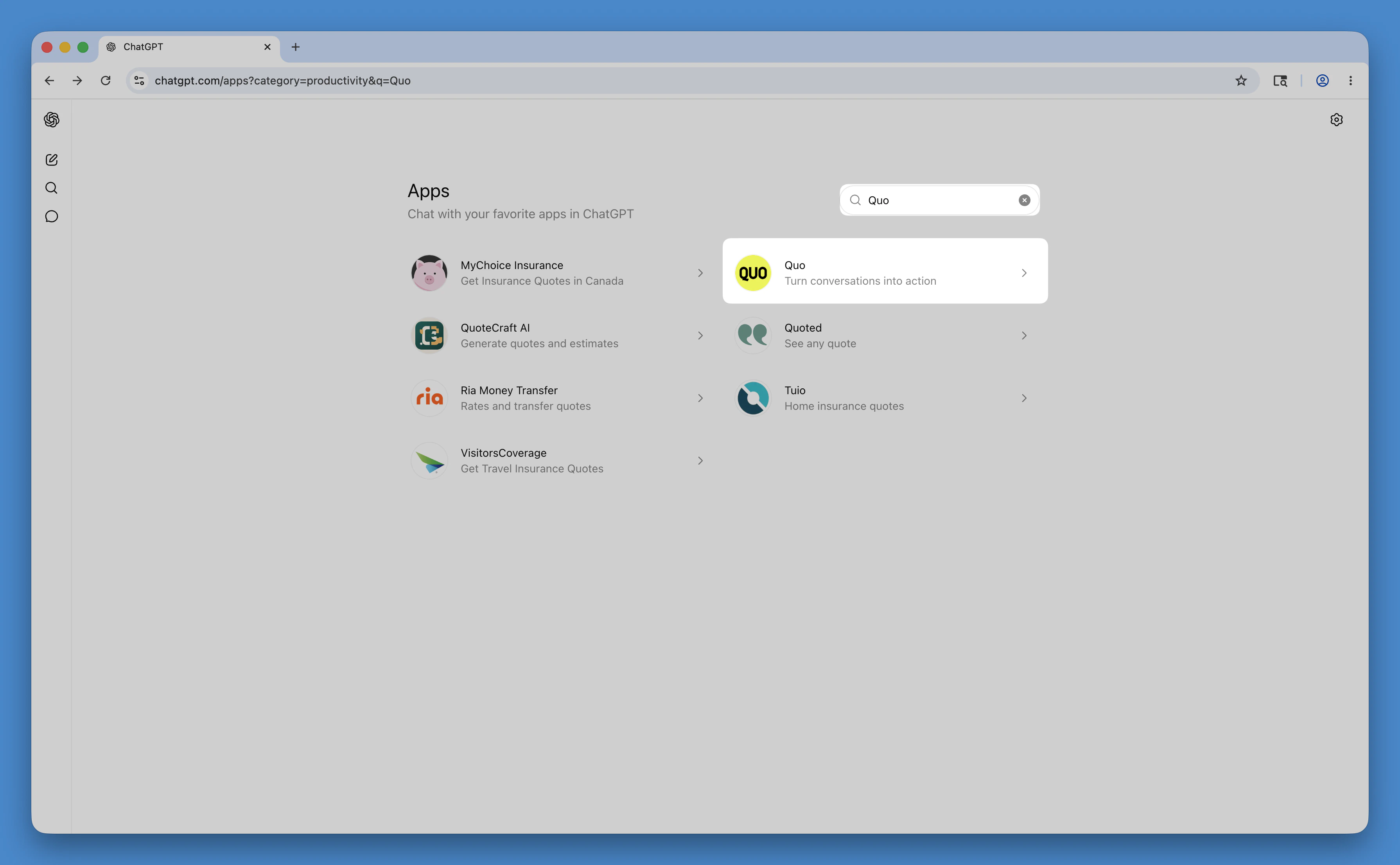
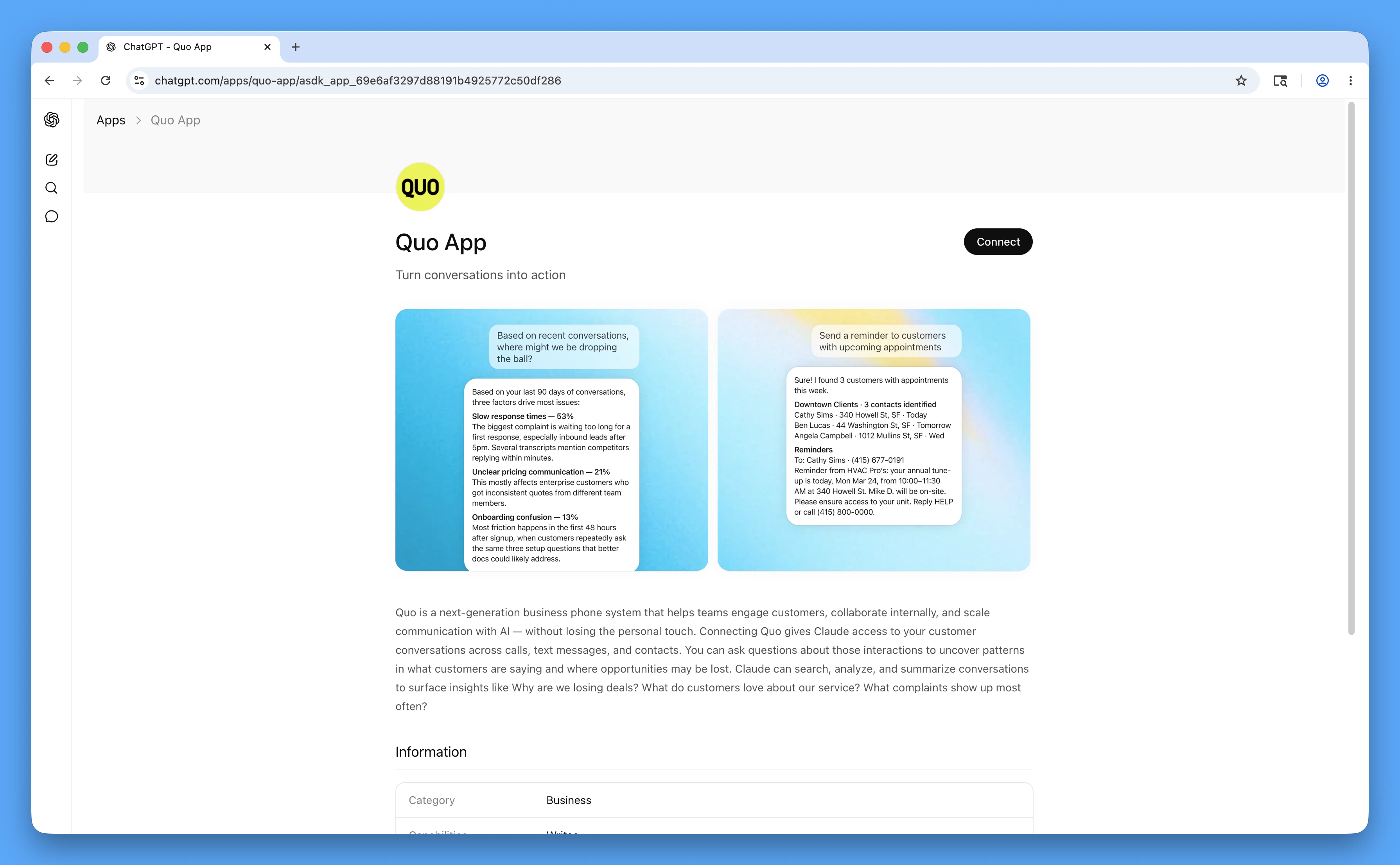
- Click Connect
- Toggle on Reference memories and chats
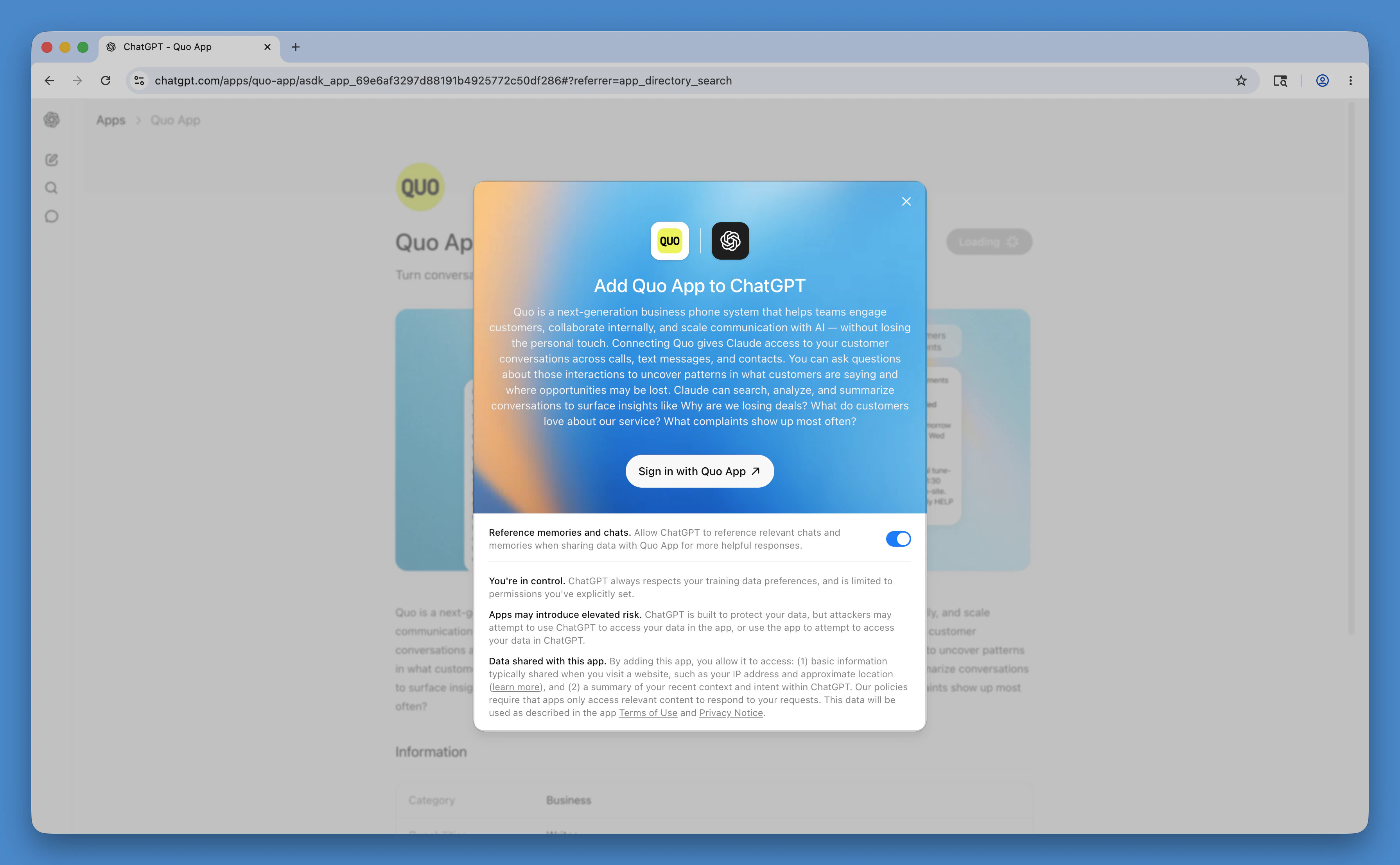
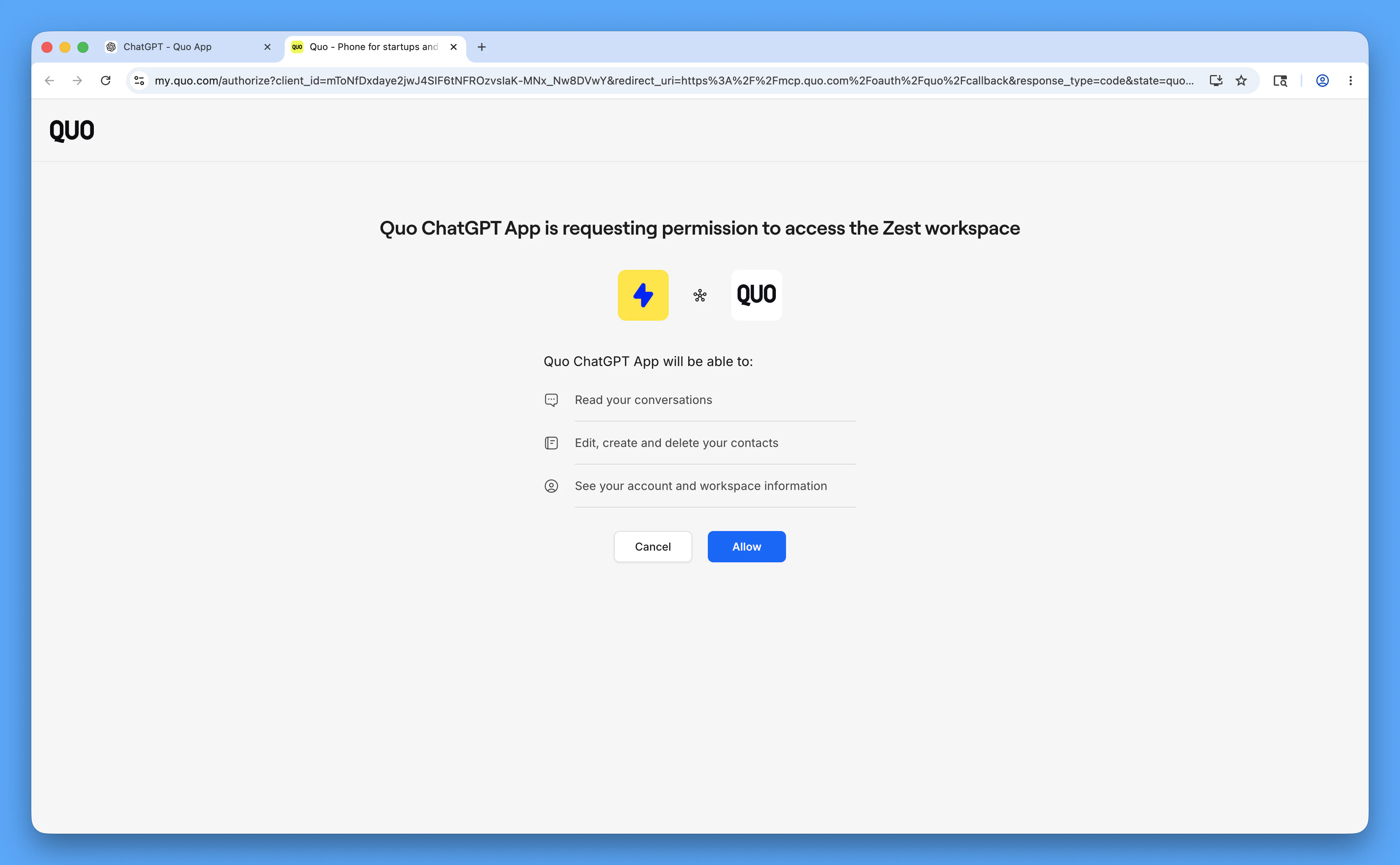
- Click Sign in with Quo App
- On the next screen, click Allow
What you can do
Once connected, talk to ChatGPT like you’d talk to a teammate. Expand any action below to learn more.Pre-paid credits are needed to send texts from Quo using ChatGPT. These messages count as API messages. Learn more about pre-paid credits →
Summarize conversations
Summarize conversations
Pull messages and call activity directly from Quo and ask ChatGPT for a summary. Instantly review conversations, catch up on missed messages, or understand what customers are asking about.Sample prompt:
- Pull my last 100 calls from (604) 262-6950 and summarize: what questions do prospects ask most?
Text one person or your whole team
Text one person or your whole team
Send a text to one person or the same text to multiple people at once from your Quo number, without opening your workspace.Sample prompts:
- Text (434) 732-2924 from my (604) 262-6950 number: Running 10 minutes late.
- Send this update to the entire crew: Job site moved to Oak Street.
Check messages and inboxes
Check messages and inboxes
Pull your message history from any Quo inbox, filter by contact or date, or list all your inboxes to see which numbers are available.Sample prompts:
- Show my last 10 texts with (434) 732-2924.
- What inboxes do I have in Quo?
Get call transcripts
Get call transcripts
Retrieve call history and voicemail transcripts from your Quo number.Sample prompt:
- Pull today’s voicemails for our main number.
Only available for Quo numbers with call transcripts enabled.
Look up, add, or update contacts
Look up, add, or update contacts
Search your contact list, look up a specific contact’s details, add new contacts, or update existing ones — all just by asking.Sample prompts:
- List all my contacts in Quo.
- Look up the contact details for (858) 282-0483.
- Add contact: Seth Ramos, ABC Plumbing, (858) 282-0483, role Foreman.
- Update the contact for Lisa Price with her new email: [email protected].
Fetch missed calls
Fetch missed calls
Get info about your missed calls and see their voicemail transcripts from your chat.Sample prompts:
- Did I miss any calls on my Customer Support line yesterday?
- Who do I need to call back from my main line?
Safety and permissions
Approval required
Before sending any text or creating a contact, ChatGPT asks for your approval.
Account-limited access
The integration only accesses what your Quo account can already see.
Disconnect anytime
Remove the integration from Apps in ChatGPT whenever you want.
Disconnect Quo from ChatGPT
- In the ChatGPT left sidebar, click More, then click Apps
- Click the gear icon in the top right corner
- Click Quo
- Click Disconnect
FAQs
Why can't ChatGPT find my Quo number?
Why can't ChatGPT find my Quo number?
Make sure you’re using the full number with country code (like
+14155550100). You can also use the number ID from your Quo settings.I don't see any messages when I search. Why?
I don't see any messages when I search. Why?
Check that the number has message history. If you’re searching by contact, make sure the number is spelled correctly. Try increasing the result limit or widening your date range.
Why are there no call transcripts?
Why are there no call transcripts?
Transcripts are only available on certain Quo plans and only for calls where transcription was turned on. Check your plan settings or widen your date range.
Is my data secure?
Is my data secure?
Your credentials are encrypted and handled securely. The integration only accesses what your Quo account can already see. Treat your API key like a password — don’t share it publicly.
I'm having trouble connecting. What should I check?
I'm having trouble connecting. What should I check?
A few things to try:
- Make sure you’re logged in to the correct Quo workspace before clicking Sign in with Quo App
- Confirm you clicked Allow on the permissions screen. Skipping this step leaves the connection incomplete.
- To reconnect, go to Apps in ChatGPT, remove Quo, then re-add it from the directory
- The connection must be set up from chatgpt.com — the mobile and desktop apps don’t support app connections