Overview
Got an invite to join your team’s Quo workspace? Here’s how to accept it and get set up.Accepting your invitation
When invited to join a workspace, you’ll receive an invitation email that looks like this: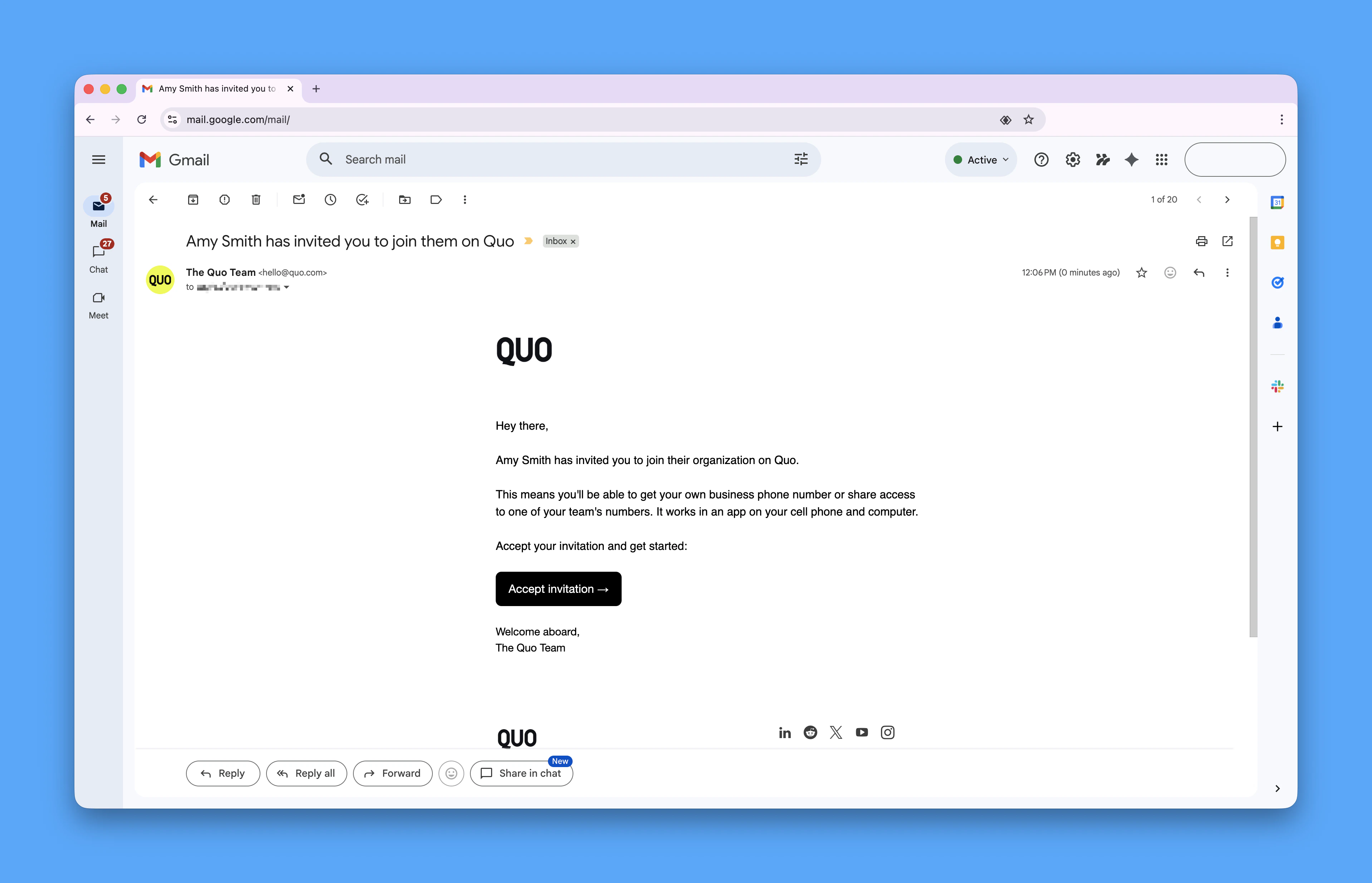
Sign up options
You have two options for signing up:- Sign in with Google: No passwords or codes needed - just sign in and you’re all set
- Sign in with email: You’ll receive a one-time 6-digit code in your email inbox
Completing your profile
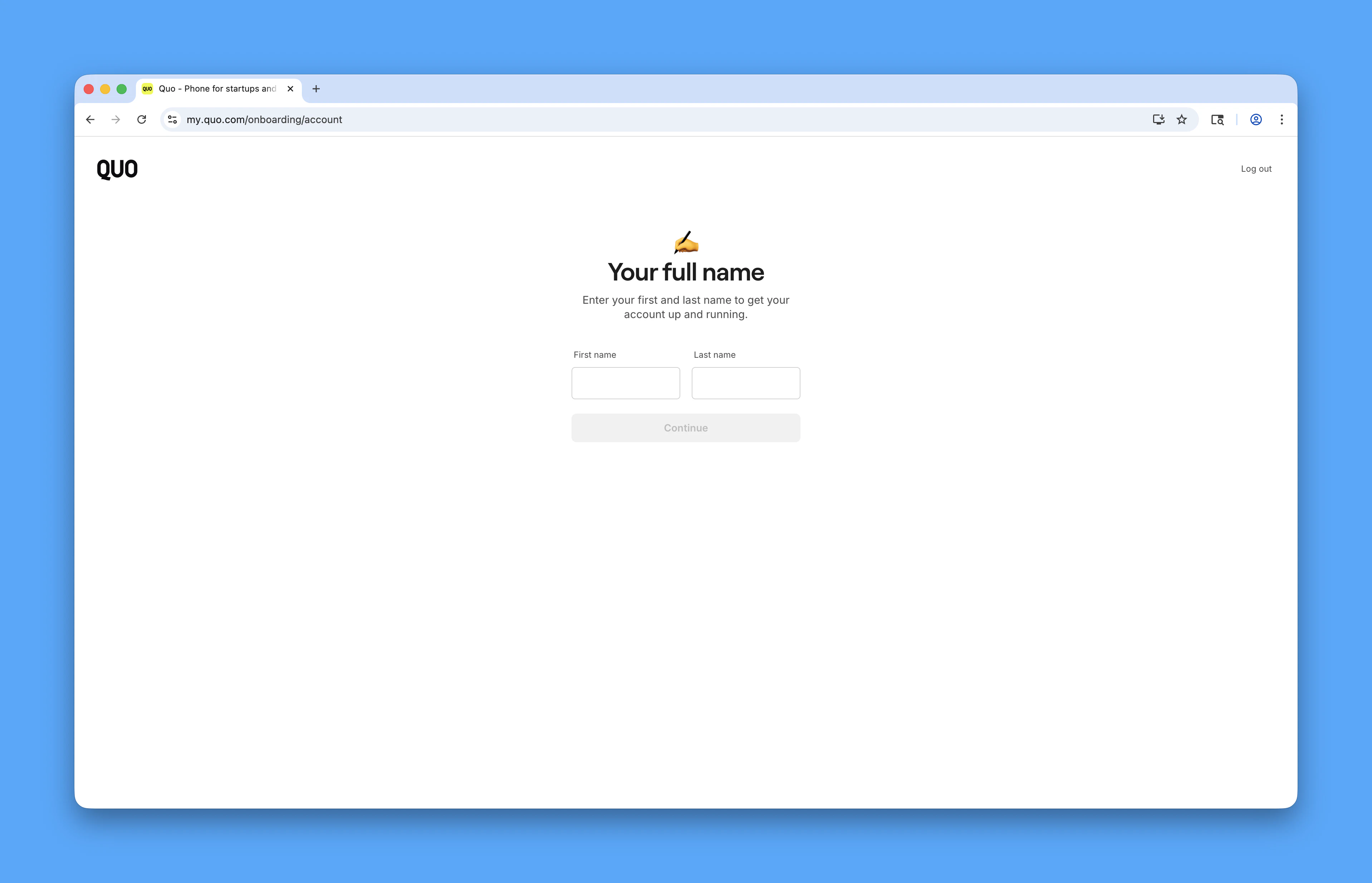
Once you’ve accepted the invitation, you’ll need to:- Enter your name
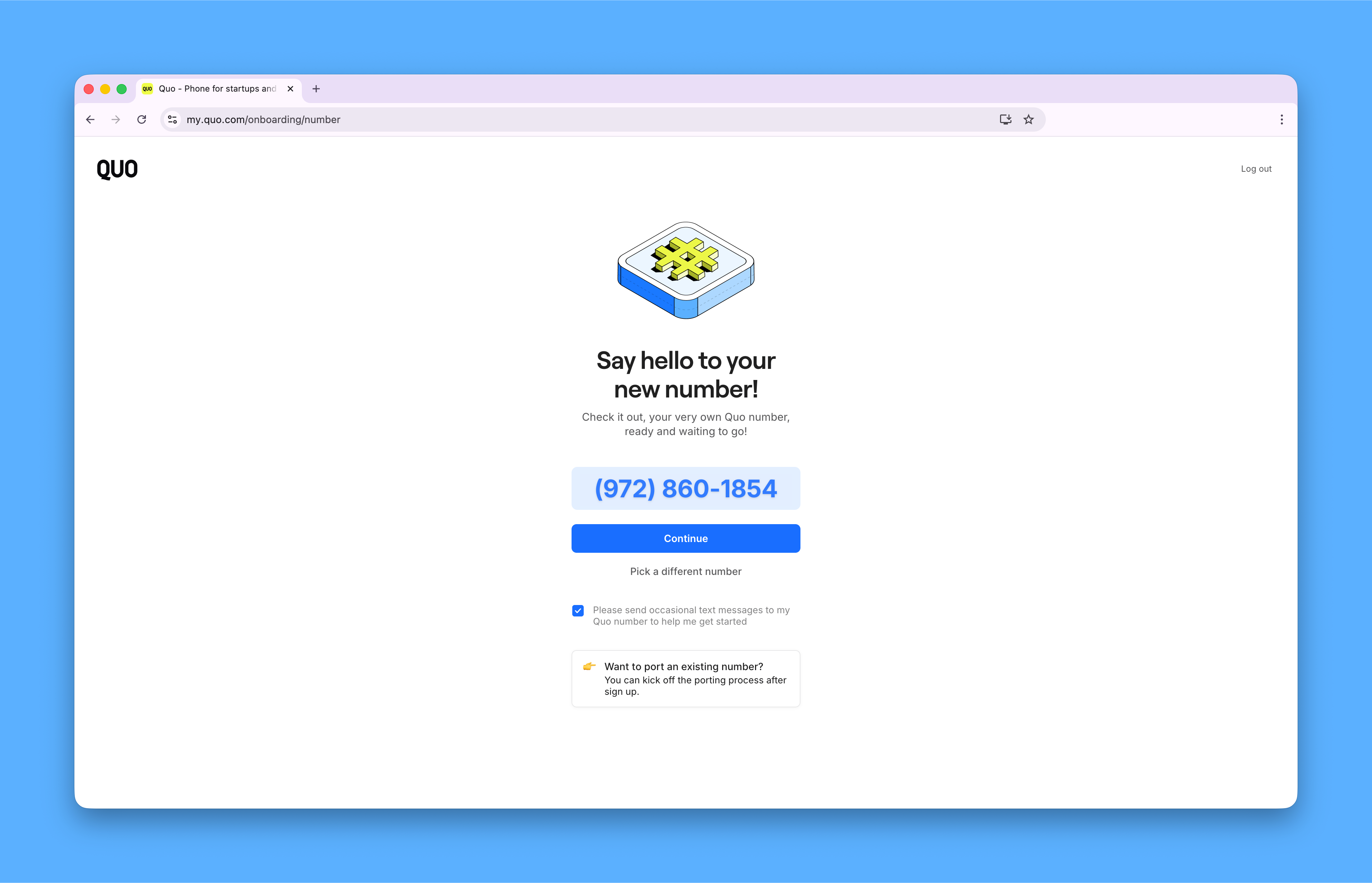
- Pick your phone number (if allowed by your workspace admin)
Joining with your work email
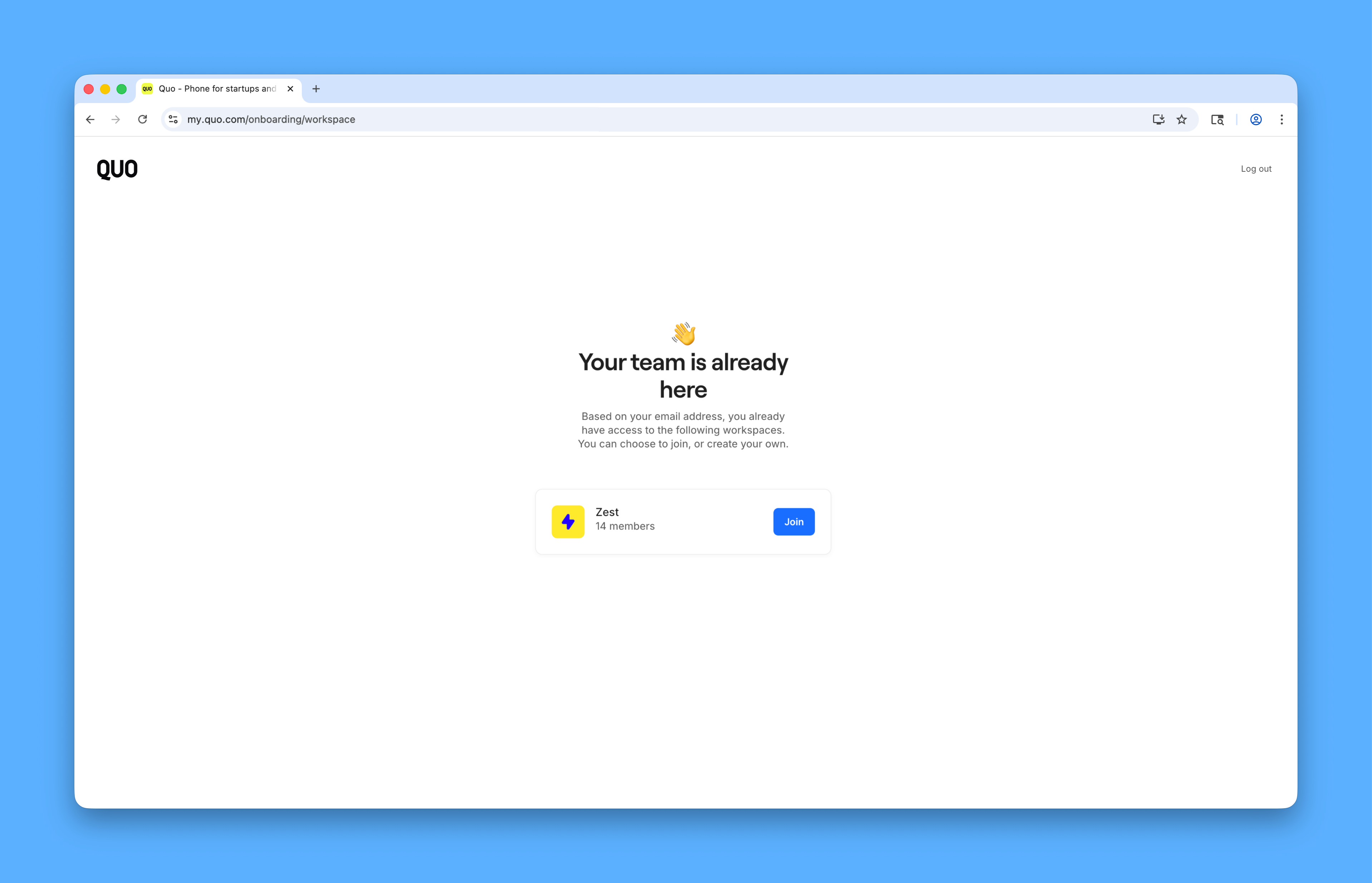
If your company uses Quo, you can also sign in directly at my.quo.com/login with your work email. You’ll receive a 6-digit code to confirm your email, then be given the option to join your company workspace: