> ## Documentation Index
> Fetch the complete documentation index at: https://support.quo.com/llms.txt
> Use this file to discover all available pages before exploring further.
# Changelog
## Analytics just got a major upgrade
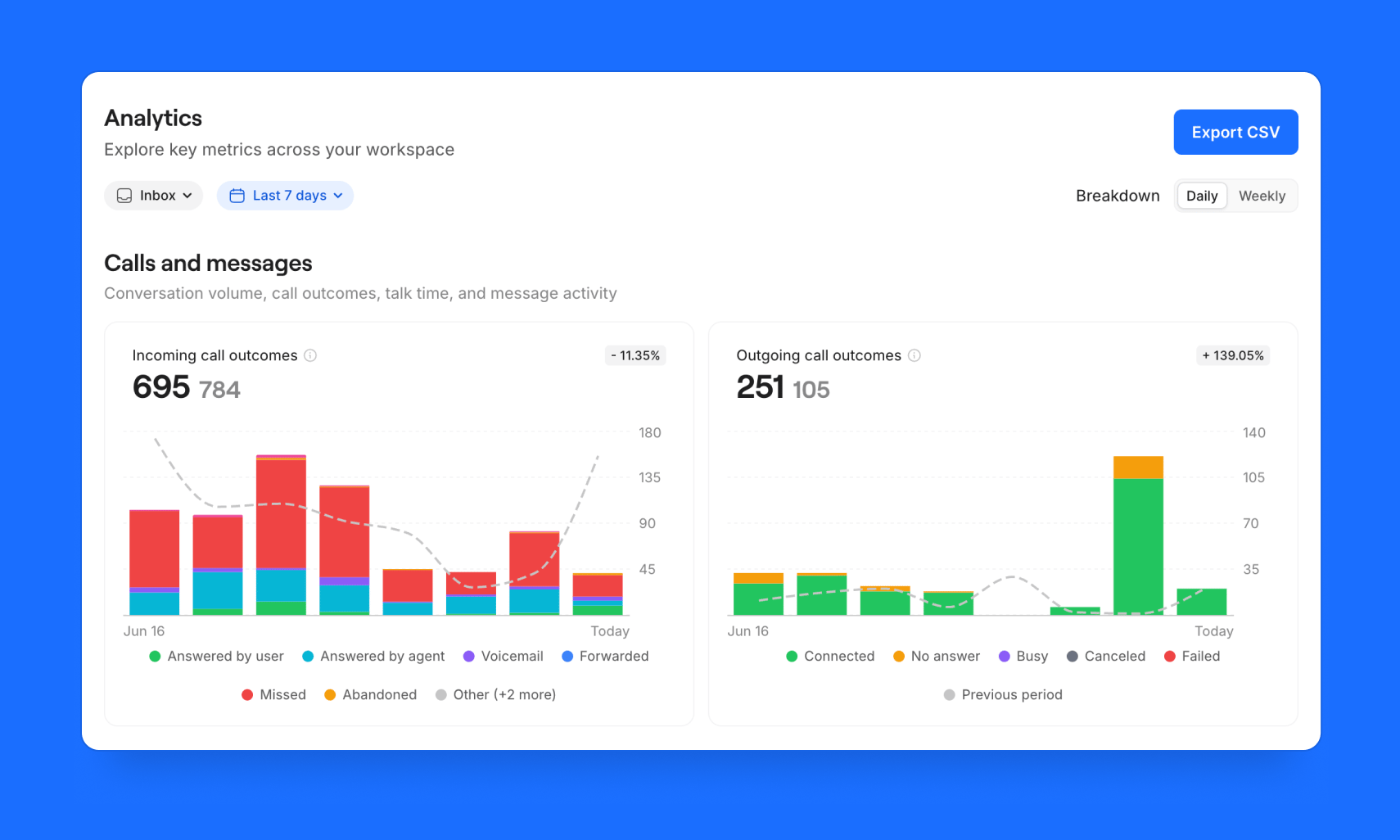 We just shipped a major update of our [Analytics dashboard](https://my.quo.com/analytics).
It's now easier to understand what's happening across your business, drill into the data behind the charts, and spot trends without leaving the dashboard. Here's what's new:
We just shipped a major update of our [Analytics dashboard](https://my.quo.com/analytics).
It's now easier to understand what's happening across your business, drill into the data behind the charts, and spot trends without leaving the dashboard. Here's what's new:
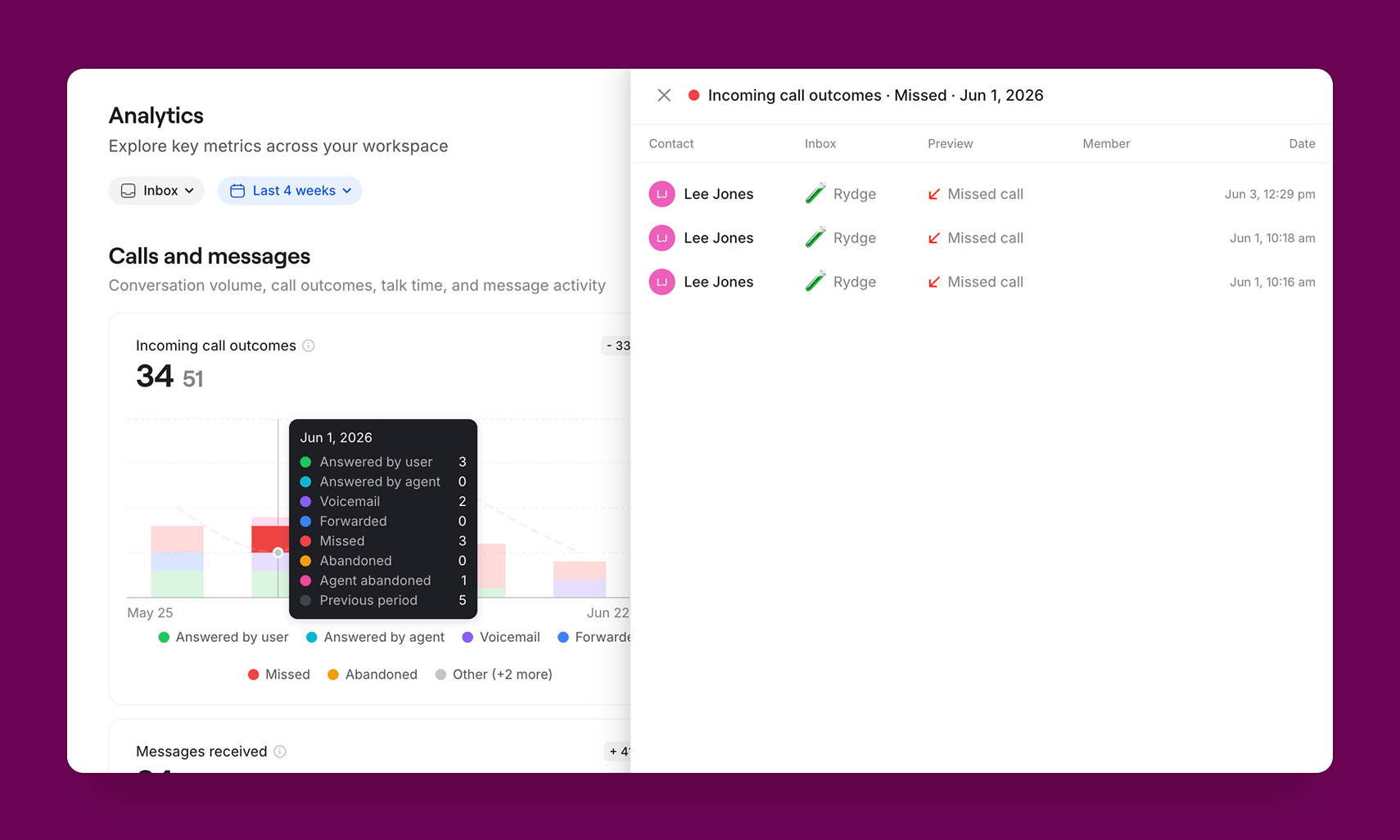 **Click into any chart.** See the calls behind the numbers. Click into supported charts to view the underlying calls and quickly understand what drove a spike or trend.
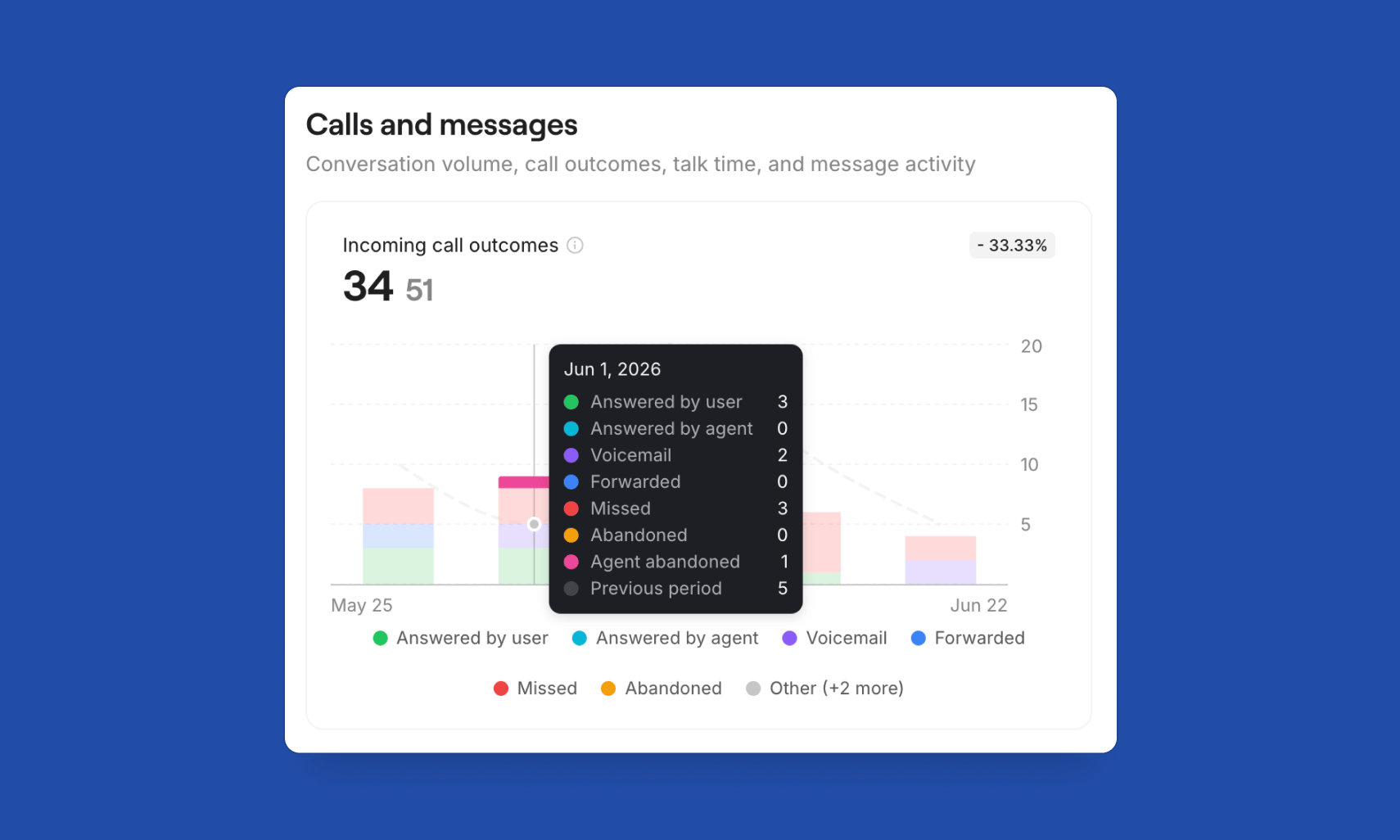 **Call outcomes, broken out.** See exactly how calls ended. Missed, voicemail, forwarded, and abandoned calls are now tracked separately, making it easier to understand why calls didn't connect.
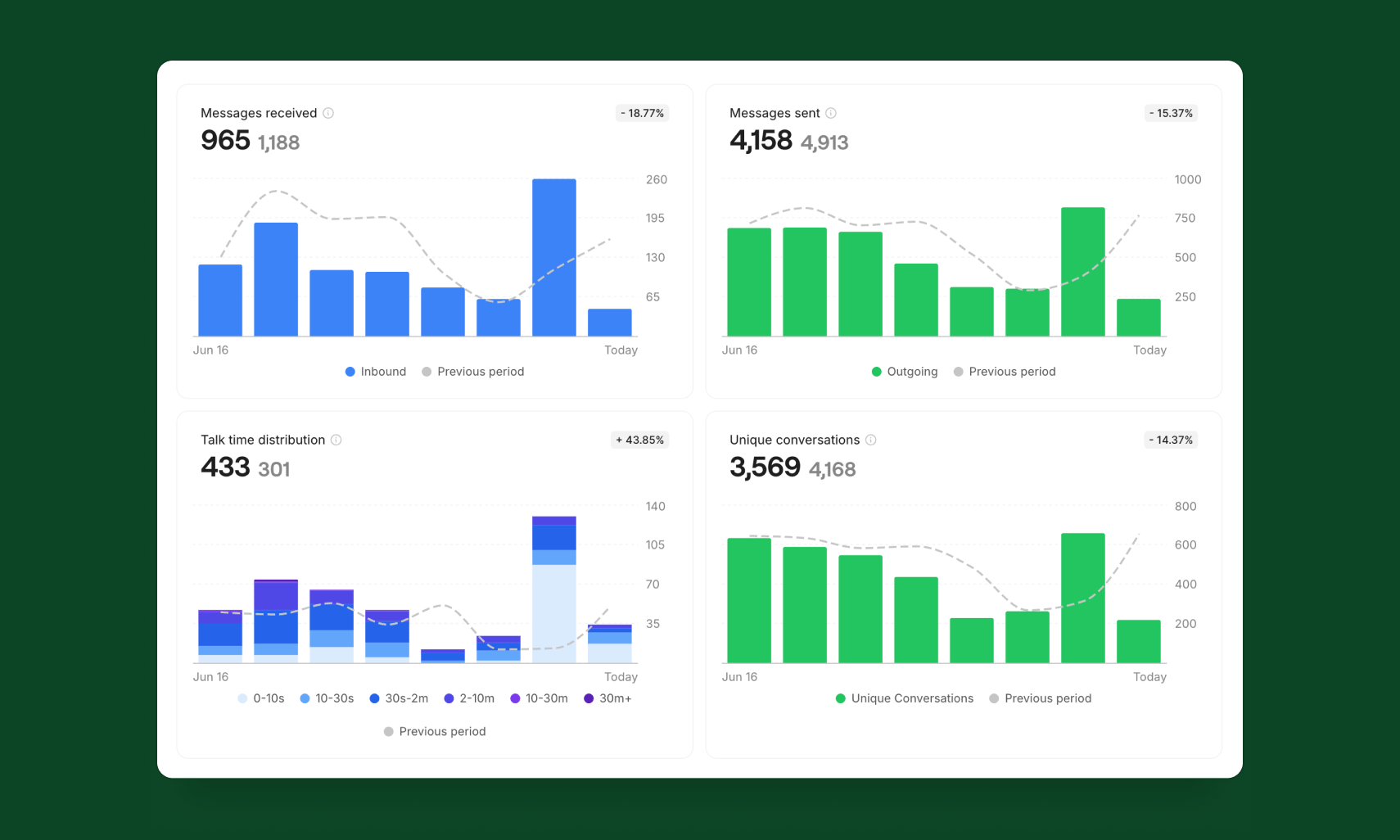 **Compare performance over time.** See how key metrics compare to the previous period. Select charts include the percentage and numeric change, so trends are easy to spot at a glance.
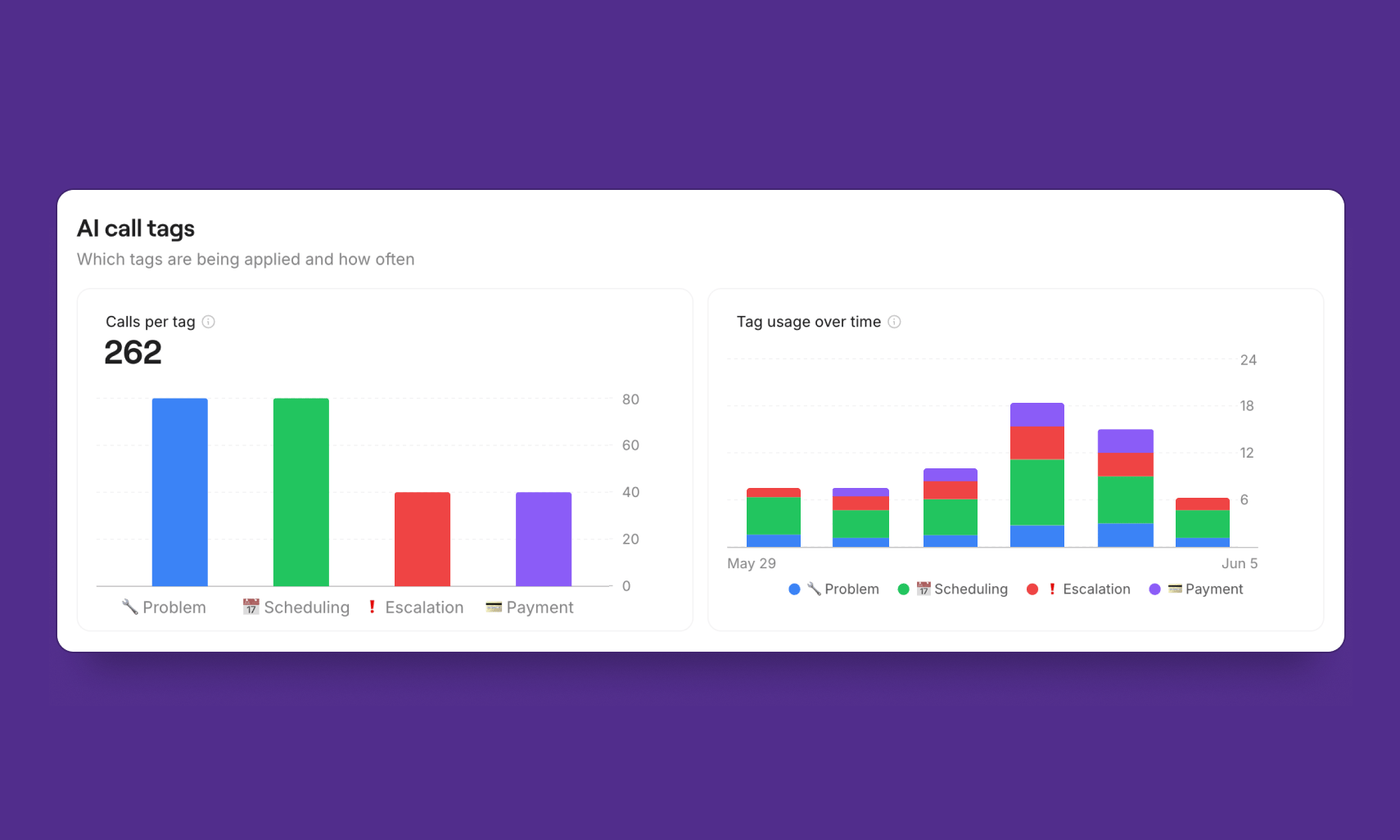 **AI call tag trends.** If you use AI call tags, you can now see which tags are being applied and how they change over time. Spot shifts in customer conversations and see whether the right types of calls are increasing or decreasing.
Available now for Business and Scale plans in the [Analytics tab](https://my.quo.com/analytics).
## A new Quo API and docs, with a lot more on the way
**AI call tag trends.** If you use AI call tags, you can now see which tags are being applied and how they change over time. Spot shifts in customer conversations and see whether the right types of calls are increasing or decreasing.
Available now for Business and Scale plans in the [Analytics tab](https://my.quo.com/analytics).
## A new Quo API and docs, with a lot more on the way
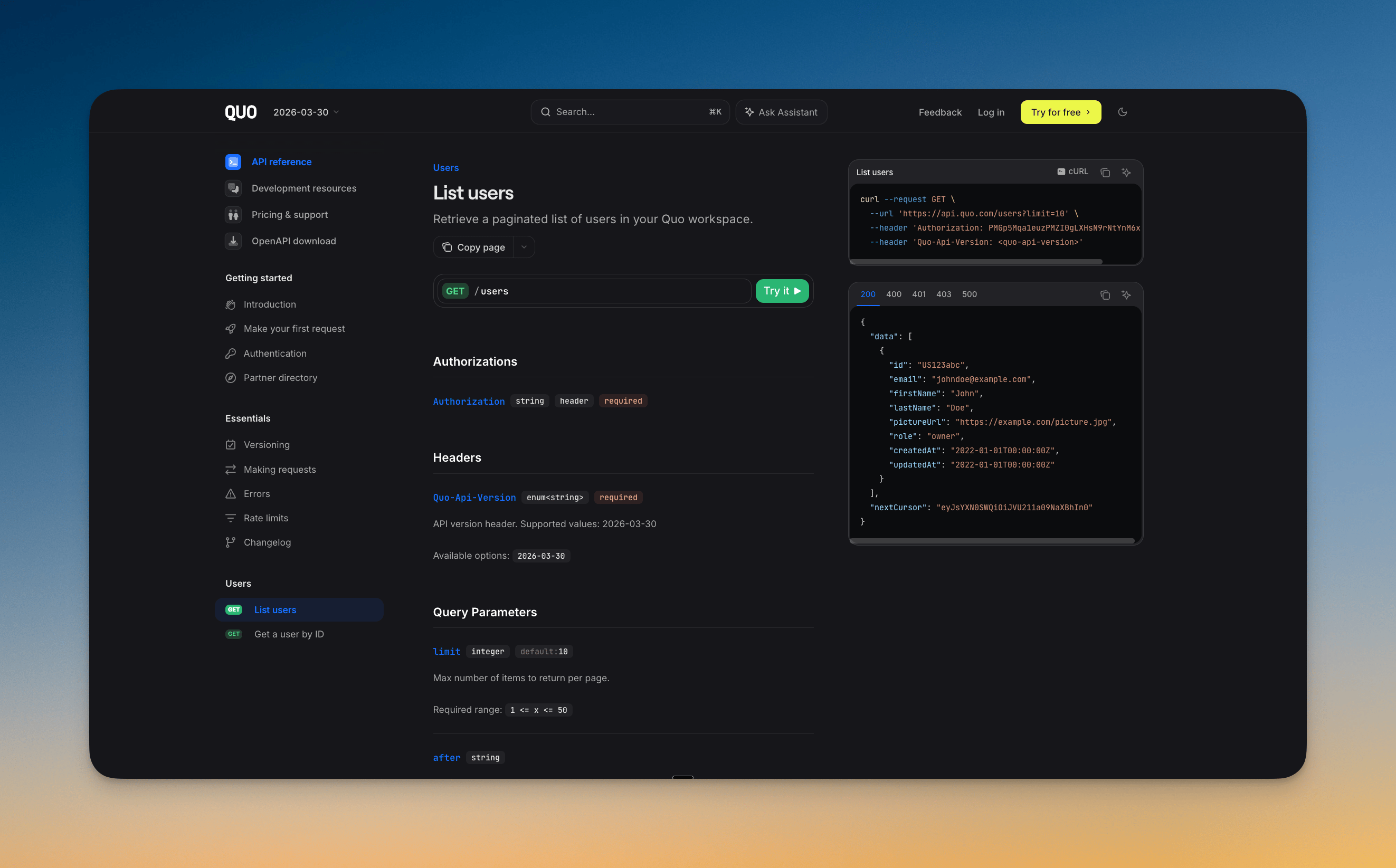 Today we're releasing a new version of the Quo API (`2026-03-30`), and we'll keep adding a lot more to it over the coming weeks. It makes it easier to build on Quo, whether you're a developer, you're not, or you're handing the work to an AI agent. It's live today at [quo.com/docs](https://www.quo.com/docs/2026-03-30/introduction).
Here's what's new:
* **More of Quo, programmatically.** User endpoints are live today, with contacts, calls, transcripts and summaries, conversations, messages, and phone numbers rolling out over the coming weeks.
* **Docs anyone can follow.** New documentation at [quo.com/docs](https://www.quo.com/docs/2026-03-30/introduction) covers request conventions, errors, rate limits, and building with AI and agents.
We've also posted a [roadmap](https://www.quo.com/docs/2026-03-30/introduction#what%E2%80%99s-available-today) in the docs so you can follow along, and we'll keep adding new capabilities so you can do more in Quo via the API than ever before.
Available to all Quo users today.
[Read the docs](https://www.quo.com/docs/2026-03-30/introduction)
## Tasks are now on iOS and Android
Today we're releasing a new version of the Quo API (`2026-03-30`), and we'll keep adding a lot more to it over the coming weeks. It makes it easier to build on Quo, whether you're a developer, you're not, or you're handing the work to an AI agent. It's live today at [quo.com/docs](https://www.quo.com/docs/2026-03-30/introduction).
Here's what's new:
* **More of Quo, programmatically.** User endpoints are live today, with contacts, calls, transcripts and summaries, conversations, messages, and phone numbers rolling out over the coming weeks.
* **Docs anyone can follow.** New documentation at [quo.com/docs](https://www.quo.com/docs/2026-03-30/introduction) covers request conventions, errors, rate limits, and building with AI and agents.
We've also posted a [roadmap](https://www.quo.com/docs/2026-03-30/introduction#what%E2%80%99s-available-today) in the docs so you can follow along, and we'll keep adding new capabilities so you can do more in Quo via the API than ever before.
Available to all Quo users today.
[Read the docs](https://www.quo.com/docs/2026-03-30/introduction)
## Tasks are now on iOS and Android
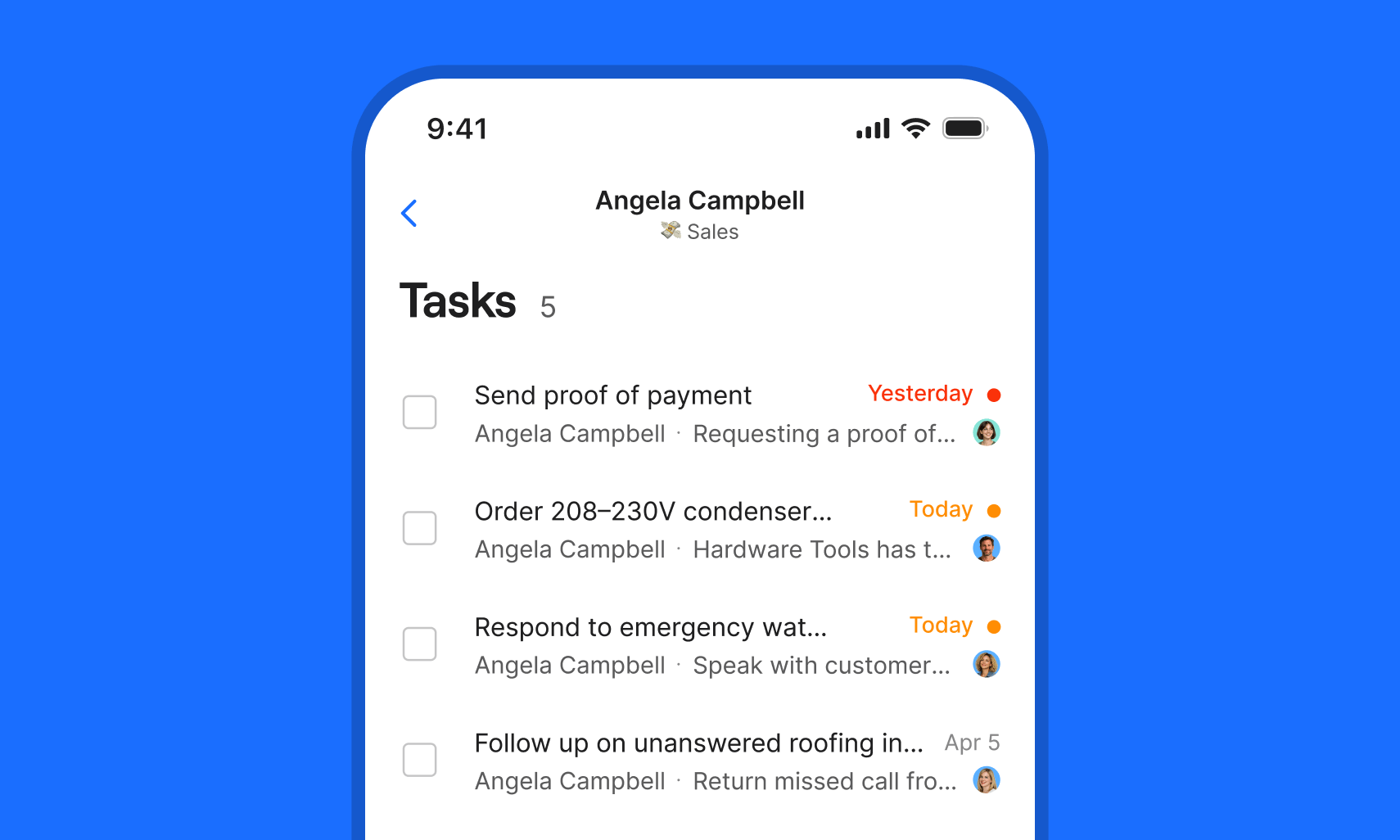 Tasks are now on mobile, so staying on top of follow-ups doesn't stop when you step away from your desk.
* **Create tasks while on-the-go.** From a conversation, from a specific call or message, or from an inbox. Tasks stay linked to where they were created.
* **Check your dedicated Tasks tab.** See all open tasks for an inbox in one place, filter by owner, due date, or status, and track what needs attention.
* **Manage on the go.** Mark tasks as completed, reassign, delete, or review task history from the task detail page.
If you're not seeing Tasks in Quo, make sure to update your mobile app.
Available on all plans. Starter workspaces can have up to 10 open tasks.
[How to use Tasks on mobile](https://support.quo.com/core-concepts/team-collaboration/tasks#create-a-task-on-mobile-coming-soon)
## Introducing Tasks: never lose track of a follow-up again
Tasks are now on mobile, so staying on top of follow-ups doesn't stop when you step away from your desk.
* **Create tasks while on-the-go.** From a conversation, from a specific call or message, or from an inbox. Tasks stay linked to where they were created.
* **Check your dedicated Tasks tab.** See all open tasks for an inbox in one place, filter by owner, due date, or status, and track what needs attention.
* **Manage on the go.** Mark tasks as completed, reassign, delete, or review task history from the task detail page.
If you're not seeing Tasks in Quo, make sure to update your mobile app.
Available on all plans. Starter workspaces can have up to 10 open tasks.
[How to use Tasks on mobile](https://support.quo.com/core-concepts/team-collaboration/tasks#create-a-task-on-mobile-coming-soon)
## Introducing Tasks: never lose track of a follow-up again
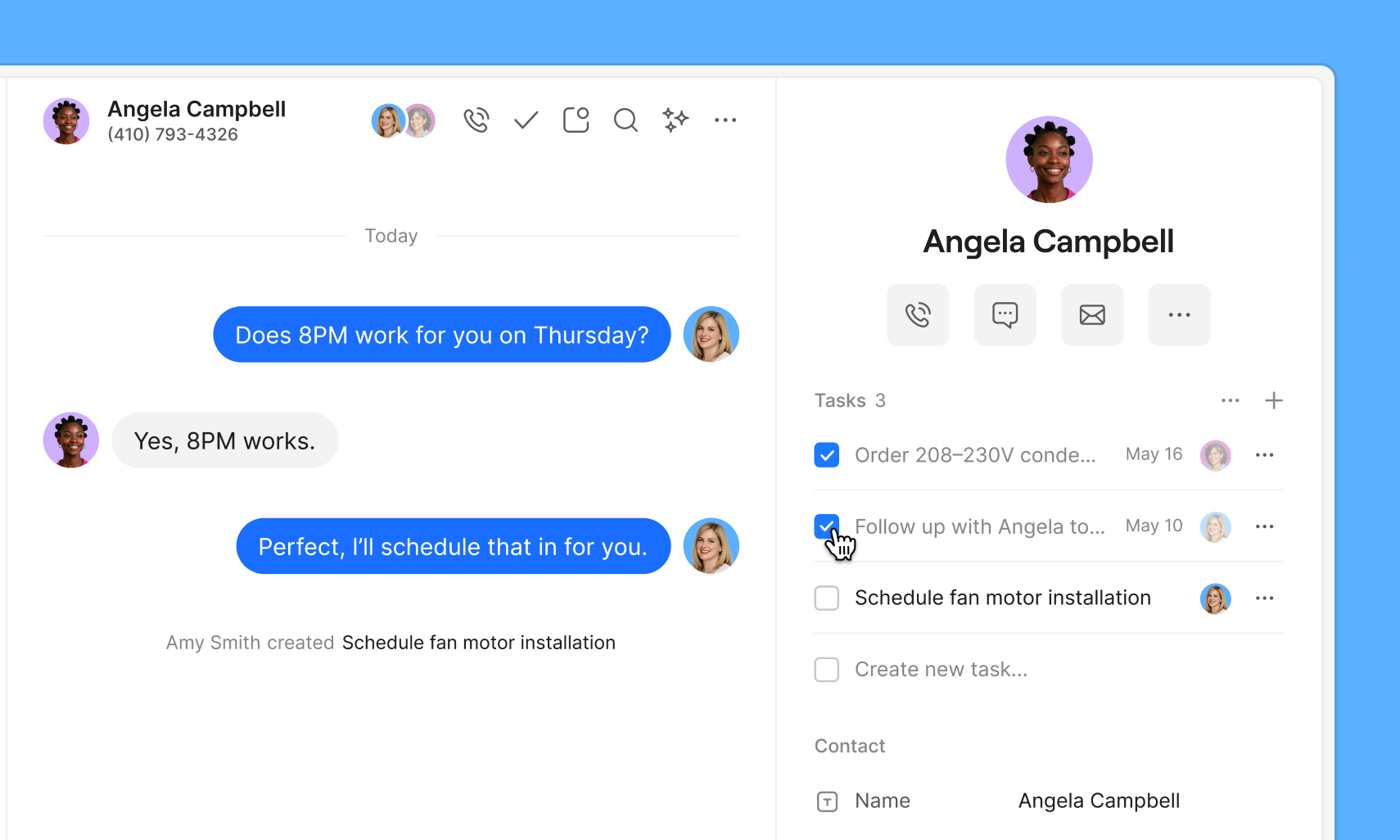 Every conversation creates work. Quo makes sure it gets done. Tasks let you create action items directly from conversations, all without switching apps.
* **Create tasks from any conversation.** Add a task, assign it to a teammate, and set a due date, all without leaving the conversation.
* **Context travels with the task.** Every task stays tied to the conversation it came from, so whoever picks it up later has the full picture.
* **Track everything from your inbox.** Filter by what's assigned to you, what's overdue, and what's complete.
Available to all Quo users on web and desktop. Coming soon to iOS and Android.
[Learn how to use Tasks](https://support.quo.com/core-concepts/team-collaboration/tasks)
## Bug fixes and improvements to the Android app
Every conversation creates work. Quo makes sure it gets done. Tasks let you create action items directly from conversations, all without switching apps.
* **Create tasks from any conversation.** Add a task, assign it to a teammate, and set a due date, all without leaving the conversation.
* **Context travels with the task.** Every task stays tied to the conversation it came from, so whoever picks it up later has the full picture.
* **Track everything from your inbox.** Filter by what's assigned to you, what's overdue, and what's complete.
Available to all Quo users on web and desktop. Coming soon to iOS and Android.
[Learn how to use Tasks](https://support.quo.com/core-concepts/team-collaboration/tasks)
## Bug fixes and improvements to the Android app
 ### Search and tags work reliably for contacts again
A cluster of issues in the contacts experience, including search not returning the right results and tags behaving inconsistently, caused friction when finding or organizing contacts. These are resolved and both are back to working as expected.
### Call transfers and call waiting fixed
Some users hit issues with call transfers not completing correctly and call waiting behaving unexpectedly during active calls. Both are fixed and call handling on Android should feel smooth again.
### Several unexpected crashes fixed
A handful of hard crashes that would close the app unexpectedly have been resolved. If you were hitting any unexplained crashes, this update should take care of them.
### Contact names now appear in messages
Contact names were showing up blank in message threads, leaving just a phone number where a name should be. Names now display correctly.
### Contact tags with commas now save correctly
Tags containing commas were being split or saved incorrectly on Android. Tags now behave as expected regardless of what characters they contain.
### Silencing incoming calls now works reliably
Silencing an incoming call notification wasn't working consistently. Silenced calls now behave as expected.
### Dual-tone multi-frequency (DTMF) tones no longer play when disabled
Dual-tone multi-frequency tones were playing during calls even when the setting was turned off. The setting is now respected.
## Bug fixes and improvements
### Search and tags work reliably for contacts again
A cluster of issues in the contacts experience, including search not returning the right results and tags behaving inconsistently, caused friction when finding or organizing contacts. These are resolved and both are back to working as expected.
### Call transfers and call waiting fixed
Some users hit issues with call transfers not completing correctly and call waiting behaving unexpectedly during active calls. Both are fixed and call handling on Android should feel smooth again.
### Several unexpected crashes fixed
A handful of hard crashes that would close the app unexpectedly have been resolved. If you were hitting any unexplained crashes, this update should take care of them.
### Contact names now appear in messages
Contact names were showing up blank in message threads, leaving just a phone number where a name should be. Names now display correctly.
### Contact tags with commas now save correctly
Tags containing commas were being split or saved incorrectly on Android. Tags now behave as expected regardless of what characters they contain.
### Silencing incoming calls now works reliably
Silencing an incoming call notification wasn't working consistently. Silenced calls now behave as expected.
### Dual-tone multi-frequency (DTMF) tones no longer play when disabled
Dual-tone multi-frequency tones were playing during calls even when the setting was turned off. The setting is now respected.
## Bug fixes and improvements
 ### Call lifecycle events available on the new webhook API
Call events are now on the new webhook system. Four new events (`call.answered`, `call.forwarded`, `call.missed`, and `call.voicemail.completed`) give integrators a complete picture of the call lifecycle. The public API beta now covers the full surface area.
### Test Sona flow restored for new workspaces
New workspaces weren't able to test the Sona flow on web after a change to how the AI agent is provisioned. It now works as expected.
### Replies no longer cause scheduled messages to vanish
When a contact replied before a scheduled message was sent, the message was correctly cancelled but the reply could sometimes disappear from the conversation. Both the cancellation and the reply now surface as expected.
### Conversations clear from the Unresponded filter after responding
Conversations were staying stuck in the Unresponded filter on web and desktop even after a call or message had gone out. The filter now clears correctly once a response is sent.
### Merge button now appears reliably for duplicate contacts
The merge button for duplicate contacts wasn't showing up for certain phone number formats unless each contact had been individually clicked first. It now appears reliably without that extra step.
### Incompatible audio files blocked before publishing to call flows
A regression allowed unsupported audio file formats to be uploaded to call flows without a warning, causing callers to hear screeching instead of the intended greeting. File format validation now catches incompatible files before anything goes live.
### Workspace logo upload area is now visible in Settings
The logo upload area in Settings → General was invisible unless you happened to hover over it. It now has a visible border and is easy to find.
***
## New enhanced search experience
### Call lifecycle events available on the new webhook API
Call events are now on the new webhook system. Four new events (`call.answered`, `call.forwarded`, `call.missed`, and `call.voicemail.completed`) give integrators a complete picture of the call lifecycle. The public API beta now covers the full surface area.
### Test Sona flow restored for new workspaces
New workspaces weren't able to test the Sona flow on web after a change to how the AI agent is provisioned. It now works as expected.
### Replies no longer cause scheduled messages to vanish
When a contact replied before a scheduled message was sent, the message was correctly cancelled but the reply could sometimes disappear from the conversation. Both the cancellation and the reply now surface as expected.
### Conversations clear from the Unresponded filter after responding
Conversations were staying stuck in the Unresponded filter on web and desktop even after a call or message had gone out. The filter now clears correctly once a response is sent.
### Merge button now appears reliably for duplicate contacts
The merge button for duplicate contacts wasn't showing up for certain phone number formats unless each contact had been individually clicked first. It now appears reliably without that extra step.
### Incompatible audio files blocked before publishing to call flows
A regression allowed unsupported audio file formats to be uploaded to call flows without a warning, causing callers to hear screeching instead of the intended greeting. File format validation now catches incompatible files before anything goes live.
### Workspace logo upload area is now visible in Settings
The logo upload area in Settings → General was invisible unless you happened to hover over it. It now has a visible border and is easy to find.
***
## New enhanced search experience
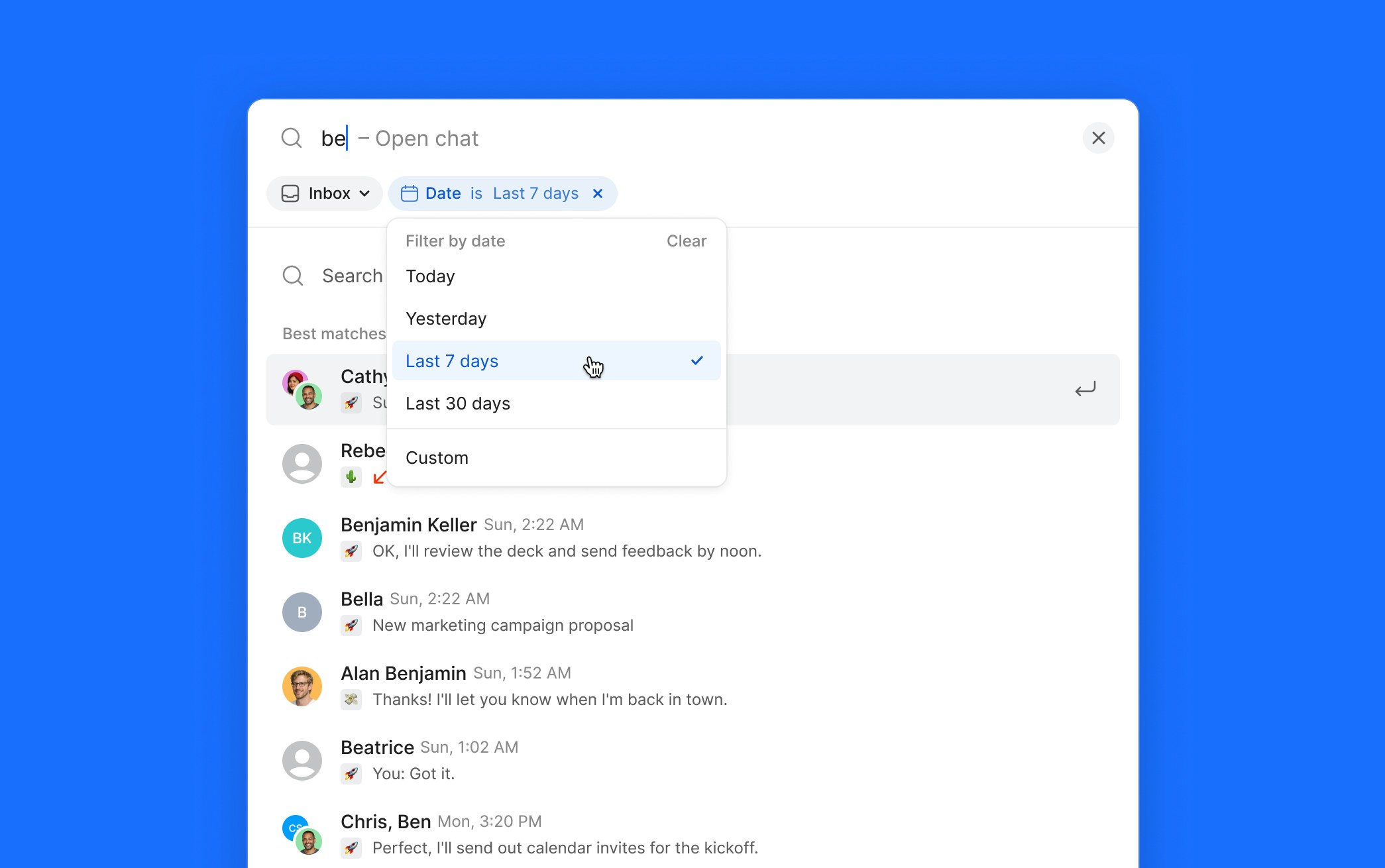 We've completely rebuilt global search on web to help you find conversations, contacts, and messages faster than ever.
**What's new:**
* **Redesigned UI** — A cleaner, more intuitive search modal that's easier to navigate
* **Improved accuracy** — More relevant results powered by a rebuilt search backend
* **Phone number search** — Find contacts and conversations by entering a phone number in any format
* **Inbox and date filters** — Narrow results by inbox or date range
* **Integration contacts** — Contacts synced from integrations now show up in search results
* **Conversation results (including groups!) —** find active conversations by phone number, participants or group name
**How to use it:**
Press Cmd/Ctrl+/ (or click the search icon) to open the new search modal. Start typing to see conversations and contacts, or press Enter to search message content. Use filters to narrow results by inbox or date.
## Quo is now an app in ChatGPT
We've completely rebuilt global search on web to help you find conversations, contacts, and messages faster than ever.
**What's new:**
* **Redesigned UI** — A cleaner, more intuitive search modal that's easier to navigate
* **Improved accuracy** — More relevant results powered by a rebuilt search backend
* **Phone number search** — Find contacts and conversations by entering a phone number in any format
* **Inbox and date filters** — Narrow results by inbox or date range
* **Integration contacts** — Contacts synced from integrations now show up in search results
* **Conversation results (including groups!) —** find active conversations by phone number, participants or group name
**How to use it:**
Press Cmd/Ctrl+/ (or click the search icon) to open the new search modal. Start typing to see conversations and contacts, or press Enter to search message content. Use filters to narrow results by inbox or date.
## Quo is now an app in ChatGPT
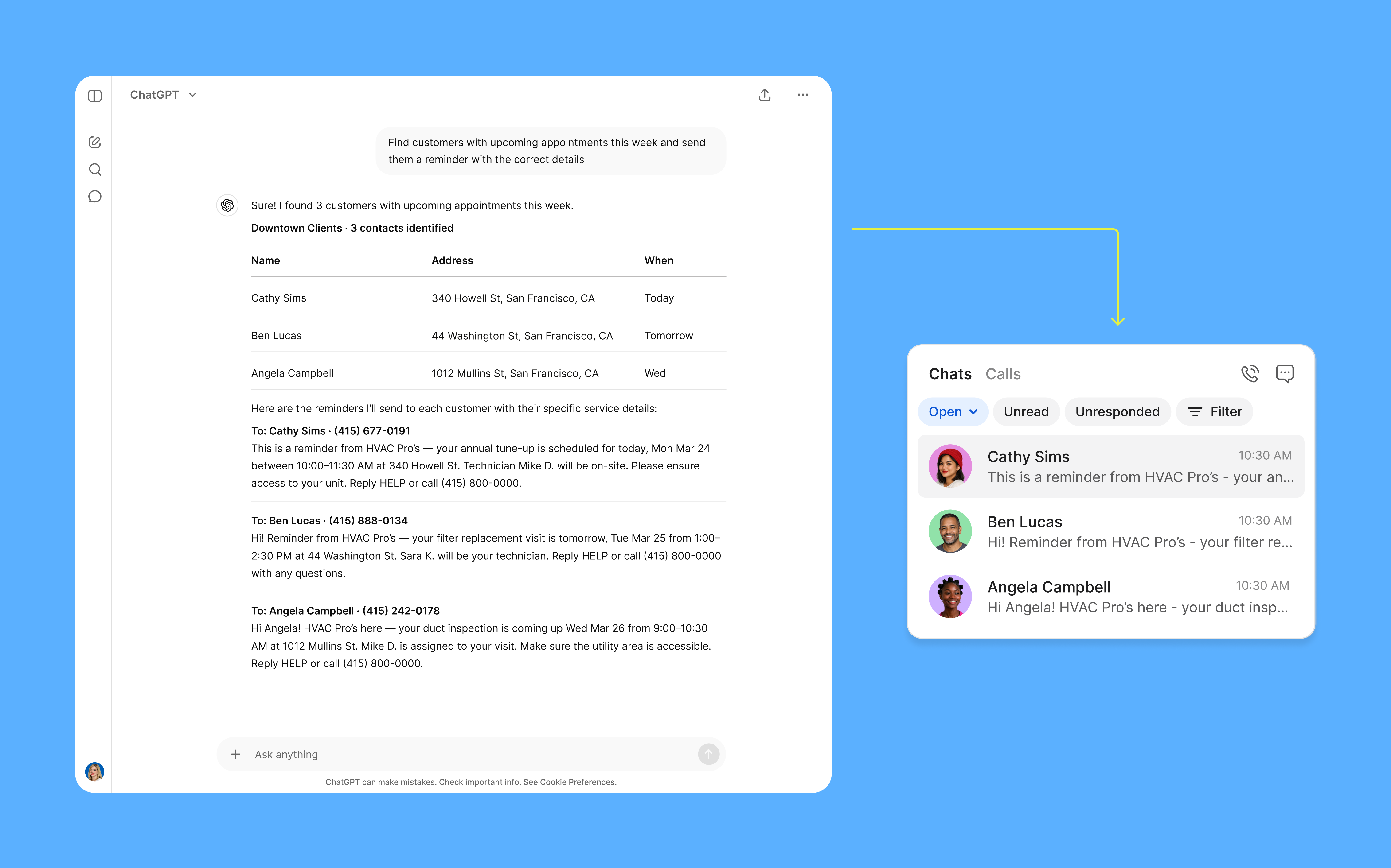 You can now find Quo in the ChatGPT App Directory and connect in a couple of clicks — no developer mode, no pasting URLs, no manual OAuth setup.
Once connected, manage your Quo workspace directly from a ChatGPT conversation:
* **Summarize conversations.** Pull message and call activity from any Quo inbox and ask ChatGPT for a quick summary. You’ll gain the ability to catch up on a day's worth of calls in minutes rather than hours.
* **Send texts.** Message one contact or multiple at once from your Quo number, right from the chat.
* **Check messages and inboxes.** Search your message history by contact or date, or list all your available inboxes.
* **Get call transcripts.** Retrieve call history and voicemail transcripts by number or date range.
* **Look up, add, or update contacts.** Search your contact list, add new contacts, or update existing records.
To get started:
1. Open [ChatGPT](https://chatgpt.com/) and go to the App Directory
2. Search for [Quo](https://chatgpt.com/apps/quo-app/asdk_app_69e6af3297d88191b4925772c50df286) and click Connect
3. Sign in to your Quo account and click Allow
Available on all Quo plans. ChatGPT Plus or Pro is required on the ChatGPT side.
[Connect Quo to ChatGPT →](https://support.quo.com/core-concepts/integrations/mcp)
## Bug fixes and improvements
We've made several improvements to make your experience smoother. Here's what we fixed:
### Sona call transcripts now generate reliably
When Sona handled a call, transcripts were sometimes missing even when a recording was present. That's been fixed — transcripts now generate consistently for every Sona-handled call.
### Presence status now clears after a call ends
After a call ended — or in some cases after restarting the app — a user's status could stay stuck showing "On a call," which affected how incoming calls were routed to them. Presence now clears correctly as soon as there's no active call.
### Onboarding inbox setup contrast restored
The onboarding inbox setup screen lost its visual distinction, with the left panel and right preview area blending into a flat gray background and making the layout hard to parse. The contrast between the two sections has been restored.
### Tab key no longer adds unintended recipients
Pressing Tab to move from the To field to the message input was silently adding the first contact suggestion as a recipient, which could result in messages going to unintended group chats. Tab now moves focus cleanly without selecting anyone.
### Emoji reactions now mark messages as read
Reacting to an unread message with an emoji wasn't clearing the unread indicator, leaving the message appearing unread even after you'd interacted with it. Emoji reactions on the latest inbound message now correctly mark it as read.
### Ring order changes can now be saved
After reordering ring groups, the publish button wasn't appearing — leaving changes in limbo with no way to save them. The option now shows up correctly after any ring group edit, on both web and desktop.
***
## Call Waiting lets you handle a new call that comes in — without losing the one you're on
You can now find Quo in the ChatGPT App Directory and connect in a couple of clicks — no developer mode, no pasting URLs, no manual OAuth setup.
Once connected, manage your Quo workspace directly from a ChatGPT conversation:
* **Summarize conversations.** Pull message and call activity from any Quo inbox and ask ChatGPT for a quick summary. You’ll gain the ability to catch up on a day's worth of calls in minutes rather than hours.
* **Send texts.** Message one contact or multiple at once from your Quo number, right from the chat.
* **Check messages and inboxes.** Search your message history by contact or date, or list all your available inboxes.
* **Get call transcripts.** Retrieve call history and voicemail transcripts by number or date range.
* **Look up, add, or update contacts.** Search your contact list, add new contacts, or update existing records.
To get started:
1. Open [ChatGPT](https://chatgpt.com/) and go to the App Directory
2. Search for [Quo](https://chatgpt.com/apps/quo-app/asdk_app_69e6af3297d88191b4925772c50df286) and click Connect
3. Sign in to your Quo account and click Allow
Available on all Quo plans. ChatGPT Plus or Pro is required on the ChatGPT side.
[Connect Quo to ChatGPT →](https://support.quo.com/core-concepts/integrations/mcp)
## Bug fixes and improvements
We've made several improvements to make your experience smoother. Here's what we fixed:
### Sona call transcripts now generate reliably
When Sona handled a call, transcripts were sometimes missing even when a recording was present. That's been fixed — transcripts now generate consistently for every Sona-handled call.
### Presence status now clears after a call ends
After a call ended — or in some cases after restarting the app — a user's status could stay stuck showing "On a call," which affected how incoming calls were routed to them. Presence now clears correctly as soon as there's no active call.
### Onboarding inbox setup contrast restored
The onboarding inbox setup screen lost its visual distinction, with the left panel and right preview area blending into a flat gray background and making the layout hard to parse. The contrast between the two sections has been restored.
### Tab key no longer adds unintended recipients
Pressing Tab to move from the To field to the message input was silently adding the first contact suggestion as a recipient, which could result in messages going to unintended group chats. Tab now moves focus cleanly without selecting anyone.
### Emoji reactions now mark messages as read
Reacting to an unread message with an emoji wasn't clearing the unread indicator, leaving the message appearing unread even after you'd interacted with it. Emoji reactions on the latest inbound message now correctly mark it as read.
### Ring order changes can now be saved
After reordering ring groups, the publish button wasn't appearing — leaving changes in limbo with no way to save them. The option now shows up correctly after any ring group edit, on both web and desktop.
***
## Call Waiting lets you handle a new call that comes in — without losing the one you're on
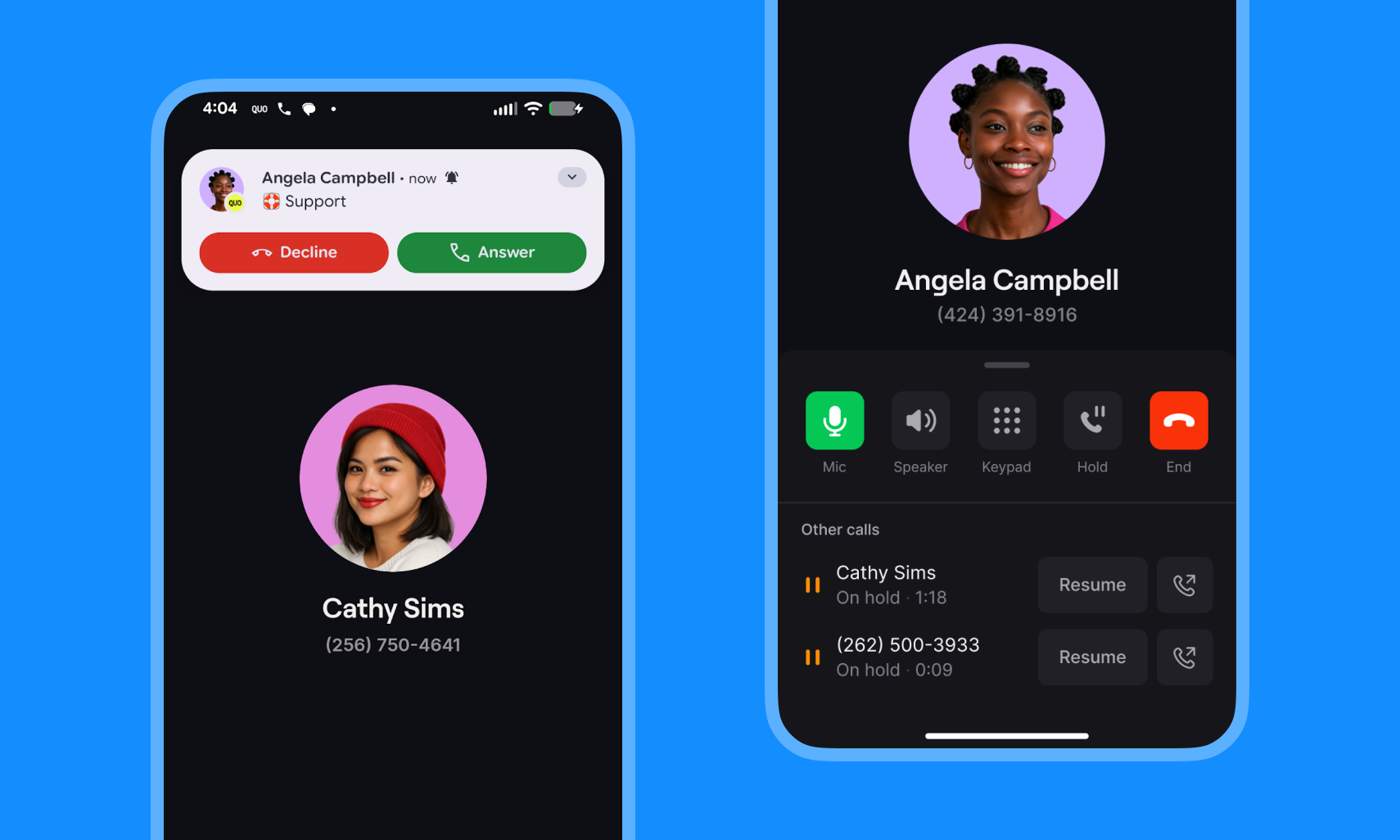 Call waiting is now available on Android, web, and desktop. Already live on iOS, call waiting now works everywhere you use Quo.
When a new call comes in while you're already talking, you can put your current caller on hold and pick up the new one. Both conversations stay open until you're done.
* **Answer without hanging up.** Accept a new call and automatically place your current one on hold.
* **Switch between calls freely.** Toggle back and forth whenever you need to.
* **Room for more.** Android, web, and desktop support up to three simultaneous calls; iOS supports two — an Apple platform limitation.
* **On by default.** No setup needed — call waiting is enabled for all plans.
[Learn more](https://support.quo.com/core-concepts/calling/call-waiting#call-waiting)
## Pipedrive activity now logs to associated Leads and Deals
Call waiting is now available on Android, web, and desktop. Already live on iOS, call waiting now works everywhere you use Quo.
When a new call comes in while you're already talking, you can put your current caller on hold and pick up the new one. Both conversations stay open until you're done.
* **Answer without hanging up.** Accept a new call and automatically place your current one on hold.
* **Switch between calls freely.** Toggle back and forth whenever you need to.
* **Room for more.** Android, web, and desktop support up to three simultaneous calls; iOS supports two — an Apple platform limitation.
* **On by default.** No setup needed — call waiting is enabled for all plans.
[Learn more](https://support.quo.com/core-concepts/calling/call-waiting#call-waiting)
## Pipedrive activity now logs to associated Leads and Deals
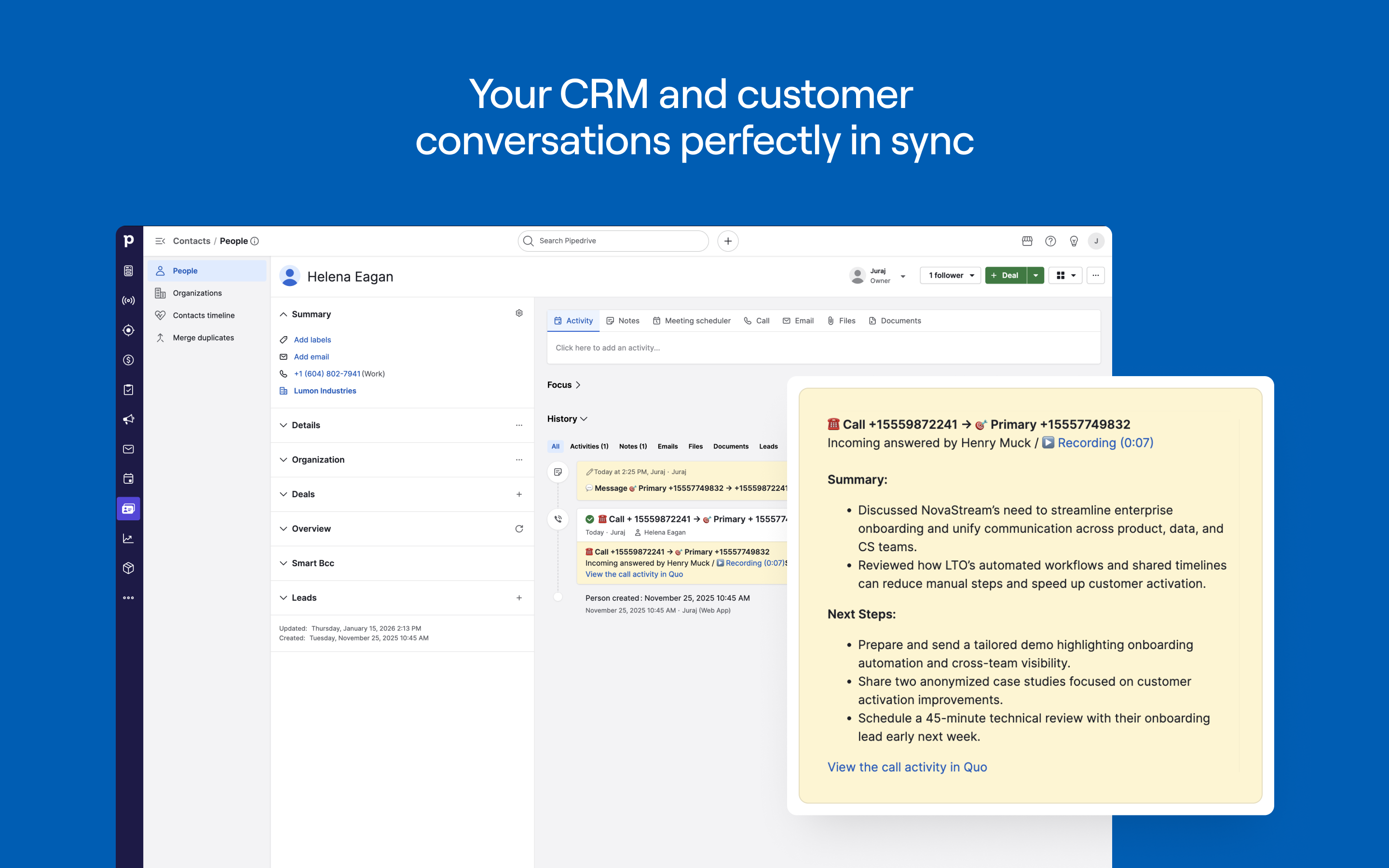 When Quo logs a call or message to a Pipedrive contact, it now automatically associates that activity with any Leads or Deals linked to that contact so your team's full communication history shows up right where deals are being worked.
If your Leads and Deals are already linked to contacts in Pipedrive, they'll start picking up activity automatically.
**To access the new functionality, you'll need to re-authenticate:**
1. Open the Quo web or desktop app.
2. Go to **Settings → Integrations → Pipedrive**.
3. Click **Disconnect**.
4. Click **Connect to Pipedrive** and confirm your account.
5. Choose which phone numbers should sync activity to Pipedrive.
6. Once reconnected, Lead and Deal activity logging begins automatically.
[Explore the integration.](https://support.quo.com/core-concepts/integrations/pipedrive)
## The new Quo webhook API is now in open beta
When Quo logs a call or message to a Pipedrive contact, it now automatically associates that activity with any Leads or Deals linked to that contact so your team's full communication history shows up right where deals are being worked.
If your Leads and Deals are already linked to contacts in Pipedrive, they'll start picking up activity automatically.
**To access the new functionality, you'll need to re-authenticate:**
1. Open the Quo web or desktop app.
2. Go to **Settings → Integrations → Pipedrive**.
3. Click **Disconnect**.
4. Click **Connect to Pipedrive** and confirm your account.
5. Choose which phone numbers should sync activity to Pipedrive.
6. Once reconnected, Lead and Deal activity logging begins automatically.
[Explore the integration.](https://support.quo.com/core-concepts/integrations/pipedrive)
## The new Quo webhook API is now in open beta
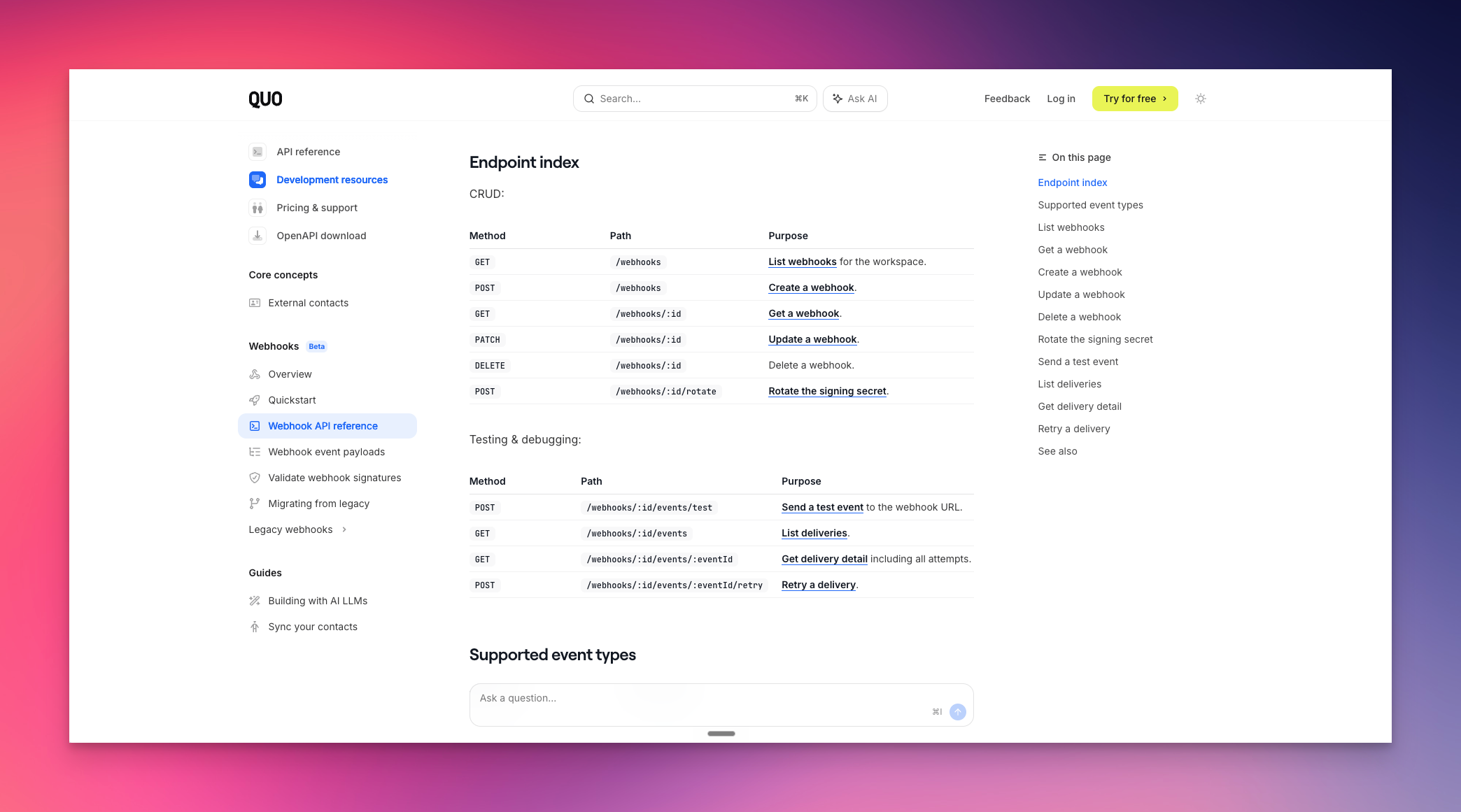 Building production-grade integrations on Quo used to mean working around a custom signing scheme, guessing at delivery status, and contacting support when something broke. This release fixes that.
Here's what's new:
* **Standards-based signature verification.** HMAC-based signing that matches what your developers already know from tools like Stripe and GitHub — less time on authentication plumbing, more time building.
* **Self-serve delivery inspection.** View the full history of webhook deliveries, see exactly what was sent and received, and retry failed events without opening a support ticket.
* **Test events.** Send a test payload to validate your endpoint before going live.
* **Secret rotation.** Rotate signing secrets without downtime.
* **Unified create endpoint.** One endpoint for all webhook creation, replacing the previous split-by-event-family structure.
* **Date-versioned payloads.** Payload schemas are versioned by date, so the API can evolve without breaking existing integrations.
At open beta, the new system covers messages, contacts, call summaries, and call transcripts. Call lifecycle events (ringing, completed, etc.) are still on the legacy system and will move over in a future update.
Already integrated using legacy webhooks? Nothing changes — they keep working as-is. The new API is the recommended path for any new integration you build from here.
[Get started](https://www.quo.com/docs/mdx/beta/webhooks-quickstart)
## Coach your team with Claude and Quo
Building production-grade integrations on Quo used to mean working around a custom signing scheme, guessing at delivery status, and contacting support when something broke. This release fixes that.
Here's what's new:
* **Standards-based signature verification.** HMAC-based signing that matches what your developers already know from tools like Stripe and GitHub — less time on authentication plumbing, more time building.
* **Self-serve delivery inspection.** View the full history of webhook deliveries, see exactly what was sent and received, and retry failed events without opening a support ticket.
* **Test events.** Send a test payload to validate your endpoint before going live.
* **Secret rotation.** Rotate signing secrets without downtime.
* **Unified create endpoint.** One endpoint for all webhook creation, replacing the previous split-by-event-family structure.
* **Date-versioned payloads.** Payload schemas are versioned by date, so the API can evolve without breaking existing integrations.
At open beta, the new system covers messages, contacts, call summaries, and call transcripts. Call lifecycle events (ringing, completed, etc.) are still on the legacy system and will move over in a future update.
Already integrated using legacy webhooks? Nothing changes — they keep working as-is. The new API is the recommended path for any new integration you build from here.
[Get started](https://www.quo.com/docs/mdx/beta/webhooks-quickstart)
## Coach your team with Claude and Quo
 The Quo connector for Claude now lets you see your team and drill into individual performance — so you can coach smarter without replaying every call.
Ask questions like:
* "Summarize the last 20 conversations for our main number — broken down by team member."
* "Are there any calls where a customer seemed frustrated?"
What makes this possible? New Claude connector tools:
* **List users:** See everyone on your team, their roles, and which numbers they're assigned to.
* **List inboxes**, **list contacts**, and get contact details are now formally available in the connector directory, making them more reliable and easier to discover alongside the tools you already use.
Whether you're prepping for a 1:1, reviewing the week, or spotting patterns across your team — you can get there in a few questions instead of digging through individual conversations.
Already connected? These tools are available now.
New to the connector? **Settings → Connectors → Quo** to get started.
[Learn more about the Quo connector for Claude.](https://support.quo.com/core-concepts/integrations/mcp)
## Quo's official Claude connector
The Quo connector for Claude now lets you see your team and drill into individual performance — so you can coach smarter without replaying every call.
Ask questions like:
* "Summarize the last 20 conversations for our main number — broken down by team member."
* "Are there any calls where a customer seemed frustrated?"
What makes this possible? New Claude connector tools:
* **List users:** See everyone on your team, their roles, and which numbers they're assigned to.
* **List inboxes**, **list contacts**, and get contact details are now formally available in the connector directory, making them more reliable and easier to discover alongside the tools you already use.
Whether you're prepping for a 1:1, reviewing the week, or spotting patterns across your team — you can get there in a few questions instead of digging through individual conversations.
Already connected? These tools are available now.
New to the connector? **Settings → Connectors → Quo** to get started.
[Learn more about the Quo connector for Claude.](https://support.quo.com/core-concepts/integrations/mcp)
## Quo's official Claude connector
.png?fit=max&auto=format&n=WV2FKavNx5Z_CvUe&q=85&s=2e82c6e96ad02b998fa632a1d4ff4aaa) Turn your customer conversations into instant answers — connect Quo with Claude to summarize calls, send texts, and update contacts.
* **Summarize conversations:** Pull messages, calls, and transcripts and ask Claude for a summary
* **Send texts from your Quo number:** Message one person or your whole team without opening the app
* **Pull call transcripts and voicemails:** Catch up on what you missed in seconds
* **Look up, add, or update contacts:** Search, edit, and add new contacts just by asking
**To get started:**
1. Open Claude and go to Settings → Connectors
2. Click **Browse connectors,** find **Quo**, and click **Connect**
[Learn more about the connector.](https://support.quo.com/core-concepts/integrations/mcp)
## Search across call transcripts
Turn your customer conversations into instant answers — connect Quo with Claude to summarize calls, send texts, and update contacts.
* **Summarize conversations:** Pull messages, calls, and transcripts and ask Claude for a summary
* **Send texts from your Quo number:** Message one person or your whole team without opening the app
* **Pull call transcripts and voicemails:** Catch up on what you missed in seconds
* **Look up, add, or update contacts:** Search, edit, and add new contacts just by asking
**To get started:**
1. Open Claude and go to Settings → Connectors
2. Click **Browse connectors,** find **Quo**, and click **Connect**
[Learn more about the connector.](https://support.quo.com/core-concepts/integrations/mcp)
## Search across call transcripts
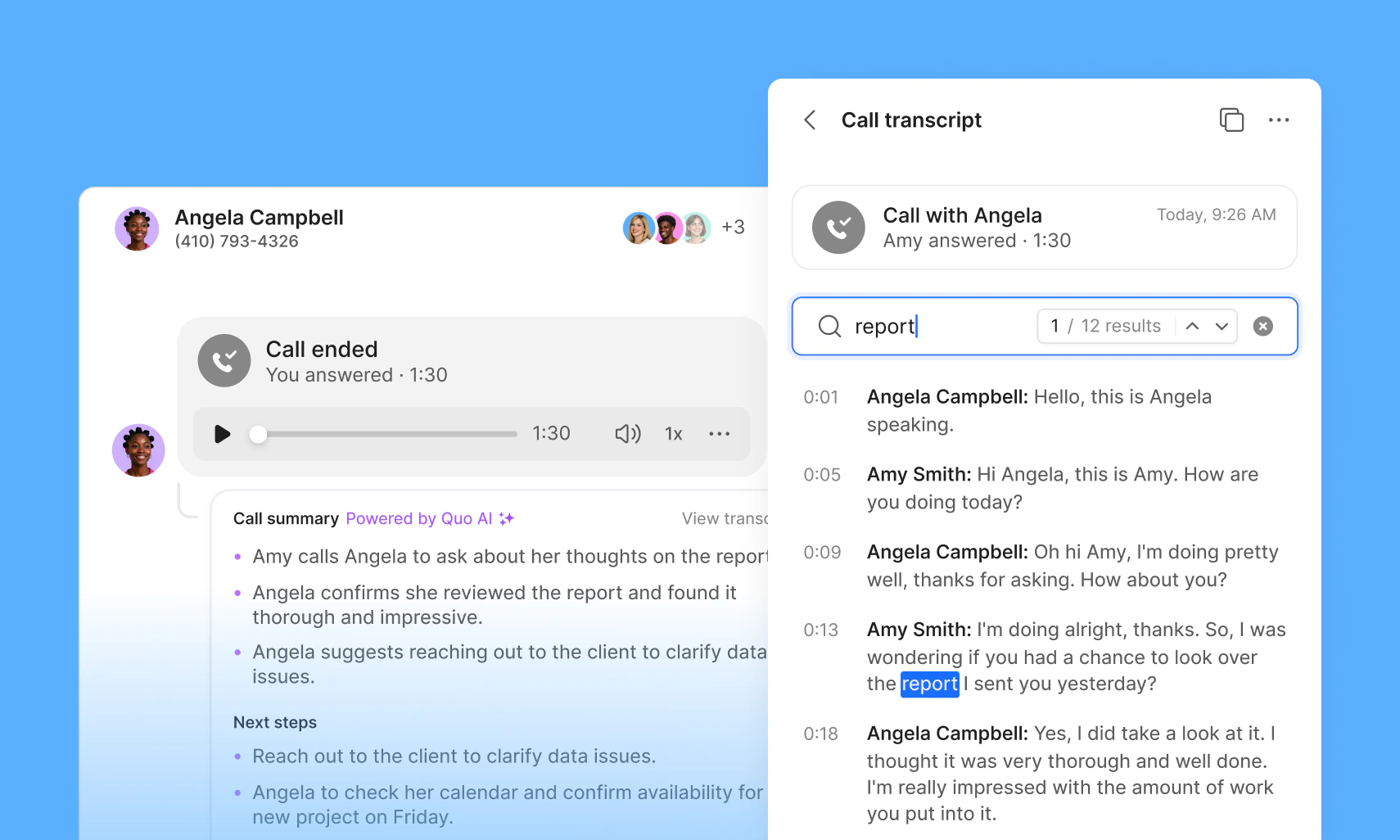 You can now search across your call transcripts in Quo, making it faster to find exactly what was said, without replaying entire calls.
Search for keywords and instantly jump to the moments that matter. Results show who said it, when it was said, and highlight the exact match in the transcript. From there, you can start playback from any line.
Whether you’re reviewing conversations, analyzing trends, or looking for a specific detail, transcript search helps you get there in seconds.
[How to enable call transcripts and summaries →](https://support.quo.com/core-concepts/calling/summaries-and-transcripts#call-transcripts-and-summaries)
## Edit HubSpot contacts directly in Quo
You can now search across your call transcripts in Quo, making it faster to find exactly what was said, without replaying entire calls.
Search for keywords and instantly jump to the moments that matter. Results show who said it, when it was said, and highlight the exact match in the transcript. From there, you can start playback from any line.
Whether you’re reviewing conversations, analyzing trends, or looking for a specific detail, transcript search helps you get there in seconds.
[How to enable call transcripts and summaries →](https://support.quo.com/core-concepts/calling/summaries-and-transcripts#call-transcripts-and-summaries)
## Edit HubSpot contacts directly in Quo
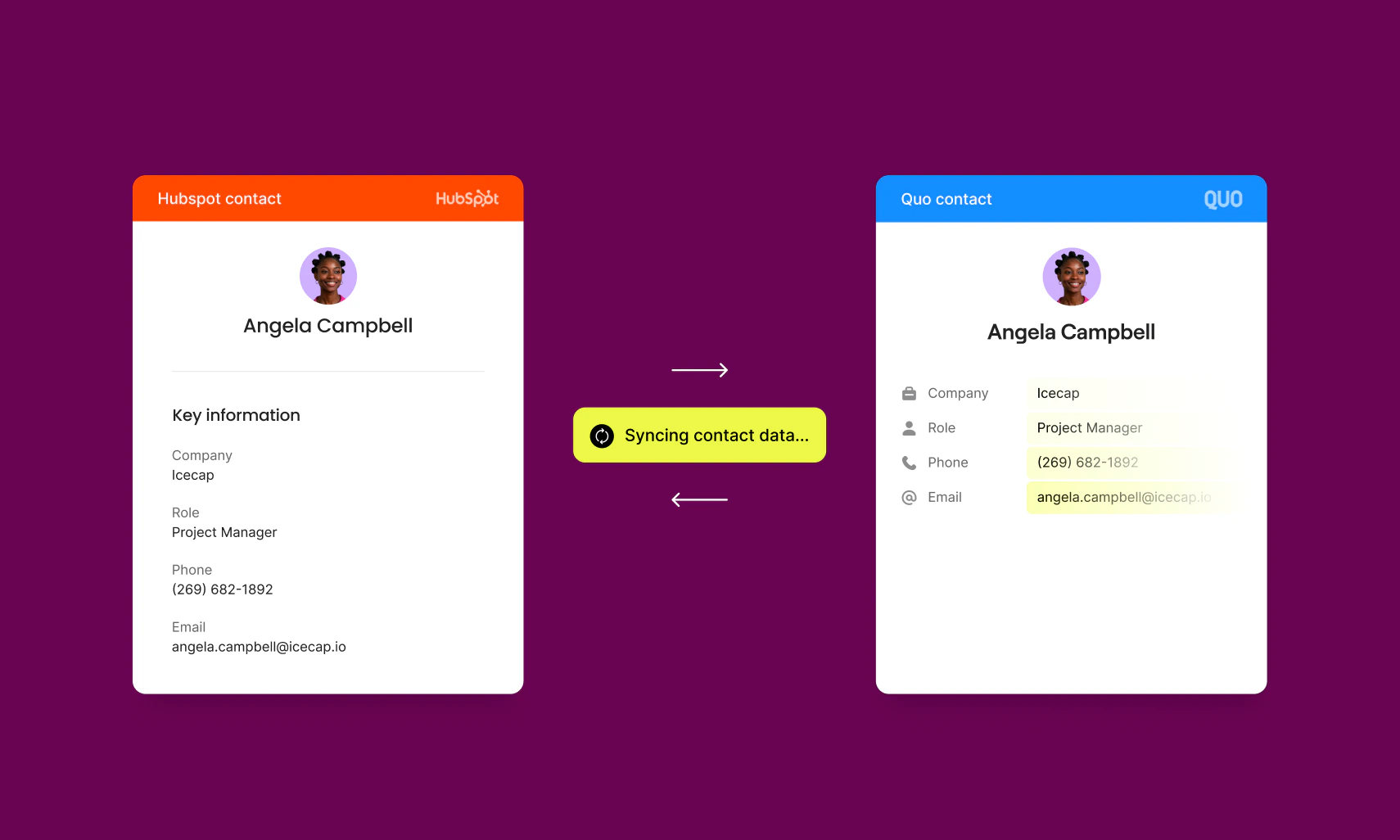 Previously, contacts synced from HubSpot were read-only in Quo — if you learned a new email address on a call or caught a misspelled name mid-conversation, you had to switch to HubSpot to fix it. Now you can update contact details right where the conversation is happening, and changes sync back to HubSpot automatically.
**What's changed:**
* Contact fields — name, email, phone, job title, and company — are now editable for HubSpot-synced contacts
* Updates made in Quo sync to HubSpot within seconds
* Sync status indicators show when a change is in progress or if a sync fails
* When a contact is updated in both systems at the same time, the most recent edit wins
No setup required — this works automatically for all existing HubSpot integrations. Look for the sync status icon on any contact record to track progress.
Custom field mapping is coming soon, giving you even more control over how your data flows between Quo and HubSpot.
[Get the HubSpot integration →](https://www.quo.com/integrations/hubspot)
## Bug fixes and improvements
### API keys now sort newest first
A recent change caused API keys to sort alphabetically, making it easy to lose track of a freshly created key. Keys are back to sorting by creation date — newest at the top.
### New member names now appear immediately
During workspace onboarding, a caching issue occasionally caused a new member's name to display as blank, so teammates would see a phone number where a name should be. Names now appear correctly as soon as someone joins.
### Delete recording option restored on web and desktop
Admins and owners temporarily lost the ability to delete call recordings on web and desktop — the option had disappeared, while mobile remained unaffected. It's now back, right where you'd expect it alongside the playback controls.
### Contact merging now works end-to-end
When merging two contacts, the app would create the merged contact but leave ghost duplicates behind and fail to navigate to the result. Merging now takes you directly to the unified contact, with duplicates properly cleared from your list.
### Conversations load reliably again
In some cases, a loop in how conversation history loaded could cause the screen to go blank. That's resolved — conversations open consistently every time.
## Full call transcripts now available in markdown
Previously, contacts synced from HubSpot were read-only in Quo — if you learned a new email address on a call or caught a misspelled name mid-conversation, you had to switch to HubSpot to fix it. Now you can update contact details right where the conversation is happening, and changes sync back to HubSpot automatically.
**What's changed:**
* Contact fields — name, email, phone, job title, and company — are now editable for HubSpot-synced contacts
* Updates made in Quo sync to HubSpot within seconds
* Sync status indicators show when a change is in progress or if a sync fails
* When a contact is updated in both systems at the same time, the most recent edit wins
No setup required — this works automatically for all existing HubSpot integrations. Look for the sync status icon on any contact record to track progress.
Custom field mapping is coming soon, giving you even more control over how your data flows between Quo and HubSpot.
[Get the HubSpot integration →](https://www.quo.com/integrations/hubspot)
## Bug fixes and improvements
### API keys now sort newest first
A recent change caused API keys to sort alphabetically, making it easy to lose track of a freshly created key. Keys are back to sorting by creation date — newest at the top.
### New member names now appear immediately
During workspace onboarding, a caching issue occasionally caused a new member's name to display as blank, so teammates would see a phone number where a name should be. Names now appear correctly as soon as someone joins.
### Delete recording option restored on web and desktop
Admins and owners temporarily lost the ability to delete call recordings on web and desktop — the option had disappeared, while mobile remained unaffected. It's now back, right where you'd expect it alongside the playback controls.
### Contact merging now works end-to-end
When merging two contacts, the app would create the merged contact but leave ghost duplicates behind and fail to navigate to the result. Merging now takes you directly to the unified contact, with duplicates properly cleared from your list.
### Conversations load reliably again
In some cases, a loop in how conversation history loaded could cause the screen to go blank. That's resolved — conversations open consistently every time.
## Full call transcripts now available in markdown
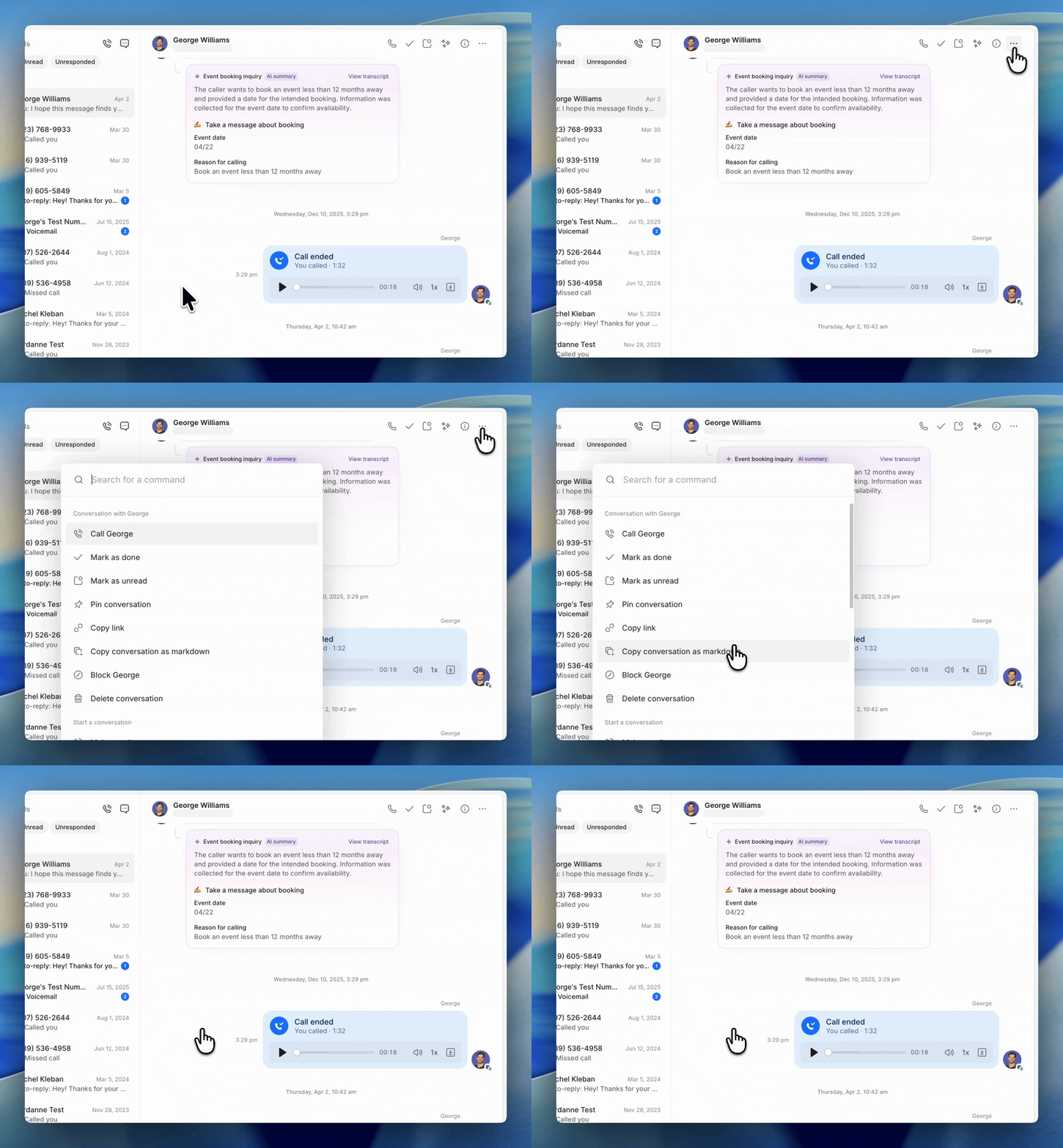 You can now export the full call transcript as markdown. Previously, markdown exports only included call summaries.
***
## Phone number settings are now easier to find
You can now export the full call transcript as markdown. Previously, markdown exports only included call summaries.
***
## Phone number settings are now easier to find
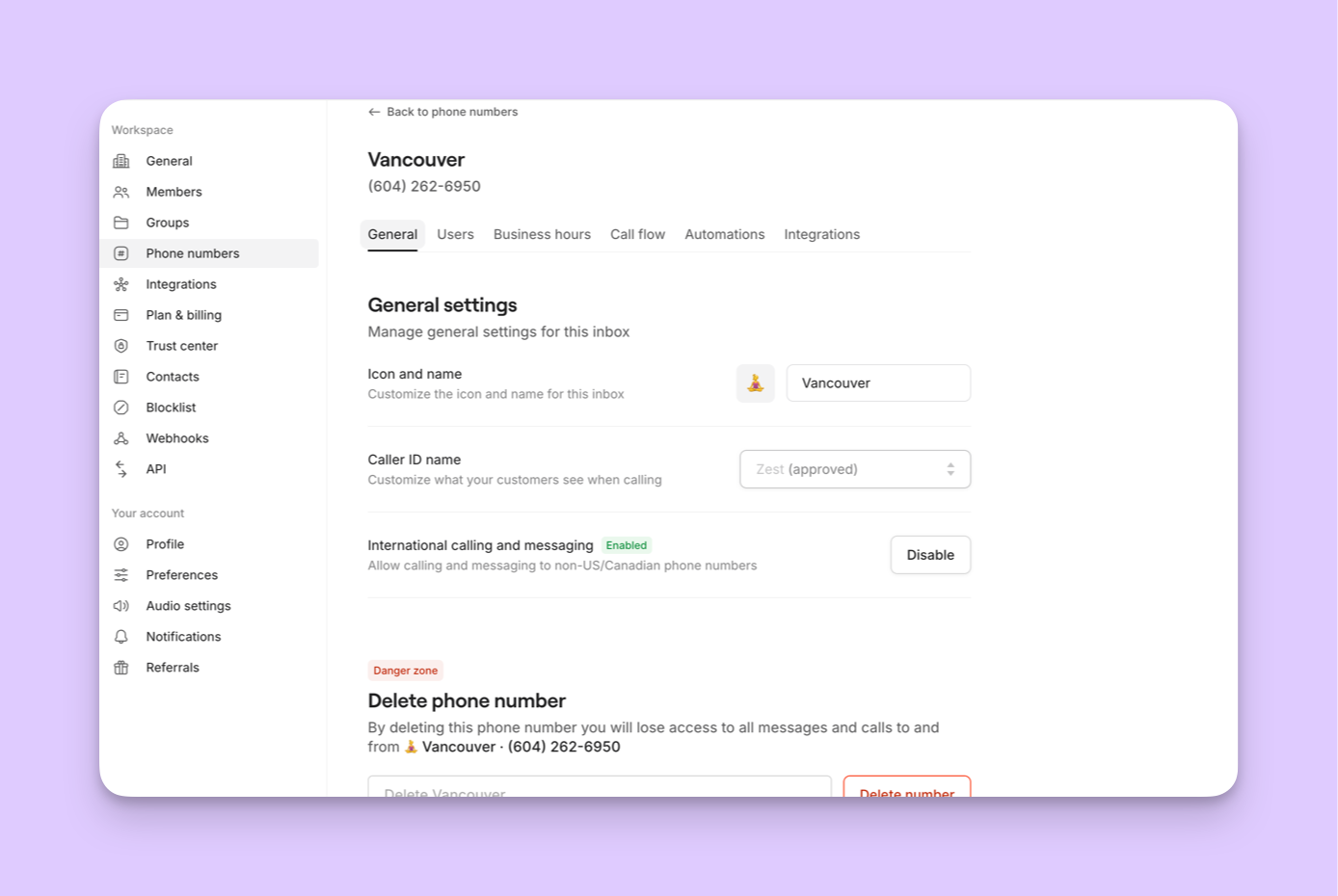 Instead of scrolling through a long list to see all of your phone number settings, your settings are now grouped into six tabs:
* **General** — phone number details, configuration, and delete phone number
* **Users** — user assignments
* **Business hours** — schedules and availability
* **Call flow** — call routing and hold music
* **Automations** — call recording, recording notifications, call content (transcription, summarization, AI call tags), auto-replies
* **Integrations** — connected tools and integrations
**What stayed the same**
Every setting is still available, just reorganized. Nothing was removed or changed functionally — we simply regrouped them to match how you actually use them.
## A fresh new look
Instead of scrolling through a long list to see all of your phone number settings, your settings are now grouped into six tabs:
* **General** — phone number details, configuration, and delete phone number
* **Users** — user assignments
* **Business hours** — schedules and availability
* **Call flow** — call routing and hold music
* **Automations** — call recording, recording notifications, call content (transcription, summarization, AI call tags), auto-replies
* **Integrations** — connected tools and integrations
**What stayed the same**
Every setting is still available, just reorganized. Nothing was removed or changed functionally — we simply regrouped them to match how you actually use them.
## A fresh new look
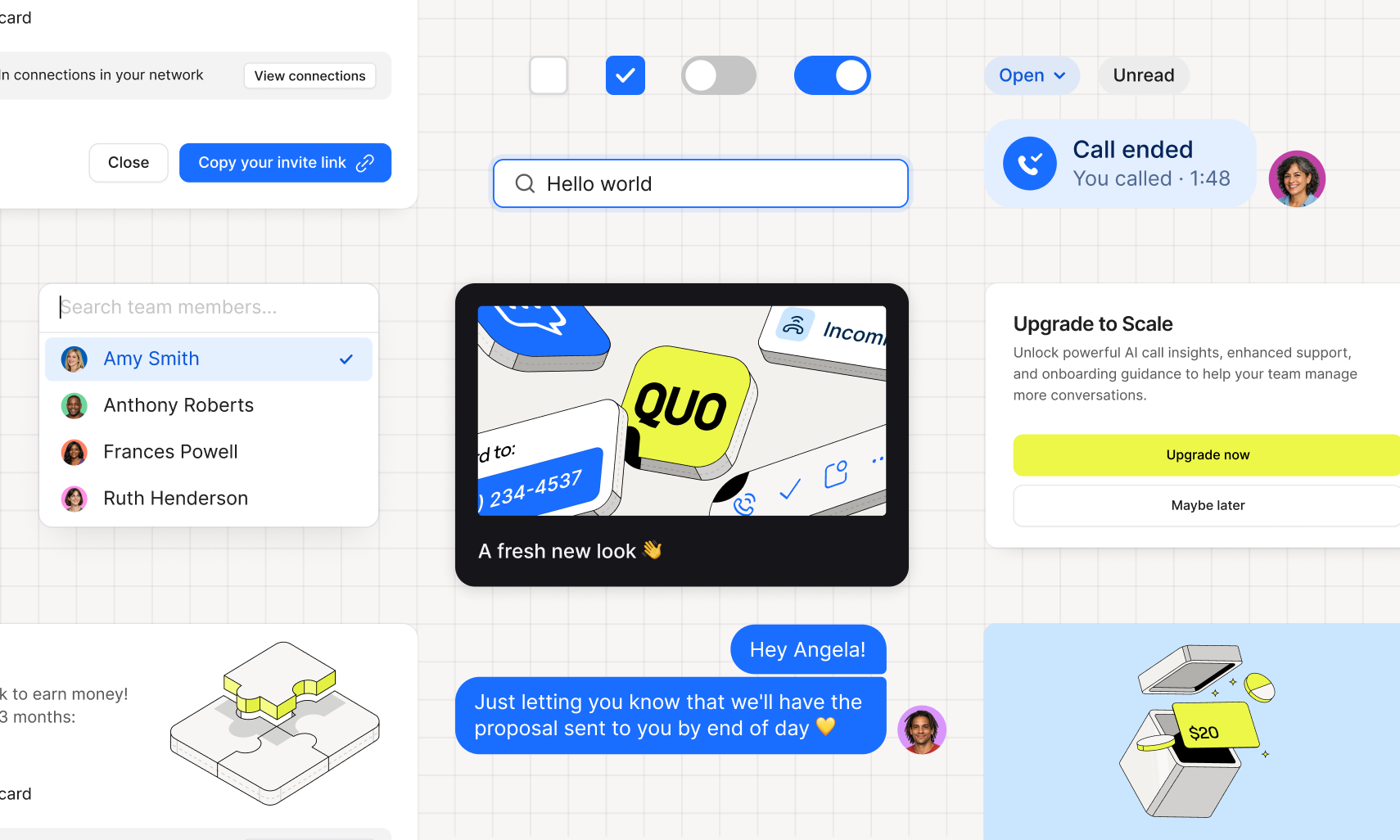 We've updated the colors across our web app — and things are looking a little different to what you may be used to.
### What's new
**Purple is out, blue is in.** Wave goodbye to purple! The highlight (or “accent”) color throughout the app has shifted from purple to blue to better reflect our new brand. You'll also notice Citric Yellow — our primary brand color — making a few smaller appearances here and there to reflect our new brand palette without overdoing it.
**Dark mode got a refresh.** We've dialed back the purple tones to give dark mode a cleaner, more neutral feel.
**A few small visual fixes.** Nothing major — some older illustrations and UI elements have been tidied up to match the new look.
### What stays the same
Everything that matters: your numbers, your conversations, your settings. This is purely a visual update to reflect our new brand.
## New Integration: Quo + Zoho CRM
We've updated the colors across our web app — and things are looking a little different to what you may be used to.
### What's new
**Purple is out, blue is in.** Wave goodbye to purple! The highlight (or “accent”) color throughout the app has shifted from purple to blue to better reflect our new brand. You'll also notice Citric Yellow — our primary brand color — making a few smaller appearances here and there to reflect our new brand palette without overdoing it.
**Dark mode got a refresh.** We've dialed back the purple tones to give dark mode a cleaner, more neutral feel.
**A few small visual fixes.** Nothing major — some older illustrations and UI elements have been tidied up to match the new look.
### What stays the same
Everything that matters: your numbers, your conversations, your settings. This is purely a visual update to reflect our new brand.
## New Integration: Quo + Zoho CRM
.png?fit=max&auto=format&n=kuj3GnL5_76YejZL&q=85&s=9a07a9f01e8643e74c8ecaad4c678001) You can now connect Quo with Zoho CRM to keep your CRM and customer conversations in sync.
* **Automatically log activity:** Send calls, texts, voicemails, recordings, and AI summaries to the right Zoho CRM contact
* **Sync contacts from Zoho CRM to Quo:** One-way contact sync keeps your phone system up to date without duplicate records
* **Click-to-call from Zoho CRM:** Place calls with one click using your Quo number
You can now connect Quo with Zoho CRM to keep your CRM and customer conversations in sync.
* **Automatically log activity:** Send calls, texts, voicemails, recordings, and AI summaries to the right Zoho CRM contact
* **Sync contacts from Zoho CRM to Quo:** One-way contact sync keeps your phone system up to date without duplicate records
* **Click-to-call from Zoho CRM:** Place calls with one click using your Quo number
.png?fit=max&auto=format&n=kuj3GnL5_76YejZL&q=85&s=d4e77b7b2da78aaf29f2e0023beae6b0) To get started:
1. Open the Quo web or desktop app
2. Go to Workspace settings → Integrations
3. Select Zoho CRM and click Connect to Zoho CRM
4. Confirm the Zoho CRM account you want to connect
5. Choose which phone numbers should sync activity into Zoho CRM
6. Once connected, activity will begin syncing automatically
[Explore the integration](https://support.quo.com/core-concepts/integrations/zoho-crm).
***
## New Integration: Quo + Clay
To get started:
1. Open the Quo web or desktop app
2. Go to Workspace settings → Integrations
3. Select Zoho CRM and click Connect to Zoho CRM
4. Confirm the Zoho CRM account you want to connect
5. Choose which phone numbers should sync activity into Zoho CRM
6. Once connected, activity will begin syncing automatically
[Explore the integration](https://support.quo.com/core-concepts/integrations/zoho-crm).
***
## New Integration: Quo + Clay
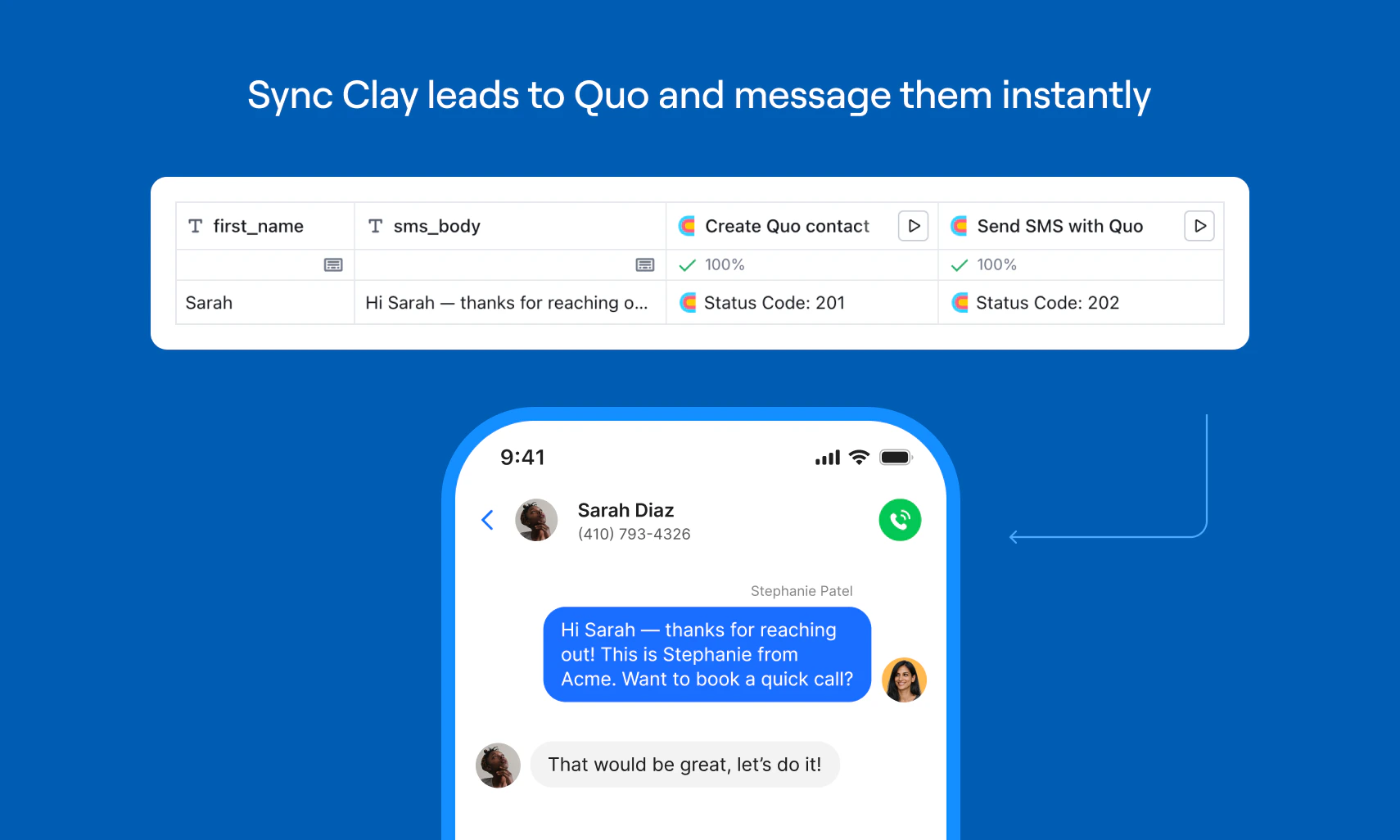 You can now connect Quo to Clay using Clay’s built-in HTTP API feature. This enables two core actions directly from a Clay table:
* **Create contacts in Quo** from Clay rows, including name, phone, email, and company.
* **Send personalized SMS messages** from your Quo number for instant speed-to-lead follow-up. This is ideal for inbound and high-intent workflows like demo requests, form fills, and appointment confirmations — where fast response time drives higher conversion.
**To get started,** open a Clay table and connect your Quo API key using Clay’s HTTP API feature.
[Explore the integration.](https://support.quo.com/core-concepts/integrations/clay)
***
## Sona now remembers recent conversations
You can now connect Quo to Clay using Clay’s built-in HTTP API feature. This enables two core actions directly from a Clay table:
* **Create contacts in Quo** from Clay rows, including name, phone, email, and company.
* **Send personalized SMS messages** from your Quo number for instant speed-to-lead follow-up. This is ideal for inbound and high-intent workflows like demo requests, form fills, and appointment confirmations — where fast response time drives higher conversion.
**To get started,** open a Clay table and connect your Quo API key using Clay’s HTTP API feature.
[Explore the integration.](https://support.quo.com/core-concepts/integrations/clay)
***
## Sona now remembers recent conversations
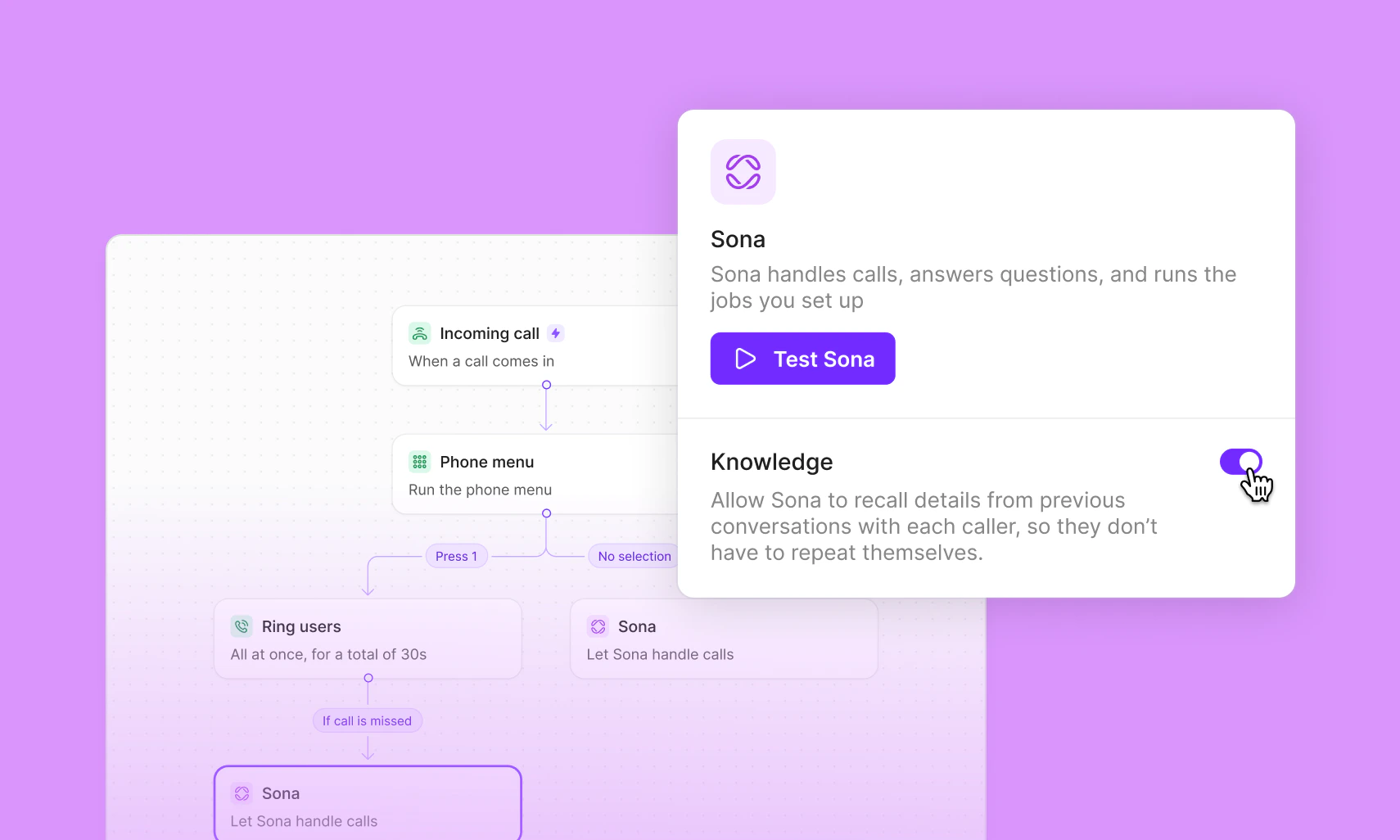 Sona can now remember recent interactions with a contact — including past calls and messages — to make every conversation smoother and more efficient.
#### What this means in practice:
* Fewer repetitive questions
* Preferences get carried forward automatically
* Conversations pick up where they left off
* Requests get resolved faster
Memory is isolated per contact and never overrides your current instructions.
Toggle on "Use recent interactions" in your Sona settings to get started.
[How to set up your Sona AI agent →](https://support.quo.com/core-concepts/ai-automations/sona/overview)
***
## Contacts, rebuilt for scale
Sona can now remember recent interactions with a contact — including past calls and messages — to make every conversation smoother and more efficient.
#### What this means in practice:
* Fewer repetitive questions
* Preferences get carried forward automatically
* Conversations pick up where they left off
* Requests get resolved faster
Memory is isolated per contact and never overrides your current instructions.
Toggle on "Use recent interactions" in your Sona settings to get started.
[How to set up your Sona AI agent →](https://support.quo.com/core-concepts/ai-automations/sona/overview)
***
## Contacts, rebuilt for scale
 We’ve completely rebuilt Quo’s Contacts system to make our apps faster and more efficient.
No matter how many contacts you have — 100 or 100,000 — you’ll notice a much quicker, smoother experience.
We’ve also made it possible to search for contacts synced via integrations like HubSpot and Salesforce.
Everything stays the same for how your contacts work, but with an even faster and more reliable experience.
***
## Sona now supports Spanish and French (Beta)
We’ve completely rebuilt Quo’s Contacts system to make our apps faster and more efficient.
No matter how many contacts you have — 100 or 100,000 — you’ll notice a much quicker, smoother experience.
We’ve also made it possible to search for contacts synced via integrations like HubSpot and Salesforce.
Everything stays the same for how your contacts work, but with an even faster and more reliable experience.
***
## Sona now supports Spanish and French (Beta)
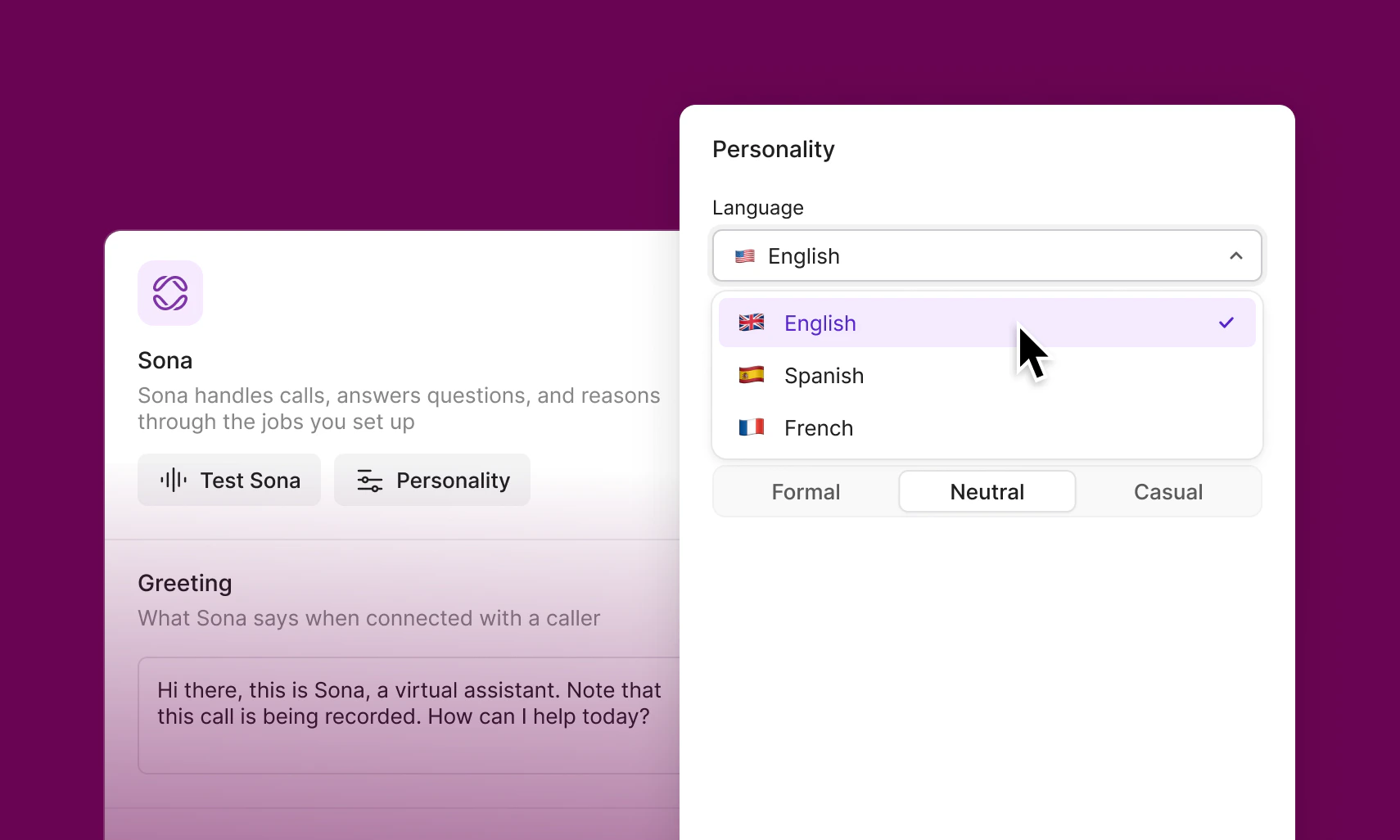 Sona can now be configured to speak English, Spanish, or French, making it easier to serve more of your customers in the language they’re most comfortable with.
This has been one of the most requested updates since Sona launched. It’s now available in Beta to all Sona customers at no additional cost.
### A few things to know
* Sona can speak one language at a time. If Sona is set to Spanish, the entire conversation will be in Spanish (and the same applies to French).
* Sona reads your greeting exactly as written. If you set Sona to Spanish but leave your greeting in English, it will say the greeting in English and then continue the conversation in Spanish.
### How to get started
1. Go to the Call Flow Builder
2. Open Sona settings
3. Under Personality, select your preferred language
You can place a test call at any time to hear the experience before publishing. Your changes will go live once you publish your call flow.
***
## Bug fixes and improvements
### Vanity number dialing
You can now dial vanity numbers (like 1-800-FLOWERS) directly from the web and desktop apps.
### Call transfers now show the right info
When transferring a call, the modal was sometimes displaying "Undefined" instead of the actual name or number you were sending the call to. You'll now see the correct contact details every time.
### Accurate names in call transcripts and summaries
Shared inbox users were occasionally seeing the wrong person's name listed in call transcripts and AI summaries. That's been corrected.
### Snippets sorted by most recent
On web and desktop, snippets in your default list are now ordered by most recently created — consistent with how they've always worked on mobile.
### Updated keyboard shortcuts
Two shortcuts now require Shift to avoid conflicts with OS-level commands. The new shortcuts are Shift+Cmd+I to start a call and Shift+Cmd+U to mark as unread.
### Cleaner unread badge counts
Unread counts now cap at 99+ across your conversations, inboxes, DMs, and Activities list — no more three-digit clutter.
***
## More voice options across Quo
Sona can now be configured to speak English, Spanish, or French, making it easier to serve more of your customers in the language they’re most comfortable with.
This has been one of the most requested updates since Sona launched. It’s now available in Beta to all Sona customers at no additional cost.
### A few things to know
* Sona can speak one language at a time. If Sona is set to Spanish, the entire conversation will be in Spanish (and the same applies to French).
* Sona reads your greeting exactly as written. If you set Sona to Spanish but leave your greeting in English, it will say the greeting in English and then continue the conversation in Spanish.
### How to get started
1. Go to the Call Flow Builder
2. Open Sona settings
3. Under Personality, select your preferred language
You can place a test call at any time to hear the experience before publishing. Your changes will go live once you publish your call flow.
***
## Bug fixes and improvements
### Vanity number dialing
You can now dial vanity numbers (like 1-800-FLOWERS) directly from the web and desktop apps.
### Call transfers now show the right info
When transferring a call, the modal was sometimes displaying "Undefined" instead of the actual name or number you were sending the call to. You'll now see the correct contact details every time.
### Accurate names in call transcripts and summaries
Shared inbox users were occasionally seeing the wrong person's name listed in call transcripts and AI summaries. That's been corrected.
### Snippets sorted by most recent
On web and desktop, snippets in your default list are now ordered by most recently created — consistent with how they've always worked on mobile.
### Updated keyboard shortcuts
Two shortcuts now require Shift to avoid conflicts with OS-level commands. The new shortcuts are Shift+Cmd+I to start a call and Shift+Cmd+U to mark as unread.
### Cleaner unread badge counts
Unread counts now cap at 99+ across your conversations, inboxes, DMs, and Activities list — no more three-digit clutter.
***
## More voice options across Quo
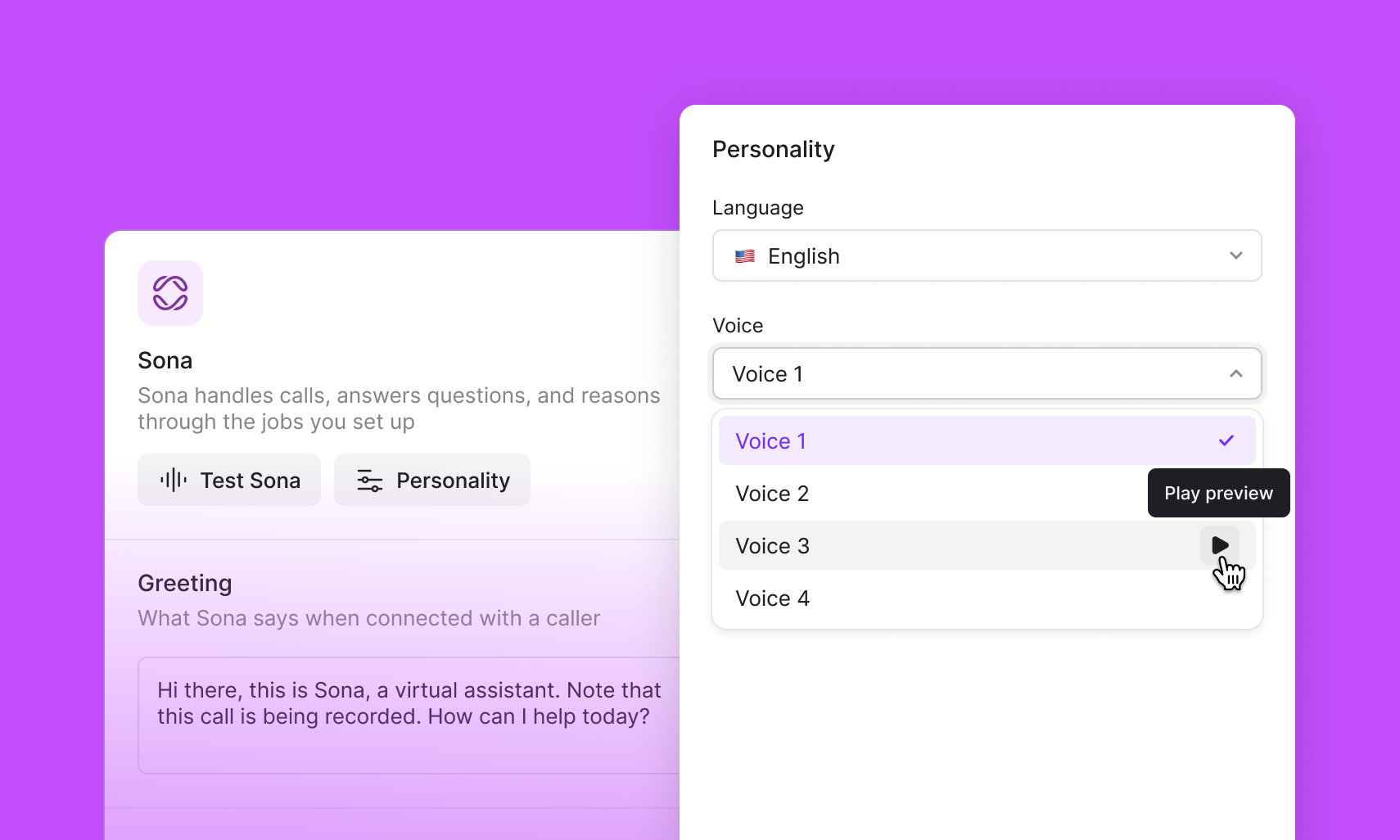 You can now choose from additional voice options for Sona, phone menus, play audio, and voicemail.
These new voices give you more flexibility to match your business’s tone, whether you want something warm and friendly, clear and professional, or more neutral.
Existing voices won’t change automatically. You can update your selection anytime from voice settings.
How to set up voices for [Sona](https://support.quo.com/core-concepts/ai-automations/sona/overview#choosing-sona%E2%80%99s-tone), [phone menus](https://support.quo.com/core-concepts/administration/call-flows/phone-menu), [play audio](https://support.quo.com/core-concepts/administration/call-flows/play-audio), and [voicemail](https://support.quo.com/core-concepts/administration/call-flows/voicemail).
***
## Integration update: Jobber x Sona action
You can now choose from additional voice options for Sona, phone menus, play audio, and voicemail.
These new voices give you more flexibility to match your business’s tone, whether you want something warm and friendly, clear and professional, or more neutral.
Existing voices won’t change automatically. You can update your selection anytime from voice settings.
How to set up voices for [Sona](https://support.quo.com/core-concepts/ai-automations/sona/overview#choosing-sona%E2%80%99s-tone), [phone menus](https://support.quo.com/core-concepts/administration/call-flows/phone-menu), [play audio](https://support.quo.com/core-concepts/administration/call-flows/play-audio), and [voicemail](https://support.quo.com/core-concepts/administration/call-flows/voicemail).
***
## Integration update: Jobber x Sona action
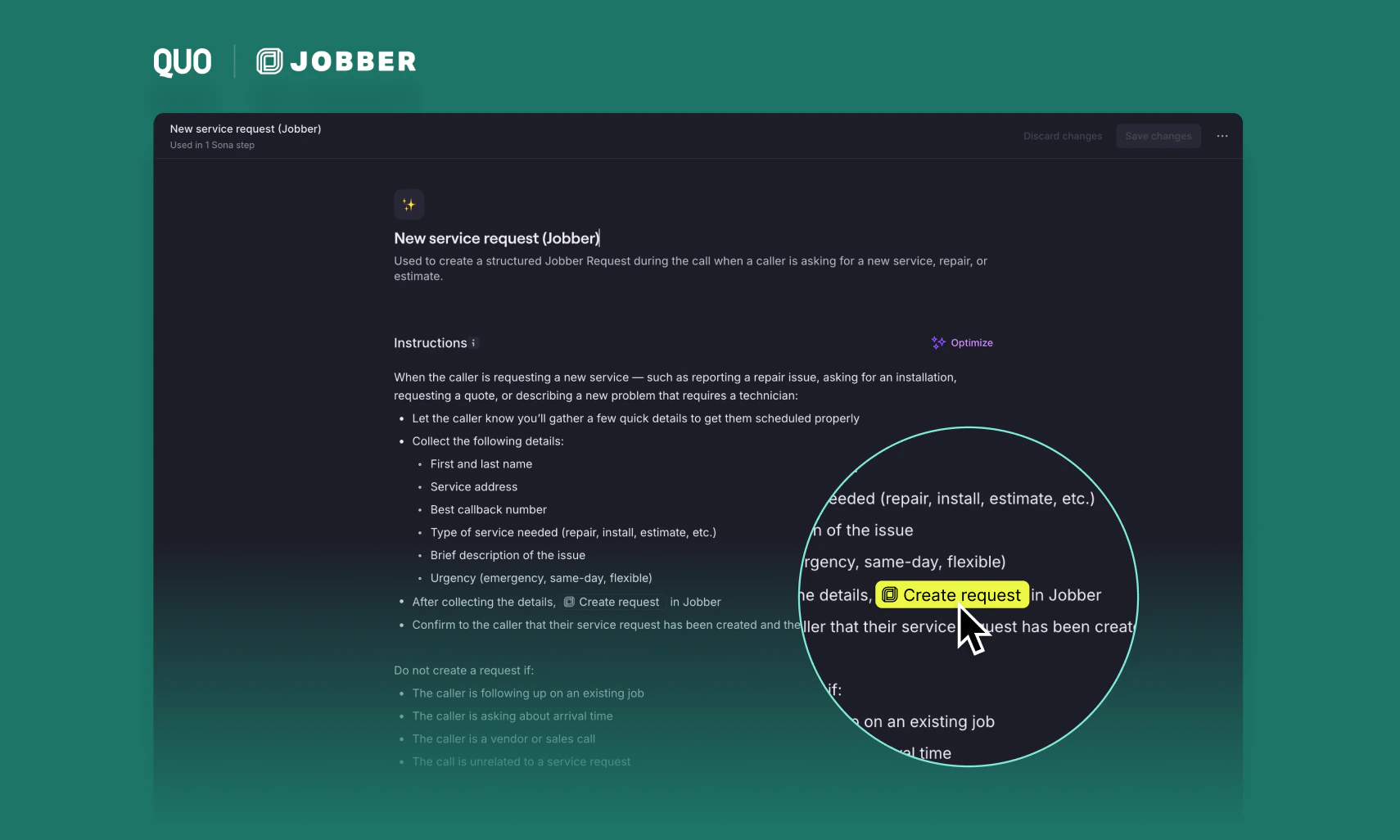 Previously, Sona created a Jobber Request object automatically after every call where the caller had no open request, regardless of why they called. This meant vendor calls, wrong numbers, and routine follow-ups all generated requests in Jobber, creating clutter and eroding trust in the integration.
With this update, request creation is **intent-based**. Admins may configure custom Sona jobs with a plain-language instruction describing when a request should be created. During the call, Sona detects whether that intent is present. If it is, the Jobber request is created in real time — before the call ends — with the caller's details and reason for calling. If it isn't, no request is created.
To opt in, update your Sona instructions to describe when a Jobber request should be created.
[Get the Jobber integration.](https://www.quo.com/integrations/jobber)
***
## Bug fixes and improvements
Previously, Sona created a Jobber Request object automatically after every call where the caller had no open request, regardless of why they called. This meant vendor calls, wrong numbers, and routine follow-ups all generated requests in Jobber, creating clutter and eroding trust in the integration.
With this update, request creation is **intent-based**. Admins may configure custom Sona jobs with a plain-language instruction describing when a request should be created. During the call, Sona detects whether that intent is present. If it is, the Jobber request is created in real time — before the call ends — with the caller's details and reason for calling. If it isn't, no request is created.
To opt in, update your Sona instructions to describe when a Jobber request should be created.
[Get the Jobber integration.](https://www.quo.com/integrations/jobber)
***
## Bug fixes and improvements
 ### Keep your activity feed organized
Delete unwanted activities or mark them as read/unread to keep your feed focused on what matters. Hover over any activity to reveal icons that let you remove items or change their read status.
### Keep your activity feed organized
Delete unwanted activities or mark them as read/unread to keep your feed focused on what matters. Hover over any activity to reveal icons that let you remove items or change their read status. 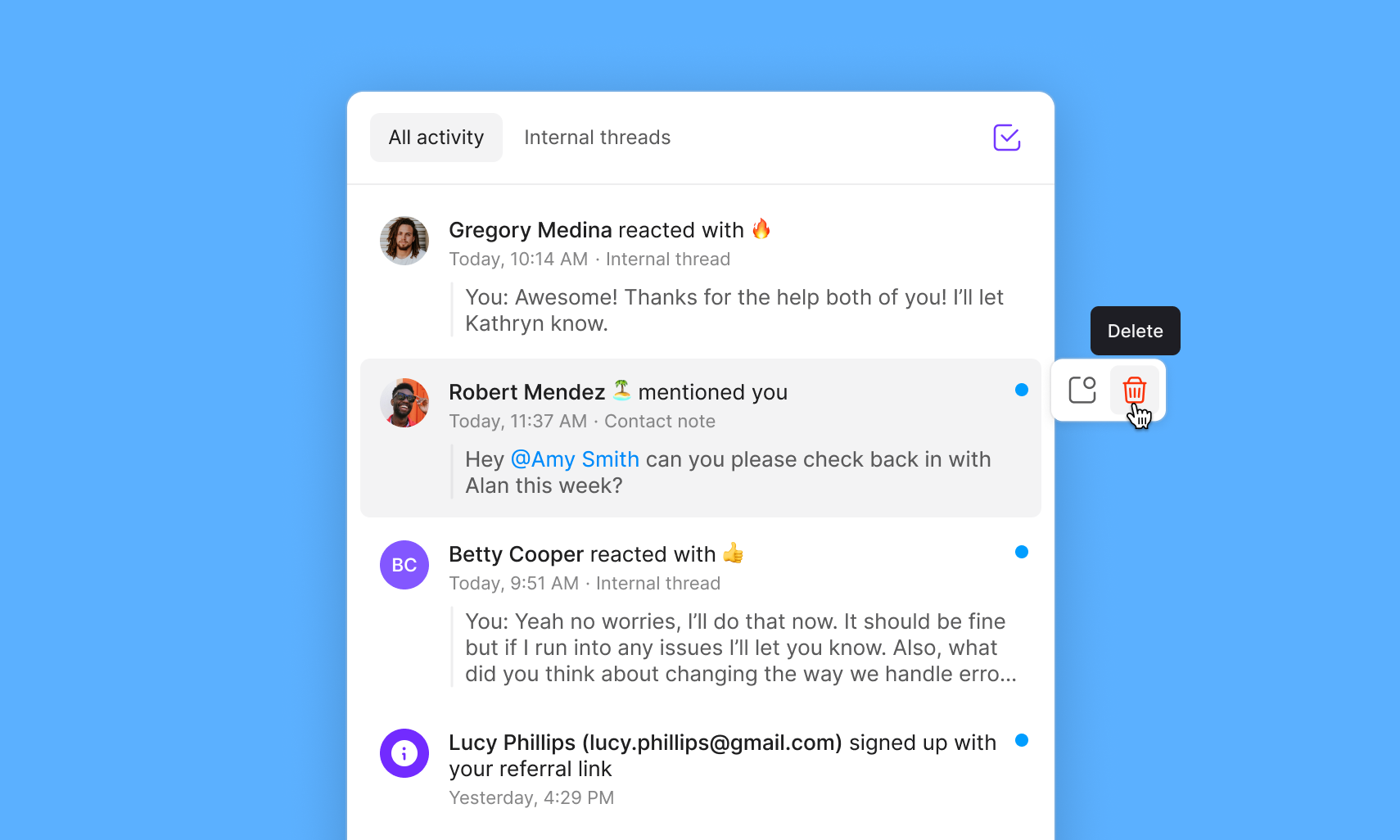 ### Custom conversation names now stick
Custom group conversation names no longer reset to default (a list of each contact or number) when new messages arrive. Your custom names stay put.
### Clearer delivery status for group messages
Group messages that fail to deliver to some recipients now show exactly which phone numbers were affected, rather than a generic "Undelivered" error.
### Windows app launches from links
Quo permalinks now open the desktop app correctly on Windows instead of failing to launch.
### Edit draft conversations on iOS
You can now edit draft conversations on iOS even when an incorrect recipient was added.
### Contact import template link works again
The CSV template link in the contact import modal now downloads correctly.
### Conversations stay open when they should
Conversations marked as "Done" no longer briefly jump to "Open" then back to "Done" after new activity arrives. They now stay in "Open" unless you explicitly move them to "Done" again.
### Android deep link improvements
Android users can now resolve and unresolve conversation threads using deep links.
***
## Your call flows just got easier to edit
### Custom conversation names now stick
Custom group conversation names no longer reset to default (a list of each contact or number) when new messages arrive. Your custom names stay put.
### Clearer delivery status for group messages
Group messages that fail to deliver to some recipients now show exactly which phone numbers were affected, rather than a generic "Undelivered" error.
### Windows app launches from links
Quo permalinks now open the desktop app correctly on Windows instead of failing to launch.
### Edit draft conversations on iOS
You can now edit draft conversations on iOS even when an incorrect recipient was added.
### Contact import template link works again
The CSV template link in the contact import modal now downloads correctly.
### Conversations stay open when they should
Conversations marked as "Done" no longer briefly jump to "Open" then back to "Done" after new activity arrives. They now stay in "Open" unless you explicitly move them to "Done" again.
### Android deep link improvements
Android users can now resolve and unresolve conversation threads using deep links.
***
## Your call flows just got easier to edit
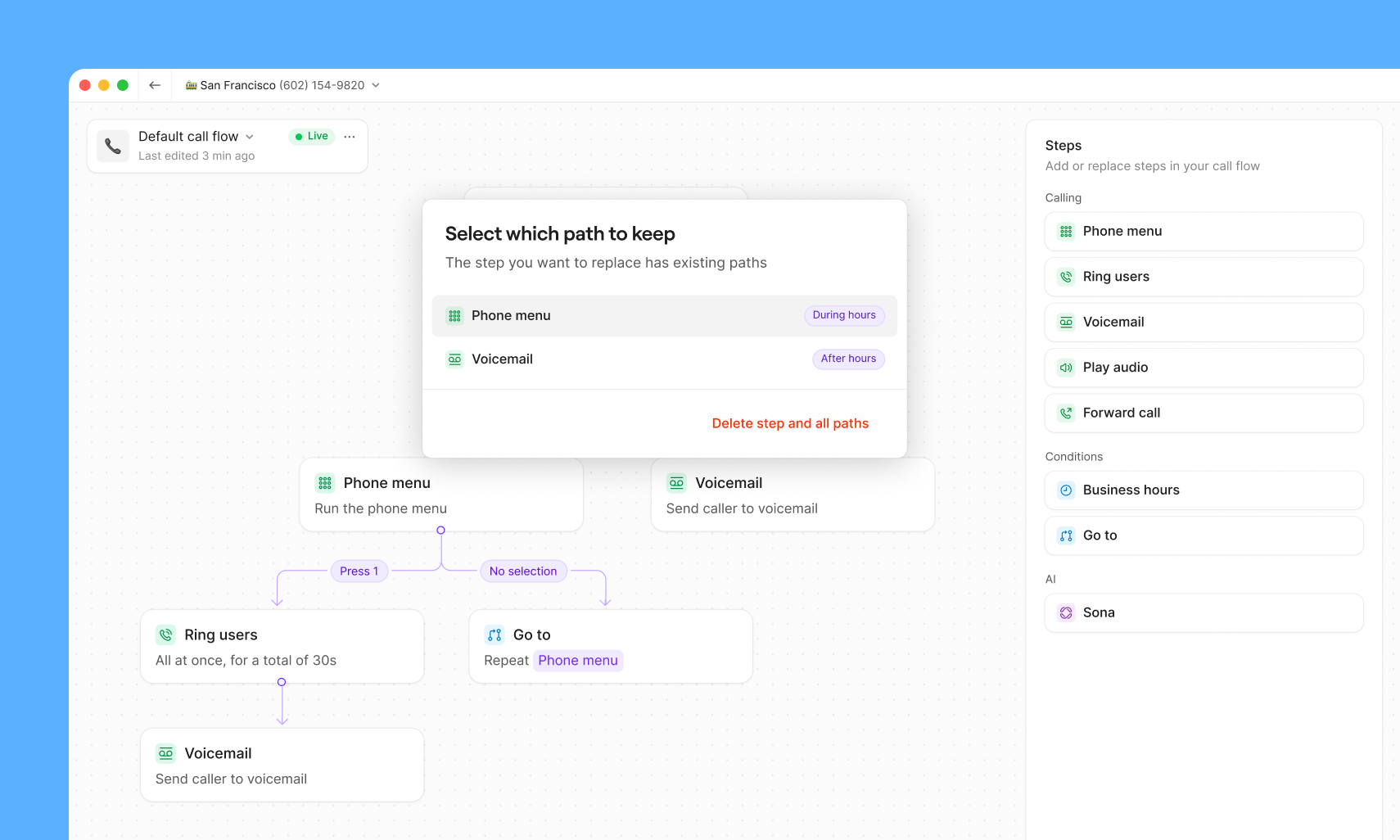 Editing call flows is now easier. You can now delete individual steps without losing downstream branches or starting over.
When you remove a step, you'll see clear options to reconnect or remove surrounding branches so you never accidentally delete work you wanted to keep.
***
## Get email notifications when Sona handles a call
Editing call flows is now easier. You can now delete individual steps without losing downstream branches or starting over.
When you remove a step, you'll see clear options to reconnect or remove surrounding branches so you never accidentally delete work you wanted to keep.
***
## Get email notifications when Sona handles a call
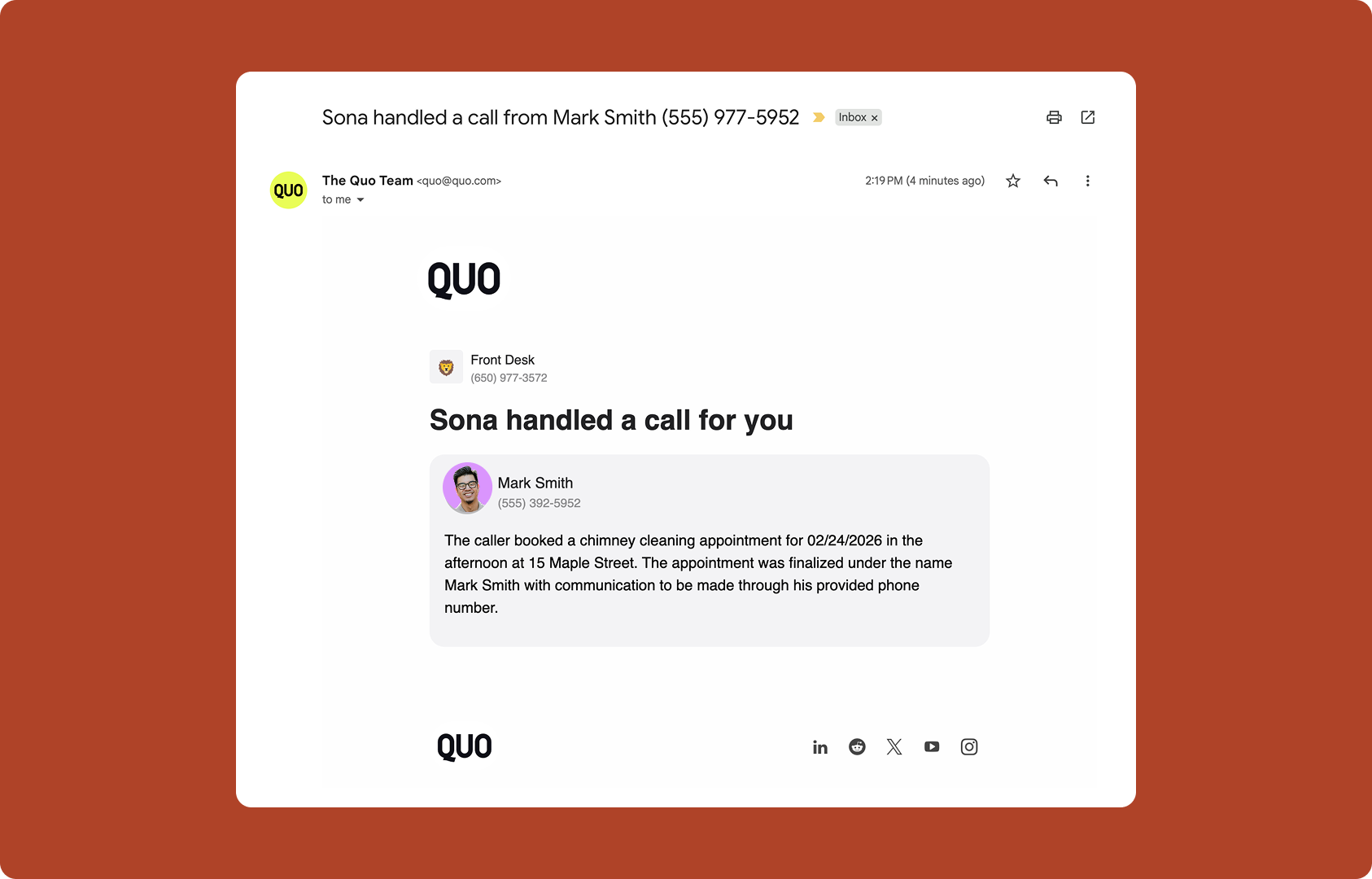 When Sona answers a call on your behalf, you can now opt-in to get an email recap so you can stay in the loop without opening the Quo app. Each email includes:
* Confirmation that Sona handled the call
* A short summary of what the caller needed
* Key context so you know what to follow up on (if anything)
[How to set up email notifications for your Quo numbers.](https://support.quo.com/core-concepts/integrations/email)
***
## Bug fixes and improvements
### Read voicemails without opening the app
Voicemail transcripts now appear directly in your mobile notifications. See what callers said at a glance, then decide if you need to follow up right away.
### Important alerts show up in Call Flow Builder
System notifications about updates or outages now show up throughout Quo, including in the call flow builder. Stay informed no matter where you are in the app.
### Sona saves without a hitch
We fixed an issue that sometimes prevented Sona configurations from saving, including when email addresses contained special characters like angle brackets. Setting up your AI assistant is now more reliable.
### Cleaner contact organization
Contact tags can no longer be set to blank spaces, keeping your contact list tidy and organized.
## New integration: Quo + Pipedrive
When Sona answers a call on your behalf, you can now opt-in to get an email recap so you can stay in the loop without opening the Quo app. Each email includes:
* Confirmation that Sona handled the call
* A short summary of what the caller needed
* Key context so you know what to follow up on (if anything)
[How to set up email notifications for your Quo numbers.](https://support.quo.com/core-concepts/integrations/email)
***
## Bug fixes and improvements
### Read voicemails without opening the app
Voicemail transcripts now appear directly in your mobile notifications. See what callers said at a glance, then decide if you need to follow up right away.
### Important alerts show up in Call Flow Builder
System notifications about updates or outages now show up throughout Quo, including in the call flow builder. Stay informed no matter where you are in the app.
### Sona saves without a hitch
We fixed an issue that sometimes prevented Sona configurations from saving, including when email addresses contained special characters like angle brackets. Setting up your AI assistant is now more reliable.
### Cleaner contact organization
Contact tags can no longer be set to blank spaces, keeping your contact list tidy and organized.
## New integration: Quo + Pipedrive
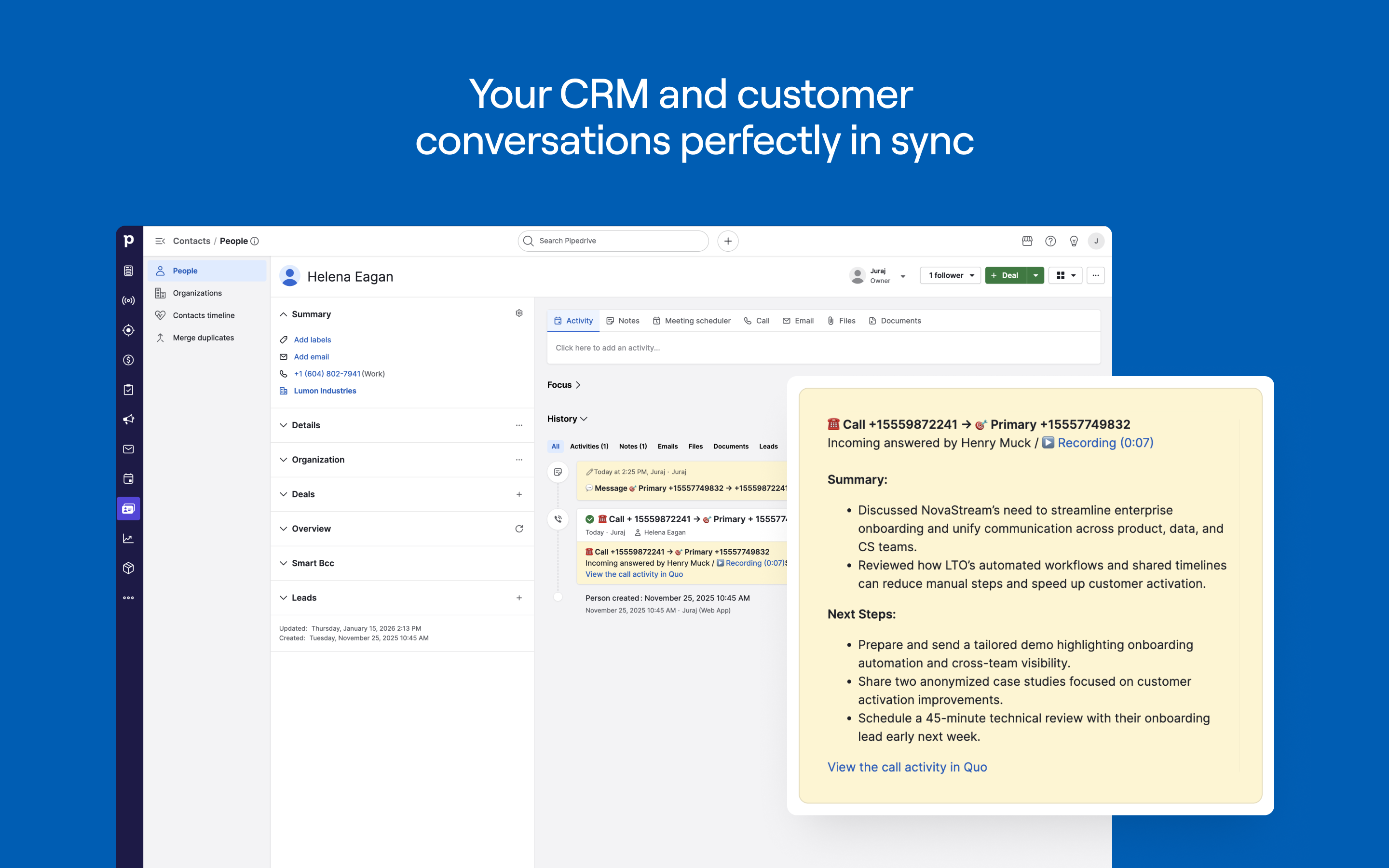
 You can now [connect Quo with Pipedrive](https://www.quo.com/integrations/pipedrive) to keep your CRM and customer conversations in sync.
* Automatically log activity: Send calls, texts, voicemails, recordings, and AI summaries to the right Pipedrive contact
* Sync contacts from Pipedrive to Quo: One-way contact sync keeps your phone system up to date without duplicate records
* Click-to-call from Pipedrive: Place calls with one click using your Quo number
You can now [connect Quo with Pipedrive](https://www.quo.com/integrations/pipedrive) to keep your CRM and customer conversations in sync.
* Automatically log activity: Send calls, texts, voicemails, recordings, and AI summaries to the right Pipedrive contact
* Sync contacts from Pipedrive to Quo: One-way contact sync keeps your phone system up to date without duplicate records
* Click-to-call from Pipedrive: Place calls with one click using your Quo number
 **To get started:**
1. Open the Quo web or desktop app
2. Go to Workspace settings → Integrations
3. Select Pipedrive and click Connect to Pipedrive
4. Confirm the Pipedrive account you want to connect
5. Choose which phone numbers should sync activity into Pipedrive
6. Once connected, activity will begin syncing automatically
[Explore the integration.](https://www.quo.com/integrations/pipedrive)
***
## Call quality metrics are now available on mobile
**To get started:**
1. Open the Quo web or desktop app
2. Go to Workspace settings → Integrations
3. Select Pipedrive and click Connect to Pipedrive
4. Confirm the Pipedrive account you want to connect
5. Choose which phone numbers should sync activity into Pipedrive
6. Once connected, activity will begin syncing automatically
[Explore the integration.](https://www.quo.com/integrations/pipedrive)
***
## Call quality metrics are now available on mobile
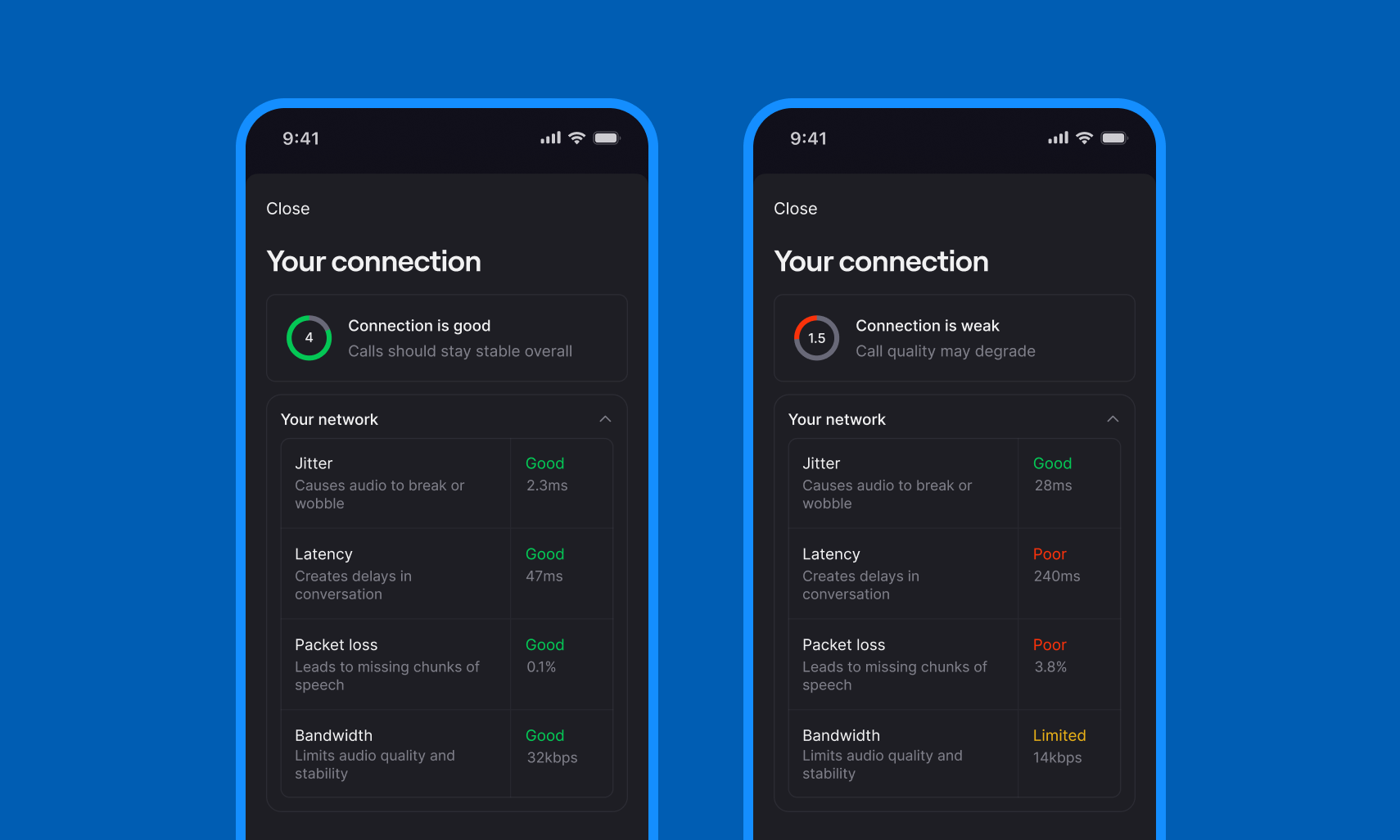 Diagnose and fix call quality issues on the go, right from your iPhone or Android device. This update gives you more transparency and control, helping you troubleshoot problems fast and keep calls running smoothly.
* Get instant alerts when your connection degrades
* See exactly what's affecting your call quality (jitter, latency, packet loss,)
* Get specific steps to improve quality immediately
**How to access:** During any active call, tap to open the call controls (if hidden), swipe up on the bottom menu and select "Connection Status." You'll see your overall quality score, network metrics, and actionable recommendations.
Available now on [iOS](https://apps.apple.com/us/app/quo-formerly-openphone/id1241817309) and [Android](https://play.google.com/store/apps/details?id=com.openphone\&hl=en_US). Update to the latest version of the apps to access this feature. Learn more about call quality metrics in our [support docs.](https://support.quo.com/core-concepts/calling/call-quality-metrics#call-quality-metrics)
***
## Bug fixes and improvements
We've made several improvements to make your experience smoother. Here's what we fixed:
### Fixed emoji skin tone preferences
Your emoji skin tone preference now works as expected. If you've set the default skin tone in Settings, you won't see that selection popup every time you add an emoji. One less interruption when you're texting customers.
### Salesforce integration fixed
Calls and texts are now linking correctly to your Salesforce contacts again. If your integration wasn't connecting conversations to the right records, this fix has you covered.
### Better accessibility for forms
Screen readers like MacOS VoiceOver now work properly with phone number input fields throughout Quo. This makes onboarding and Trust Center forms accessible to everyone on your team.
### More integration options available in-app
We've added Attio and Jobber to the in-app pricing matrix, making it easier to explore your integration options at a glance.
### Refreshed activity tab design
The empty state in your activity tab now shows a bell icon instead of the old illustration. Small change, but it looks sharp and makes more sense for what the tab does.
## Improvements and bug fixes
Diagnose and fix call quality issues on the go, right from your iPhone or Android device. This update gives you more transparency and control, helping you troubleshoot problems fast and keep calls running smoothly.
* Get instant alerts when your connection degrades
* See exactly what's affecting your call quality (jitter, latency, packet loss,)
* Get specific steps to improve quality immediately
**How to access:** During any active call, tap to open the call controls (if hidden), swipe up on the bottom menu and select "Connection Status." You'll see your overall quality score, network metrics, and actionable recommendations.
Available now on [iOS](https://apps.apple.com/us/app/quo-formerly-openphone/id1241817309) and [Android](https://play.google.com/store/apps/details?id=com.openphone\&hl=en_US). Update to the latest version of the apps to access this feature. Learn more about call quality metrics in our [support docs.](https://support.quo.com/core-concepts/calling/call-quality-metrics#call-quality-metrics)
***
## Bug fixes and improvements
We've made several improvements to make your experience smoother. Here's what we fixed:
### Fixed emoji skin tone preferences
Your emoji skin tone preference now works as expected. If you've set the default skin tone in Settings, you won't see that selection popup every time you add an emoji. One less interruption when you're texting customers.
### Salesforce integration fixed
Calls and texts are now linking correctly to your Salesforce contacts again. If your integration wasn't connecting conversations to the right records, this fix has you covered.
### Better accessibility for forms
Screen readers like MacOS VoiceOver now work properly with phone number input fields throughout Quo. This makes onboarding and Trust Center forms accessible to everyone on your team.
### More integration options available in-app
We've added Attio and Jobber to the in-app pricing matrix, making it easier to explore your integration options at a glance.
### Refreshed activity tab design
The empty state in your activity tab now shows a bell icon instead of the old illustration. Small change, but it looks sharp and makes more sense for what the tab does.
## Improvements and bug fixes
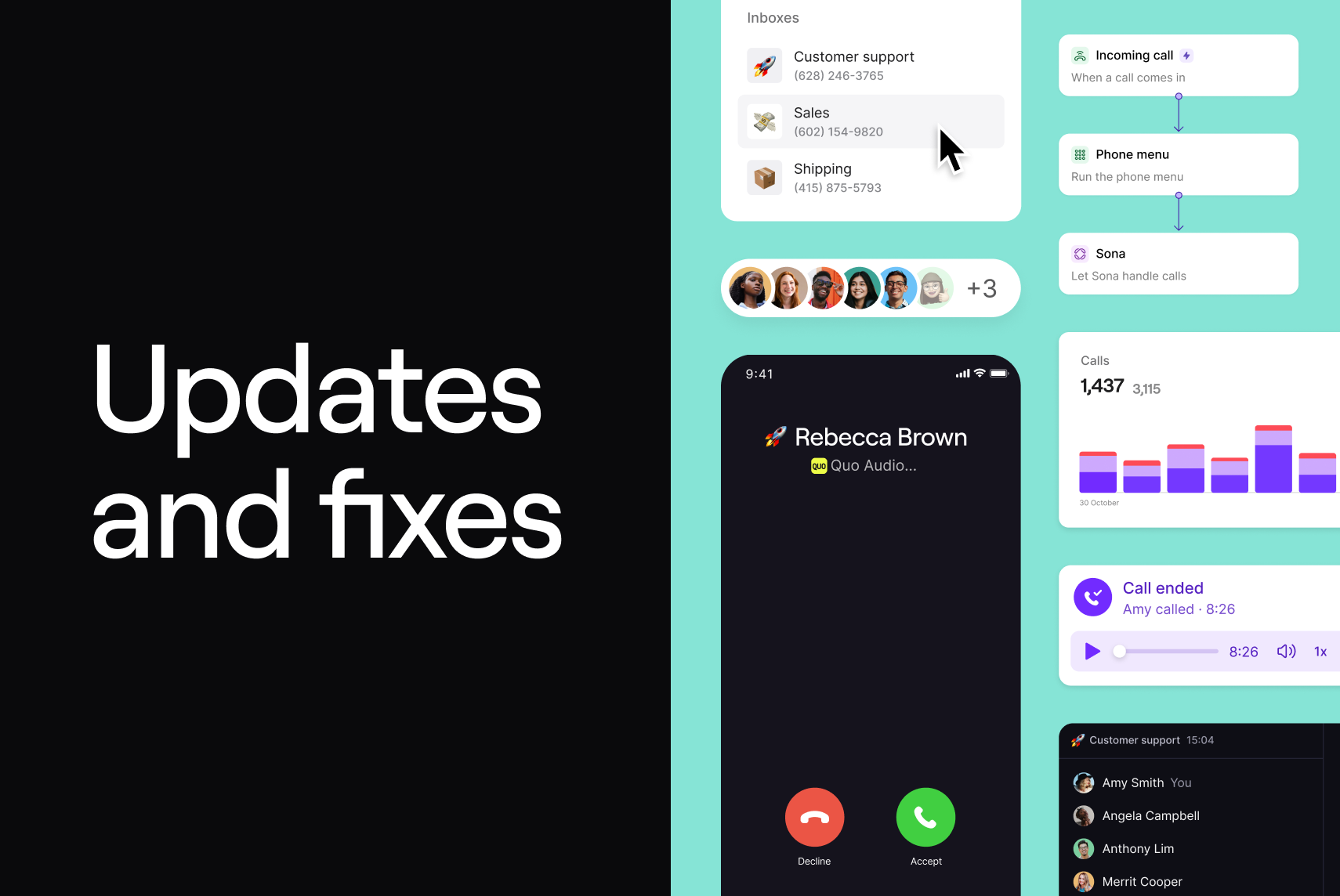 We've been hard at work fixing bugs and improving your experience. Here's what's new:
### Desktop app navigation just got better
Navigate through your workflow more easily with our improved desktop app history controls. We've rolled out browser-like navigation to all desktop app users, making it simpler to move backward and forward through your recent activity. Use the new buttons in the top-left corner of the app (right beside the Recently Viewed History button), or use handy keyboard shortcuts that work just like your browser:
Mac:
* To go back: cmd + \[
* To go forward: cmd + ]
Windows:
* To go back: ctrl + \[
* To go forward: ctrl + ]
### Download images without the extra steps
We added a Download button to the image gallery view, so you can save images directly without having to open them in a new tab first.
### Copy phone numbers faster
You can now copy a phone number directly from the header on the Phone number settings page. One less click when you need to share your number.
### Jobber integration fix
Fixed an issue where incoming calls from existing Jobber customers weren't creating new requests as expected. Calls from your customers now properly create new Jobber requests.
### Improved call tracking accuracy
We resolved two bugs that were causing call activities to display incorrect statuses:
* Complex call flows (like phone menus routing to multiple ring groups) no longer show as Missed when the call was actually answered
* Calls that ended automatically in the phone menu now correctly show as Unanswered instead of showing "You answered"
### Better webhook data for developers
Our call summary and transcripts webhooks now include contact IDs, making it easier to connect conversation data directly to contacts in Quo when using our API.
## Improvements and bug fixes
We've made several improvements to help you stay organized and manage your phone numbers more effectively.
### See conversation dates at a glance
Conversations from past years now display the year alongside the date. This makes it easier to distinguish between recent and older customer interactions—no more confusion about whether that November conversation happened three weeks ago or last year.
### Streamlined number management for admins
Admins can now manage all workspace numbers directly from the Android app, not just the ones they're assigned to. This brings Android in line with iOS and web, making it simpler to handle number settings, call flows, and configurations across your entire team from any device.
### Smarter unblocking experience on Android
We've redesigned how you unblock numbers on Android to match the clearer iOS experience. The Blocklist now shows who blocked each number, giving you the context you need to make informed decisions about restoring access.
### Plus, a few fixes to keep things running smoothly
* Navigating back from the Call flow builder now returns you to the right place—if you came from Sona settings, that's where you'll go back to
* Long inbox names in call flows no longer overlap with step names
* A helpful callout in the porting flow now alerts you to upcoming holiday dates when port processing will be paused
These improvements help you spend less time managing your system and more time focusing on your customers.
## Five new features, unwrapped!
We've been hard at work fixing bugs and improving your experience. Here's what's new:
### Desktop app navigation just got better
Navigate through your workflow more easily with our improved desktop app history controls. We've rolled out browser-like navigation to all desktop app users, making it simpler to move backward and forward through your recent activity. Use the new buttons in the top-left corner of the app (right beside the Recently Viewed History button), or use handy keyboard shortcuts that work just like your browser:
Mac:
* To go back: cmd + \[
* To go forward: cmd + ]
Windows:
* To go back: ctrl + \[
* To go forward: ctrl + ]
### Download images without the extra steps
We added a Download button to the image gallery view, so you can save images directly without having to open them in a new tab first.
### Copy phone numbers faster
You can now copy a phone number directly from the header on the Phone number settings page. One less click when you need to share your number.
### Jobber integration fix
Fixed an issue where incoming calls from existing Jobber customers weren't creating new requests as expected. Calls from your customers now properly create new Jobber requests.
### Improved call tracking accuracy
We resolved two bugs that were causing call activities to display incorrect statuses:
* Complex call flows (like phone menus routing to multiple ring groups) no longer show as Missed when the call was actually answered
* Calls that ended automatically in the phone menu now correctly show as Unanswered instead of showing "You answered"
### Better webhook data for developers
Our call summary and transcripts webhooks now include contact IDs, making it easier to connect conversation data directly to contacts in Quo when using our API.
## Improvements and bug fixes
We've made several improvements to help you stay organized and manage your phone numbers more effectively.
### See conversation dates at a glance
Conversations from past years now display the year alongside the date. This makes it easier to distinguish between recent and older customer interactions—no more confusion about whether that November conversation happened three weeks ago or last year.
### Streamlined number management for admins
Admins can now manage all workspace numbers directly from the Android app, not just the ones they're assigned to. This brings Android in line with iOS and web, making it simpler to handle number settings, call flows, and configurations across your entire team from any device.
### Smarter unblocking experience on Android
We've redesigned how you unblock numbers on Android to match the clearer iOS experience. The Blocklist now shows who blocked each number, giving you the context you need to make informed decisions about restoring access.
### Plus, a few fixes to keep things running smoothly
* Navigating back from the Call flow builder now returns you to the right place—if you came from Sona settings, that's where you'll go back to
* Long inbox names in call flows no longer overlap with step names
* A helpful callout in the porting flow now alerts you to upcoming holiday dates when port processing will be paused
These improvements help you spend less time managing your system and more time focusing on your customers.
## Five new features, unwrapped!
 ### Schedule call flows in advance
Set up a holiday call flow and schedule it to go live on December 24th, then set your default call flow to resume whenever you're back.
Create call flows for any situation and schedule exactly when they should go live.
### Schedule call flows in advance
Set up a holiday call flow and schedule it to go live on December 24th, then set your default call flow to resume whenever you're back.
Create call flows for any situation and schedule exactly when they should go live. 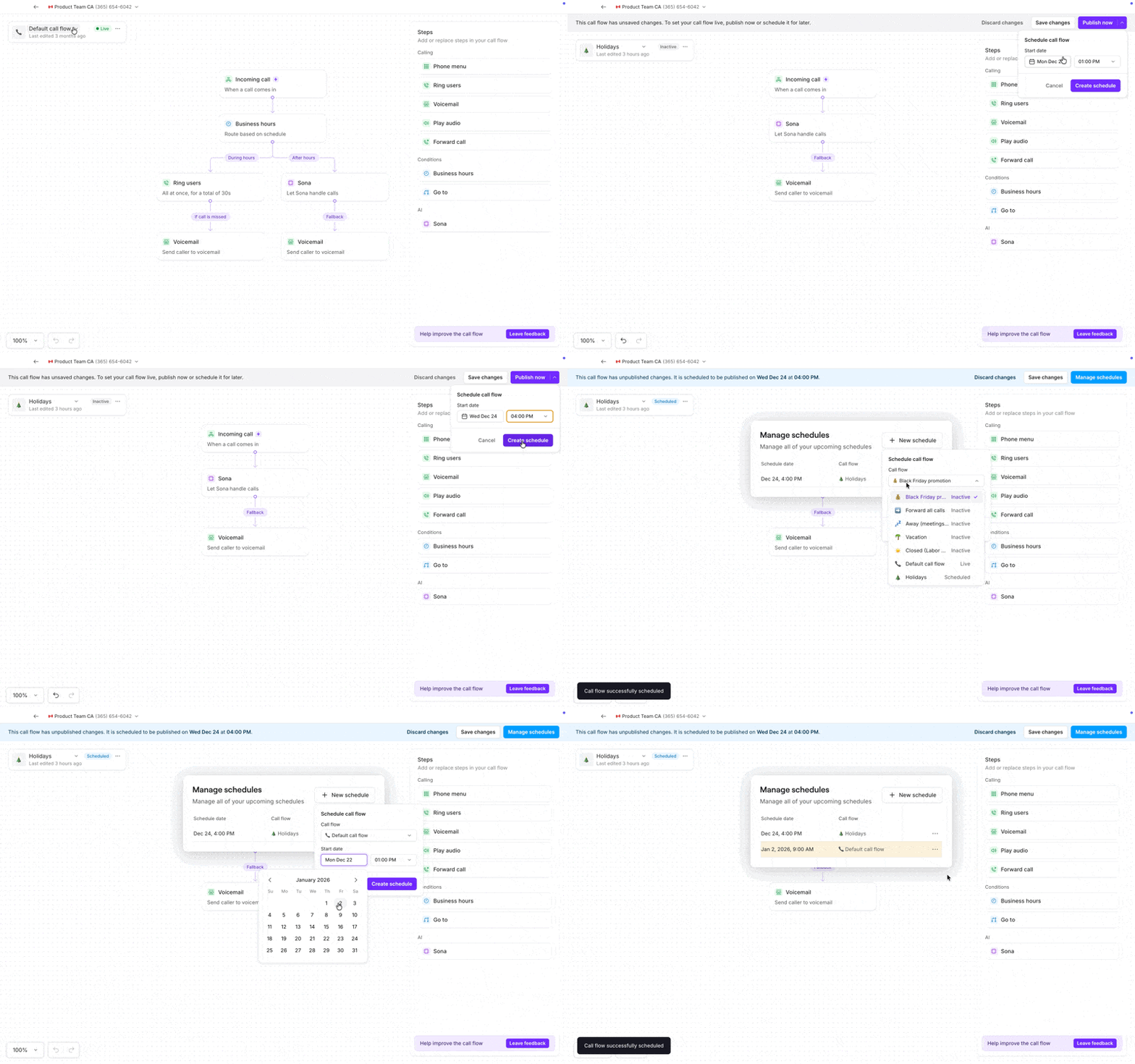 ### Natural-sounding text-to-speech greetings
We’ve upgraded our text-to-speech voice so your greetings actually sound human.
Revolutionary? Maybe not.
But compared to robotic voices that make your boutique business sound like a corporate call center? Night and day.
📍 **Find it:** In the call flow builder. Text to speech options are available for voicemail, phone menu, and play audio greetings.
### Natural-sounding text-to-speech greetings
We’ve upgraded our text-to-speech voice so your greetings actually sound human.
Revolutionary? Maybe not.
But compared to robotic voices that make your boutique business sound like a corporate call center? Night and day.
📍 **Find it:** In the call flow builder. Text to speech options are available for voicemail, phone menu, and play audio greetings. 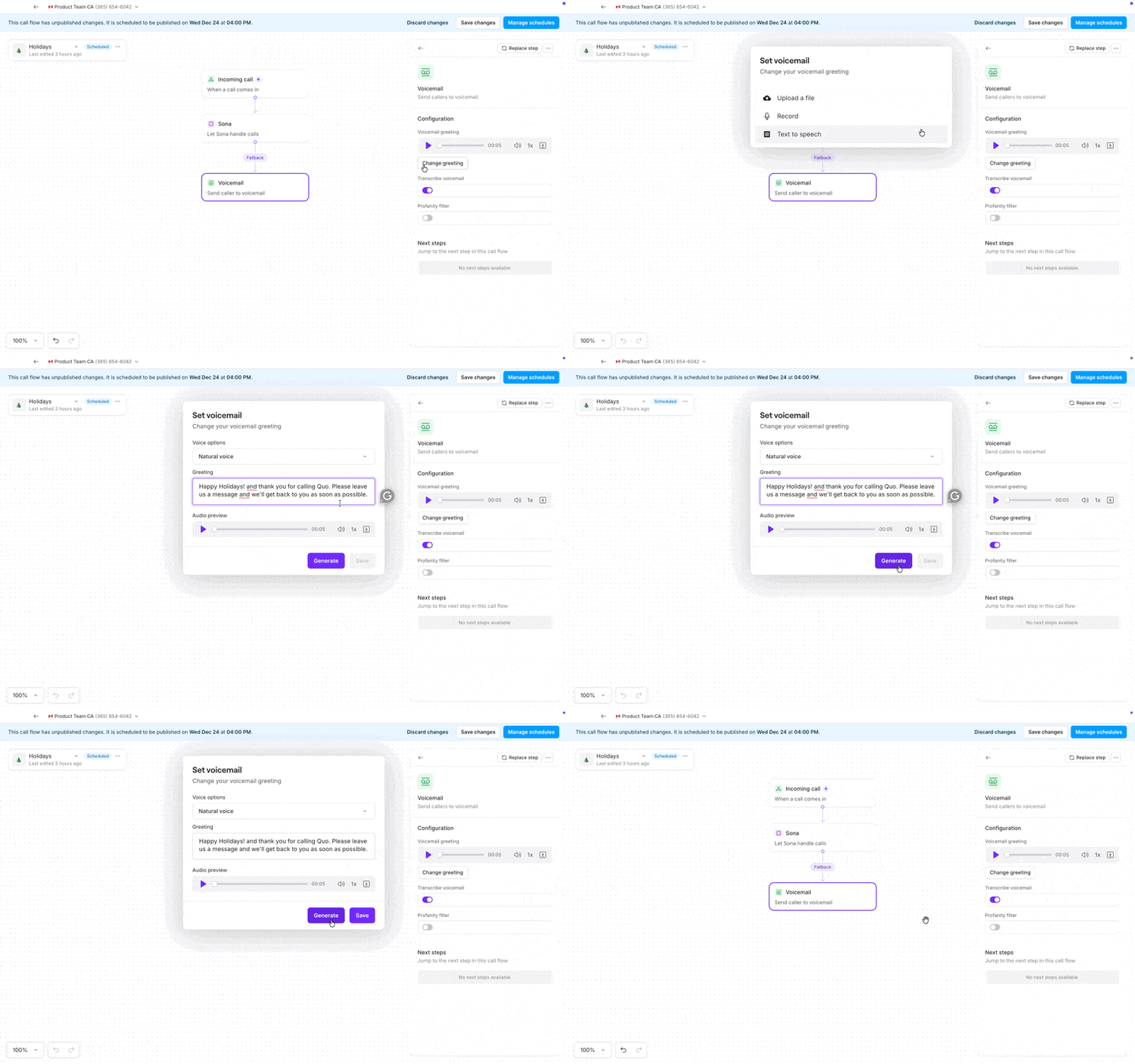 ### Pin up to 50 conversations
We've increased the pin limit from 5 to 50 conversations. Keep your VIP clients, active deals, and urgent vendor issues right where you need them.
📍**Find it:** In your chats, right-click any conversation and select “pin conversation”.
### Edit threads on desktop
Spotted a typo? Need to update your notes? Now you can edit threads from your browser or desktop app, just like mobile.
📍 **Find it:** Hover over any thread to reveal more options, then select “edit comment”
### Pin up to 50 conversations
We've increased the pin limit from 5 to 50 conversations. Keep your VIP clients, active deals, and urgent vendor issues right where you need them.
📍**Find it:** In your chats, right-click any conversation and select “pin conversation”.
### Edit threads on desktop
Spotted a typo? Need to update your notes? Now you can edit threads from your browser or desktop app, just like mobile.
📍 **Find it:** Hover over any thread to reveal more options, then select “edit comment”
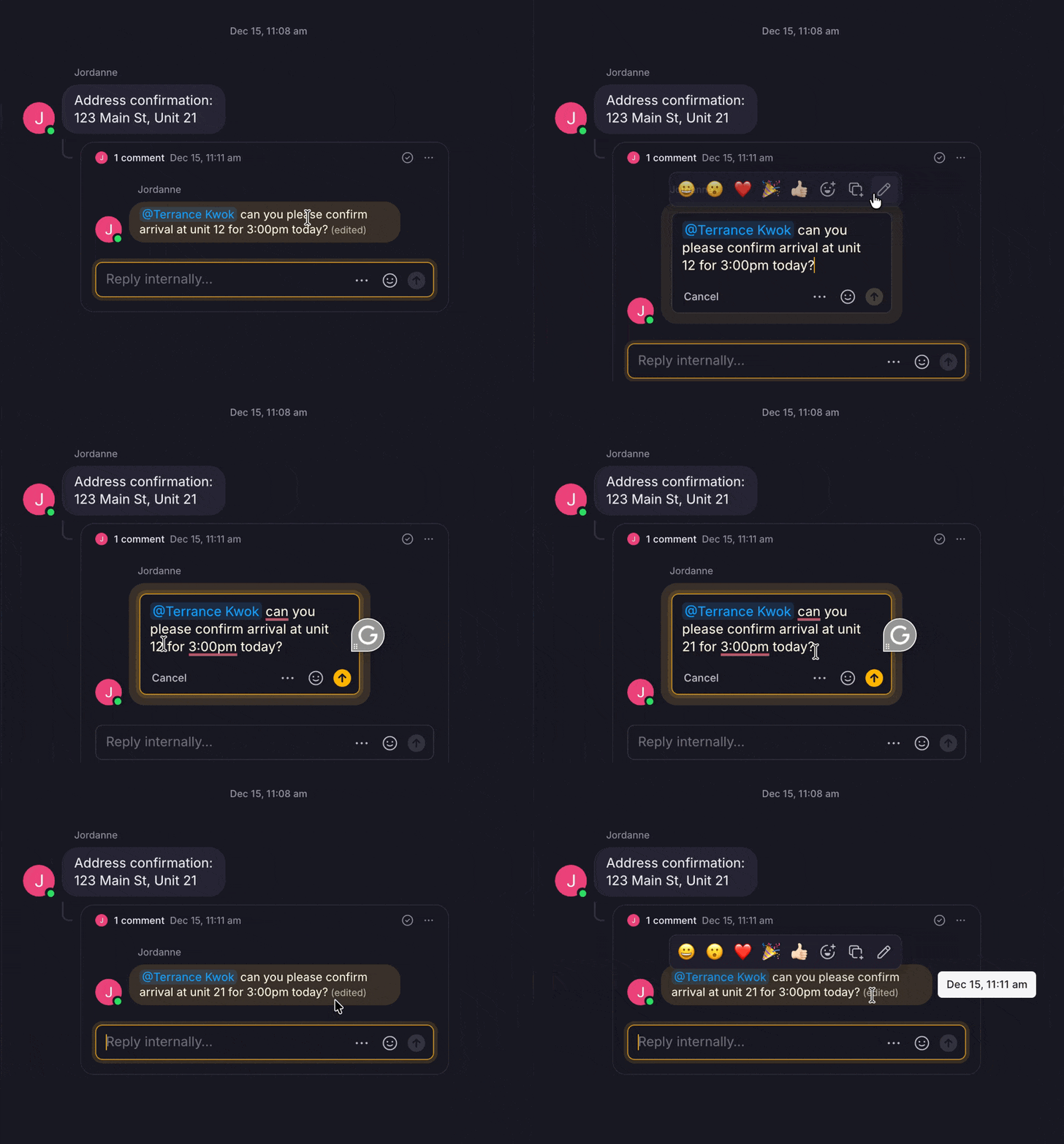 ### Customize your hold music
Choose our new, more relaxing track (the current one's a bop, but not for everyone). Or upload your own to let your brand personality shine through.
Uploaded tracks must follow our Terms of Service (yes, we’re looking at you, Swifties, we feel your pain though).
📍 **Find it:** In phone number settings, just below the call flow builder.
### Customize your hold music
Choose our new, more relaxing track (the current one's a bop, but not for everyone). Or upload your own to let your brand personality shine through.
Uploaded tracks must follow our Terms of Service (yes, we’re looking at you, Swifties, we feel your pain though).
📍 **Find it:** In phone number settings, just below the call flow builder.
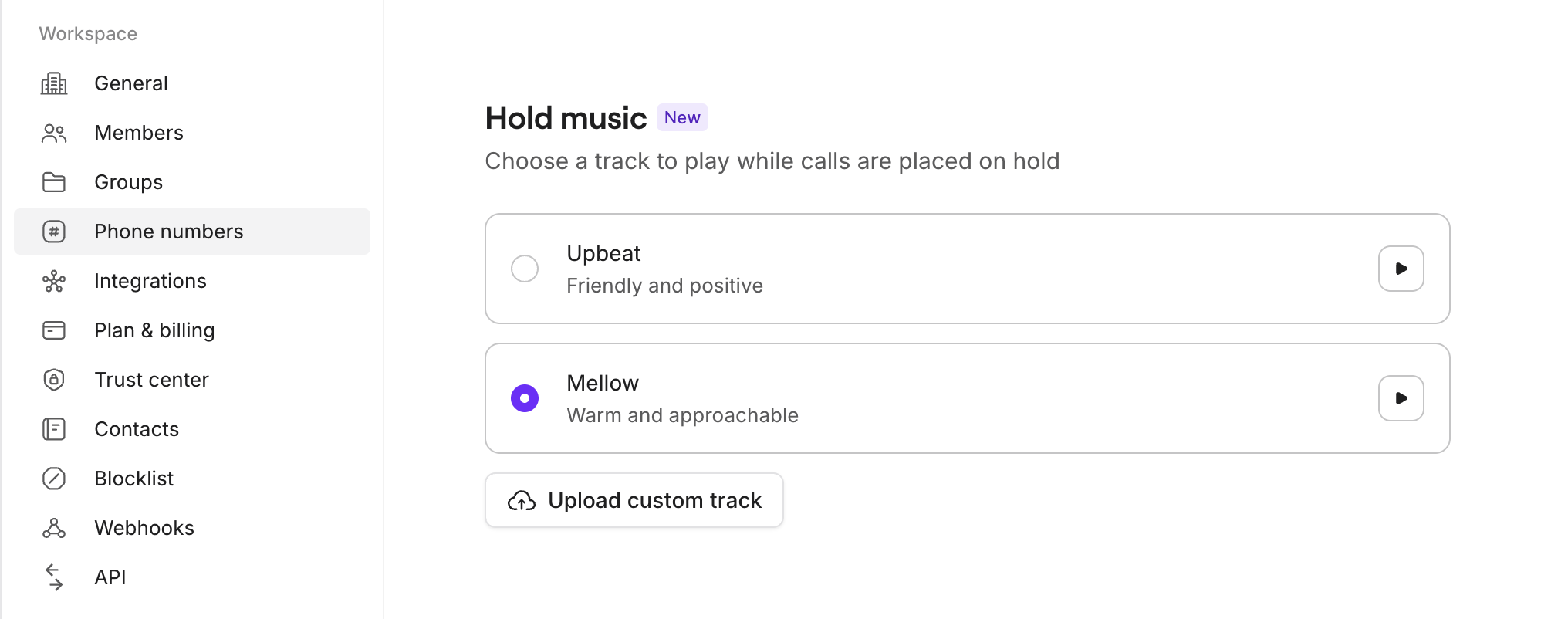 ## Bug fixes and improvements
### More phone numbers to choose from
Finding the perfect phone number for your business just got easier. We've expanded the available options when you're selecting a new number during signup or adding another number to your workspace. You'll now see more local and toll-free numbers to choose from in many areas across North America.
### Conversations load properly on login
We fixed an issue where conversations with unread messages wouldn't appear right away when you logged in. Previously, you might have needed to refresh the page to see them. Now all your unread conversations show up immediately so you can jump right into responding to customers.
### API improvement with accurate message timestamps
The Public API now correctly populates the `createdAt` field with the actual time a message was sent, rather than the current timestamp. This ensures your integrations and reporting tools display accurate message history.
### Clearer call flow error messages
When you're building call flows, any configuration issues now show specific, helpful error messages that explain exactly what needs to be fixed. No more guessing what went wrong.
### Better voicemail greeting quality
We resolved an issue that caused audio distortion when you recorded a greeting in one call flow, downloaded it, then uploaded it to another call flow. Your custom greetings now maintain their quality no matter where you use them.
## See what’s affecting your call with the call quality metrics panel
We’ve added a new call quality diagnostics panel to help you understand and fix audio issues *while you’re still on the call*. No more guessing why a call sounds choppy or delayed, you now get instant visibility into what’s going on.
Open call metrics during any active call to view real-time network stats, including:
* **Overall call quality score (MOS)**
* **Jitter** (connection stability)
* **Latency** (delay)
* **Packet loss** (missing audio)
* **Bandwidth** (available upload speed)
## Bug fixes and improvements
### More phone numbers to choose from
Finding the perfect phone number for your business just got easier. We've expanded the available options when you're selecting a new number during signup or adding another number to your workspace. You'll now see more local and toll-free numbers to choose from in many areas across North America.
### Conversations load properly on login
We fixed an issue where conversations with unread messages wouldn't appear right away when you logged in. Previously, you might have needed to refresh the page to see them. Now all your unread conversations show up immediately so you can jump right into responding to customers.
### API improvement with accurate message timestamps
The Public API now correctly populates the `createdAt` field with the actual time a message was sent, rather than the current timestamp. This ensures your integrations and reporting tools display accurate message history.
### Clearer call flow error messages
When you're building call flows, any configuration issues now show specific, helpful error messages that explain exactly what needs to be fixed. No more guessing what went wrong.
### Better voicemail greeting quality
We resolved an issue that caused audio distortion when you recorded a greeting in one call flow, downloaded it, then uploaded it to another call flow. Your custom greetings now maintain their quality no matter where you use them.
## See what’s affecting your call with the call quality metrics panel
We’ve added a new call quality diagnostics panel to help you understand and fix audio issues *while you’re still on the call*. No more guessing why a call sounds choppy or delayed, you now get instant visibility into what’s going on.
Open call metrics during any active call to view real-time network stats, including:
* **Overall call quality score (MOS)**
* **Jitter** (connection stability)
* **Latency** (delay)
* **Packet loss** (missing audio)
* **Bandwidth** (available upload speed)
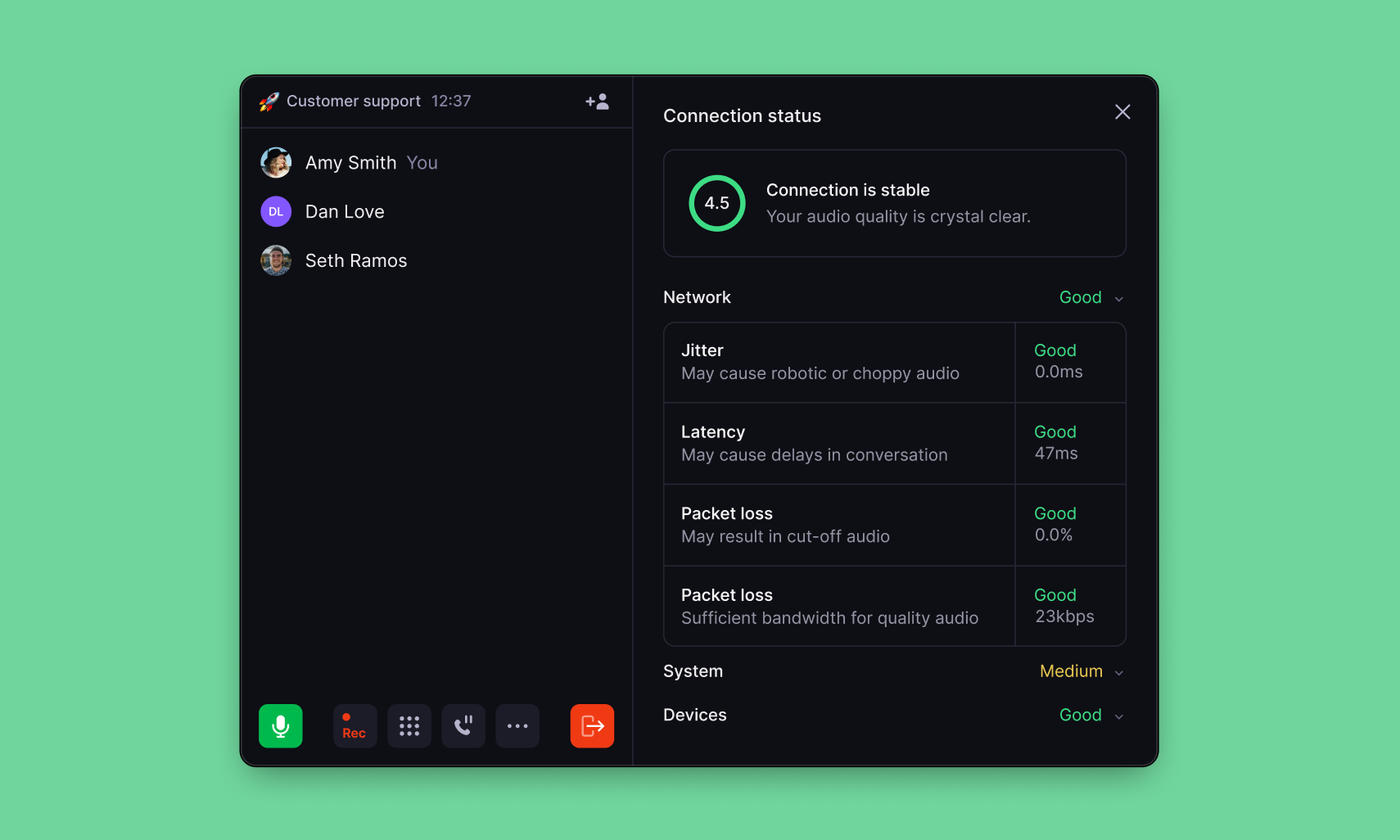 If your connection becomes unstable, Quo will show a gentle in-call warning with an option to open the diagnostics panel. If we detect issues, you’ll see simple suggestions, like moving closer to your router, closing bandwidth-heavy apps, or switching networks, to help improve call quality right away.
This update gives you more transparency and control, helping you troubleshoot problems fast and keep calls running smoothly. [Learn more.](https://support.quo.com/core-concepts/calling/call-quality-metrics#call-quality-metrics)
## Bug fixes and improvements
We've made improvements to make your experience better. Here are some recent fixes:
### Call recordings
We resolved an issue that was causing some call recordings to be permanently deleted. Your call recordings are now processed more reliably.
### Voicemail auto-replies
Fixed a problem where auto-replies were being sent for very short, silent voicemails that didn't contain actual messages. Now auto-replies only trigger when customers leave real voicemails.
### API improvements
The "call" endpoint in our public API now works correctly when accessing calls from team members who have been removed from your workspace.
### A2P registration visibility
New Admins added to workspaces with approved A2P registration can now immediately see the registration status without needing to log out and back in.
### Sona call flow navigation
When you click "Manage" from the Sona tab, you'll now consistently be directed to your active call flow instead of occasionally landing on inactive flows.
### Android fixes
We fixed two issues on Android:
* Resolved a problem where deleted conversations were still appearing in the Calls view
* You can now edit AI-suggested contacts directly on Android
## New: Quo now integrates with Attio
If your connection becomes unstable, Quo will show a gentle in-call warning with an option to open the diagnostics panel. If we detect issues, you’ll see simple suggestions, like moving closer to your router, closing bandwidth-heavy apps, or switching networks, to help improve call quality right away.
This update gives you more transparency and control, helping you troubleshoot problems fast and keep calls running smoothly. [Learn more.](https://support.quo.com/core-concepts/calling/call-quality-metrics#call-quality-metrics)
## Bug fixes and improvements
We've made improvements to make your experience better. Here are some recent fixes:
### Call recordings
We resolved an issue that was causing some call recordings to be permanently deleted. Your call recordings are now processed more reliably.
### Voicemail auto-replies
Fixed a problem where auto-replies were being sent for very short, silent voicemails that didn't contain actual messages. Now auto-replies only trigger when customers leave real voicemails.
### API improvements
The "call" endpoint in our public API now works correctly when accessing calls from team members who have been removed from your workspace.
### A2P registration visibility
New Admins added to workspaces with approved A2P registration can now immediately see the registration status without needing to log out and back in.
### Sona call flow navigation
When you click "Manage" from the Sona tab, you'll now consistently be directed to your active call flow instead of occasionally landing on inactive flows.
### Android fixes
We fixed two issues on Android:
* Resolved a problem where deleted conversations were still appearing in the Calls view
* You can now edit AI-suggested contacts directly on Android
## New: Quo now integrates with Attio
 ### The next gen of CRM 🤝 the next gen of business phone.
You can now connect Quo with Attio to keep your customer data and conversations in sync — no manual updates or tab-switching required.
* One-way contact sync (Attio → Quo): Keep contact records in Quo automatically up to date.
* Activity syncing into Attio: Calls, texts, and other Quo activity now appear in Attio as timeline events.
* Click-to-call in Attio: Start calls through Quo directly from Attio.
This integration brings your CRM and business phone system together so every team has the full picture:
* Sales gets complete call + text history inside Attio.
* Support sees instant context before every conversation.
* Every interaction stays perfectly in sync across both platforms.
[Learn more about the integration.](https://www.quo.com/integrations/attio)
## Bug fixes and improvements
### The next gen of CRM 🤝 the next gen of business phone.
You can now connect Quo with Attio to keep your customer data and conversations in sync — no manual updates or tab-switching required.
* One-way contact sync (Attio → Quo): Keep contact records in Quo automatically up to date.
* Activity syncing into Attio: Calls, texts, and other Quo activity now appear in Attio as timeline events.
* Click-to-call in Attio: Start calls through Quo directly from Attio.
This integration brings your CRM and business phone system together so every team has the full picture:
* Sales gets complete call + text history inside Attio.
* Support sees instant context before every conversation.
* Every interaction stays perfectly in sync across both platforms.
[Learn more about the integration.](https://www.quo.com/integrations/attio)
## Bug fixes and improvements
 ### Faster call flow editing with inline business hours
You can now edit your business hours directly inside the Call flow builder. When you're setting up or adjusting call routing, click the new button in the Business hours panel to open the configuration modal without leaving your workflow. No more navigating back and forth to Phone number settings—make changes right where you need them.
### Clearer integration icons in dark mode
Integration icons now display with white backgrounds, ensuring they're easy to see whether you're using light or dark mode. A small polish that makes your integrations page easier to scan at a glance.
### Smoother message syncing on desktop
We fixed an issue that some desktop app users (both Windows and Mac) were experiencing where new messages wouldn't appear in Open conversations until switching to Done and back. Messages now appear immediately without any workarounds.
### More reliable voice and messaging credits
We resolved a bug that was preventing automatic credit purchases from processing for some users, even when a valid payment method was on file. If you were affected, you'll no longer receive failed payment emails or need to manually top up credits when auto-charge should have handled it.
## Copy any conversation with clean markdown, ready to drop into ChatGPT, Claude, or any AI assistant
### Faster call flow editing with inline business hours
You can now edit your business hours directly inside the Call flow builder. When you're setting up or adjusting call routing, click the new button in the Business hours panel to open the configuration modal without leaving your workflow. No more navigating back and forth to Phone number settings—make changes right where you need them.
### Clearer integration icons in dark mode
Integration icons now display with white backgrounds, ensuring they're easy to see whether you're using light or dark mode. A small polish that makes your integrations page easier to scan at a glance.
### Smoother message syncing on desktop
We fixed an issue that some desktop app users (both Windows and Mac) were experiencing where new messages wouldn't appear in Open conversations until switching to Done and back. Messages now appear immediately without any workarounds.
### More reliable voice and messaging credits
We resolved a bug that was preventing automatic credit purchases from processing for some users, even when a valid payment method was on file. If you were affected, you'll no longer receive failed payment emails or need to manually top up credits when auto-charge should have handled it.
## Copy any conversation with clean markdown, ready to drop into ChatGPT, Claude, or any AI assistant
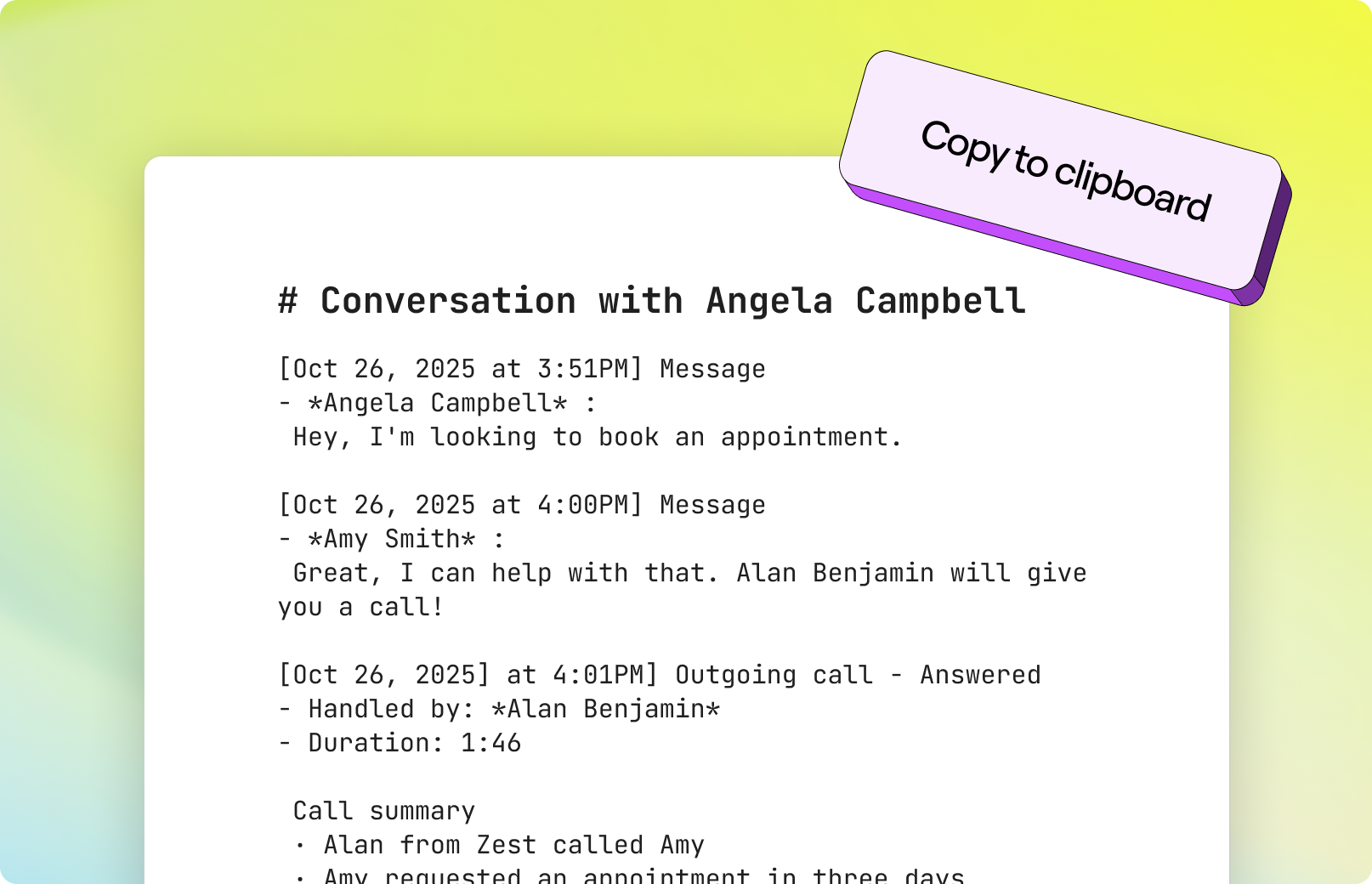 ## Copy any conversation as markdown
Need to share a customer conversation with an AI assistant? You can now copy any conversation — messages, calls, voicemail transcripts, AI summaries, the whole thing — directly to clean markdown with a single click.
Perfect for when you need to:
* Get quick advice on how to respond to a tricky customer situation
* Pull out action items from long threads
* Share conversation context with teammates who don't have Quo access
* Turn messy back-and-forth into something structured
**How to use it:** Hit ⌘ + K (Mac) / Ctrl + K (Windows) and find "Copy conversation as markdown" in the command palette. Then paste directly into ChatGPT, Claude, or your preferred AI assistant.
## Also new this week
**Trial credit visibility improvements:** If you're on a 7-day Quo trial, you'll now see a banner in your Automation credits section showing the credit plan you've selected for when your trial ends. This helps you visualize what happens after the trial while reminding you that usage is still unlimited during your trial period.
**Sona reliability fix:** We fixed an issue where Sona wasn't answering calls for some users, even when everything was configured correctly and they had enough Automation credits. The fix applies to both existing users and prevents the issue from happening in the future.
**Create additional call flows on mobile:** You can now set up additional call flows in Call Flow Builder from iOS and Android. Manage your call routing on the go with the same flexibility you have on desktop.
## Expanded Zapier integration
## Copy any conversation as markdown
Need to share a customer conversation with an AI assistant? You can now copy any conversation — messages, calls, voicemail transcripts, AI summaries, the whole thing — directly to clean markdown with a single click.
Perfect for when you need to:
* Get quick advice on how to respond to a tricky customer situation
* Pull out action items from long threads
* Share conversation context with teammates who don't have Quo access
* Turn messy back-and-forth into something structured
**How to use it:** Hit ⌘ + K (Mac) / Ctrl + K (Windows) and find "Copy conversation as markdown" in the command palette. Then paste directly into ChatGPT, Claude, or your preferred AI assistant.
## Also new this week
**Trial credit visibility improvements:** If you're on a 7-day Quo trial, you'll now see a banner in your Automation credits section showing the credit plan you've selected for when your trial ends. This helps you visualize what happens after the trial while reminding you that usage is still unlimited during your trial period.
**Sona reliability fix:** We fixed an issue where Sona wasn't answering calls for some users, even when everything was configured correctly and they had enough Automation credits. The fix applies to both existing users and prevents the issue from happening in the future.
**Create additional call flows on mobile:** You can now set up additional call flows in Call Flow Builder from iOS and Android. Manage your call routing on the go with the same flexibility you have on desktop.
## Expanded Zapier integration
 We’ve supercharged our Zapier integration with **8 new actions** and **3 new triggers**, built on our public API. That means more automation power for your business — especially around calls, messages, and CRM workflows.
Here are a few things you can do now:
* Automatically send **AI call summaries** to HubSpot or Slack
* Save **call recordings and transcripts** to Google Drive
* Trigger **follow-ups or tasks** when key phrases appear in messages
* Sync **conversations and contacts** with your CRM
* Track **call and message trends** in Google Sheets
With these new capabilities, you can connect Quo to the rest of your stack and automate the busywork — so you can focus on your customers.
[Get started with the Zapier integration.](https://support.quo.com/core-concepts/integrations/zapier)
## Optimize your Sona instructions with one click
We’ve supercharged our Zapier integration with **8 new actions** and **3 new triggers**, built on our public API. That means more automation power for your business — especially around calls, messages, and CRM workflows.
Here are a few things you can do now:
* Automatically send **AI call summaries** to HubSpot or Slack
* Save **call recordings and transcripts** to Google Drive
* Trigger **follow-ups or tasks** when key phrases appear in messages
* Sync **conversations and contacts** with your CRM
* Track **call and message trends** in Google Sheets
With these new capabilities, you can connect Quo to the rest of your stack and automate the busywork — so you can focus on your customers.
[Get started with the Zapier integration.](https://support.quo.com/core-concepts/integrations/zapier)
## Optimize your Sona instructions with one click
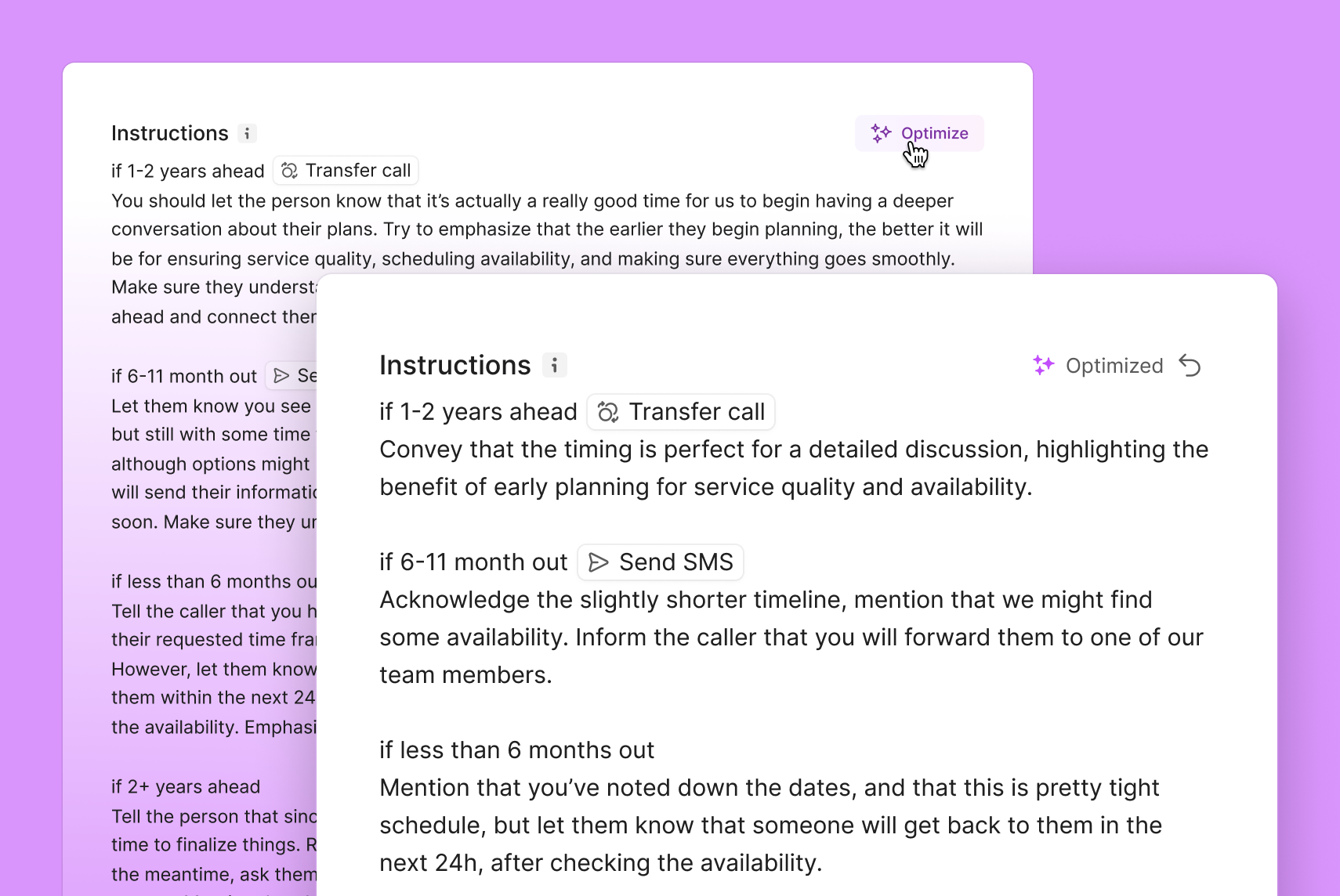 You’ll now see an "Optimize" button when editing job instructions. With one click, your instructions are optimized to be easier for Sona to follow, without changing your intent. This helps reduce configuration errors and leads to a smoother, more reliable experience.
[How to configure Sona's jobs.](https://support.quo.com/core-concepts/ai-automations/sona/jobs-configuration)
## Keyboard shortcuts and other improvements
You’ll now see an "Optimize" button when editing job instructions. With one click, your instructions are optimized to be easier for Sona to follow, without changing your intent. This helps reduce configuration errors and leads to a smoother, more reliable experience.
[How to configure Sona's jobs.](https://support.quo.com/core-concepts/ai-automations/sona/jobs-configuration)
## Keyboard shortcuts and other improvements
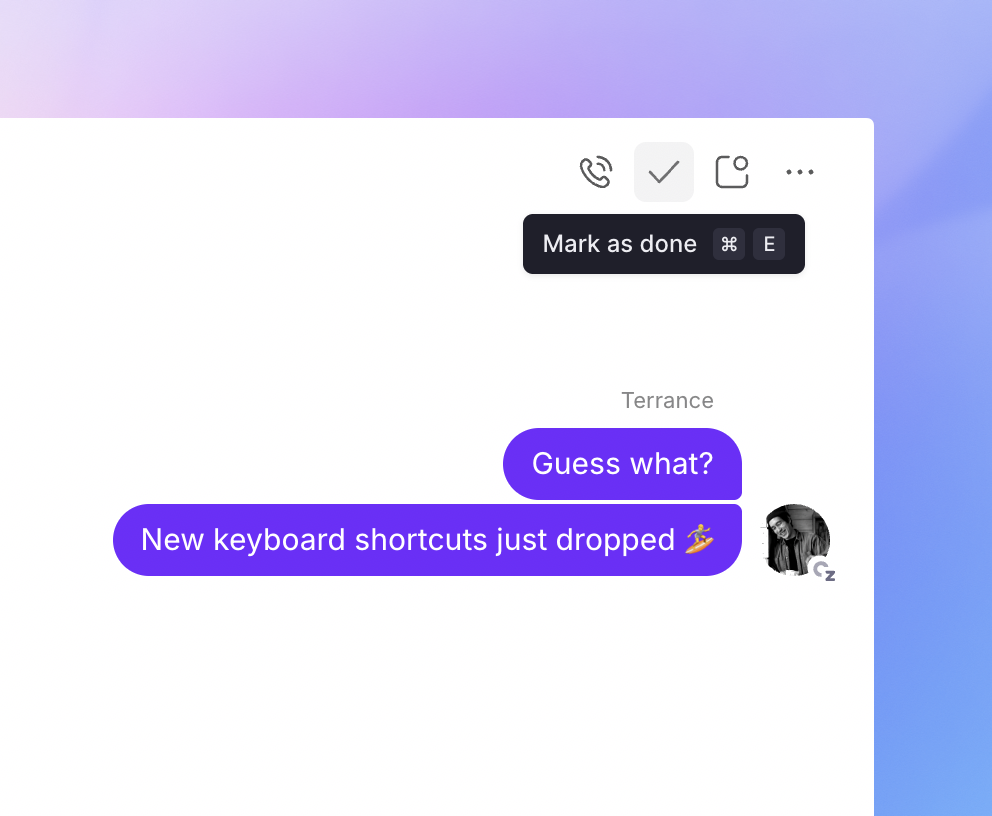 ### Speed through your inbox with keyboard shortcuts
Navigate Quo without lifting your hands from the keyboard. We've overhauled shortcuts with modifier prefix keys so actions trigger reliably — no more accidentally typing letters when you meant to mark a conversation as done.
Your new shortcuts:
### Speed through your inbox with keyboard shortcuts
Navigate Quo without lifting your hands from the keyboard. We've overhauled shortcuts with modifier prefix keys so actions trigger reliably — no more accidentally typing letters when you meant to mark a conversation as done.
Your new shortcuts:
- ⌘ + E (Mac) / Ctrl + E (Windows) — Mark conversation as done
- ⌘ + U (Mac) / Ctrl + U (Windows) — Mark conversation as read or unread
- ⌘ + I (Mac) / Ctrl + Shift + I (Windows) — Call the contact in focus
- Ctrl + C (Mac) / Alt + C (Windows) — Start a call from anywhere
- Ctrl + N (Mac) / Alt + N (Windows) — Start a new message from anywhere
- ⌘ + E (Mac) / Ctrl + E (Windows) — Mark conversation as done
- ⌘ + U (Mac) / Ctrl + U (Windows) — Mark conversation as read or unread
- ⌘ + I (Mac) / Ctrl + Shift + I (Windows) — Call the contact in focus
- Ctrl + C (Mac) / Alt + C (Windows) — Start a call from anywhere
- Ctrl + N (Mac) / Alt + N (Windows) — Start a new message from anywhere
- ⌘ + E (Mac) / Ctrl + E (Windows) — Mark conversation as done
- ⌘ + U (Mac) / Ctrl + U (Windows) — Mark conversation as read or unread
- ⌘ + I (Mac) / Ctrl + Shift + I (Windows) — Call the contact in focus
- Ctrl + C (Mac) / Alt + C (Windows) — Start a call from anywhere
- Ctrl + N (Mac) / Alt + N (Windows) — Start a new message from anywhere
- ⌘ + E (Mac) / Ctrl + E (Windows) — Mark conversation as done
- ⌘ + U (Mac) / Ctrl + U (Windows) — Mark conversation as read or unread
- ⌘ + I (Mac) / Ctrl + Shift + I (Windows) — Call the contact in focus
- Ctrl + C (Mac) / Alt + C (Windows) — Start a call from anywhere
- Ctrl + N (Mac) / Alt + N (Windows) — Start a new message from anywhere
Don't worry — your previous shortcuts still work while you adjust to the new ones.
### We also fixed:
### Scheduled messages now send reliably.
Messages scheduled more than 30 days in advance were getting stuck in "Pending" status and never sending. This is now fixed for all new and previously scheduled messages.
### Member search works as expected.
Typing a user's full name when adding them to a shared number now returns the correct results instead of showing nothing.
### Contact properties with long tag lists display properly.
Opening a contact property with many tags no longer causes the Quo UI to shift or appear broken. We also fixed an issue where adding new tags could accidentally clear all existing tags.
### Sona transfers calls smoothly.
Sona no longer gets stuck saying "I'm having trouble" when attempting to transfer calls in certain scenarios.
## Sona just got a lot better to talk to
### We’ve updated Sona’s speech model so conversations now feel smoother, faster, and more natural.
You’ll notice quicker replies, fewer pauses, and better accuracy, even in noisy environments. Whether your customers speak quickly, pause, or change direction mid-thought, Sona keeps up.
#### What’s new
* Smarter turn detection — Sona responds at the right moment for natural pacing
* Faster replies — conversations flow without lag or awkward pauses
* Better accuracy — improved speech recognition, even in challenging audio conditions
If you haven’t tried Sona yet, now’s the perfect time. [Learn how to setup Sona.](https://support.quo.com/core-concepts/ai-automations/sona/overview)
## HIPAA compliance
 ### You can now be HIPAA compliant on Quo Business and Scale plans.
Protect patient information without the enterprise price tag or complexity.
For healthcare providers and entities managing patient communications, you can use Quo to deliver HIPAA-compliant phone, and voicemail that protects PHI without the complexity or cost of traditional healthcare communication systems.
Business Associate Agreements (BAA) are available upon request. Please complete this Business Associate Agreements (BAA) are available upon request. Please complete this
if you would like to request a BAA.
## Bug fixes and improvements
### Better error handling when conversations won't load
If your conversations list fails to load, you'll now see a clear error message with a retry button instead of a blank screen. No more guessing what went wrong or how to fix it.
### Fixed: Tagging teammates by typing their name
Typing out a teammate's name to tag them (instead of selecting from suggestions) no longer shows "Deleted Entity". Your tags now work correctly whether you type or click.
### New alert when automation credits run low
You'll now see a banner across the top of Quo when your automation credits are running low or depleted, so you can top up before any workflows pause.
### Fixed: Emoji position in Sona transfer settings
Inbox emojis now appear in the correct spot when you're setting up transfer actions for Sona.
### Dyslexia-friendly font now in main settings
The dyslexia-friendly font option is now in your main Preferences section for easier access.
## Choose Sona’s tone to match your brand
### You can now be HIPAA compliant on Quo Business and Scale plans.
Protect patient information without the enterprise price tag or complexity.
For healthcare providers and entities managing patient communications, you can use Quo to deliver HIPAA-compliant phone, and voicemail that protects PHI without the complexity or cost of traditional healthcare communication systems.
Business Associate Agreements (BAA) are available upon request. Please complete this Business Associate Agreements (BAA) are available upon request. Please complete this
if you would like to request a BAA.
## Bug fixes and improvements
### Better error handling when conversations won't load
If your conversations list fails to load, you'll now see a clear error message with a retry button instead of a blank screen. No more guessing what went wrong or how to fix it.
### Fixed: Tagging teammates by typing their name
Typing out a teammate's name to tag them (instead of selecting from suggestions) no longer shows "Deleted Entity". Your tags now work correctly whether you type or click.
### New alert when automation credits run low
You'll now see a banner across the top of Quo when your automation credits are running low or depleted, so you can top up before any workflows pause.
### Fixed: Emoji position in Sona transfer settings
Inbox emojis now appear in the correct spot when you're setting up transfer actions for Sona.
### Dyslexia-friendly font now in main settings
The dyslexia-friendly font option is now in your main Preferences section for easier access.
## Choose Sona’s tone to match your brand
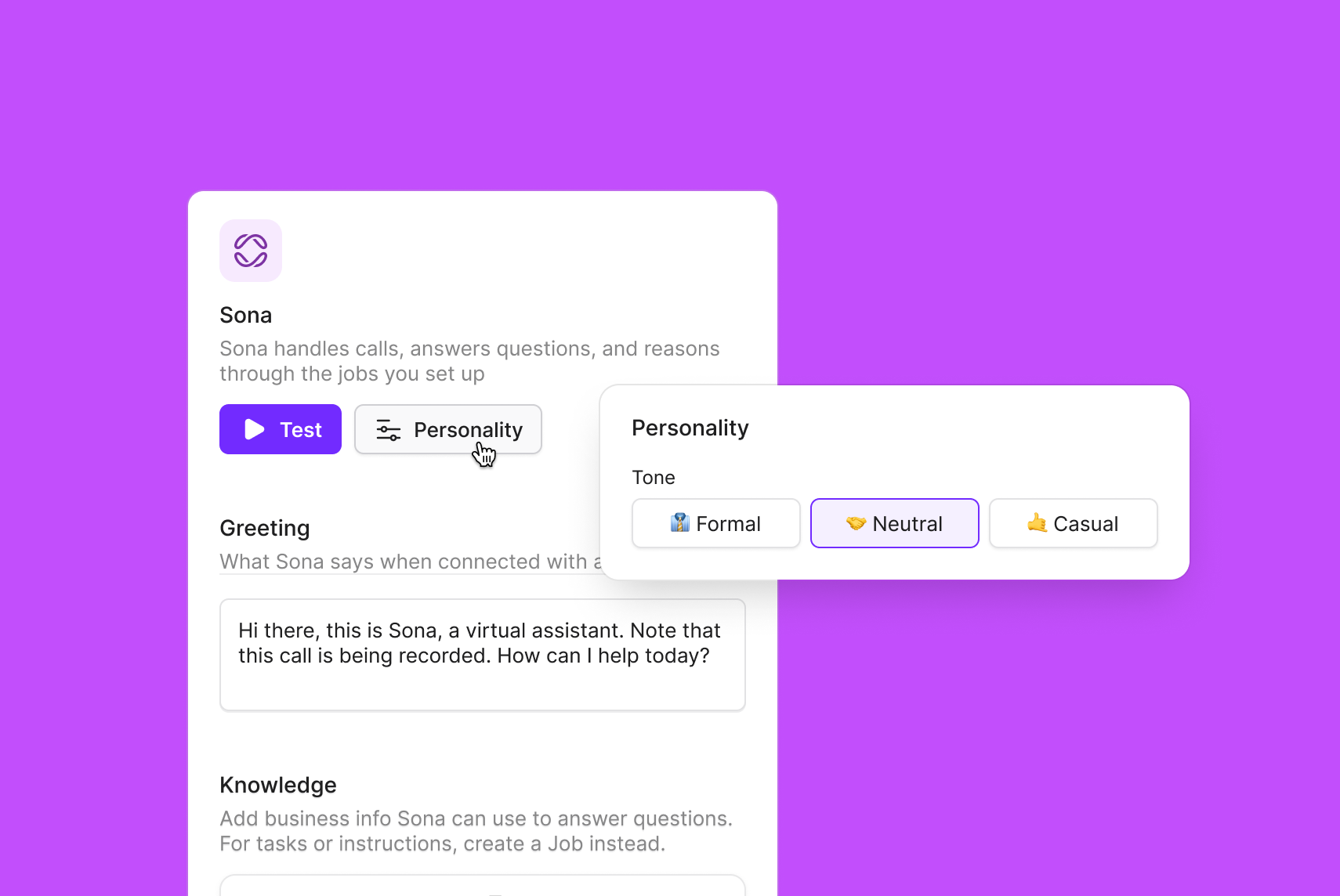 You can now set the tone of Sona’s responses — *Casual, Neutral, or Formal* — to better reflect your brand and create consistent, on-brand caller experiences.
Until now, Sona’s tone was fixed to a neutral, professional style. This update gives you more control over Sona's tone that's simple and predicatable.
**How it works:**
* Go to *Sona → Settings → Tone*
* Select from *Casual, Neutral, or Formal*
* Sona will automatically adapt its phrasing and style to match your choice across all interactions
## Send text messages during calls with Sona
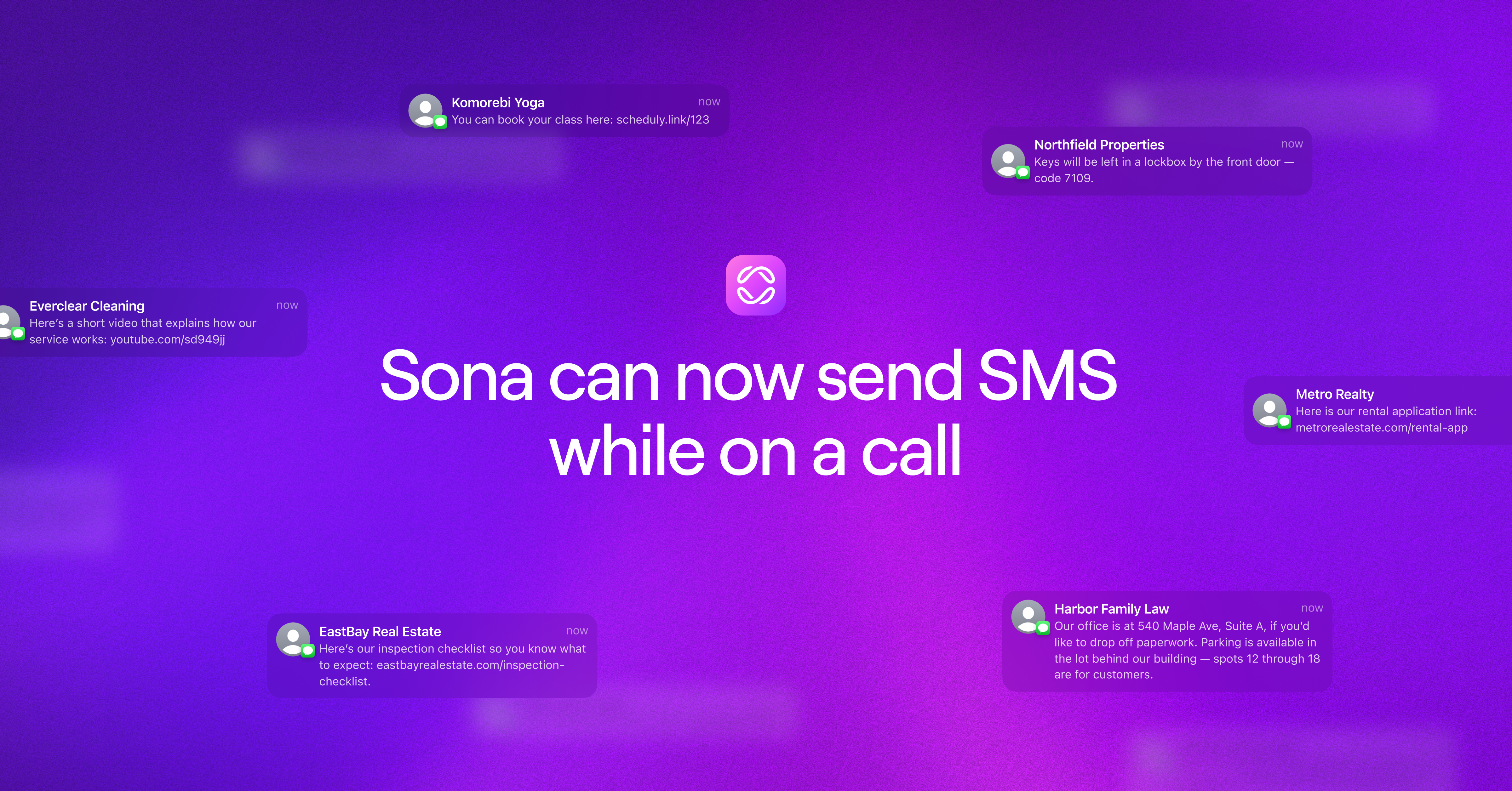
We’ve added a powerful new action to Sona: the ability to send text messages to callers while on a call. Now it's easy to give callers access to the information they need.
### How it works
* Add the new Send SMS action in your custom job flow
* Write the message you’d like to send, such as directions, information about your business, or a link to schedule an appointment.
* When triggered, Sona sends it while keeping the conversation going
This update helps make Sona an even more capable front-line solution for small businesses, with more actions on the way. [Learn more in our resource center](https://support.quo.com/core-concepts/ai-automations/sona/actions).
## Bug fixes and improvements
We've made several behind-the-scenes improvements to make your experience smoother and more reliable.
### New messages now appear instantly:
Your "Open" conversations tab now updates in real-time when new messages arrive. No more toggling between tabs to see the latest activity — especially helpful for Windows app users who were most affected by this issue.
### Messages and calls sync seamlessly across all your devices:
We've resolved sync issues that were preventing activities from appearing consistently across devices. Whether you're switching between your phone, computer, or tablet, your conversations now stay perfectly in sync.
### Your preferred inbox stays selected:
Opening the app now reliably shows the inbox you were last using. No more random inbox switches when you return to Quo.
### Inbox order stays consistent everywhere:
Your carefully arranged inbox order now matches perfectly between your iOS app and web browser. Set it once, see it everywhere.
### Smarter call forwarding:
We've fixed an issue where an inbox could accidentally forward calls back to itself, preventing those circular routing loops that left customers stuck.
These improvements are live now across all Quo apps. No action needed on your end.
## Quo MCP Beta: Connect Quo to Claude or ChatGPT
You can now set the tone of Sona’s responses — *Casual, Neutral, or Formal* — to better reflect your brand and create consistent, on-brand caller experiences.
Until now, Sona’s tone was fixed to a neutral, professional style. This update gives you more control over Sona's tone that's simple and predicatable.
**How it works:**
* Go to *Sona → Settings → Tone*
* Select from *Casual, Neutral, or Formal*
* Sona will automatically adapt its phrasing and style to match your choice across all interactions
## Send text messages during calls with Sona

We’ve added a powerful new action to Sona: the ability to send text messages to callers while on a call. Now it's easy to give callers access to the information they need.
### How it works
* Add the new Send SMS action in your custom job flow
* Write the message you’d like to send, such as directions, information about your business, or a link to schedule an appointment.
* When triggered, Sona sends it while keeping the conversation going
This update helps make Sona an even more capable front-line solution for small businesses, with more actions on the way. [Learn more in our resource center](https://support.quo.com/core-concepts/ai-automations/sona/actions).
## Bug fixes and improvements
We've made several behind-the-scenes improvements to make your experience smoother and more reliable.
### New messages now appear instantly:
Your "Open" conversations tab now updates in real-time when new messages arrive. No more toggling between tabs to see the latest activity — especially helpful for Windows app users who were most affected by this issue.
### Messages and calls sync seamlessly across all your devices:
We've resolved sync issues that were preventing activities from appearing consistently across devices. Whether you're switching between your phone, computer, or tablet, your conversations now stay perfectly in sync.
### Your preferred inbox stays selected:
Opening the app now reliably shows the inbox you were last using. No more random inbox switches when you return to Quo.
### Inbox order stays consistent everywhere:
Your carefully arranged inbox order now matches perfectly between your iOS app and web browser. Set it once, see it everywhere.
### Smarter call forwarding:
We've fixed an issue where an inbox could accidentally forward calls back to itself, preventing those circular routing loops that left customers stuck.
These improvements are live now across all Quo apps. No action needed on your end.
## Quo MCP Beta: Connect Quo to Claude or ChatGPT
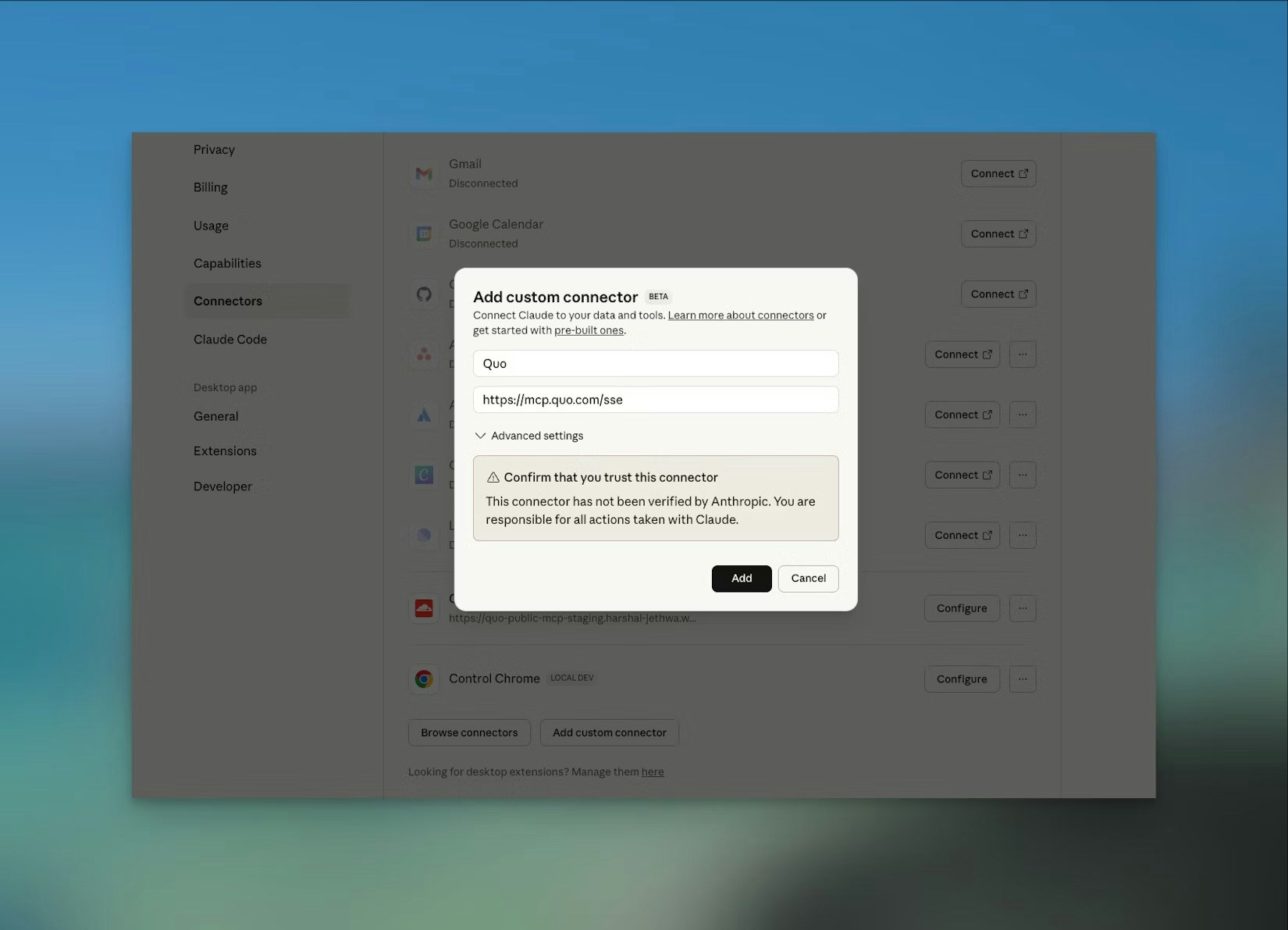 We’re experimenting with a new way to connect Quo to external AI platforms like ChatGPT and Claude. The Model Context Protocol (MCP) Beta lets you securely access your Quo data, such as messages, contacts, and call transcripts, directly from your favorite AI assistant.
[Learn more in our resource center.](https://support.quo.com/core-concepts/integrations/mcp#how-it-works)
⚠️ Note that this is an experimental feature not covered under HIPAA or official connector agreements. Use it for exploration only.
## Bug fixes and improvements
We've been making improvements to smooth out your experience with Quo. Here's what we've fixed to make things work better for you:
### Choose the right number, every time:
When calling a contact with multiple phone numbers, you can now select which number to dial instead of automatically calling the first one. No more accidental calls to the wrong line.
### Hang up without reaching for your mouse:
There is a new keyboard shortcut (⇧ ⌘ H) to hang up active calls. The shortcut now shows in a tooltip so you'll always remember it.
### Groups no longer multiply:
We've fixed a bug where creating a new group in Workspace settings was showing up twice in the list.
### Smoother Jobber reconnection for mobile users:
If you previously used our Jobber integration through Paragon, you'll now see a banner in the mobile app guiding you to reconnect using our native Jobber integration.
### iPad app back in action:
We resolved an issue where the iPad app wasn't displaying conversations, navigation, or other UI elements.
### Streamlined iOS sign up:
Our Universal login flow now handles all sign ups on iOS, making it faster and easier to get started.
### Better phone menu setup:
A helpful reminder in the Call flow builder that prompts you to mention voice-triggered keywords in your phone menu greetings. Small detail, big difference.
As always, we're listening. If you run into any issues or have ideas for how we can make Quo even better, reach out to our team.
## New color blind assistive themes
We’re experimenting with a new way to connect Quo to external AI platforms like ChatGPT and Claude. The Model Context Protocol (MCP) Beta lets you securely access your Quo data, such as messages, contacts, and call transcripts, directly from your favorite AI assistant.
[Learn more in our resource center.](https://support.quo.com/core-concepts/integrations/mcp#how-it-works)
⚠️ Note that this is an experimental feature not covered under HIPAA or official connector agreements. Use it for exploration only.
## Bug fixes and improvements
We've been making improvements to smooth out your experience with Quo. Here's what we've fixed to make things work better for you:
### Choose the right number, every time:
When calling a contact with multiple phone numbers, you can now select which number to dial instead of automatically calling the first one. No more accidental calls to the wrong line.
### Hang up without reaching for your mouse:
There is a new keyboard shortcut (⇧ ⌘ H) to hang up active calls. The shortcut now shows in a tooltip so you'll always remember it.
### Groups no longer multiply:
We've fixed a bug where creating a new group in Workspace settings was showing up twice in the list.
### Smoother Jobber reconnection for mobile users:
If you previously used our Jobber integration through Paragon, you'll now see a banner in the mobile app guiding you to reconnect using our native Jobber integration.
### iPad app back in action:
We resolved an issue where the iPad app wasn't displaying conversations, navigation, or other UI elements.
### Streamlined iOS sign up:
Our Universal login flow now handles all sign ups on iOS, making it faster and easier to get started.
### Better phone menu setup:
A helpful reminder in the Call flow builder that prompts you to mention voice-triggered keywords in your phone menu greetings. Small detail, big difference.
As always, we're listening. If you run into any issues or have ideas for how we can make Quo even better, reach out to our team.
## New color blind assistive themes
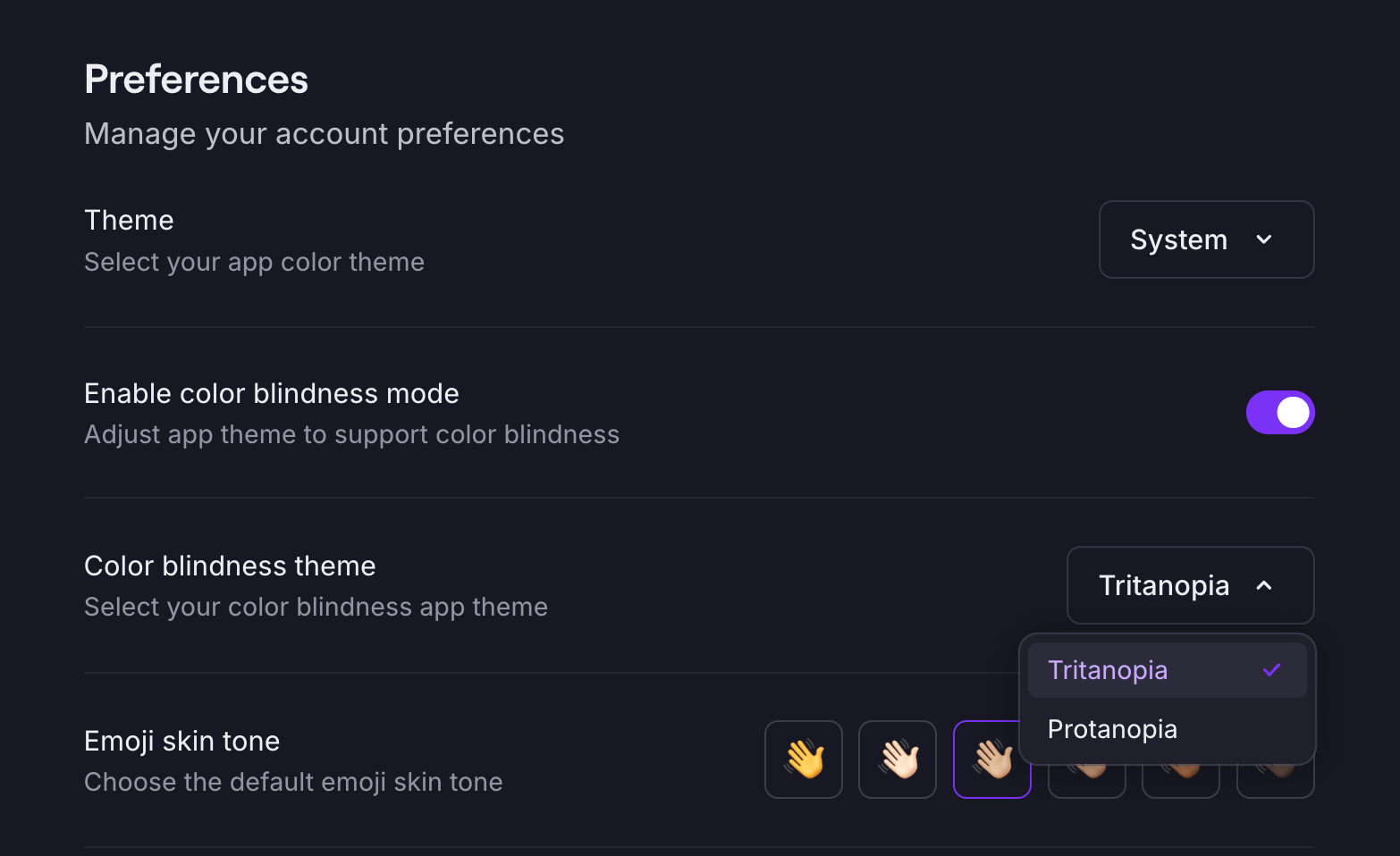 We’re excited to introduce two new color blind assistive themes — designed to make our product more inclusive and accessible for everyone.
Starting today, customers can enable these themes from the Preferences → Appearance settings. The new options are tailored to support users with Tritanopia and Protanopia, helping improve clarity across:
* UI elements and buttons
* Charts and data visualizations
* Status indicators and alerts
This update is part of our ongoing commitment to accessibility — ensuring every user can navigate, analyze, and take action with confidence.
## Improved microphone access
We've rebuilt how Quo handles microphone permissions on web and desktop. If you've ever experienced one-way audio or seen confusing error messages during calls, this update fixes that.
### What's new:
* Reliable microphone access — The app requests and manages your mic properly, so calls start without issues
* Clear error messages — When something goes wrong, you'll see exactly what's happening and how to fix it
* Built-in troubleshooting — Step-by-step guidance appears right in the app, with a direct link to our Help Center for additional support
This update ensures your microphone works every time, so you can focus on the conversation instead of troubleshooting your audio.
We’re excited to introduce two new color blind assistive themes — designed to make our product more inclusive and accessible for everyone.
Starting today, customers can enable these themes from the Preferences → Appearance settings. The new options are tailored to support users with Tritanopia and Protanopia, helping improve clarity across:
* UI elements and buttons
* Charts and data visualizations
* Status indicators and alerts
This update is part of our ongoing commitment to accessibility — ensuring every user can navigate, analyze, and take action with confidence.
## Improved microphone access
We've rebuilt how Quo handles microphone permissions on web and desktop. If you've ever experienced one-way audio or seen confusing error messages during calls, this update fixes that.
### What's new:
* Reliable microphone access — The app requests and manages your mic properly, so calls start without issues
* Clear error messages — When something goes wrong, you'll see exactly what's happening and how to fix it
* Built-in troubleshooting — Step-by-step guidance appears right in the app, with a direct link to our Help Center for additional support
This update ensures your microphone works every time, so you can focus on the conversation instead of troubleshooting your audio.
 ## OpenPhone is now Quo
Today, we're sharing some exciting news: **OpenPhone has a new name — Quo.** Same platform you know and love. New name that better reflects where we're headed.
## Why the change?
We're doubling down on the phone system and redefining what it can do. Quo represents our commitment to helping growing businesses scale what matters most: building deeper customer relationships.
## What stays the same
Everything you rely on — your phone numbers, your conversations, your team setup — stays exactly the same. We're just getting a new name and a fresh look.
## What's changing
The name reflects our bigger mission: helping you turn every customer interaction into an opportunity. Whether you're answering a call, following up on a lead, or resolving an issue, Quo makes it easier to deliver experiences that go far beyond their expectations. This change is not about leaving the phone behind. It's about bringing the phone, and all business communication, out of the stone age. Even though our name has changed, what matters to us hasn’t. We are still obsessed with building great products that help our customers grow their businesses.
Nothing changes in your day-to-day experience. But everything changes in terms of what we're building toward: a platform that helps growing businesses deliver standout customer experiences while staying focused on what matters most.
Welcome to Quo.
## A cleaner, fresher app experience
We've given Quo's desktop and web app a subtle refresh to improve your everyday experience and make it more intuitive.
### What's changed:
The main workspace now has clearer definition and better visual hierarchy. Banners sit naturally at the top without disrupting your workflow. And the interface feels more polished overall with small touches that add up to a noticeably better experience.
### Why it matters:
This update sets the foundation for what's next. We're building a more flexible system that will make it easier to introduce new capabilities down the road, all while keeping Quo fast and focused on what matters: your customer conversations.
## Call hold now available on Starter plan
Call hold is now available on all OpenPhone plans, including Starter. Previously only available on Business and Enterprise plans, this professional calling feature is now accessible to teams of all sizes.
No more awkward silences or rushed calls. Put customers on hold professionally while you consult with team members, look up information, or handle other tasks. OpenPhone automatically plays hold music to keep callers engaged during the pause.
**Ready to try it?**
[Learn more about call hold -->](https://support.quo.com/core-concepts/calling/call-hold#call-hold)
## Transfer calls from Sona to your team
## OpenPhone is now Quo
Today, we're sharing some exciting news: **OpenPhone has a new name — Quo.** Same platform you know and love. New name that better reflects where we're headed.
## Why the change?
We're doubling down on the phone system and redefining what it can do. Quo represents our commitment to helping growing businesses scale what matters most: building deeper customer relationships.
## What stays the same
Everything you rely on — your phone numbers, your conversations, your team setup — stays exactly the same. We're just getting a new name and a fresh look.
## What's changing
The name reflects our bigger mission: helping you turn every customer interaction into an opportunity. Whether you're answering a call, following up on a lead, or resolving an issue, Quo makes it easier to deliver experiences that go far beyond their expectations. This change is not about leaving the phone behind. It's about bringing the phone, and all business communication, out of the stone age. Even though our name has changed, what matters to us hasn’t. We are still obsessed with building great products that help our customers grow their businesses.
Nothing changes in your day-to-day experience. But everything changes in terms of what we're building toward: a platform that helps growing businesses deliver standout customer experiences while staying focused on what matters most.
Welcome to Quo.
## A cleaner, fresher app experience
We've given Quo's desktop and web app a subtle refresh to improve your everyday experience and make it more intuitive.
### What's changed:
The main workspace now has clearer definition and better visual hierarchy. Banners sit naturally at the top without disrupting your workflow. And the interface feels more polished overall with small touches that add up to a noticeably better experience.
### Why it matters:
This update sets the foundation for what's next. We're building a more flexible system that will make it easier to introduce new capabilities down the road, all while keeping Quo fast and focused on what matters: your customer conversations.
## Call hold now available on Starter plan
Call hold is now available on all OpenPhone plans, including Starter. Previously only available on Business and Enterprise plans, this professional calling feature is now accessible to teams of all sizes.
No more awkward silences or rushed calls. Put customers on hold professionally while you consult with team members, look up information, or handle other tasks. OpenPhone automatically plays hold music to keep callers engaged during the pause.
**Ready to try it?**
[Learn more about call hold -->](https://support.quo.com/core-concepts/calling/call-hold#call-hold)
## Transfer calls from Sona to your team
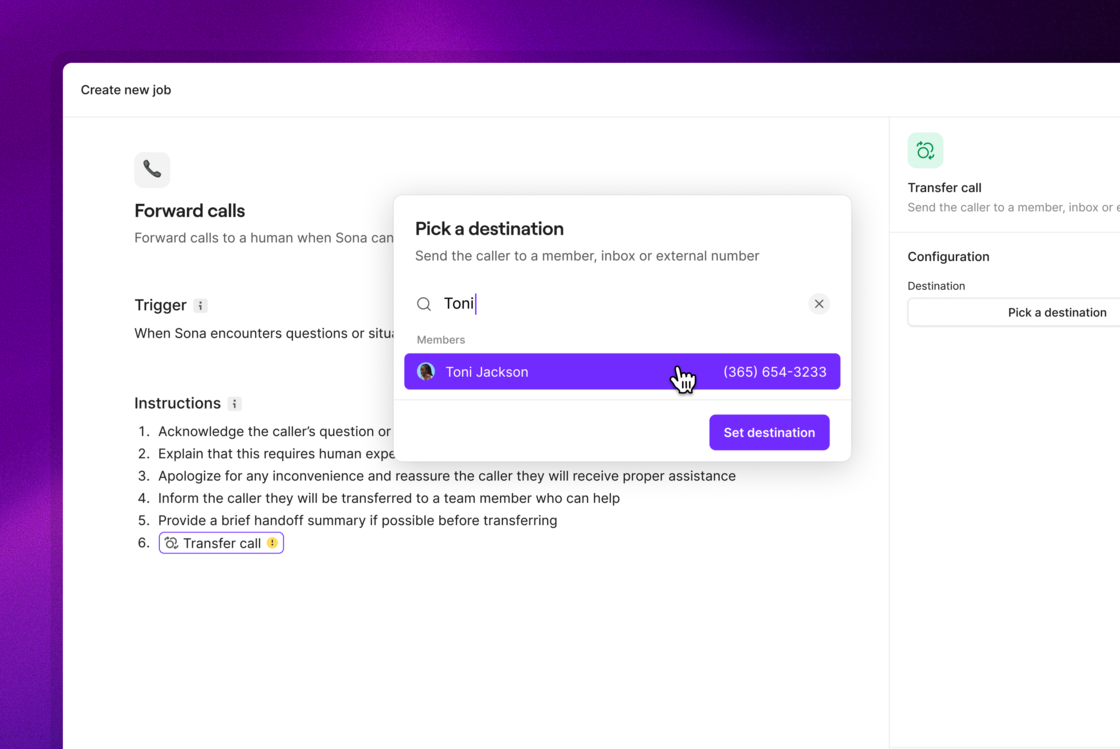 Sona can now transfer calls to the right teammate whenever human support is needed. Whether a caller is asking for a specific department or person, or Sona can’t answer their question, you decide when and where calls should be routed — Sona takes care of the rest.
 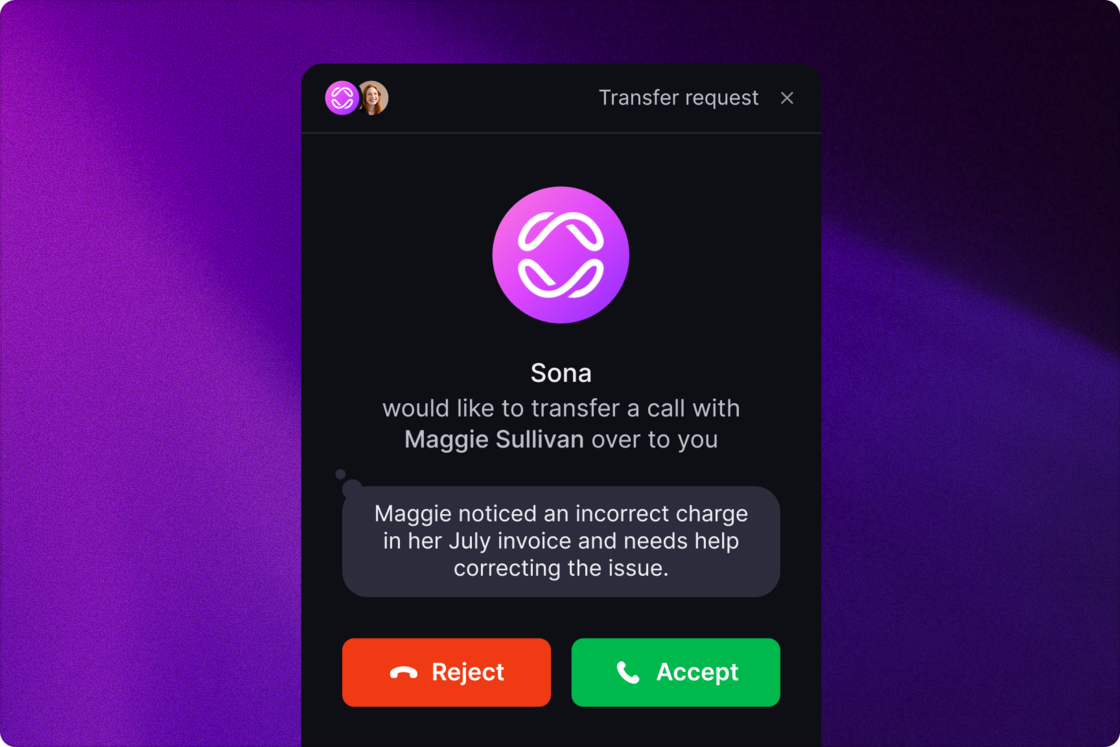 [See how it works](https://support.quo.com/core-concepts/ai-automations/sona/jobs-configuration)
## Control how Sona responds in different situations
[See how it works](https://support.quo.com/core-concepts/ai-automations/sona/jobs-configuration)
## Control how Sona responds in different situations
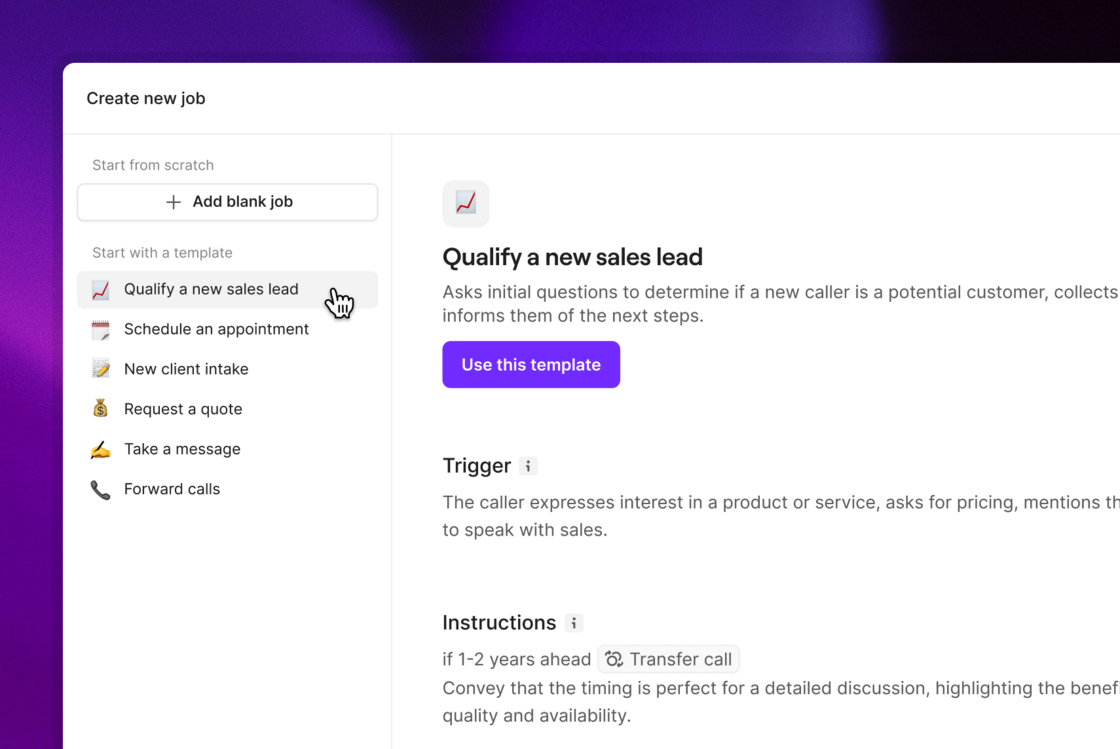 Ensure every caller gets the right answer. Create custom instructions for scenarios like lead qualification, cancellations, or appointment booking. Sona will detect intent and handle the call exactly how you want.
To make it easy, we’ve added templates for the most common scenarios, so you can start in minutes and tweak as you go.
[Learn more](https://support.quo.com/core-concepts/ai-automations/sona/overview)
## Create multiple call flows, and switch back and forth easily
Ensure every caller gets the right answer. Create custom instructions for scenarios like lead qualification, cancellations, or appointment booking. Sona will detect intent and handle the call exactly how you want.
To make it easy, we’ve added templates for the most common scenarios, so you can start in minutes and tweak as you go.
[Learn more](https://support.quo.com/core-concepts/ai-automations/sona/overview)
## Create multiple call flows, and switch back and forth easily
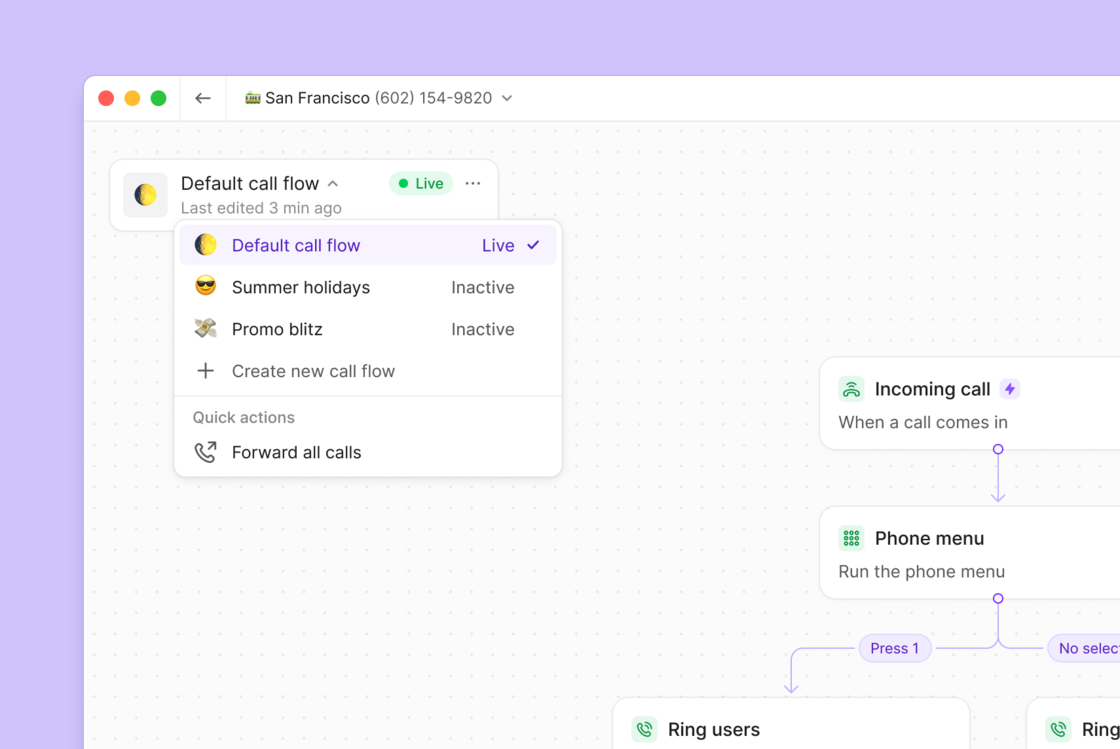 Manually changing your call routing for specific occasions (e.g. holidays, campaigns, short-term staffing changes) used to mean extra work to change it back, often resulting in not bothering to update it at all.
Now you can create multiple routing setups, making it easy to switch back and forth for things like holidays.
**Key Benefits:**
* Create multiple call flows for different scenarios (holidays, promotions, events)
* Switch between call flows instantly when plans change
[Learn more](https://support.quo.com/core-concepts/administration/call-flows/overview#multiple-call-flows)
## Improved navigation for call flow building
Manually changing your call routing for specific occasions (e.g. holidays, campaigns, short-term staffing changes) used to mean extra work to change it back, often resulting in not bothering to update it at all.
Now you can create multiple routing setups, making it easy to switch back and forth for things like holidays.
**Key Benefits:**
* Create multiple call flows for different scenarios (holidays, promotions, events)
* Switch between call flows instantly when plans change
[Learn more](https://support.quo.com/core-concepts/administration/call-flows/overview#multiple-call-flows)
## Improved navigation for call flow building
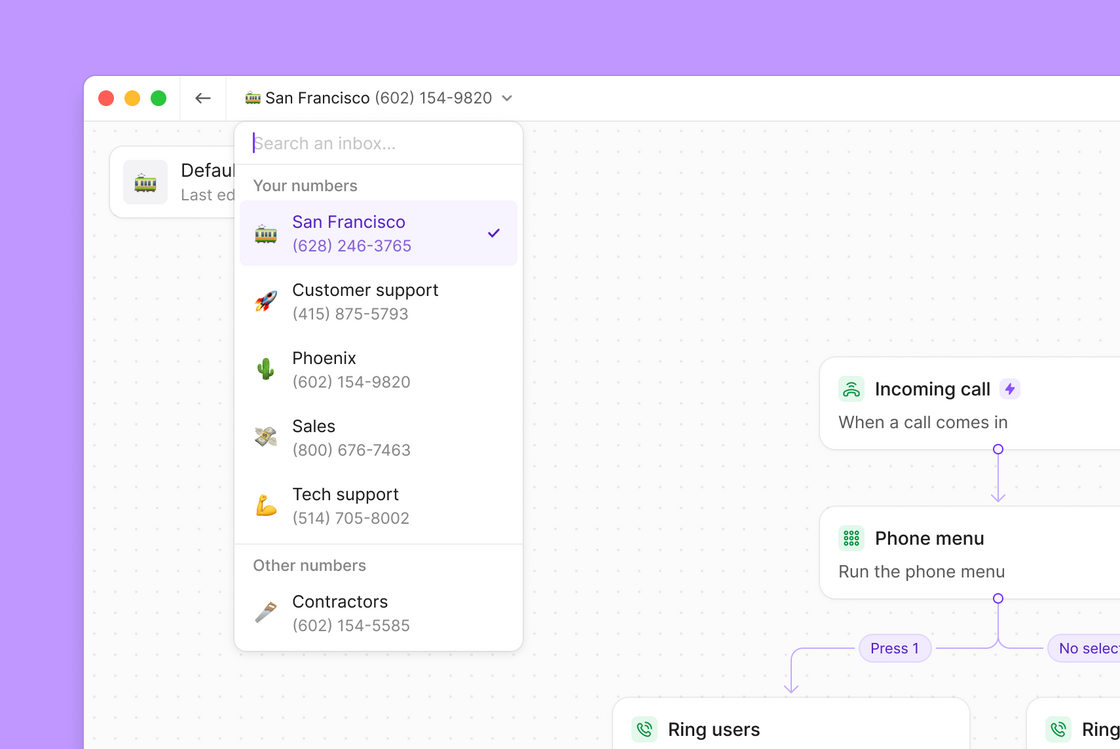 Building call flows just got a whole lot smoother. We've improved the **call flow builder** to keep you focused on creating great customer experiences, not navigating between pages.
* **Switch inboxes without leaving the builder**: Change inboxes directly from the call flow builder with built-in search. No more bouncing back to settings pages to make simple changes. Your numbers and shared numbers are now clearly organized so you can find what you need instantly.
* **See call flow details at a glance**: A sleek floating card shows you everything about your current call flow — emoji, name, status, and when it was last edited. This is also your new home for switching between call flows without losing your place.
Ready to build better call flows faster? Head to your call flow builder and see the improvements in action.
## Build cleaner call flows with the Go-to Step feature
We're releasing an improvement to the **Call Flow Builder** that lets you connect one part of the menu to another step anywhere in the menu — eliminating duplicate steps and streamlining your call flow setup.
Building call flows just got a whole lot smoother. We've improved the **call flow builder** to keep you focused on creating great customer experiences, not navigating between pages.
* **Switch inboxes without leaving the builder**: Change inboxes directly from the call flow builder with built-in search. No more bouncing back to settings pages to make simple changes. Your numbers and shared numbers are now clearly organized so you can find what you need instantly.
* **See call flow details at a glance**: A sleek floating card shows you everything about your current call flow — emoji, name, status, and when it was last edited. This is also your new home for switching between call flows without losing your place.
Ready to build better call flows faster? Head to your call flow builder and see the improvements in action.
## Build cleaner call flows with the Go-to Step feature
We're releasing an improvement to the **Call Flow Builder** that lets you connect one part of the menu to another step anywhere in the menu — eliminating duplicate steps and streamlining your call flow setup.
 With the ability to connect a step in one branch of a workflow to a step in another branch, you can do things such as share voicemails across different hours or direct multiple menu options to the same ring group. This makes your flows cleaner, faster to build, and easier to manage.
* **Repeat shared steps across business hours** — e.g., use the same phone menu or voicemail, including Sona, after hours without rebuilding it.
* **Create a multi-level phone menu experience** — e.g., option 3 in a phone menu can go to the same submenu used in option 2.
* **Clean up messy call flows** — point multiple fallback paths to a central voicemail or ring group.
The new **Go-to Step** feature in Call Flow Builder simplifies and speeds up your call flow setup.
[Learn how to use the Go-to step feature.](https://support.quo.com/core-concepts/administration/call-flows/go-to-step)
Before getting started with these new features, make sure you're on the latest version of our web/desktop app: OpenPhone 1.120.0 Desktop 4.0.32. Still running into issues updating the app? Try a hard refresh to make sure you’re on the latest version.
## Build smart call routing with multi-level phone menus
No one likes sitting through a list of 10 menu options when they call someone. **Multi-level phone menus** let you create layered, interactive menus that help callers get to the right destination, fast.
With the ability to connect a step in one branch of a workflow to a step in another branch, you can do things such as share voicemails across different hours or direct multiple menu options to the same ring group. This makes your flows cleaner, faster to build, and easier to manage.
* **Repeat shared steps across business hours** — e.g., use the same phone menu or voicemail, including Sona, after hours without rebuilding it.
* **Create a multi-level phone menu experience** — e.g., option 3 in a phone menu can go to the same submenu used in option 2.
* **Clean up messy call flows** — point multiple fallback paths to a central voicemail or ring group.
The new **Go-to Step** feature in Call Flow Builder simplifies and speeds up your call flow setup.
[Learn how to use the Go-to step feature.](https://support.quo.com/core-concepts/administration/call-flows/go-to-step)
Before getting started with these new features, make sure you're on the latest version of our web/desktop app: OpenPhone 1.120.0 Desktop 4.0.32. Still running into issues updating the app? Try a hard refresh to make sure you’re on the latest version.
## Build smart call routing with multi-level phone menus
No one likes sitting through a list of 10 menu options when they call someone. **Multi-level phone menus** let you create layered, interactive menus that help callers get to the right destination, fast.
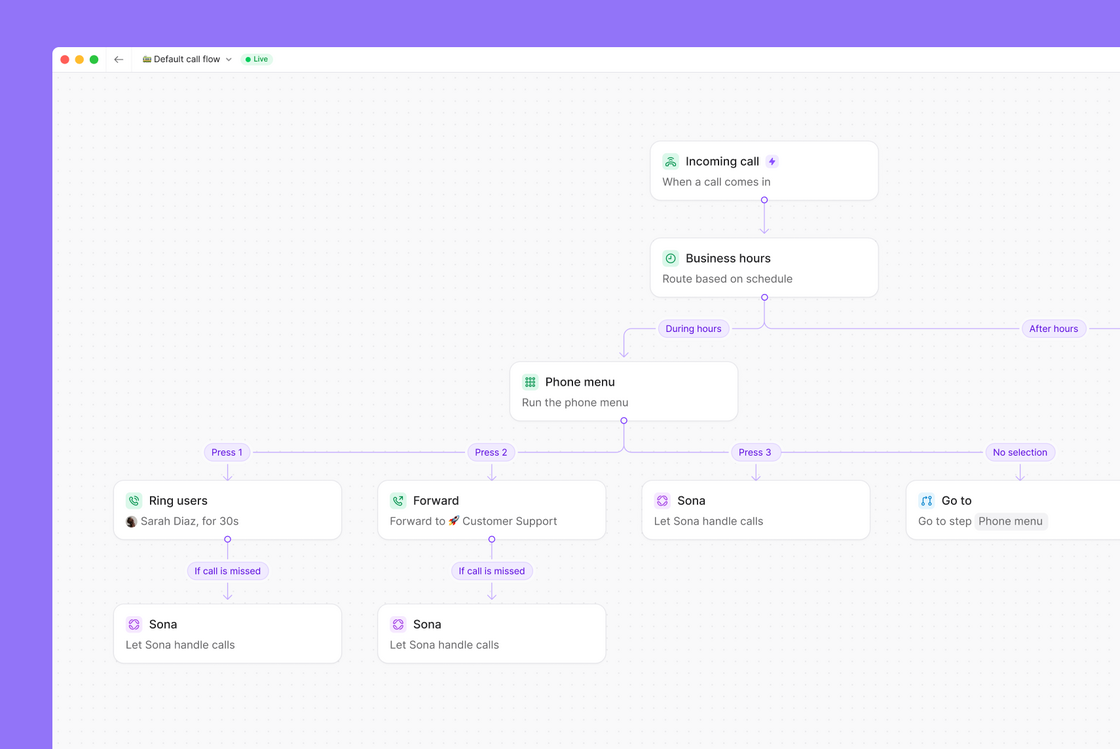 Whether they need sales, support, or a specific team member, callers can reach their destination without requiring a human receptionist or navigating through a long list of options.
Create sophisticated call flows with features like:
* Nested menus (e.g., "Press 1 for Sales → Press 2 for East Coast Team")
* Department or team selection
* Language preferences
* Location-based routing
* Business hours or availability-based flows
Each menu option can route to another menu, person, group, or even Sona — giving you complete control over the caller experience.
Available on the Business and Scale plans.
[Learn how to use call flow builder to build a multi-level phone menu.](https://support.quo.com/core-concepts/administration/call-flows/phone-menu#multi-level-menus)
Before getting started with these new features, make sure you're on the latest version of our web/desktop app: OpenPhone 1.120.0 Desktop 4.0.32. Still running into issues updating the app? Try a hard refresh to make sure you’re on the latest version.
## Automatically protect your business calls from spam labels
Now when you set up your new OpenPhone account and complete the US Carrier Registration form, we'll automatically register your phone numbers with industry partners. This helps ensure that when you call your customers, your calls won't be incorrectly flagged as ‘spam’ or ‘scam likely’ by major US carriers.
* **For new US customers (July 16, 2025 and later):** Voice protection is automatic once you complete US Carrier Registration.
* **For existing customers:** Continue using the Free Caller Registry in your Trust Center settings.
* **For Canadian customers:** We recommend registering with [Hiya](https://hiyahelp.zendesk.com/hc/en-us/p/request_hub) for spam protection.
## Try Sona free for 7 days
Whether they need sales, support, or a specific team member, callers can reach their destination without requiring a human receptionist or navigating through a long list of options.
Create sophisticated call flows with features like:
* Nested menus (e.g., "Press 1 for Sales → Press 2 for East Coast Team")
* Department or team selection
* Language preferences
* Location-based routing
* Business hours or availability-based flows
Each menu option can route to another menu, person, group, or even Sona — giving you complete control over the caller experience.
Available on the Business and Scale plans.
[Learn how to use call flow builder to build a multi-level phone menu.](https://support.quo.com/core-concepts/administration/call-flows/phone-menu#multi-level-menus)
Before getting started with these new features, make sure you're on the latest version of our web/desktop app: OpenPhone 1.120.0 Desktop 4.0.32. Still running into issues updating the app? Try a hard refresh to make sure you’re on the latest version.
## Automatically protect your business calls from spam labels
Now when you set up your new OpenPhone account and complete the US Carrier Registration form, we'll automatically register your phone numbers with industry partners. This helps ensure that when you call your customers, your calls won't be incorrectly flagged as ‘spam’ or ‘scam likely’ by major US carriers.
* **For new US customers (July 16, 2025 and later):** Voice protection is automatic once you complete US Carrier Registration.
* **For existing customers:** Continue using the Free Caller Registry in your Trust Center settings.
* **For Canadian customers:** We recommend registering with [Hiya](https://hiyahelp.zendesk.com/hc/en-us/p/request_hub) for spam protection.
## Try Sona free for 7 days
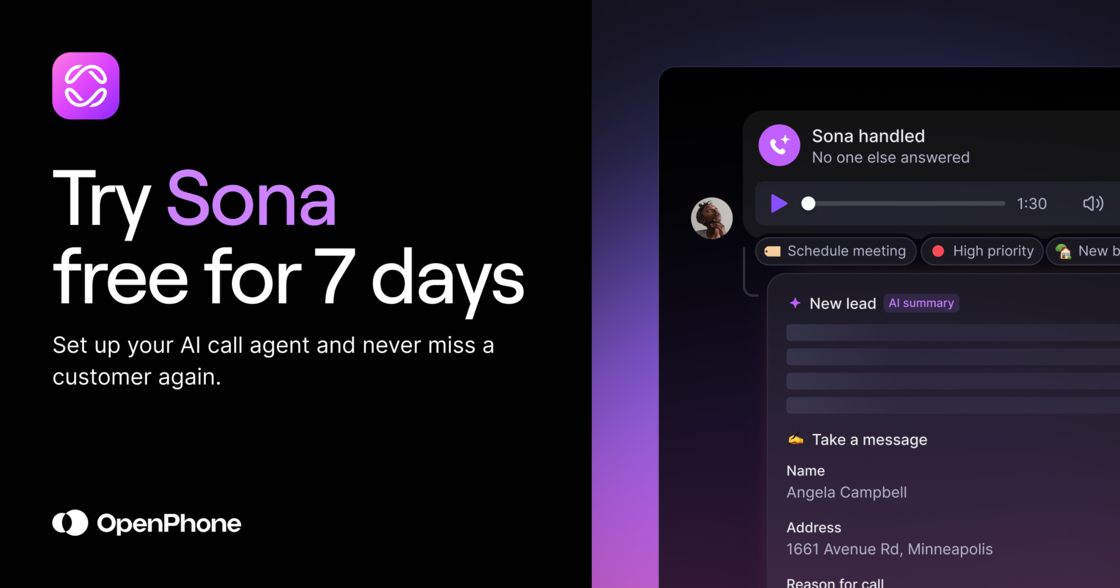 Sona, our AI phone agent, now comes with a 7-day free trial. Sona answers every call, responds instantly, and captures key information so you never miss a lead or have to rely on an expensive answering service.
[Start a free Sona trial](https://my.quo.com/sona)
## Stay compliant with automatic call recording notifications
Sona, our AI phone agent, now comes with a 7-day free trial. Sona answers every call, responds instantly, and captures key information so you never miss a lead or have to rely on an expensive answering service.
[Start a free Sona trial](https://my.quo.com/sona)
## Stay compliant with automatic call recording notifications
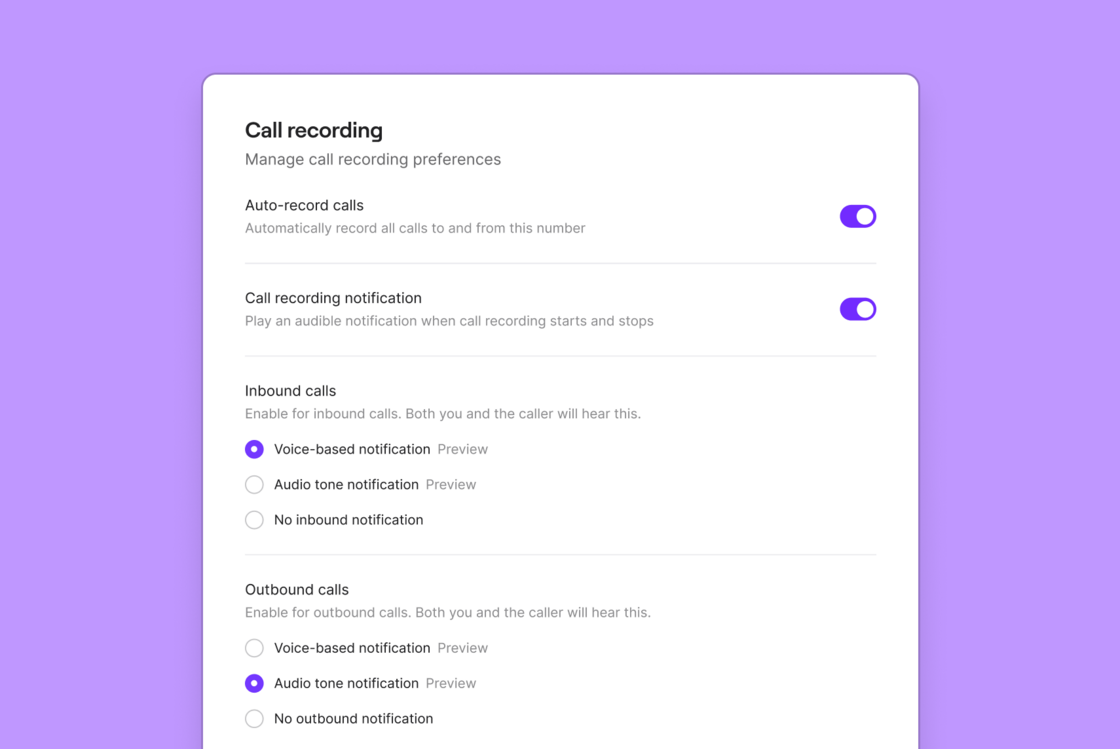 We’ve made it easy to disclose when calls are being recorded for compliance reasons.
Built right into the call recording area, you can opt in to call recording notifications — (Settings > Phone numbers > Call assistant > Auto record calls)
You have the option to either:
* **Automatically play** a disclosure message when call recording begins.
* **Play an audio prompt** that both parties hear, reminding you to disclose that your call is being recorded.
**Customize your call recording notification:**
* Toggle this feature on or off — If you toggle it off, you will see a disclaimer that you may be at risk for compliance.
* Use separate settings for inbound and outbound calls so you can customize what works best for you.
* Choose to automatically play a prompt when call recording is manually turned on or off during a call.
This update removes the burden of understanding different recording laws from your shoulders, reducing your legal exposure while simplifying your workflow.
[Learn how to notify callers that a call is being recorded.](https://support.quo.com/core-concepts/calling/call-recording#legal-compliance-notifications)
## Get Sona up and running faster
We’ve made it easy to disclose when calls are being recorded for compliance reasons.
Built right into the call recording area, you can opt in to call recording notifications — (Settings > Phone numbers > Call assistant > Auto record calls)
You have the option to either:
* **Automatically play** a disclosure message when call recording begins.
* **Play an audio prompt** that both parties hear, reminding you to disclose that your call is being recorded.
**Customize your call recording notification:**
* Toggle this feature on or off — If you toggle it off, you will see a disclaimer that you may be at risk for compliance.
* Use separate settings for inbound and outbound calls so you can customize what works best for you.
* Choose to automatically play a prompt when call recording is manually turned on or off during a call.
This update removes the burden of understanding different recording laws from your shoulders, reducing your legal exposure while simplifying your workflow.
[Learn how to notify callers that a call is being recorded.](https://support.quo.com/core-concepts/calling/call-recording#legal-compliance-notifications)
## Get Sona up and running faster
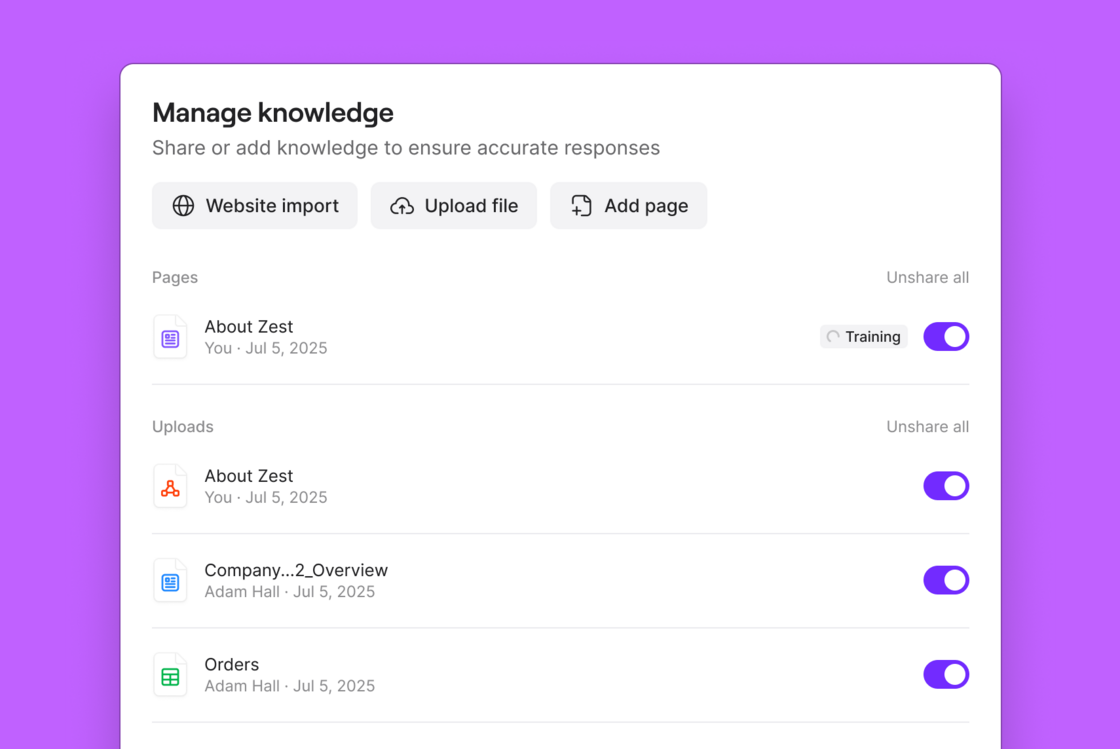 You can now upload files or import content from your website to quickly train Sona on your business. Just add a URL or upload your docs, and Sona will build a knowledge base automatically.
From pricing pages to product FAQs, Sona can now learn from the materials you already have, so it’s ready to answer calls from day one.
* **Website import** – Add a URL and Sona will pull in content from your site to populate its knowledge base.
* **Document upload** – Upload PDFs, plain text, CSVs, and more to help Sona respond with accurate, informed answers.
* Supported file types: JSON, PDF, CSV, Markdown, plain text
* Upload limit: 10MB per file
Once imported, you can review and fine-tune the knowledge page Sona creates before it goes live.
[How to train Sona to answer questions and take messages →](https://support.quo.com/core-concepts/ai-automations/sona/knowledge)
## Salesforce integration just got a major upgrade
You can now upload files or import content from your website to quickly train Sona on your business. Just add a URL or upload your docs, and Sona will build a knowledge base automatically.
From pricing pages to product FAQs, Sona can now learn from the materials you already have, so it’s ready to answer calls from day one.
* **Website import** – Add a URL and Sona will pull in content from your site to populate its knowledge base.
* **Document upload** – Upload PDFs, plain text, CSVs, and more to help Sona respond with accurate, informed answers.
* Supported file types: JSON, PDF, CSV, Markdown, plain text
* Upload limit: 10MB per file
Once imported, you can review and fine-tune the knowledge page Sona creates before it goes live.
[How to train Sona to answer questions and take messages →](https://support.quo.com/core-concepts/ai-automations/sona/knowledge)
## Salesforce integration just got a major upgrade
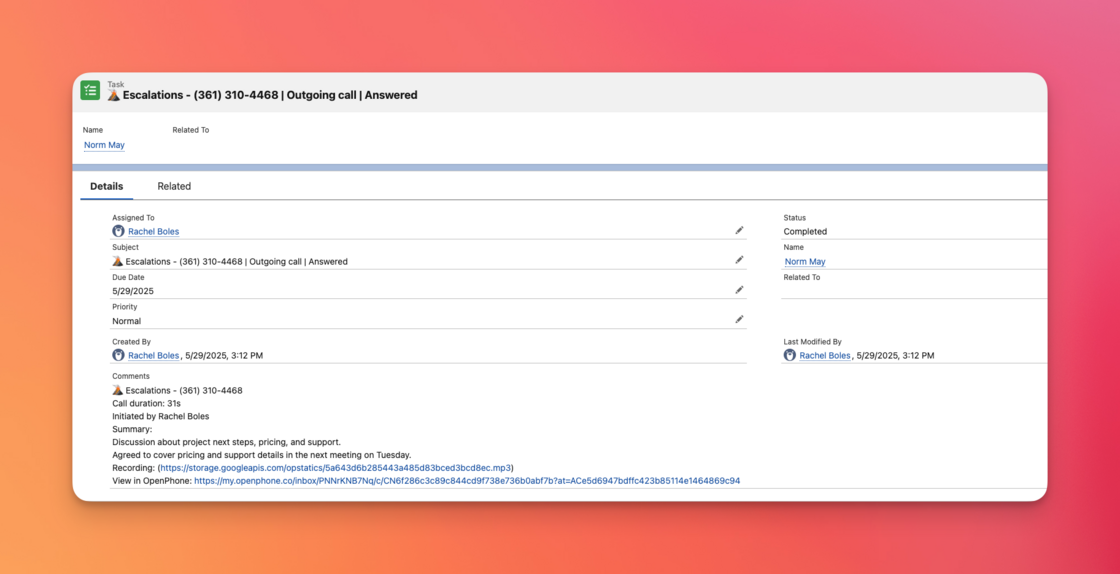 We’ve rolled out a set of improvements to our Salesforce integration, fixing common pain points and adding powerful new features that make it easier to track and act on every customer interaction.
**AI call summaries in Salesforce:** After every call, OpenPhone generates a call summary that’s automatically added to your Salesforce tasks with key points, next steps, and call details.
**Sona AI call tracking:** When your AI agent, Sona, answers calls, those interactions are now logged in Salesforce, too. You’ll see the summary, plus a clear note that the call was handled by Sona.
**Smarter call tracking:** We now log even more call activity types in Salesforce, including:
* Calls automatically forwarded to a teammate
* Calls routed through your phone menu
* Calls abandoned while navigating the phone menu
**No more duplicate activities or contacts:** We’ve fixed an issue where calls and messages were logged twice after a lead was converted. Now, each interaction appears just once.
These improvements are rolling out automatically and are available now. No setup is required. Your historical data stays the same, but all new activities will benefit from these enhancements. To remove duplicate contacts, you will need to disconnect and reconnect their Salesforce integration.
## Sona just got a little smoother to talk to
We’ve rolled out a set of improvements to make conversations with Sona feel even more natural and clear:
* **Smarter pronunciation:** Sona now handles common formats—like phone numbers and dollar amounts—more gracefully, improving clarity and reducing mispronunciations.
* **Improved name confirmation:** When spelling out names, Sona will now recite one letter at a time to avoid slurred or rushed speech.
* **More natural message-taking:** We’ve refined the conversation flow when Sona takes a message, making it feel more fluid and human-like.
These updates are part of our ongoing effort to make Sona a more helpful, professional-sounding assistant for your business.
[Explore Sona →](https://www.quo.com/sona)
## Calls shorter than 15 seconds no longer count toward your Sona usage
Sona now excludes calls under 15 seconds from billing — like spam calls or hang-ups where the caller doesn’t engage. It’s a fairer approach that ensures you're only charged for meaningful conversations.
Whether someone calls and instantly hangs up, or you get a spam call with no response, you don't have to worry about noise driving up your bill.
[Explore Sona →](https://www.quo.com/sona)
## 🛠️ Small fixes that make a big difference
We’ve rolled out a set of improvements to our Salesforce integration, fixing common pain points and adding powerful new features that make it easier to track and act on every customer interaction.
**AI call summaries in Salesforce:** After every call, OpenPhone generates a call summary that’s automatically added to your Salesforce tasks with key points, next steps, and call details.
**Sona AI call tracking:** When your AI agent, Sona, answers calls, those interactions are now logged in Salesforce, too. You’ll see the summary, plus a clear note that the call was handled by Sona.
**Smarter call tracking:** We now log even more call activity types in Salesforce, including:
* Calls automatically forwarded to a teammate
* Calls routed through your phone menu
* Calls abandoned while navigating the phone menu
**No more duplicate activities or contacts:** We’ve fixed an issue where calls and messages were logged twice after a lead was converted. Now, each interaction appears just once.
These improvements are rolling out automatically and are available now. No setup is required. Your historical data stays the same, but all new activities will benefit from these enhancements. To remove duplicate contacts, you will need to disconnect and reconnect their Salesforce integration.
## Sona just got a little smoother to talk to
We’ve rolled out a set of improvements to make conversations with Sona feel even more natural and clear:
* **Smarter pronunciation:** Sona now handles common formats—like phone numbers and dollar amounts—more gracefully, improving clarity and reducing mispronunciations.
* **Improved name confirmation:** When spelling out names, Sona will now recite one letter at a time to avoid slurred or rushed speech.
* **More natural message-taking:** We’ve refined the conversation flow when Sona takes a message, making it feel more fluid and human-like.
These updates are part of our ongoing effort to make Sona a more helpful, professional-sounding assistant for your business.
[Explore Sona →](https://www.quo.com/sona)
## Calls shorter than 15 seconds no longer count toward your Sona usage
Sona now excludes calls under 15 seconds from billing — like spam calls or hang-ups where the caller doesn’t engage. It’s a fairer approach that ensures you're only charged for meaningful conversations.
Whether someone calls and instantly hangs up, or you get a spam call with no response, you don't have to worry about noise driving up your bill.
[Explore Sona →](https://www.quo.com/sona)
## 🛠️ Small fixes that make a big difference
 Just a few quick fixes on our iOS and Android apps to keep your calls and messages flowing.
* Fixed an issue on iOS 18 where sharing a photo from the Photos app didn’t attach the image in OpenPhone as expected.
* Fixed a bug on Android where calls answered by Sona were incorrectly marked as unresponded.
* Fixed an Android issue where call transcripts showed a blank name if a contact had no name — phone numbers now display properly.
Don't have the apps? Download OpenPhone for [iOS](https://apps.apple.com/us/app/openphone-second-phone-number/id1241817309) and [Android](https://play.google.com/store/apps/details?id=com.openphone\&hl=en_US).
## 🚀 HubSpot 2.0 is here!
Just a few quick fixes on our iOS and Android apps to keep your calls and messages flowing.
* Fixed an issue on iOS 18 where sharing a photo from the Photos app didn’t attach the image in OpenPhone as expected.
* Fixed a bug on Android where calls answered by Sona were incorrectly marked as unresponded.
* Fixed an Android issue where call transcripts showed a blank name if a contact had no name — phone numbers now display properly.
Don't have the apps? Download OpenPhone for [iOS](https://apps.apple.com/us/app/openphone-second-phone-number/id1241817309) and [Android](https://play.google.com/store/apps/details?id=com.openphone\&hl=en_US).
## 🚀 HubSpot 2.0 is here!
 We’ve supercharged our [HubSpot & OpenPhone integration](https://www.quo.com/integrations/hubspot) to make your workflows smoother, your data more accurate, and your follow-ups faster.
Whether you're syncing contacts or tracking conversations, the latest updates bring deeper context and better visibility right inside HubSpot. Here’s what’s new:
**📥 Smarter contact & company imports** - Automatically sync all associated phone numbers and email addresses, on top of the fields you already know and love:
* First & last name
* Emails
* Phone numbers
* Job title
* Company
* Direct link to the contact/company in HubSpot
We’ve supercharged our [HubSpot & OpenPhone integration](https://www.quo.com/integrations/hubspot) to make your workflows smoother, your data more accurate, and your follow-ups faster.
Whether you're syncing contacts or tracking conversations, the latest updates bring deeper context and better visibility right inside HubSpot. Here’s what’s new:
**📥 Smarter contact & company imports** - Automatically sync all associated phone numbers and email addresses, on top of the fields you already know and love:
* First & last name
* Emails
* Phone numbers
* Job title
* Company
* Direct link to the contact/company in HubSpot
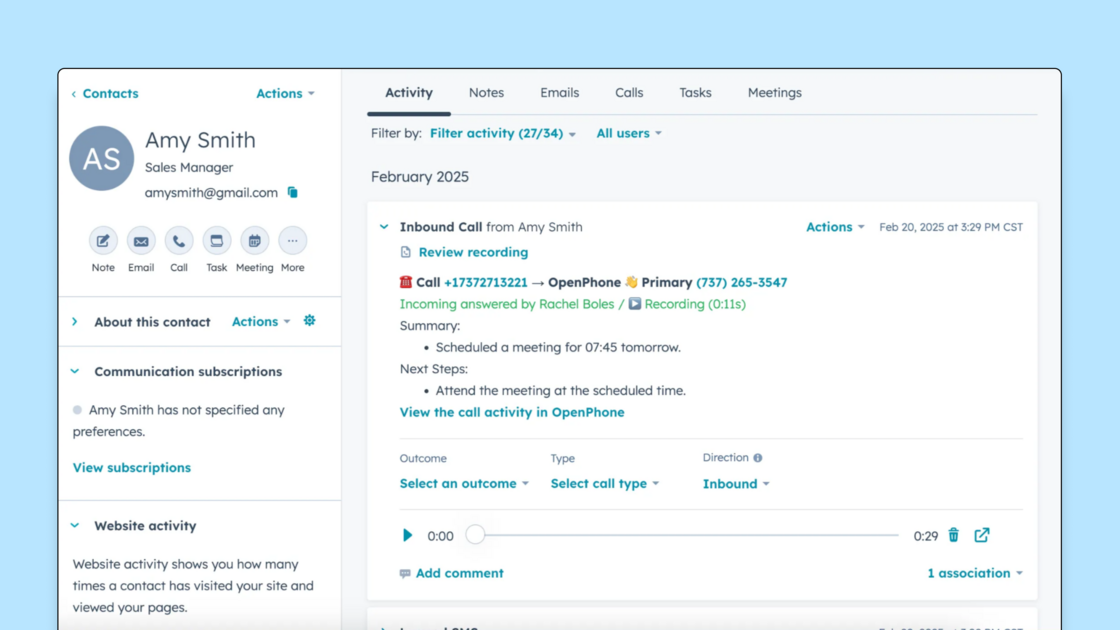 **📞 Call summaries, now in HubSpot** - OpenPhone call summaries are now automatically logged to HubSpot, giving your team better context on every conversation.
**🔗 Activity deep-links** - No more guessing games. Every logged call or message in HubSpot now includes a direct link to the conversation in OpenPhone.
**📞 Call summaries, now in HubSpot** - OpenPhone call summaries are now automatically logged to HubSpot, giving your team better context on every conversation.
**🔗 Activity deep-links** - No more guessing games. Every logged call or message in HubSpot now includes a direct link to the conversation in OpenPhone.
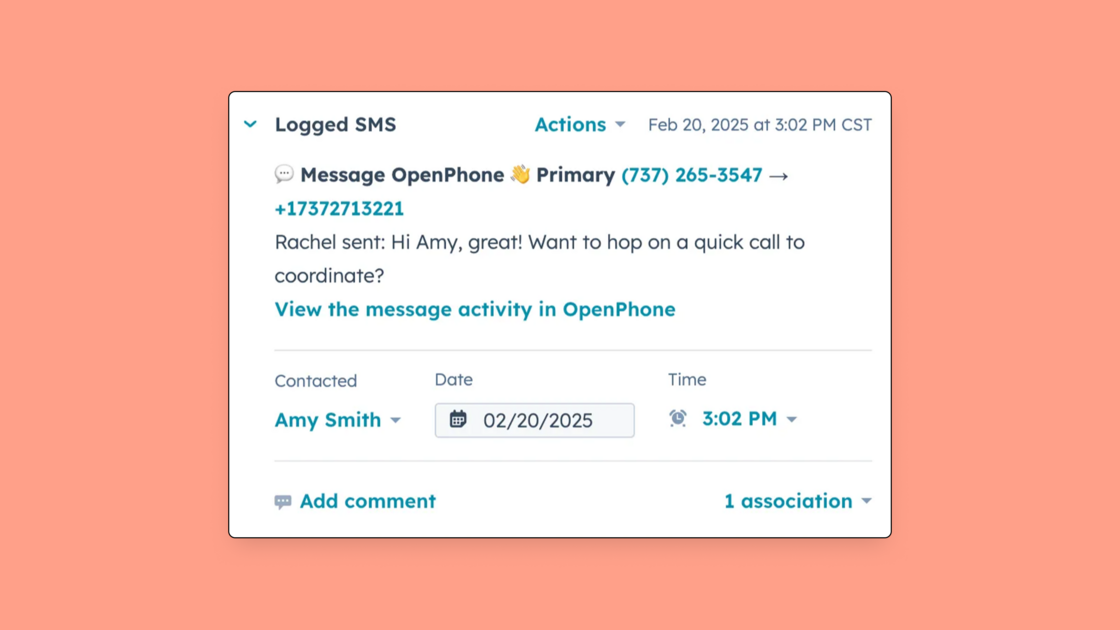 **💬 Accurate SMS logging** - Messages are now logged as SMS (not calls!) so your activity tracking and team reporting stay clean and accurate.
[Get the integration.](https://www.quo.com/integrations/hubspot)
## Meet Sona — your 24/7 AI call agent
**💬 Accurate SMS logging** - Messages are now logged as SMS (not calls!) so your activity tracking and team reporting stay clean and accurate.
[Get the integration.](https://www.quo.com/integrations/hubspot)
## Meet Sona — your 24/7 AI call agent
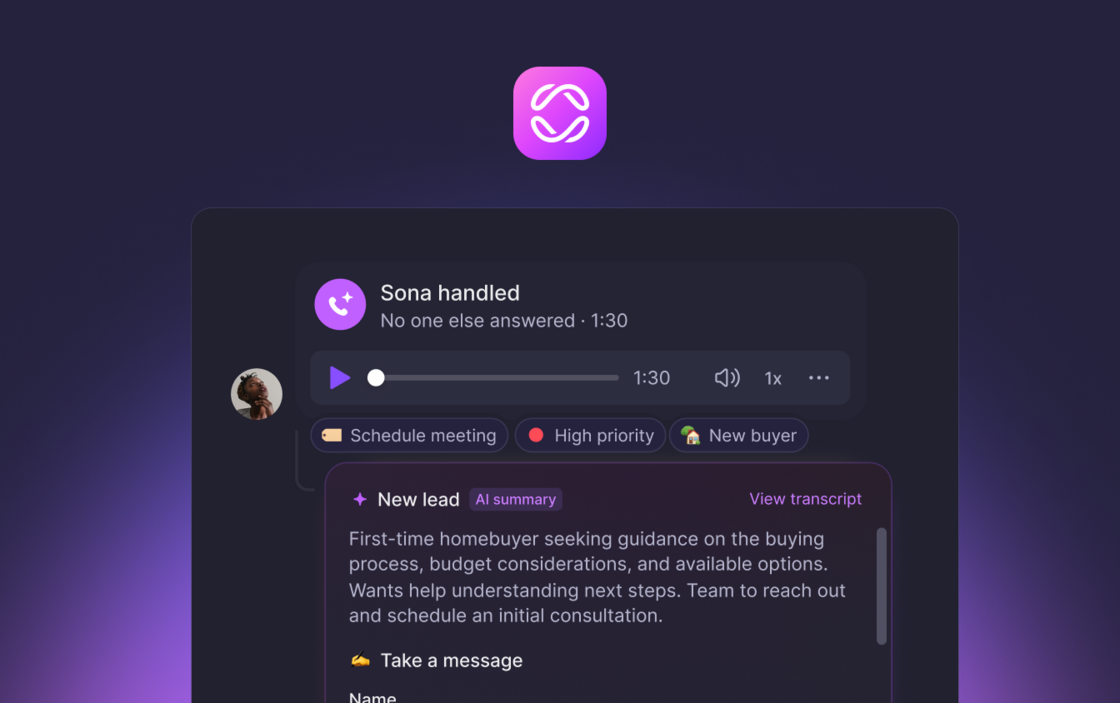 Missed calls mean missed opportunities. That’s why we built Sona, your always-on AI agent for OpenPhone.
Smarter than voicemail and more affordable than a live answering service, Sona ensures every call gets answered — whether it’s a potential customer, a critical request, or a quick question. Your business stays available, even when you’re not.
**Always on, always helpful:** Sona answers calls 24/7, handles FAQs, and gathers key info from every caller. No more voicemail black holes. No more missed follow-ups. Just a consistent, helpful voice representing your business around the clock.
Missed calls mean missed opportunities. That’s why we built Sona, your always-on AI agent for OpenPhone.
Smarter than voicemail and more affordable than a live answering service, Sona ensures every call gets answered — whether it’s a potential customer, a critical request, or a quick question. Your business stays available, even when you’re not.
**Always on, always helpful:** Sona answers calls 24/7, handles FAQs, and gathers key info from every caller. No more voicemail black holes. No more missed follow-ups. Just a consistent, helpful voice representing your business around the clock.
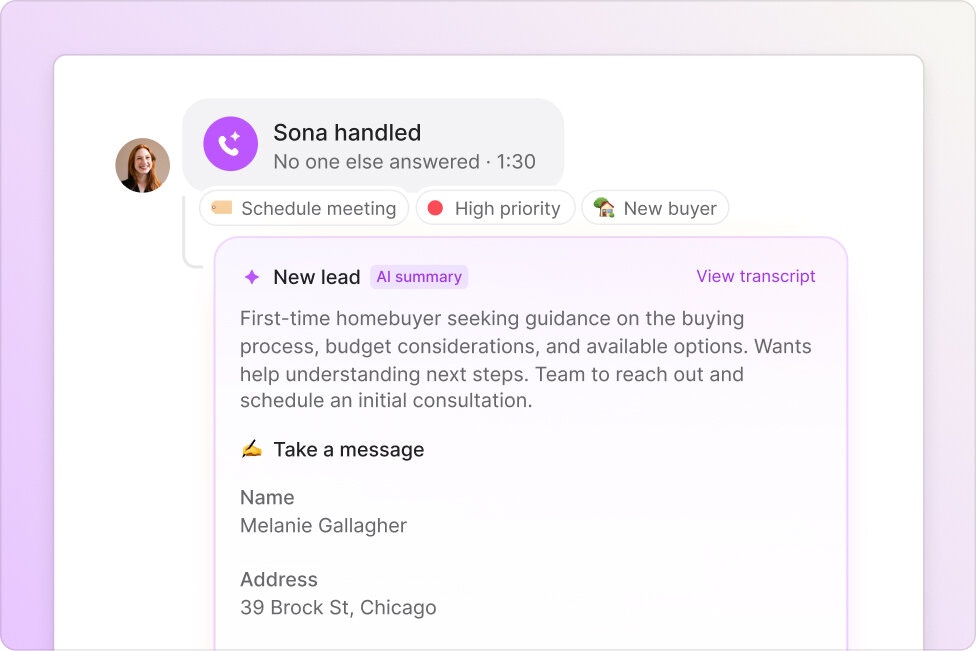 **Customize Sona to match your workflow:** Decide when Sona picks up calls (like after-hours or during busy times), train it with your FAQs, hours, pricing, and policies, and choose exactly what information it collects — from names and contact details to service-specific requests.
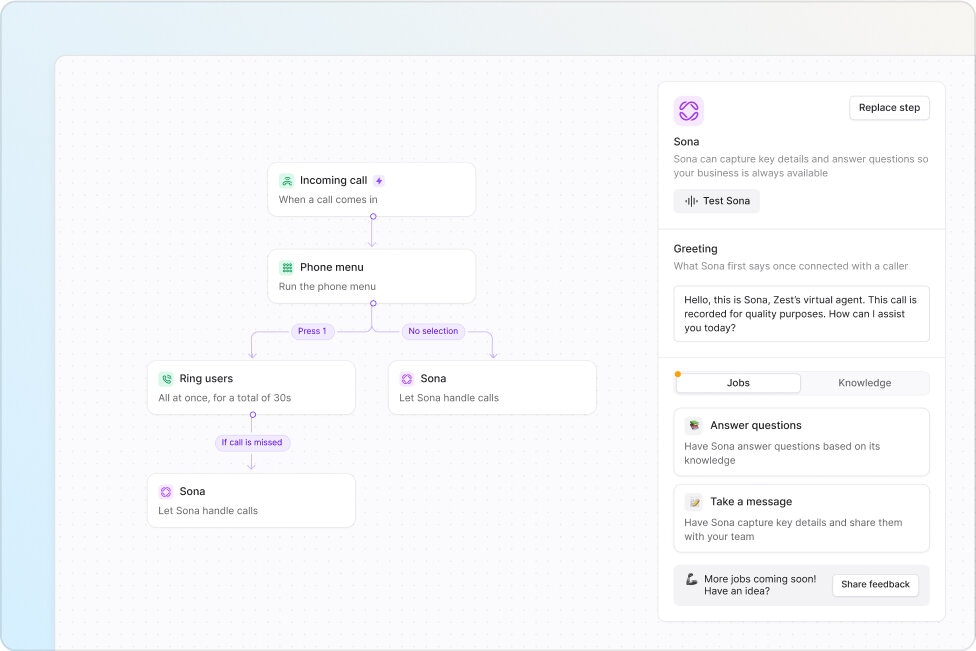 **Total visibility, zero stress:** Every interaction is logged and summarized automatically, so your team can easily review conversations, follow up with more context, and stay organized — all inside OpenPhone.
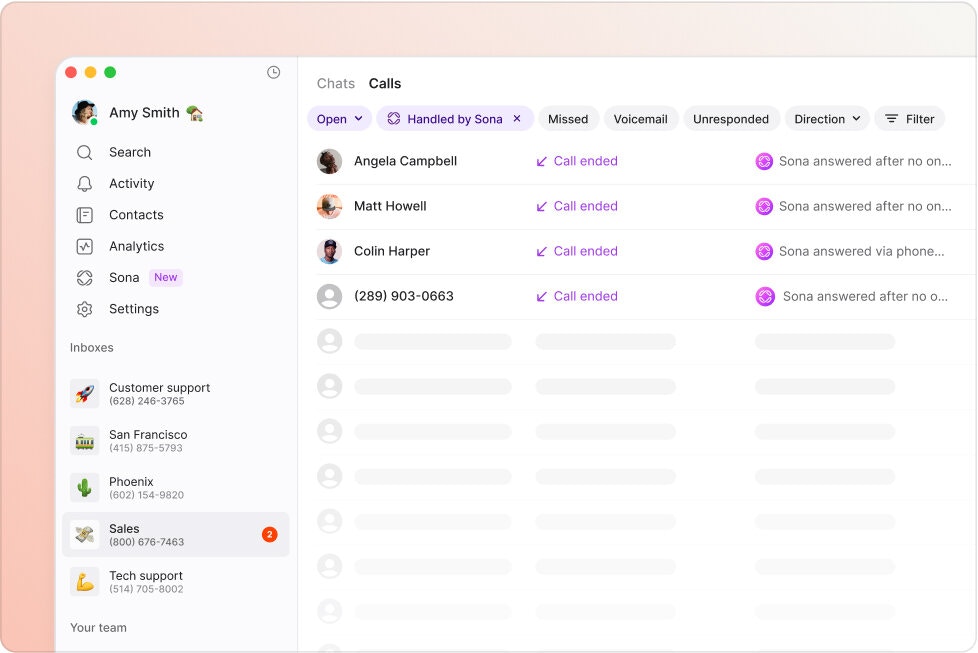 Sona is available as a paid add-on to any OpenPhone plan. Sona costs $49 per month and includes 50 calls per month. Additional calls are billed at $0.99 per call (plus applicable taxes).
[Learn more and get started](https://www.quo.com/sona).
## New Integration: OpenPhone + Jobber
Sona is available as a paid add-on to any OpenPhone plan. Sona costs $49 per month and includes 50 calls per month. Additional calls are billed at $0.99 per call (plus applicable taxes).
[Learn more and get started](https://www.quo.com/sona).
## New Integration: OpenPhone + Jobber
 We’ve partnered with Jobber — the leading platform for running a home service business — to help you turn more calls into closed jobs.
With this new integration, OpenPhone automatically sends AI-powered call summaries and transcripts directly into Jobber, attached to the right client and job. You’ll never lose track of what was said — and your whole team stays in the loop without extra work.
What’s new:
* Automatically generate call summaries and transcripts in OpenPhone
* Sync call details directly into Jobber — no copy-pasting needed
* Create new Jobber client contacts from inbound OpenPhone calls
Whether you’re scheduling estimates or managing follow-ups, this integration keeps your operations smooth and your customers impressed.
OpenPhone customers can enable the Jobber integration in just a few clicks from their account settings or our [Jobber integration page](https://www.quo.com/integrations/jobber).
Not using Jobber yet? We've got an [exclusive offer](https://www.getjobber.com/plp/openphone/) for OpenPhone customers to help you get started.
We’ve partnered with Jobber — the leading platform for running a home service business — to help you turn more calls into closed jobs.
With this new integration, OpenPhone automatically sends AI-powered call summaries and transcripts directly into Jobber, attached to the right client and job. You’ll never lose track of what was said — and your whole team stays in the loop without extra work.
What’s new:
* Automatically generate call summaries and transcripts in OpenPhone
* Sync call details directly into Jobber — no copy-pasting needed
* Create new Jobber client contacts from inbound OpenPhone calls
Whether you’re scheduling estimates or managing follow-ups, this integration keeps your operations smooth and your customers impressed.
OpenPhone customers can enable the Jobber integration in just a few clicks from their account settings or our [Jobber integration page](https://www.quo.com/integrations/jobber).
Not using Jobber yet? We've got an [exclusive offer](https://www.getjobber.com/plp/openphone/) for OpenPhone customers to help you get started.
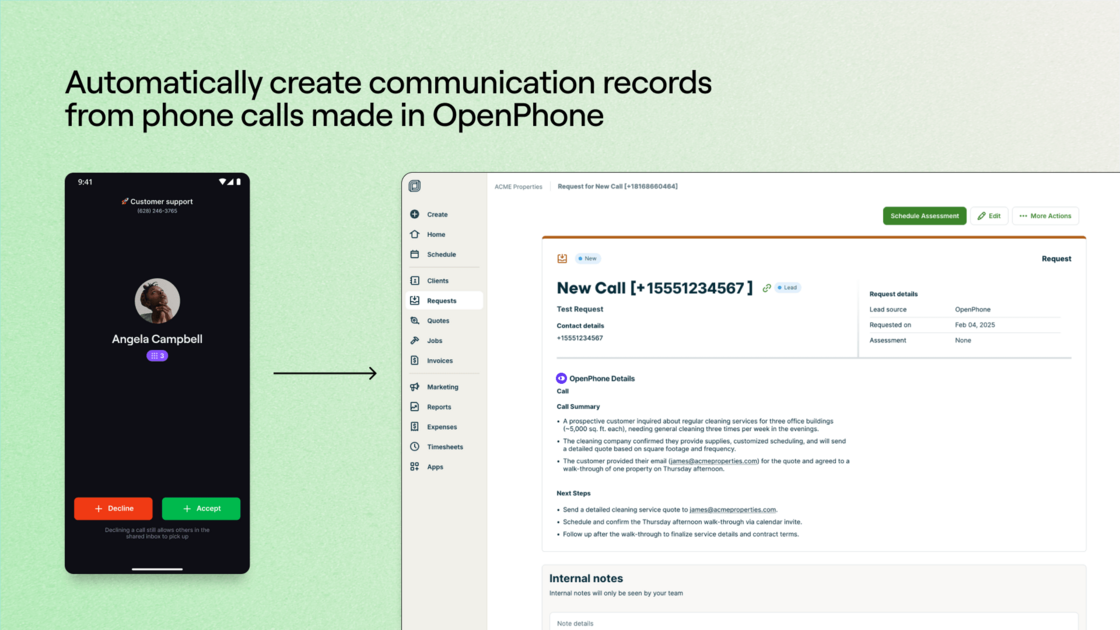 ## Let AI automatically tag and organize your calls
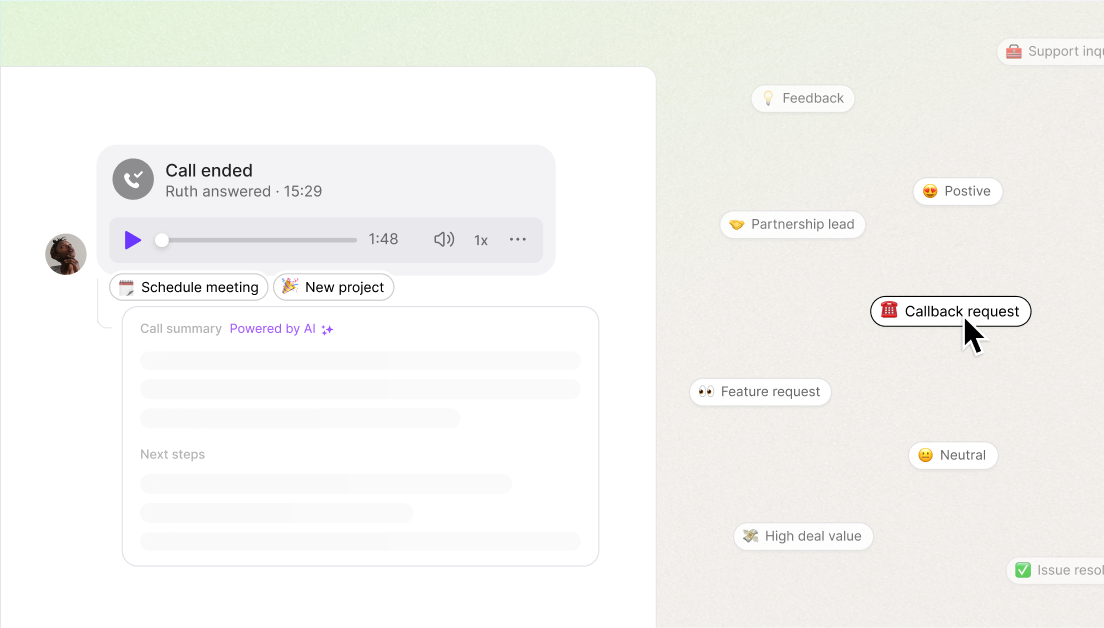 Effortlessly keep your calls organized and gain valuable insights into customer behavior. Simply define the tags you need—AI takes care of the rest, automatically applying them to relevant calls.
Customize tags to fit your business. Whether you’re tracking call types, sentiment, or specific issues, you can create tailored properties that help your system work exactly the way you want.
[Get started.](https://support.quo.com/core-concepts/ai-automations/ai-call-tags)
## Experience a faster, smoother, more reliable OpenPhone
We've made key improvements to speed, efficiency, and resilience, ensuring a better experience for everyone. Conversations now load twice as fast, system performance is more efficient than ever, and we're building even better support for large-scale operations. Here’s what’s new:
* **Faster load times:** Loading activities and conversations is now twice as fast.
* **Reduced CPU usage:** Peak-hour CPU usage has been cut in half, dropping from 70% to \~40%, increasing system efficiency.
* **Improved resilience:** The system is now more robust against traffic spikes and minor outages, ensuring smoother operations when users reconnect to the platform.
* **Enhanced support for large conversation volume:** Improvements for customers with thousands of conversations are in progress and will be rolled out soon.
## OpenPhone is now integrated with Make
Effortlessly keep your calls organized and gain valuable insights into customer behavior. Simply define the tags you need—AI takes care of the rest, automatically applying them to relevant calls.
Customize tags to fit your business. Whether you’re tracking call types, sentiment, or specific issues, you can create tailored properties that help your system work exactly the way you want.
[Get started.](https://support.quo.com/core-concepts/ai-automations/ai-call-tags)
## Experience a faster, smoother, more reliable OpenPhone
We've made key improvements to speed, efficiency, and resilience, ensuring a better experience for everyone. Conversations now load twice as fast, system performance is more efficient than ever, and we're building even better support for large-scale operations. Here’s what’s new:
* **Faster load times:** Loading activities and conversations is now twice as fast.
* **Reduced CPU usage:** Peak-hour CPU usage has been cut in half, dropping from 70% to \~40%, increasing system efficiency.
* **Improved resilience:** The system is now more robust against traffic spikes and minor outages, ensuring smoother operations when users reconnect to the platform.
* **Enhanced support for large conversation volume:** Improvements for customers with thousands of conversations are in progress and will be rolled out soon.
## OpenPhone is now integrated with Make
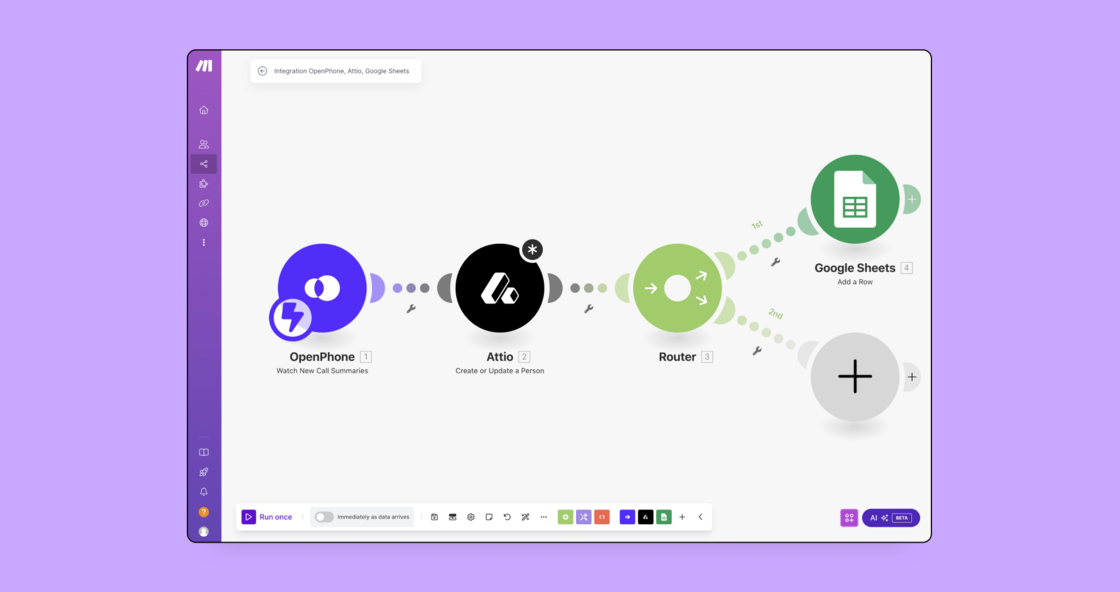 Make is a visual automation platform that lets you connect OpenPhone with over 2,200 of your favorite apps — no coding required.
**Connect OpenPhone with any app or service**
Easily link OpenPhone to a CRM, form builder, or project management platform. If an app isn’t in their library, you can use Make’s no-code toolkit to connect virtually any app or service with an API.
**Automatically send text messages**
Trigger a message at just the right time — like after an appointment is booked or when a task is completed.
**Visualize the workflows you create**
Make allows you to visually create, build, and automate workflows using a playful drag-and-drop interface to connect apps in just a few clicks.
[Get started.](https://www.quo.com/integrations/make)
## OpenPhone for iOS version 3.9.5
What's new in our latest release for iOS:
* **AI support assistant:** We’ve added an AI-powered assistant to help you troubleshoot issues quickly and efficiently.
* **Contact synchronization:** Resolved an issue where some local contacts weren’t appearing in your dashboard.
* **Time zone selection:** Fixed a problem with selecting time zones when scheduling messages.
* **iPad multi-selection issue:** Addressed an issue preventing the selection of multiple conversations or contacts on iPads.
* **Calls view stability:** Improved UI stability for the calls view. We’ve also taken your feedback into account and are actively working on making the design more user-friendly.
* **General stability and security updates:** Includes important updates to ensure a more stable and secure app experience.
## Gain context on incoming calls with phone menu insights
Make is a visual automation platform that lets you connect OpenPhone with over 2,200 of your favorite apps — no coding required.
**Connect OpenPhone with any app or service**
Easily link OpenPhone to a CRM, form builder, or project management platform. If an app isn’t in their library, you can use Make’s no-code toolkit to connect virtually any app or service with an API.
**Automatically send text messages**
Trigger a message at just the right time — like after an appointment is booked or when a task is completed.
**Visualize the workflows you create**
Make allows you to visually create, build, and automate workflows using a playful drag-and-drop interface to connect apps in just a few clicks.
[Get started.](https://www.quo.com/integrations/make)
## OpenPhone for iOS version 3.9.5
What's new in our latest release for iOS:
* **AI support assistant:** We’ve added an AI-powered assistant to help you troubleshoot issues quickly and efficiently.
* **Contact synchronization:** Resolved an issue where some local contacts weren’t appearing in your dashboard.
* **Time zone selection:** Fixed a problem with selecting time zones when scheduling messages.
* **iPad multi-selection issue:** Addressed an issue preventing the selection of multiple conversations or contacts on iPads.
* **Calls view stability:** Improved UI stability for the calls view. We’ve also taken your feedback into account and are actively working on making the design more user-friendly.
* **General stability and security updates:** Includes important updates to ensure a more stable and secure app experience.
## Gain context on incoming calls with phone menu insights
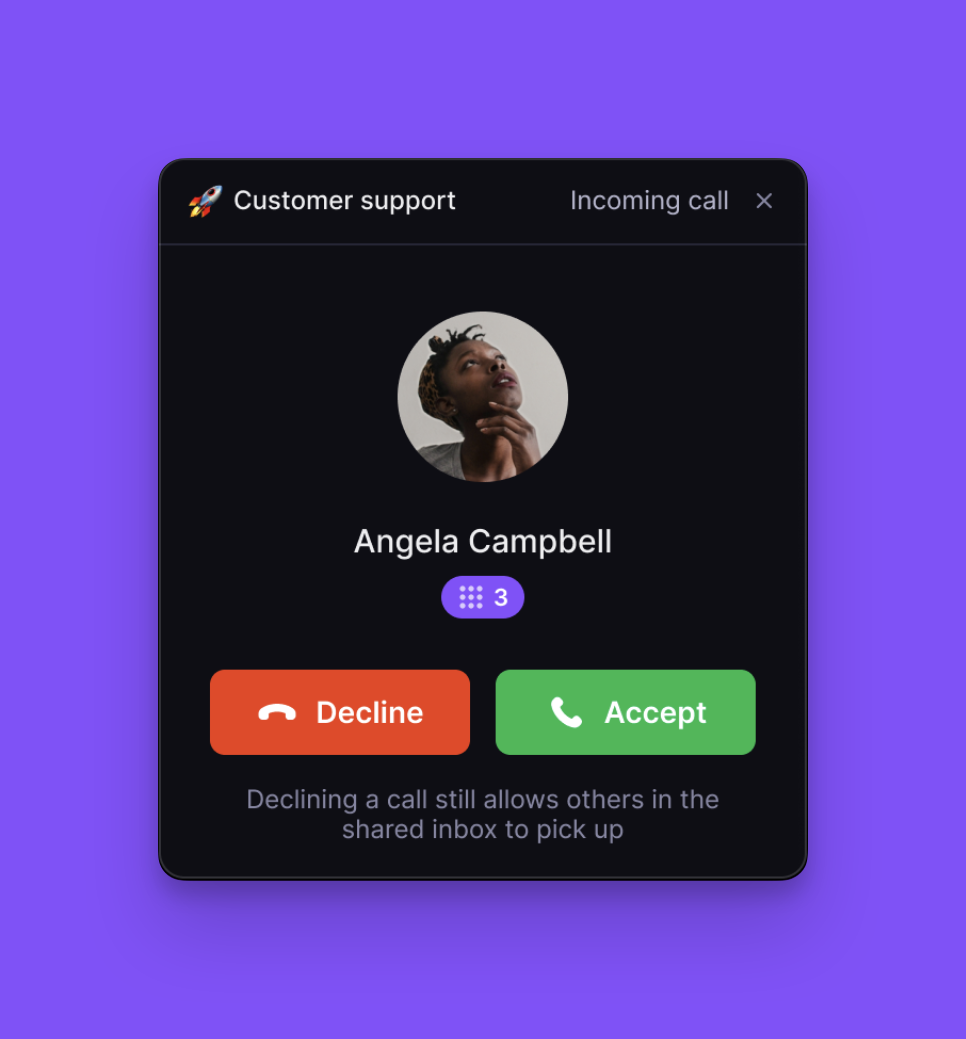 Now you can see which phone menu option a caller selected right on the incoming call screen and post-call activity.
Available to all Business plan users on web, desktop, iOS, and Android.
## OpenPhone for Android version 4.2.56
What's new in our latest release for Android:
* **AI support assistant:** We’ve added an AI-powered assistant to help you troubleshoot issues quickly and efficiently.
* **Performance optimizations:** Receive and make calls more reliably.
* **Bug fixes and improvements:** We’ve squashed a bunch of minor bugs and made subtle tweaks throughout the app to keep everything running smoothly.
## Updates and bug fixes
Now you can see which phone menu option a caller selected right on the incoming call screen and post-call activity.
Available to all Business plan users on web, desktop, iOS, and Android.
## OpenPhone for Android version 4.2.56
What's new in our latest release for Android:
* **AI support assistant:** We’ve added an AI-powered assistant to help you troubleshoot issues quickly and efficiently.
* **Performance optimizations:** Receive and make calls more reliably.
* **Bug fixes and improvements:** We’ve squashed a bunch of minor bugs and made subtle tweaks throughout the app to keep everything running smoothly.
## Updates and bug fixes
 **Cleaner links, cleaner look:** Attachment links now appear as share.openphoneapi.com/ instead of AWS S3 URLs, providing a cleaner and more consistent experience.
**Native message reactions:** Reactions to messages just got way better. No more texts like “X loved your message” cluttering your inbox. Now reactions to messages from iOS and Android are converted into native reactions in OpenPhone 🙌
**Group texting back on track:** We fixed a pesky bug that caused hiccups when messaging existing group conversations after a number migration or Twilio conversion.
**Auto-replies to group messages:** We resolved an issue where auto-replies in group messages were sent to each recipient as a one-on-one message (oops 😬), they’ll now land where they should — right in the group!
**More admin controls:** Workspace admins, this one’s for you! You can now delete conversations from inboxes where you're just a member, giving you more power to tidy up and manage your workspace.
## OpenPhone for iOS version 3.9.4
What's new in our latest release for iOS:
* **Notification sound restored:** We’ve corrected an issue causing notifications to arrive silently. Notifications will now sound as expected.
* **URL copying issue resolved:** Copying URLs in the app no longer pastes a text file.
* **Share functionality restored:** We have fixed the "share" option to ensure smooth content sharing directly from the app.
* **Additional bug fixes and UI adjustments:** This release includes several other minor fixes and interface improvements.
## Embedded images in outbound group messages
**Cleaner links, cleaner look:** Attachment links now appear as share.openphoneapi.com/ instead of AWS S3 URLs, providing a cleaner and more consistent experience.
**Native message reactions:** Reactions to messages just got way better. No more texts like “X loved your message” cluttering your inbox. Now reactions to messages from iOS and Android are converted into native reactions in OpenPhone 🙌
**Group texting back on track:** We fixed a pesky bug that caused hiccups when messaging existing group conversations after a number migration or Twilio conversion.
**Auto-replies to group messages:** We resolved an issue where auto-replies in group messages were sent to each recipient as a one-on-one message (oops 😬), they’ll now land where they should — right in the group!
**More admin controls:** Workspace admins, this one’s for you! You can now delete conversations from inboxes where you're just a member, giving you more power to tidy up and manage your workspace.
## OpenPhone for iOS version 3.9.4
What's new in our latest release for iOS:
* **Notification sound restored:** We’ve corrected an issue causing notifications to arrive silently. Notifications will now sound as expected.
* **URL copying issue resolved:** Copying URLs in the app no longer pastes a text file.
* **Share functionality restored:** We have fixed the "share" option to ensure smooth content sharing directly from the app.
* **Additional bug fixes and UI adjustments:** This release includes several other minor fixes and interface improvements.
## Embedded images in outbound group messages
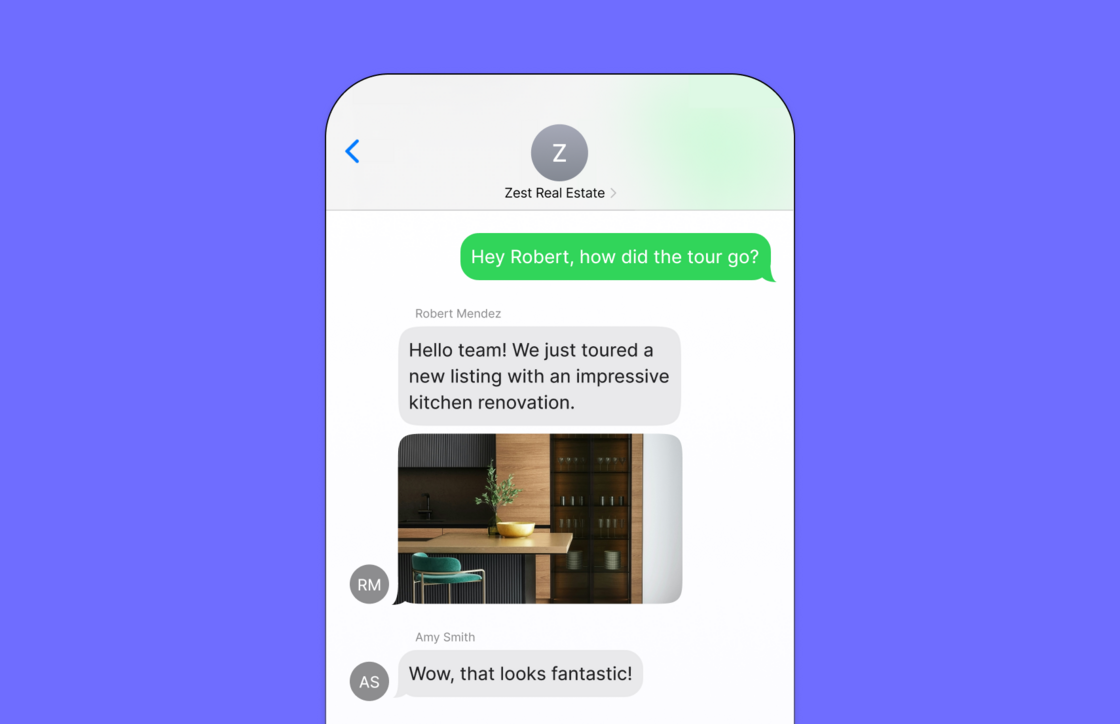 Now when you send images within an outbound group message, they’ll appear embedded directly in the message thread. Previously, images were sent as links that took you out of the conversation. This update makes viewing images quicker and more seamless, keeping the focus on your messages and interactions without the need to open an external browser.
[How to send a group message in OpenPhone](https://support.quo.com/core-concepts/messaging/group-messaging).
## Invite new users to multiple inboxes at once
Now when you send images within an outbound group message, they’ll appear embedded directly in the message thread. Previously, images were sent as links that took you out of the conversation. This update makes viewing images quicker and more seamless, keeping the focus on your messages and interactions without the need to open an external browser.
[How to send a group message in OpenPhone](https://support.quo.com/core-concepts/messaging/group-messaging).
## Invite new users to multiple inboxes at once
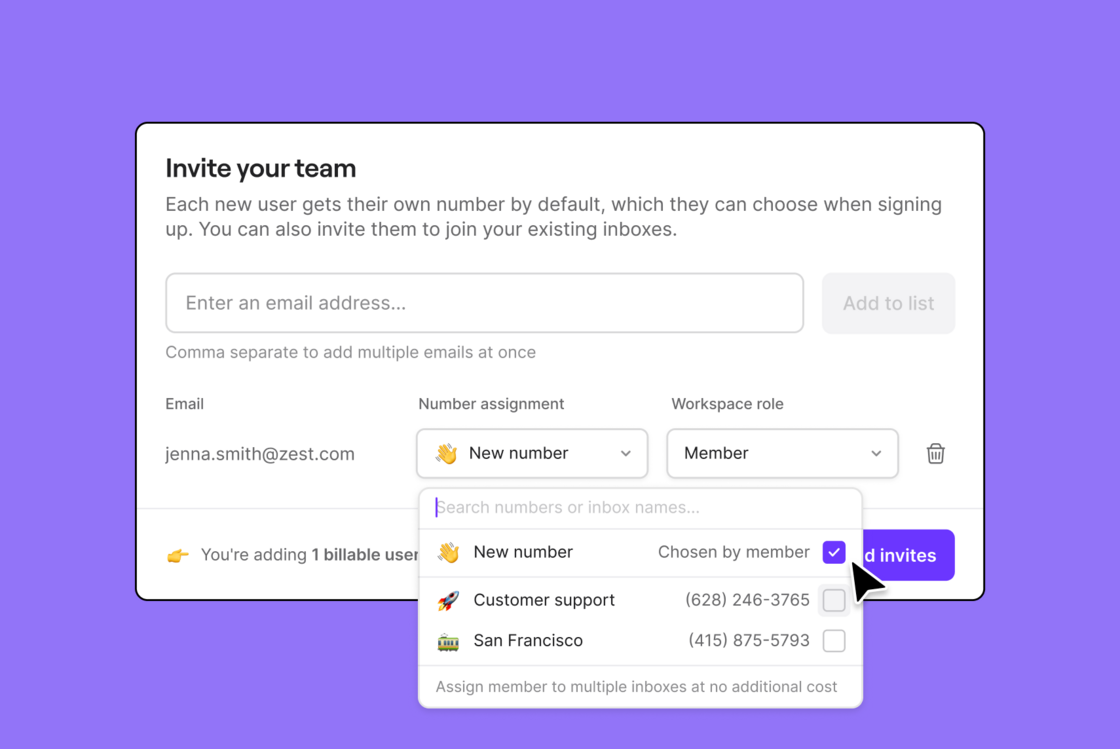 We’ve streamlined the process of adding new users to your workspace. Now, when you add a new user, you can assign them to multiple inboxes at once. This update makes it faster to provision new users and ensures they have immediate access to the right inboxes.
[How to invite a teammate to OpenPhone](https://support.quo.com/core-concepts/administration/members#adding-team-members).
## OpenPhone for iOS version 3.9.3
What's new in our latest release for iOS:
* **Performance optimizations:** We've fine-tuned the app to run faster and more efficiently, delivering a smoother experience.
* **UI polish & glitch fixes:** We've addressed minor glitches and added extra polish to the user interface for a more refined look and feel.
## All your calls in one view
We’ve streamlined the process of adding new users to your workspace. Now, when you add a new user, you can assign them to multiple inboxes at once. This update makes it faster to provision new users and ensures they have immediate access to the right inboxes.
[How to invite a teammate to OpenPhone](https://support.quo.com/core-concepts/administration/members#adding-team-members).
## OpenPhone for iOS version 3.9.3
What's new in our latest release for iOS:
* **Performance optimizations:** We've fine-tuned the app to run faster and more efficiently, delivering a smoother experience.
* **UI polish & glitch fixes:** We've addressed minor glitches and added extra polish to the user interface for a more refined look and feel.
## All your calls in one view
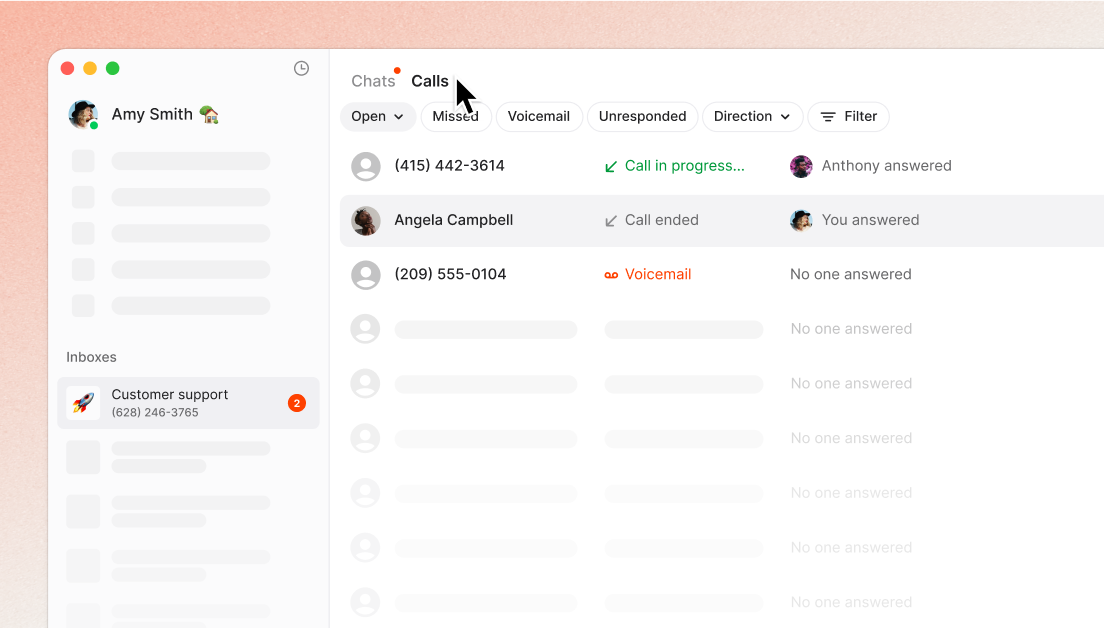 Stay organized with a dedicated call view. Filter to find calls and easily access the full conversation history, contact details, and more.
* Easily review call recordings, summaries, and transcripts to gain insight into team performance and identify coaching opportunities.
* Quickly zero in on important calls by applying filters to streamline follow-ups and prioritize the conversations that matter most.
## Create smarter call flows (beta)
Stay organized with a dedicated call view. Filter to find calls and easily access the full conversation history, contact details, and more.
* Easily review call recordings, summaries, and transcripts to gain insight into team performance and identify coaching opportunities.
* Quickly zero in on important calls by applying filters to streamline follow-ups and prioritize the conversations that matter most.
## Create smarter call flows (beta)
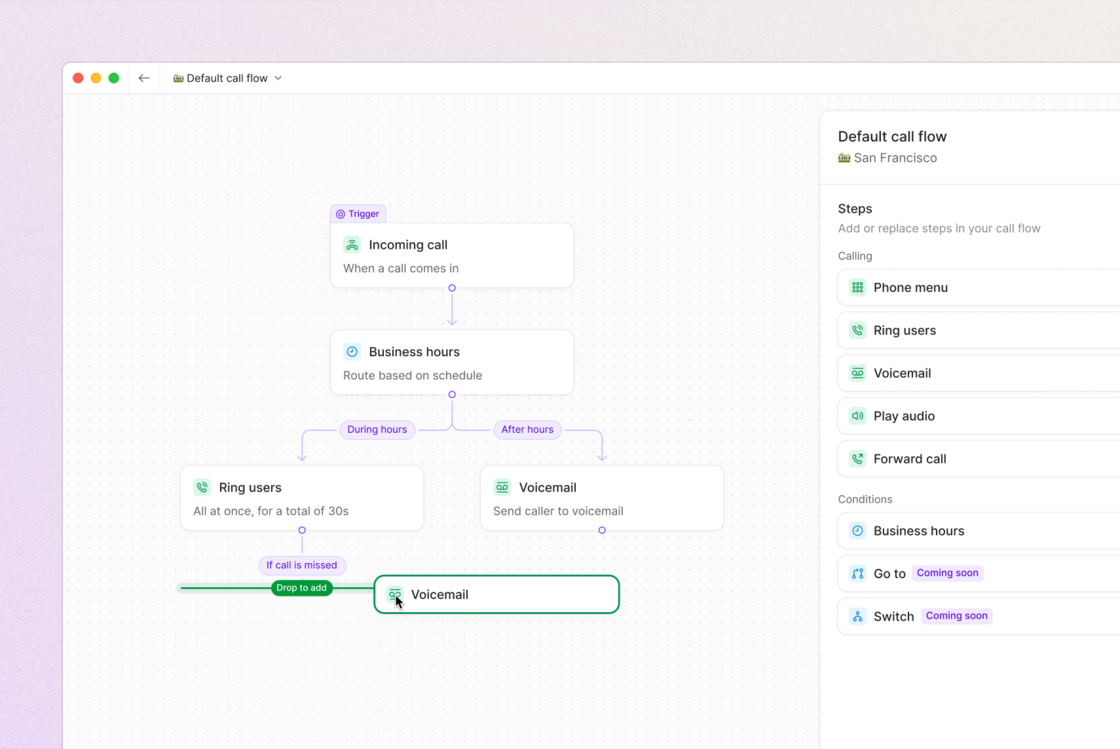 Introducing a visual call flow builder with more flexible options for routing and handling. Now in beta.
* The intuitive visual layout makes it simple to make changes, giving you confidence that everything functions as expected.
* Customize after-hours call handling by setting custom ring orders and phone menus to manage critical calls and provide more options for customers outside of business hours.
* Route calls based on customizable contact properties, ensuring they reach the right team or individual.
## Build custom workflows with the API
Introducing a visual call flow builder with more flexible options for routing and handling. Now in beta.
* The intuitive visual layout makes it simple to make changes, giving you confidence that everything functions as expected.
* Customize after-hours call handling by setting custom ring orders and phone menus to manage critical calls and provide more options for customers outside of business hours.
* Route calls based on customizable contact properties, ensuring they reach the right team or individual.
## Build custom workflows with the API
 Send automated text messages based on events, sync contacts and conversation data across your tools, build custom integrations, and more.
* Trigger messages based on custom criteria to send scheduling reminders, shift confirmations, project updates, and more.
* Easily create, update, delete, and edit contacts, by automatically syncing with your CRM.
* Automatically sync messages, call logs, transcripts, and summaries with your CRM and across your tools.
* Seamlessly integrate texts, calls, and contacts into your broader tech stack to create custom workflows.
[Explore the docs](https://openphone-dev.mintlify.app/api-reference/introduction).
## OpenPhone for iOS version 3.9.2
What's new in our latest release for iOS:
* **New app icon**: We’ve refreshed our app icon to align with the latest features and design standards of iOS 18.
* **Bug fixes & improvements**: We’ve squashed a bunch of minor bugs and made subtle tweaks throughout the app to keep everything running smoothly.
## New monthly analytics email
Send automated text messages based on events, sync contacts and conversation data across your tools, build custom integrations, and more.
* Trigger messages based on custom criteria to send scheduling reminders, shift confirmations, project updates, and more.
* Easily create, update, delete, and edit contacts, by automatically syncing with your CRM.
* Automatically sync messages, call logs, transcripts, and summaries with your CRM and across your tools.
* Seamlessly integrate texts, calls, and contacts into your broader tech stack to create custom workflows.
[Explore the docs](https://openphone-dev.mintlify.app/api-reference/introduction).
## OpenPhone for iOS version 3.9.2
What's new in our latest release for iOS:
* **New app icon**: We’ve refreshed our app icon to align with the latest features and design standards of iOS 18.
* **Bug fixes & improvements**: We’ve squashed a bunch of minor bugs and made subtle tweaks throughout the app to keep everything running smoothly.
## New monthly analytics email
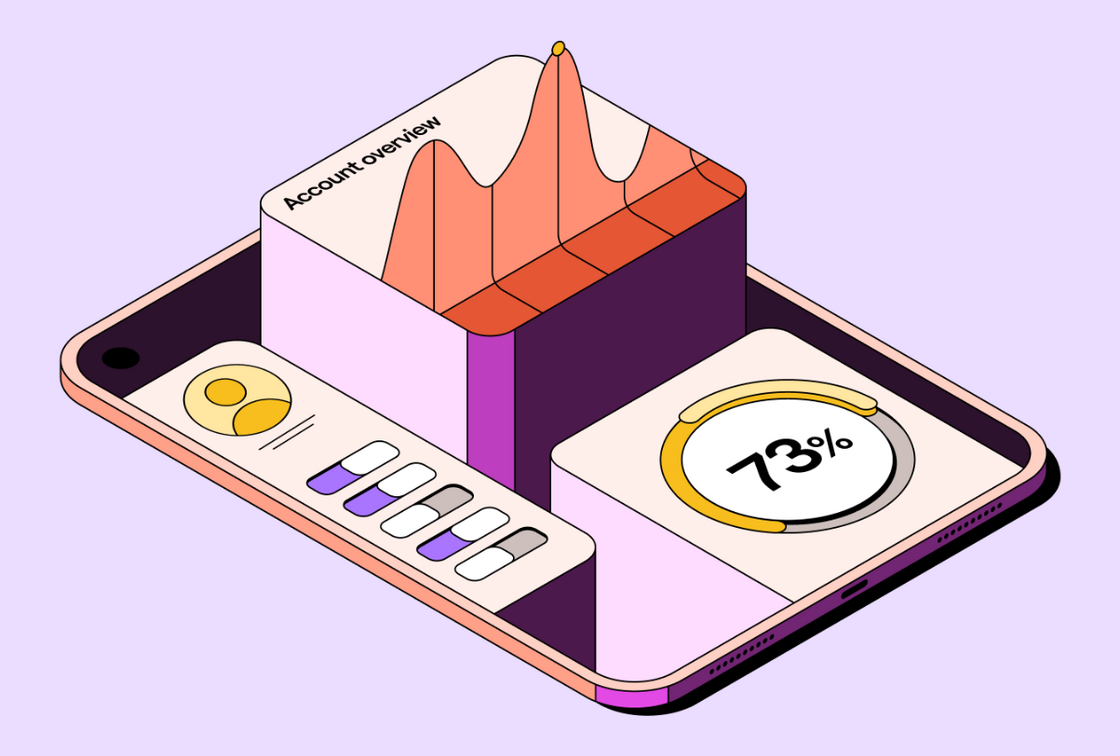 Keep an eye on your OpenPhone activity with our new monthly analytics email. This email provides a detailed recap of your total number of messages, calls, and conversations. You’ll also receive personalized recommendations and insights based on your activity, helping you identify trends and optimize your workspace.
[How to gather insights from OpenPhone Analytics.](https://support.quo.com/core-concepts/administration/analytics)
## AI contact suggestions on Android
Keep an eye on your OpenPhone activity with our new monthly analytics email. This email provides a detailed recap of your total number of messages, calls, and conversations. You’ll also receive personalized recommendations and insights based on your activity, helping you identify trends and optimize your workspace.
[How to gather insights from OpenPhone Analytics.](https://support.quo.com/core-concepts/administration/analytics)
## AI contact suggestions on Android
 OpenPhone AI contact suggestions is now available on Android. When you receive a voicemail or record a call, OpenPhone AI will scan the transcript and pre-fill contact details like name and company, saving you time and effort. Available on our Business plan.
[How to configure OpenPhone AI contact suggestions.](https://support.quo.com/core-concepts/ai-automations/ai-contact-suggestions)
## AI call summaries and transcripts added to webhooks
OpenPhone AI contact suggestions is now available on Android. When you receive a voicemail or record a call, OpenPhone AI will scan the transcript and pre-fill contact details like name and company, saving you time and effort. Available on our Business plan.
[How to configure OpenPhone AI contact suggestions.](https://support.quo.com/core-concepts/ai-automations/ai-contact-suggestions)
## AI call summaries and transcripts added to webhooks
 AI call summaries and transcripts are now available through webhooks! You can seamlessly send these summaries and transcripts outside of OpenPhone to your external tools, enabling you to create custom workflows and support a variety of use cases—whether you need a quick call recap, a record for future reference, or to trigger specific actions based on the conversation.
[How to use webhooks.](https://support.quo.com/core-concepts/integrations/webhooks)
## Faster, more accurate voicemail transcriptions
AI call summaries and transcripts are now available through webhooks! You can seamlessly send these summaries and transcripts outside of OpenPhone to your external tools, enabling you to create custom workflows and support a variety of use cases—whether you need a quick call recap, a record for future reference, or to trigger specific actions based on the conversation.
[How to use webhooks.](https://support.quo.com/core-concepts/integrations/webhooks)
## Faster, more accurate voicemail transcriptions
 We're excited to announce that we’ve upgraded our AI transcription service, offering significantly enhanced accuracy for your call and voicemail transcripts. Now, you can expect your transcriptions to be delivered 40x faster—getting the information you need when you need it.
Don't forget, our transcription feature is available on our Business Plan and includes not only highly accurate transcripts but also a convenient call summary and suggested next steps to keep your team moving forward.
[How to get call summaries and transcripts in OpenPhone.](https://support.quo.com/core-concepts/calling/summaries-and-transcripts)
## AI contact suggestions on iOS
We're excited to announce that we’ve upgraded our AI transcription service, offering significantly enhanced accuracy for your call and voicemail transcripts. Now, you can expect your transcriptions to be delivered 40x faster—getting the information you need when you need it.
Don't forget, our transcription feature is available on our Business Plan and includes not only highly accurate transcripts but also a convenient call summary and suggested next steps to keep your team moving forward.
[How to get call summaries and transcripts in OpenPhone.](https://support.quo.com/core-concepts/calling/summaries-and-transcripts)
## AI contact suggestions on iOS
 OpenPhone AI contact suggestions is now available on iOS (version 3.8.0) and is coming soon to Android. When you receive a voicemail or record a call, OpenPhone AI will scan the transcript and pre-fill contact details like name and company, saving you time and effort. Available on our Business plan.
[How to configure AI contact suggestions.](https://support.quo.com/core-concepts/ai-automations/ai-contact-suggestions)
## Jump back to where you were with ‘Recently viewed’
OpenPhone AI contact suggestions is now available on iOS (version 3.8.0) and is coming soon to Android. When you receive a voicemail or record a call, OpenPhone AI will scan the transcript and pre-fill contact details like name and company, saving you time and effort. Available on our Business plan.
[How to configure AI contact suggestions.](https://support.quo.com/core-concepts/ai-automations/ai-contact-suggestions)
## Jump back to where you were with ‘Recently viewed’
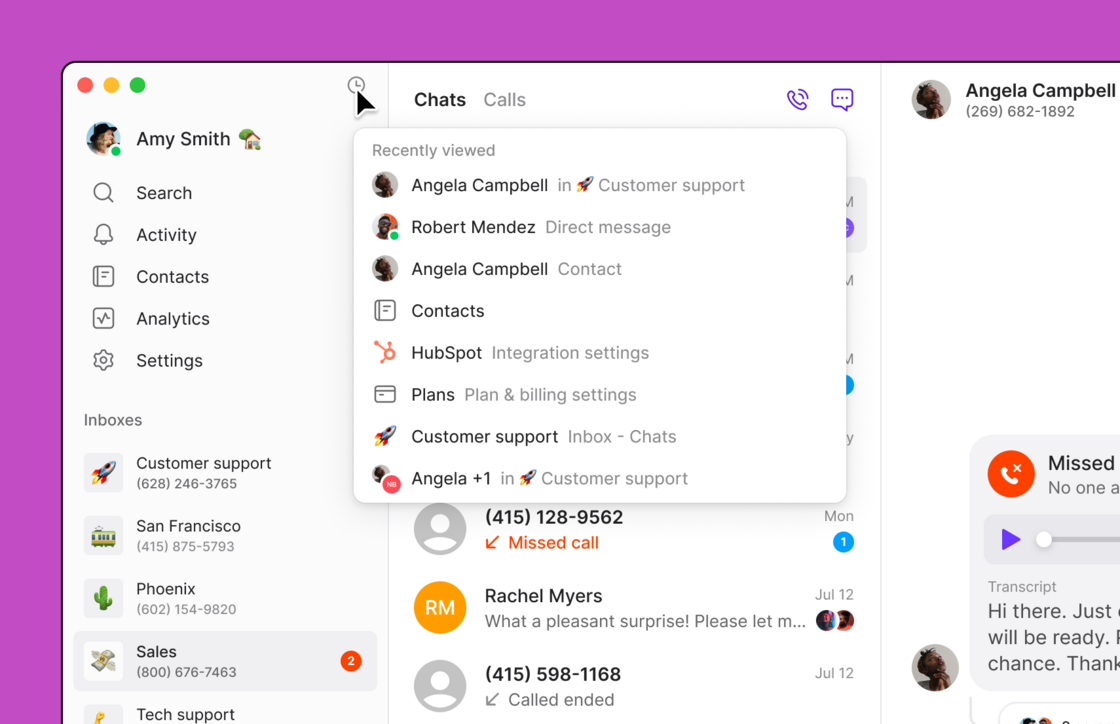 Whether you’re juggling multiple conversations or want to undo a setting you just changed, ‘recently viewed’ provides you with a quick and convenient way to see your recent activities and navigate back to that part of the app.
Simply click on the clock icon in the top left corner of the navigation panel to show a list of your recently viewed pages.
[How to navigate your conversations.](https://support.quo.com/core-concepts/inboxes/views-and-filter)
## Share feedback on call quality
Whether you’re juggling multiple conversations or want to undo a setting you just changed, ‘recently viewed’ provides you with a quick and convenient way to see your recent activities and navigate back to that part of the app.
Simply click on the clock icon in the top left corner of the navigation panel to show a list of your recently viewed pages.
[How to navigate your conversations.](https://support.quo.com/core-concepts/inboxes/views-and-filter)
## Share feedback on call quality
 We’ve rolled out a new feature to collect feedback on your call quality. For some calls, you will now receive a quick two-question survey about about your call experience. Your responses will be used to help us identify issues and improve reliability.
[Troubleshoot call quality issues.](https://support.quo.com/troubleshooting/call-quality-troubleshooting)
## Add a Caller ID name to your number
We’ve rolled out a new feature to collect feedback on your call quality. For some calls, you will now receive a quick two-question survey about about your call experience. Your responses will be used to help us identify issues and improve reliability.
[Troubleshoot call quality issues.](https://support.quo.com/troubleshooting/call-quality-troubleshooting)
## Add a Caller ID name to your number
 We’ve updated your workspace settings so you can easily add and manage Caller ID names. Caller ID names allow you to display your name or your company's name when you call from your OpenPhone number.
The caller ID name feature is only available to customers who represent a business with a TAX ID and an approved US carrier registration. This feature is not available for personal use or for Canadian numbers.
[How to set up an outgoing caller ID for your OpenPhone number.](https://support.quo.com/core-concepts/calling/caller-id#updating-a-caller-id-name)
## Become an OpenPhone Partner
We’ve updated your workspace settings so you can easily add and manage Caller ID names. Caller ID names allow you to display your name or your company's name when you call from your OpenPhone number.
The caller ID name feature is only available to customers who represent a business with a TAX ID and an approved US carrier registration. This feature is not available for personal use or for Canadian numbers.
[How to set up an outgoing caller ID for your OpenPhone number.](https://support.quo.com/core-concepts/calling/caller-id#updating-a-caller-id-name)
## Become an OpenPhone Partner
 We're doubling down on our partner program and would love for you to join. Apply to become part of our growing partner community and earn a 20% commission on all referred revenue for the first 12 months. You'll also be able to extend a discount to your audience and be the first to know about our upcoming API.
[Become a partner.](https://www.quo.com/partners)
## AI contact suggestions
We're doubling down on our partner program and would love for you to join. Apply to become part of our growing partner community and earn a 20% commission on all referred revenue for the first 12 months. You'll also be able to extend a discount to your audience and be the first to know about our upcoming API.
[Become a partner.](https://www.quo.com/partners)
## AI contact suggestions
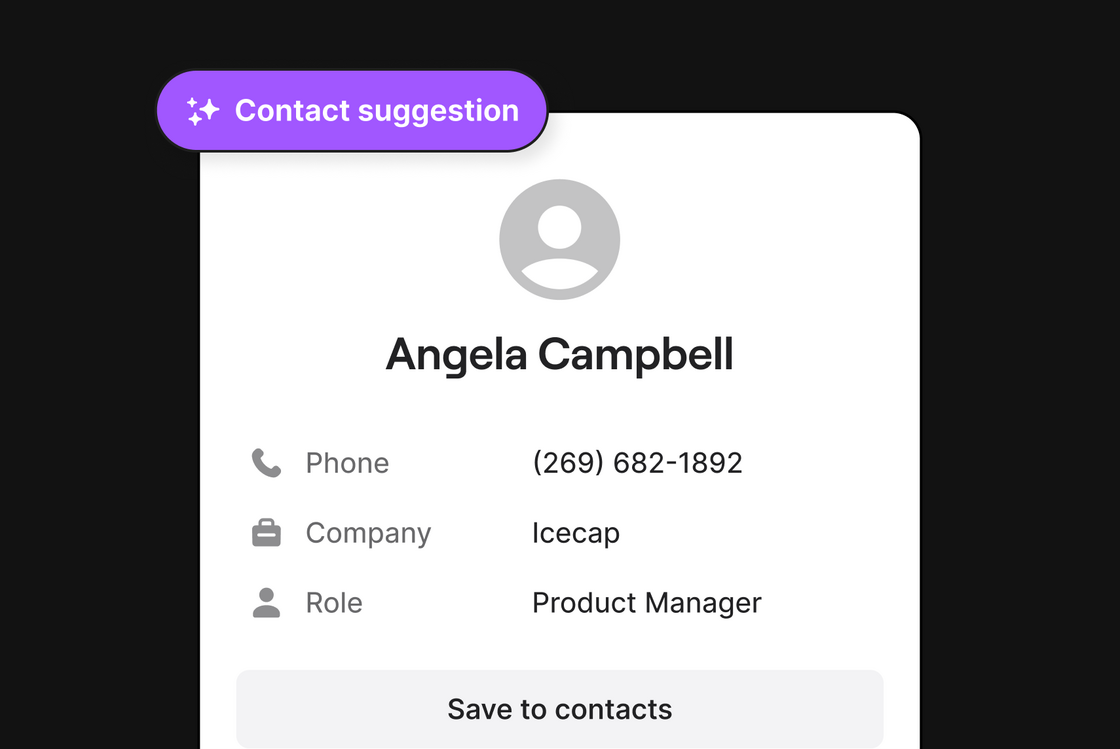 OpenPhone AI will now automatically recommend new contacts for you to create. When you receive a voicemail or record a call, OpenPhone AI will scan the transcript and pre-fill contact details like name and company, saving you time and effort. Available on our Business plan.
[How to configure OpenPhone AI contact suggestions ](https://support.quo.com/core-concepts/ai-automations/ai-contact-suggestions).
## 🕵️♂️ Demystifying missed calls
OpenPhone AI will now automatically recommend new contacts for you to create. When you receive a voicemail or record a call, OpenPhone AI will scan the transcript and pre-fill contact details like name and company, saving you time and effort. Available on our Business plan.
[How to configure OpenPhone AI contact suggestions ](https://support.quo.com/core-concepts/ai-automations/ai-contact-suggestions).
## 🕵️♂️ Demystifying missed calls
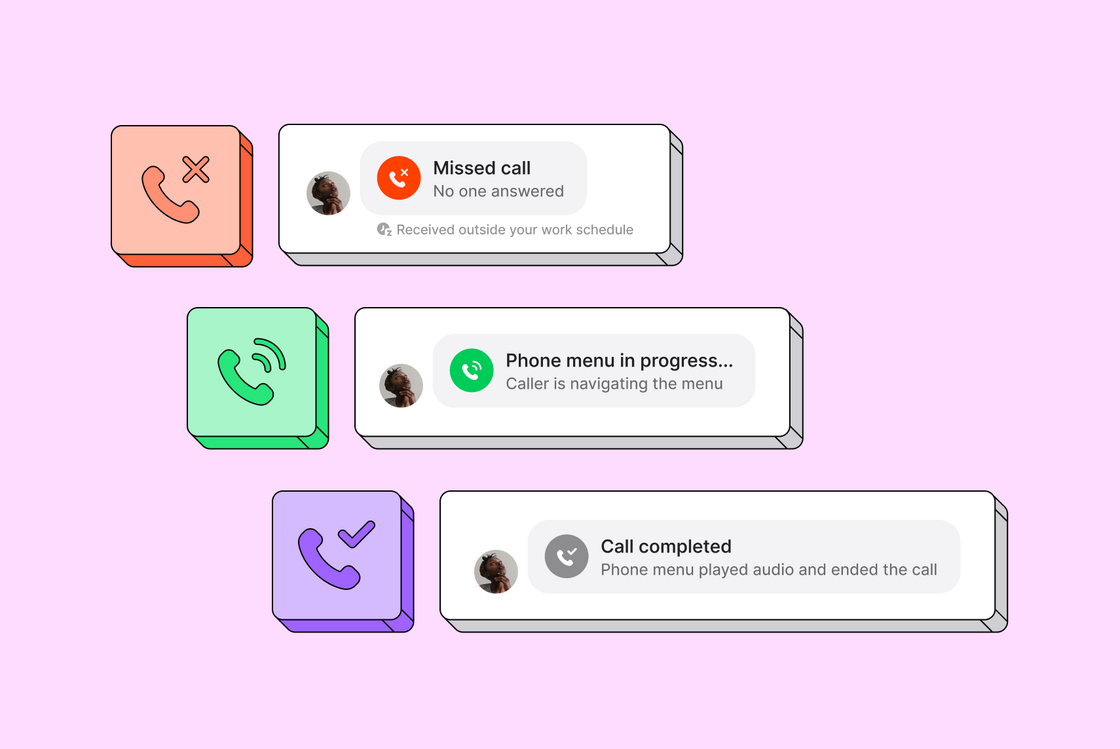 Ever scratch your head wondering why you missed that call? Our updated call activity modal clears up the confusion with more details on missed calls. Whether a call was missed because it occurred outside your business hours, the caller found the information they needed via the phone menu, or due to user or inbox preferences (such as muted inbox, do not disturb mode, rejected, or declined call), you'll know exactly what happened.
## Play an audio greeting and end the call
Ever scratch your head wondering why you missed that call? Our updated call activity modal clears up the confusion with more details on missed calls. Whether a call was missed because it occurred outside your business hours, the caller found the information they needed via the phone menu, or due to user or inbox preferences (such as muted inbox, do not disturb mode, rejected, or declined call), you'll know exactly what happened.
## Play an audio greeting and end the call
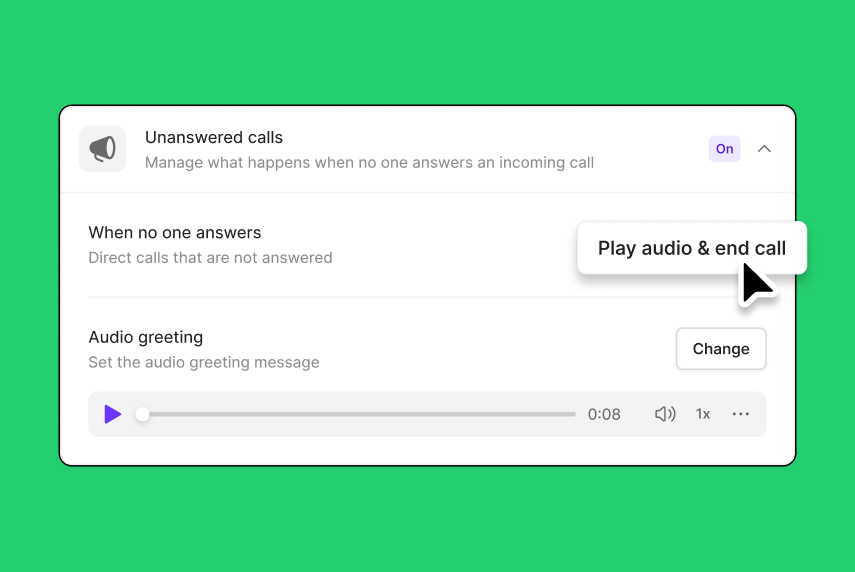 If a call comes in outside business hours or no one picks up within a designated ring duration, they can be redirected to an audio recording without the option for the caller to leave a voicemail. Go to *Settings* > *Phone numbers* to configure.
Available on our Business Plan.
## Call forwarding during business hours
If a call comes in outside business hours or no one picks up within a designated ring duration, they can be redirected to an audio recording without the option for the caller to leave a voicemail. Go to *Settings* > *Phone numbers* to configure.
Available on our Business Plan.
## Call forwarding during business hours
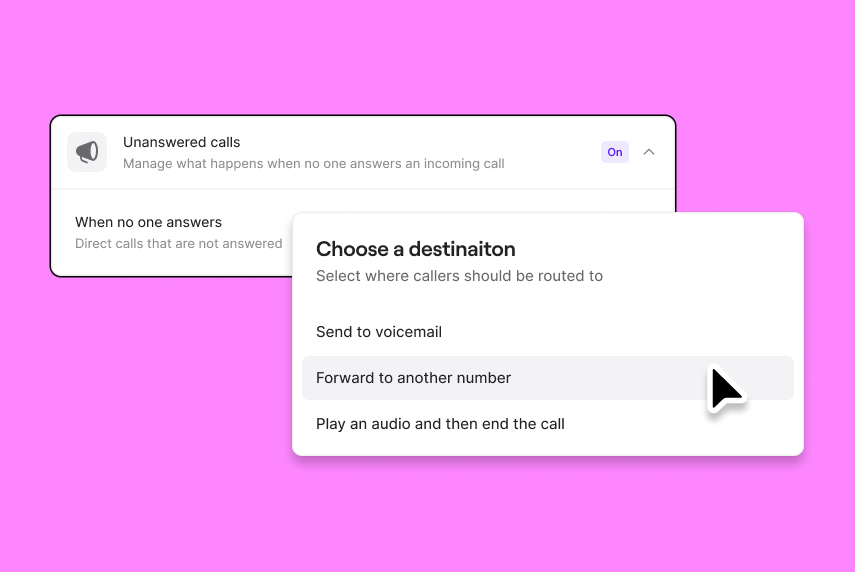 You can automatically forward calls to another number when you or your team is busy, on vacation, or otherwise unavailable to answer. Go to *Settings* > *Phone numbers* to configure.
Available on Business plans.
## Call forwarding after business hours
You can automatically forward calls to another number when you or your team is busy, on vacation, or otherwise unavailable to answer. Go to *Settings* > *Phone numbers* to configure.
Available on Business plans.
## Call forwarding after business hours
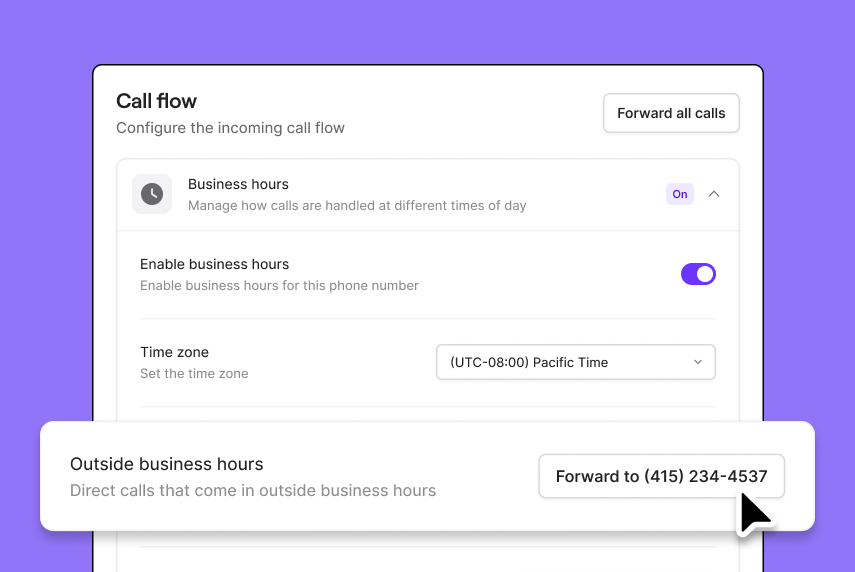 Calls can now be automatically redirected to another number in your OpenPhone workspace or to an external number, such as an answering service, when it’s outside your set business hours. Go to *Settings* > *Phone numbers* to configure.
Available on Business plans.
Calls can now be automatically redirected to another number in your OpenPhone workspace or to an external number, such as an answering service, when it’s outside your set business hours. Go to *Settings* > *Phone numbers* to configure.
Available on Business plans.
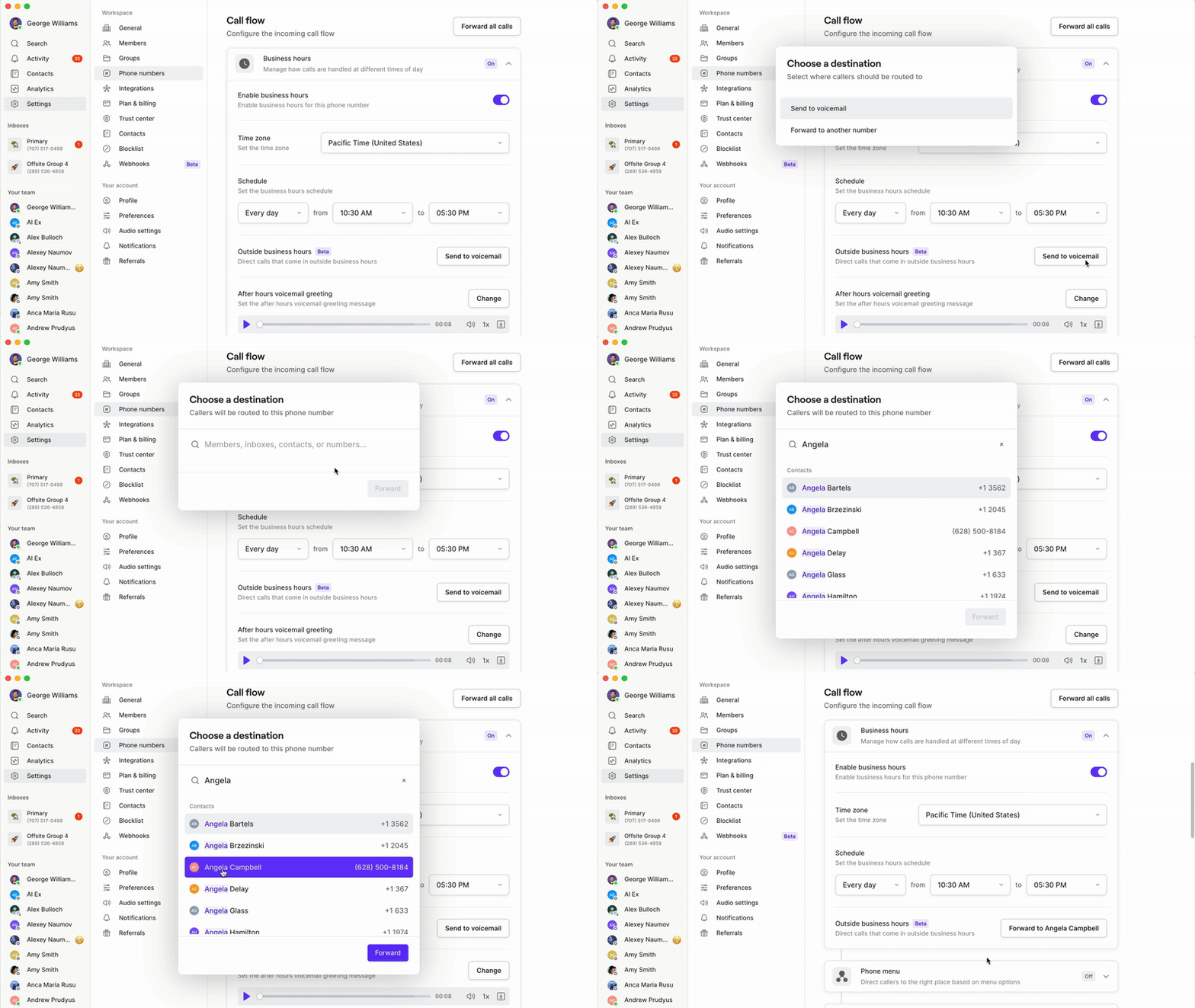 ## Automatically mark conversations as done in Zapier
Our Zapier integration lets you automate key workflows like sending welcome texts after a contact has filled out a form on your website.
Now you can configure Zaps to automatically mark a conversation as `Done` after a text is triggered to keep your inbox organized and clutter-free.
[Get started with the Zapier integration ](https://support.quo.com/core-concepts/integrations/zapier)
## Trial our Business plan for free
If you’re on our Starter plan, we’re giving you the chance to try our Business plan free for 7 days. This trial is designed to give you a taste of the advanced features and capabilities that can enhance your business communication and operational efficiency. This includes AI call summaries and transcripts, auto call recording, ring order, phone menus, group calling, and more! At the end of your trial you'll automatically downgrade back to Starter. It’s a sneak peek into a world of possibilities, with no strings attached.
To start your 7-day trial of Business, go to your workspace menu and select "Settings" and "Plan and billing". You must be a workspace owner or administrator to start the trial.
[Get started.](https://my.quo.com/settings/billing)
## Data export is now on-demand
## Automatically mark conversations as done in Zapier
Our Zapier integration lets you automate key workflows like sending welcome texts after a contact has filled out a form on your website.
Now you can configure Zaps to automatically mark a conversation as `Done` after a text is triggered to keep your inbox organized and clutter-free.
[Get started with the Zapier integration ](https://support.quo.com/core-concepts/integrations/zapier)
## Trial our Business plan for free
If you’re on our Starter plan, we’re giving you the chance to try our Business plan free for 7 days. This trial is designed to give you a taste of the advanced features and capabilities that can enhance your business communication and operational efficiency. This includes AI call summaries and transcripts, auto call recording, ring order, phone menus, group calling, and more! At the end of your trial you'll automatically downgrade back to Starter. It’s a sneak peek into a world of possibilities, with no strings attached.
To start your 7-day trial of Business, go to your workspace menu and select "Settings" and "Plan and billing". You must be a workspace owner or administrator to start the trial.
[Get started.](https://my.quo.com/settings/billing)
## Data export is now on-demand
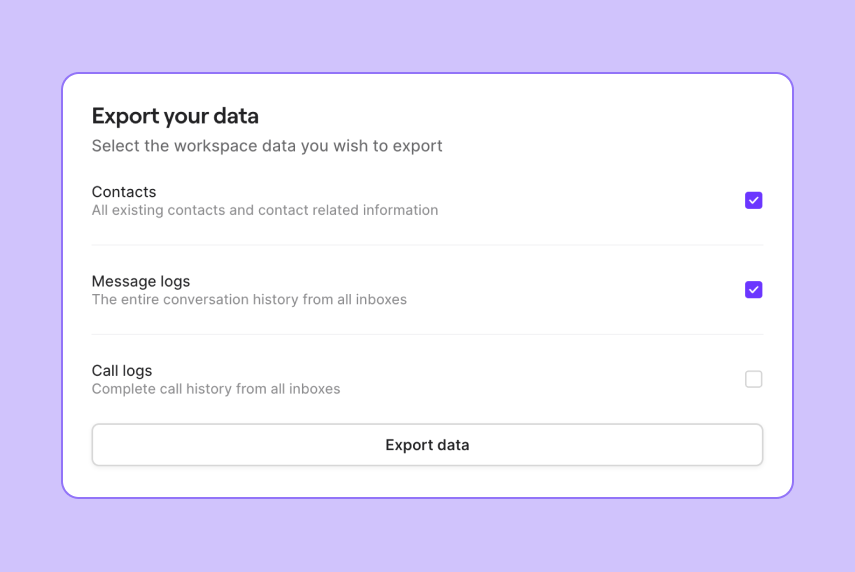 For all the Workspace owners out there, we're making data management a breeze. You can now export CSVs of contacts, call logs, and message logs right from Workspace settings > General. This streamlined process allows you to select and export any or all of this data to a CSV file, which will be securely emailed to you. Export links will expire after 72 hours for added security.
Please note there's potential for longer export times with the initial release of this feature due to demand. Times should decrease in the coming days.
[How to export your data.](https://support.quo.com/core-concepts/administration/export)
## Android 4.2.30
For all the Workspace owners out there, we're making data management a breeze. You can now export CSVs of contacts, call logs, and message logs right from Workspace settings > General. This streamlined process allows you to select and export any or all of this data to a CSV file, which will be securely emailed to you. Export links will expire after 72 hours for added security.
Please note there's potential for longer export times with the initial release of this feature due to demand. Times should decrease in the coming days.
[How to export your data.](https://support.quo.com/core-concepts/administration/export)
## Android 4.2.30
 We’re excited to announce the latest update to [OpenPhone for Android](https://play.google.com/store/apps/details?id=com.openphone\&hl=en_US\&gl=US\&pli=1), now available in the Google Play Store. This release focuses on enhancing your experience with improved call stability, support for Android Auto, and various other fixes, refinements, and optimizations. Here's what you can expect:
* **Increased call stability:** Calls are more stable than ever. Enjoy clearer, more reliable calls, whether talking to someone across the street or the globe.
* **Android Auto support:** Stay connected safely while on the move with support for Android Auto. Answer incoming calls, and read and reply to messages directly from your car's display.
* **Enhanced contact management:** Easily manage your contacts on Android with the ability to add, edit, and remove tags directly within the app.
* **Better offline support for contacts:** View and manage your contacts without an internet connection.
* **Miscellaneous refactors, fixes, and optimizations:** We've also made under-the-hood improvements to enhance the app’s performance and reliability. This includes code refactors, bug fixes, and various optimizations to ensure a smoother, faster, and more efficient user experience.
Get the latest version of the app in the [Google Play Store](https://play.google.com/store/apps/details?id=com.openphone\&hl=en_US\&gl=US\&pli=1)!
## Weekly release recap
We’re excited to announce the latest update to [OpenPhone for Android](https://play.google.com/store/apps/details?id=com.openphone\&hl=en_US\&gl=US\&pli=1), now available in the Google Play Store. This release focuses on enhancing your experience with improved call stability, support for Android Auto, and various other fixes, refinements, and optimizations. Here's what you can expect:
* **Increased call stability:** Calls are more stable than ever. Enjoy clearer, more reliable calls, whether talking to someone across the street or the globe.
* **Android Auto support:** Stay connected safely while on the move with support for Android Auto. Answer incoming calls, and read and reply to messages directly from your car's display.
* **Enhanced contact management:** Easily manage your contacts on Android with the ability to add, edit, and remove tags directly within the app.
* **Better offline support for contacts:** View and manage your contacts without an internet connection.
* **Miscellaneous refactors, fixes, and optimizations:** We've also made under-the-hood improvements to enhance the app’s performance and reliability. This includes code refactors, bug fixes, and various optimizations to ensure a smoother, faster, and more efficient user experience.
Get the latest version of the app in the [Google Play Store](https://play.google.com/store/apps/details?id=com.openphone\&hl=en_US\&gl=US\&pli=1)!
## Weekly release recap
 ### 🖥️ Web app (v3.80.9)
* **Viewers improvement:** We will now display your own avatar when viewing a conversation so that you know your presence and viewing history is being broadcasted to other team members.
* **Desktop app size:** We're shipping an improvement this week that remembers the size of your desktop app window even after you quit and restarted.
* **Logged out link experience:** Now when you open a link to OpenPhone and you aren't logged in, you will be redirected to the original link destination after you log in.
### 🤖 Android app (v4.2.28)
* **Bug fix:** Fixed a bug that was preventing users from logging out of their workspace
### 🍎 iOS app (v3.6.3)
* **Streamlined conversations menu:** We've tidied up the 'more' menu in your chats for easier navigation.
* **Enhanced contact filtering:** No more waiting around—filtering companies in your contacts is now snappier than ever!
* **Improved AI messaging:** AI-powered message suggestions are now at your fingertips when starting new chats.
* **Direct chat access:** Jump straight into a conversation from notifications in the activity thread with a new shortcut.
* **Performance tweaks:** We've polished the inner workings of the app to keep things running smoothly.
[Download OpenPhone for any device](https://www.quo.com/downloads).
## Weekly release recap
### 🖥️ Web app (v3.80.9)
* **Viewers improvement:** We will now display your own avatar when viewing a conversation so that you know your presence and viewing history is being broadcasted to other team members.
* **Desktop app size:** We're shipping an improvement this week that remembers the size of your desktop app window even after you quit and restarted.
* **Logged out link experience:** Now when you open a link to OpenPhone and you aren't logged in, you will be redirected to the original link destination after you log in.
### 🤖 Android app (v4.2.28)
* **Bug fix:** Fixed a bug that was preventing users from logging out of their workspace
### 🍎 iOS app (v3.6.3)
* **Streamlined conversations menu:** We've tidied up the 'more' menu in your chats for easier navigation.
* **Enhanced contact filtering:** No more waiting around—filtering companies in your contacts is now snappier than ever!
* **Improved AI messaging:** AI-powered message suggestions are now at your fingertips when starting new chats.
* **Direct chat access:** Jump straight into a conversation from notifications in the activity thread with a new shortcut.
* **Performance tweaks:** We've polished the inner workings of the app to keep things running smoothly.
[Download OpenPhone for any device](https://www.quo.com/downloads).
## Weekly release recap
 ### 🖥️ Web app
* **Send and mark as done:** Now you can quickly send a message and mark it as done by hitting Command+Enter. The message will be sent and the conversation will automatically move to the done folder so you can quickly move on to the next conversation.
* **Call recording processing:** We now display a processing label immediately after you finish a call. This gives you the confidence that your call was successfully recorded and that the recording will show up momentarily.
### 🍎 Android app
* Allow undoing actions like (mark as done/delete, etc) to conversations
* Allow users to reselect an OpenPhone ringtone if it was changed in the device settings.
* Improved Contact list screen UI
## Collaborate seamlessly with inbox viewers
Teamwork just got a major upgrade. Effortlessly track who's in the loop by seeing a list of team members currently or previously viewing a conversation. Collaboration has never been this smooth.
### 🖥️ Web app
* **Send and mark as done:** Now you can quickly send a message and mark it as done by hitting Command+Enter. The message will be sent and the conversation will automatically move to the done folder so you can quickly move on to the next conversation.
* **Call recording processing:** We now display a processing label immediately after you finish a call. This gives you the confidence that your call was successfully recorded and that the recording will show up momentarily.
### 🍎 Android app
* Allow undoing actions like (mark as done/delete, etc) to conversations
* Allow users to reselect an OpenPhone ringtone if it was changed in the device settings.
* Improved Contact list screen UI
## Collaborate seamlessly with inbox viewers
Teamwork just got a major upgrade. Effortlessly track who's in the loop by seeing a list of team members currently or previously viewing a conversation. Collaboration has never been this smooth.
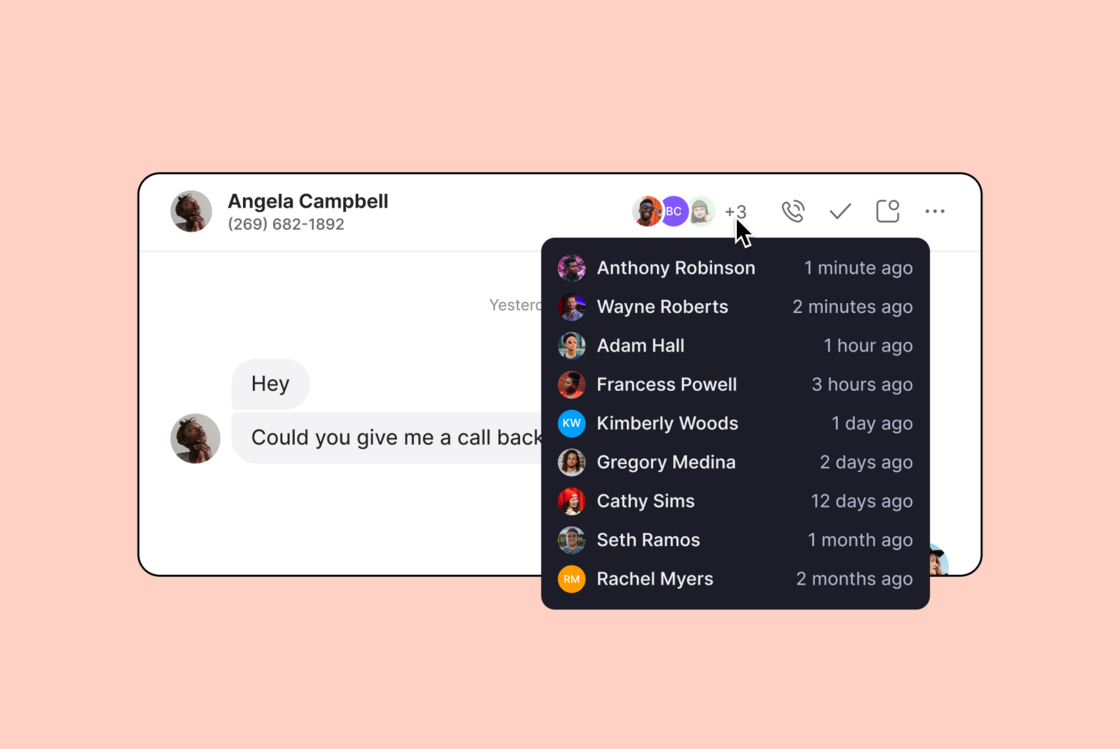 ## Auto-replies, crystal clear in your inbox
We updated the design of auto-replies to distinguish them from your team's messages, providing instant context to your past interactions. No more guessing – just clarity.
[Learn how to set up auto-replies in our Help Center.](https://support.quo.com/core-concepts/ai-automations/auto-replies)
## Auto-replies, crystal clear in your inbox
We updated the design of auto-replies to distinguish them from your team's messages, providing instant context to your past interactions. No more guessing – just clarity.
[Learn how to set up auto-replies in our Help Center.](https://support.quo.com/core-concepts/ai-automations/auto-replies)
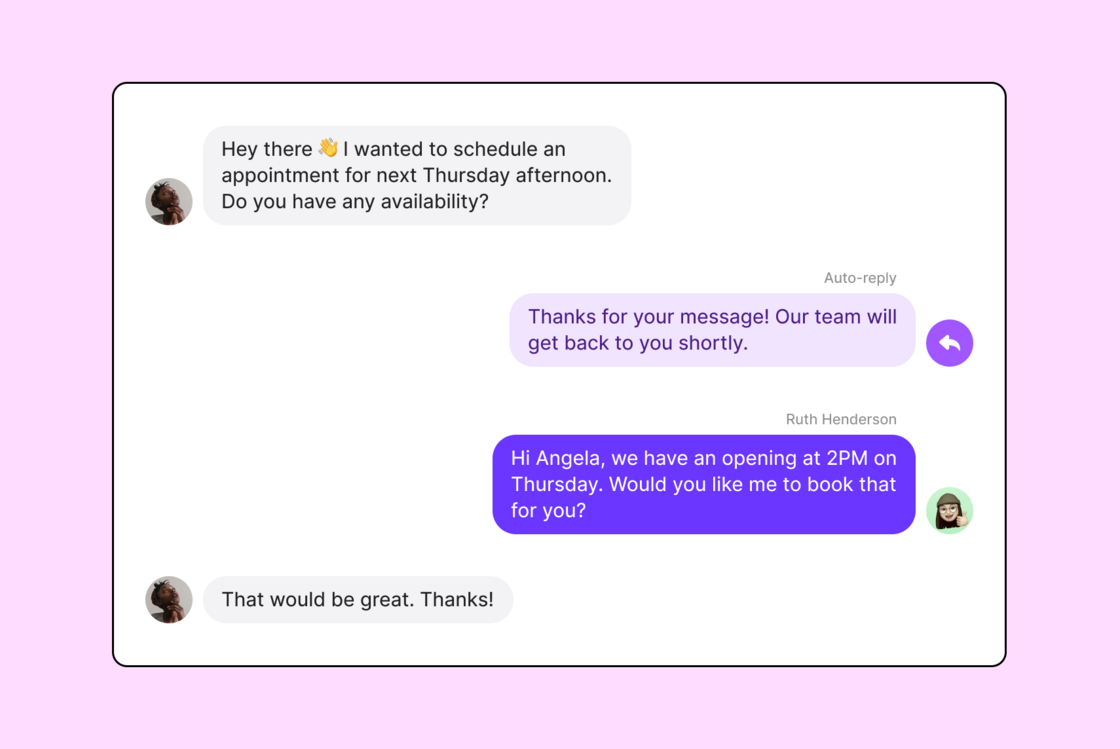 ## OpenPhone on Android: More power in your pocket
Run, don't walk to get the latest version of OpenPhone for Android (4.2.25). Now there's even more functionality from our web and desktop apps available on your mobile device.
📅 Schedule messages so you can plan ahead
⏰ Easily set your working hours within settings
📥 Filter your inbox with a single click
🎨 Optimized app look for a sleek experience
🐞 Bug fixes and smooth optimizations.
Get the Android app [here](https://play.google.com/store/apps/details?id=com.openphone\&hl=en_US\&gl=US)! It's productivity in the palm of your hand.
## OpenPhone on Android: More power in your pocket
Run, don't walk to get the latest version of OpenPhone for Android (4.2.25). Now there's even more functionality from our web and desktop apps available on your mobile device.
📅 Schedule messages so you can plan ahead
⏰ Easily set your working hours within settings
📥 Filter your inbox with a single click
🎨 Optimized app look for a sleek experience
🐞 Bug fixes and smooth optimizations.
Get the Android app [here](https://play.google.com/store/apps/details?id=com.openphone\&hl=en_US\&gl=US)! It's productivity in the palm of your hand.
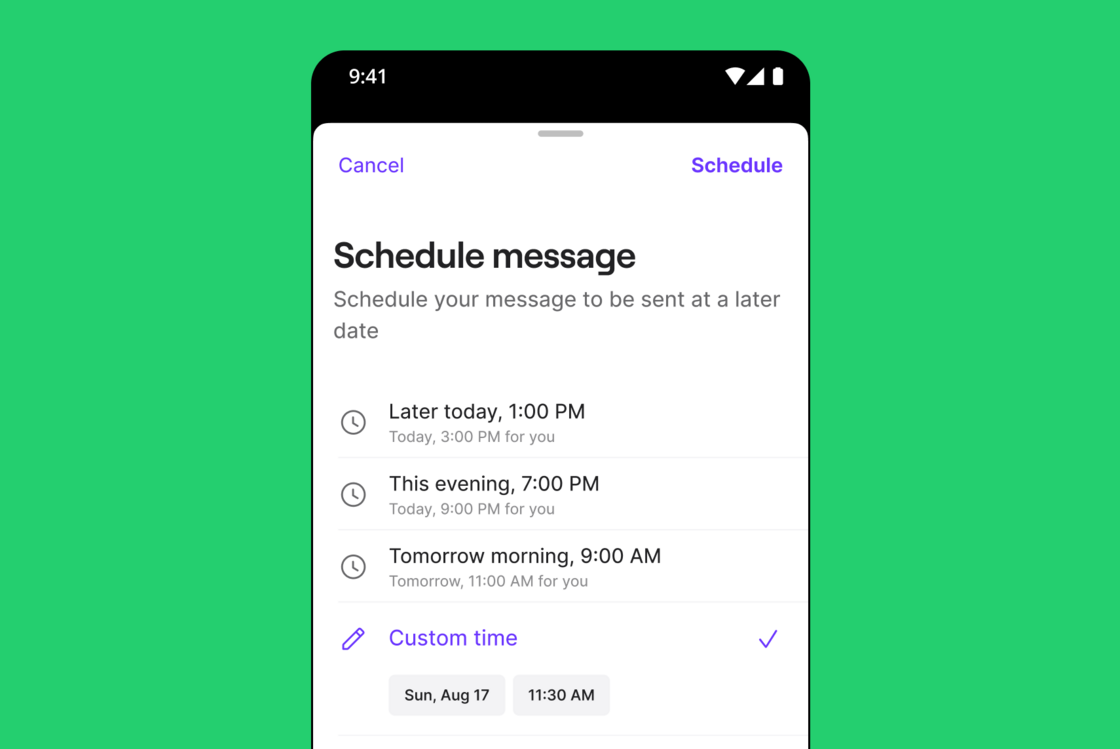
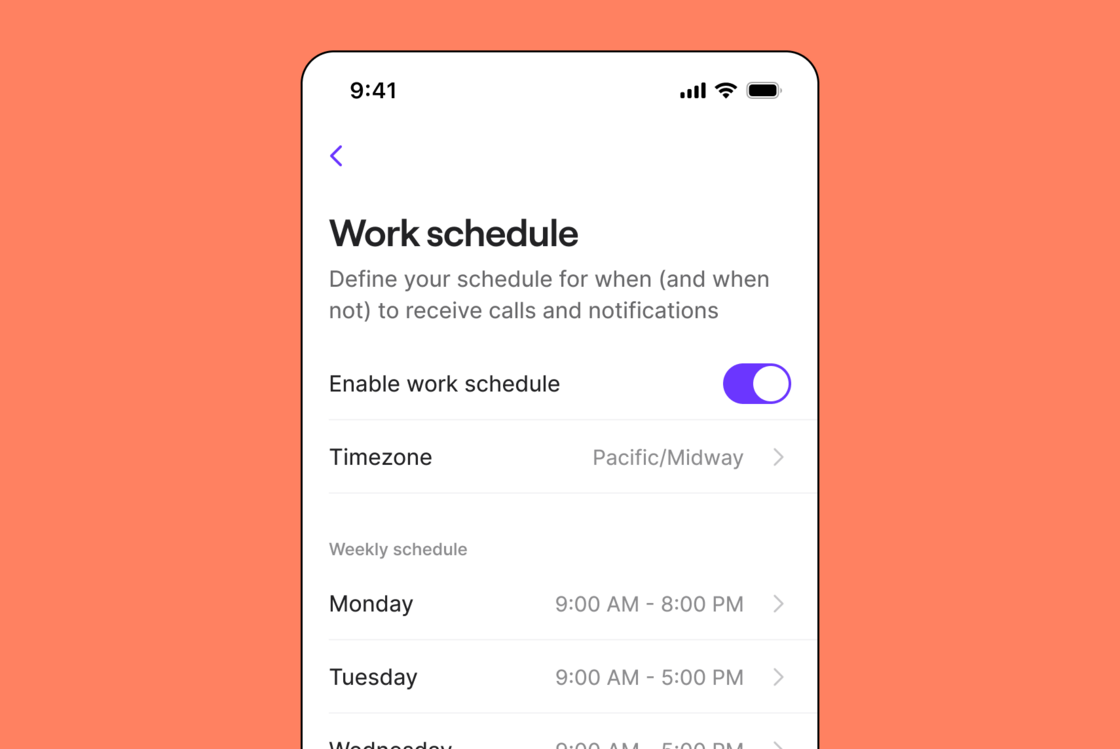
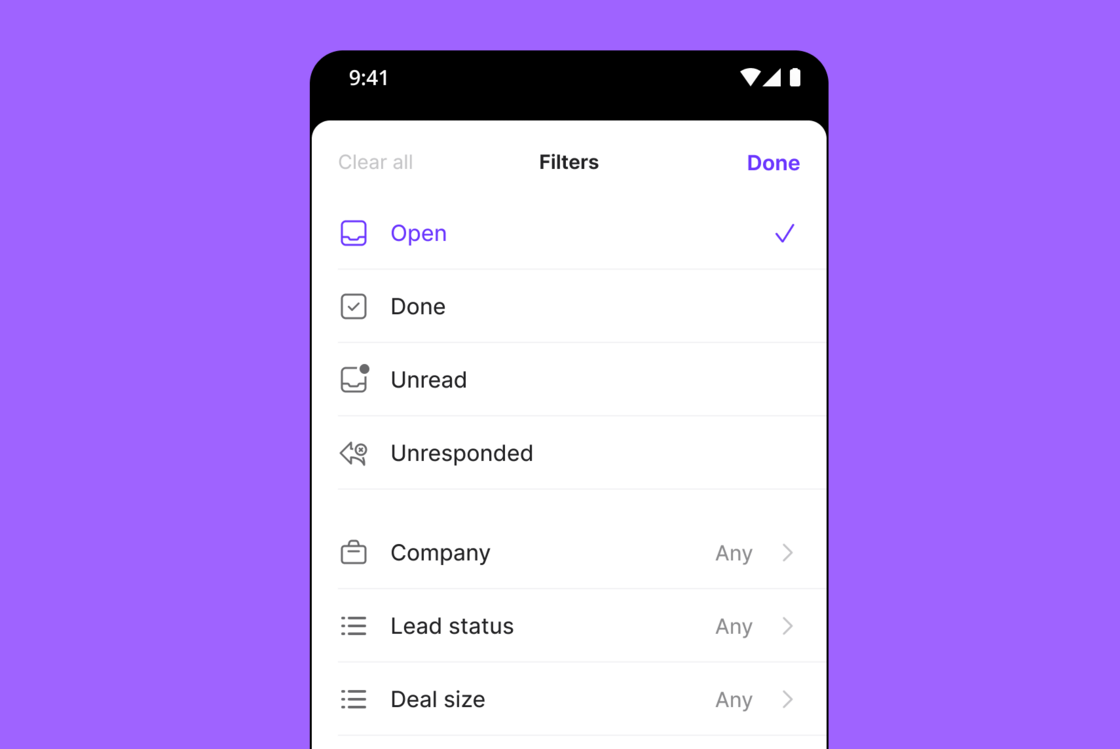 ## Custom auto-replies for missed calls – no voicemail needed
Now you can personalize auto-replies for missed calls without voicemails. It's your chance to make every interaction count, even when your contacts don't leave a message.
[Learn how to set up auto-replies in our Help Center.](https://support.quo.com/core-concepts/ai-automations/auto-replies)
## Custom auto-replies for missed calls – no voicemail needed
Now you can personalize auto-replies for missed calls without voicemails. It's your chance to make every interaction count, even when your contacts don't leave a message.
[Learn how to set up auto-replies in our Help Center.](https://support.quo.com/core-concepts/ai-automations/auto-replies)
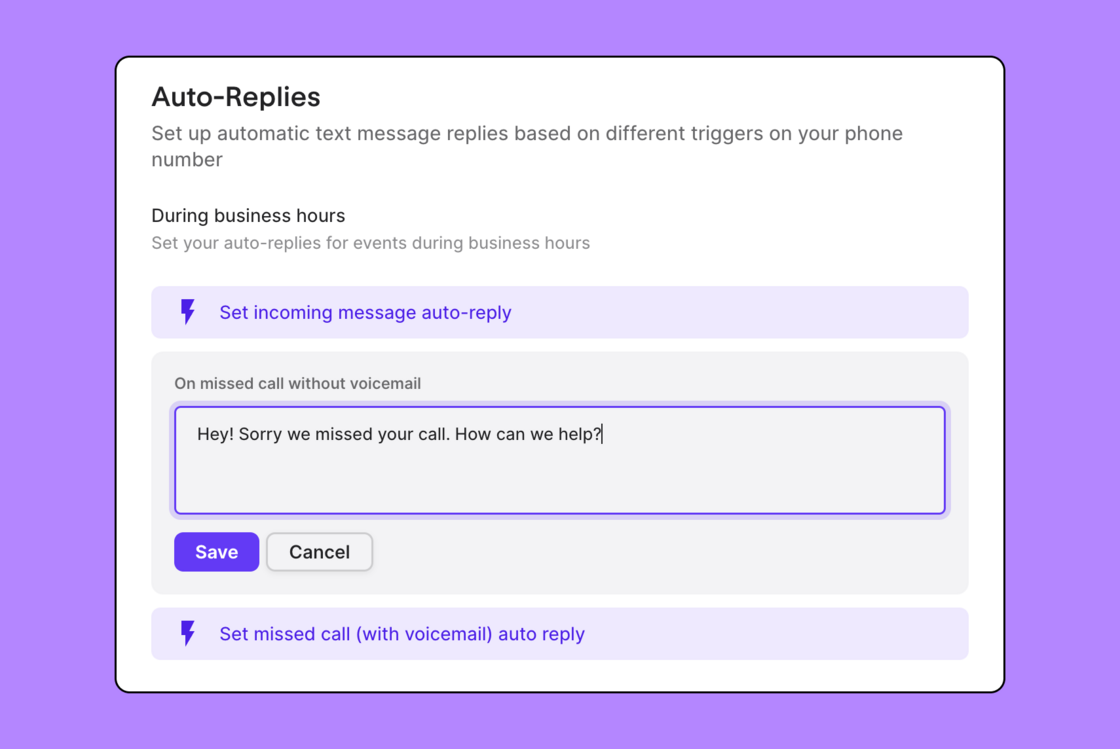 ## Weekly release recap
 Sweating the details makes all the difference. Here's our short list of updates and fixes from our latest release.
### Updates
* Updated the call actions copy from "End call" to "End call for all" for clarity in group call scenarios
* Added a fade-out animation when navigating directly to an activity after clicking a notification
* Tidied up some spacing with activity bubbles
* Updated font colors to improve readability
* Improved popover menus to prevent unintended interactions when active
### Bug fixes
* Resolved an issue where invited users were not visible in the member list on the settings page until a refresh was made
* Fixed an app crash issue for users with "billing" roles when inviting or accessing member settings
* Addressed an issue preventing subscription reactivation from the Plans page
* Added a feature to prevent interaction with background elements while a Popover is open, enhancing focus on active tasks
* Fixed an audio playback speed controls issue, ensuring a smoother user experience
* Addressed an issue with Safari's email auto-suggestion dialog in the modal for adding users to a phone number
* Fixed a lack of action when clicking links in conversations that lead to other messages
* Resolved an occasional error preventing access to copy call summaries and call transcripts
* Fixed an issue causing incorrect colors in contact avatars during ongoing call dialogs
* Addressed a display issue on Safari where an arrow was incorrectly shown when viewing the next payment summary
## Heads up! The blocklist is now located in workspace settings
We moved the blocklist to workspace settings to better reflect how the blocklist works (adding a number to your blocklist will block the number for the entire workspace).
That's not all. We also updated the blocklist to show which teammate blocked the number and allow you to unblock numbers directly from the blocklist.
Sweating the details makes all the difference. Here's our short list of updates and fixes from our latest release.
### Updates
* Updated the call actions copy from "End call" to "End call for all" for clarity in group call scenarios
* Added a fade-out animation when navigating directly to an activity after clicking a notification
* Tidied up some spacing with activity bubbles
* Updated font colors to improve readability
* Improved popover menus to prevent unintended interactions when active
### Bug fixes
* Resolved an issue where invited users were not visible in the member list on the settings page until a refresh was made
* Fixed an app crash issue for users with "billing" roles when inviting or accessing member settings
* Addressed an issue preventing subscription reactivation from the Plans page
* Added a feature to prevent interaction with background elements while a Popover is open, enhancing focus on active tasks
* Fixed an audio playback speed controls issue, ensuring a smoother user experience
* Addressed an issue with Safari's email auto-suggestion dialog in the modal for adding users to a phone number
* Fixed a lack of action when clicking links in conversations that lead to other messages
* Resolved an occasional error preventing access to copy call summaries and call transcripts
* Fixed an issue causing incorrect colors in contact avatars during ongoing call dialogs
* Addressed a display issue on Safari where an arrow was incorrectly shown when viewing the next payment summary
## Heads up! The blocklist is now located in workspace settings
We moved the blocklist to workspace settings to better reflect how the blocklist works (adding a number to your blocklist will block the number for the entire workspace).
That's not all. We also updated the blocklist to show which teammate blocked the number and allow you to unblock numbers directly from the blocklist.
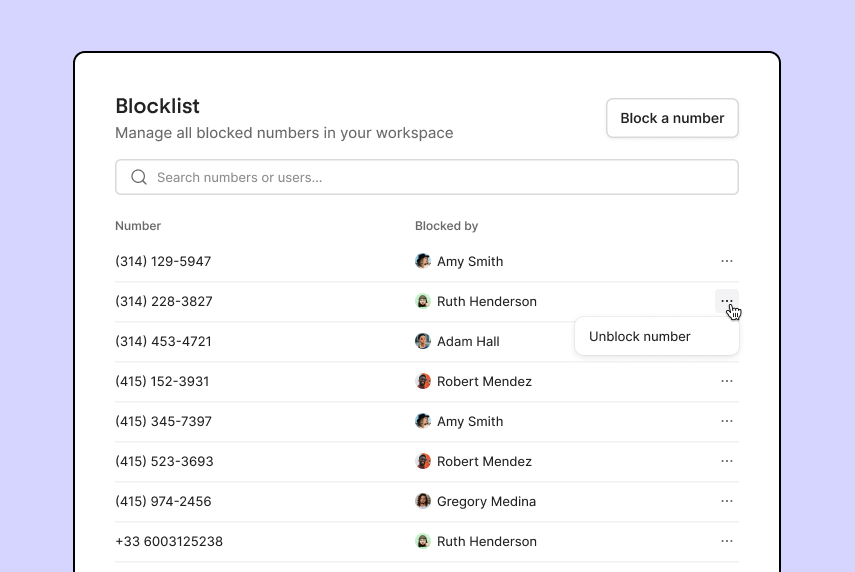 ## Control playback speed for call recordings
Now you can control the playback speed of call recordings and voicemails. Speed it up when you want to save time or slow it down when you want to make sure you don't miss a word. Learn how to record your calls in our [Help Center](https://support.quo.com/core-concepts/calling/call-recording).
## Control playback speed for call recordings
Now you can control the playback speed of call recordings and voicemails. Speed it up when you want to save time or slow it down when you want to make sure you don't miss a word. Learn how to record your calls in our [Help Center](https://support.quo.com/core-concepts/calling/call-recording).
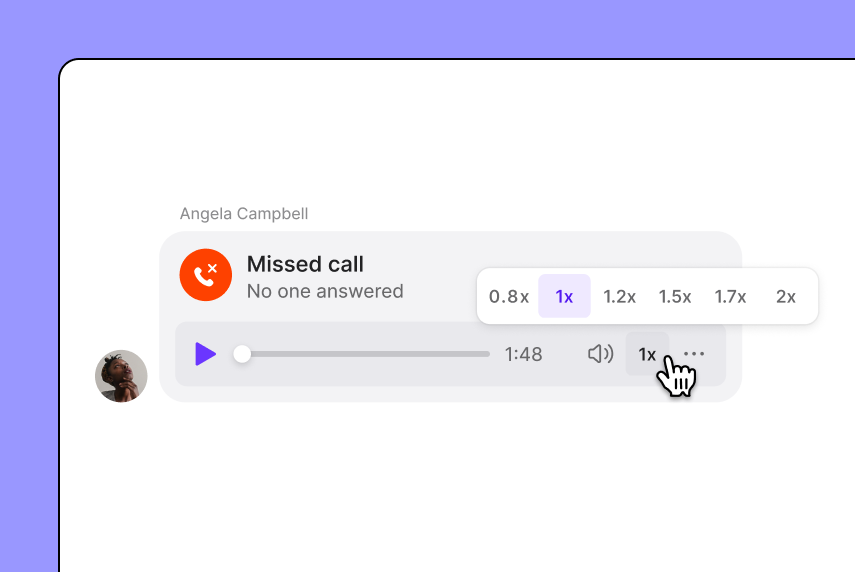 ## AI call summaries and suggested responses are now on mobile
OpenPhone on iOS and Android now offers all of our AI-powered features. Save time using AI-powered message responses, which automatically suggest 2-3 relevant replies to a message based on the context of the conversation. You can also have OpenPhone AI generate a response based on a prompt.
For those on Premium, you can also access AI call summaries on mobile, which automatically generates notes from a call and even outlines next steps.
Get OpenPhone for [iOS](https://apps.apple.com/us/app/openphone-second-phone-number/id1241817309) and [Android](https://play.google.com/store/apps/details?id=com.openphone\&hl=en_US\&gl=US).
## AI call summaries and suggested responses are now on mobile
OpenPhone on iOS and Android now offers all of our AI-powered features. Save time using AI-powered message responses, which automatically suggest 2-3 relevant replies to a message based on the context of the conversation. You can also have OpenPhone AI generate a response based on a prompt.
For those on Premium, you can also access AI call summaries on mobile, which automatically generates notes from a call and even outlines next steps.
Get OpenPhone for [iOS](https://apps.apple.com/us/app/openphone-second-phone-number/id1241817309) and [Android](https://play.google.com/store/apps/details?id=com.openphone\&hl=en_US\&gl=US).
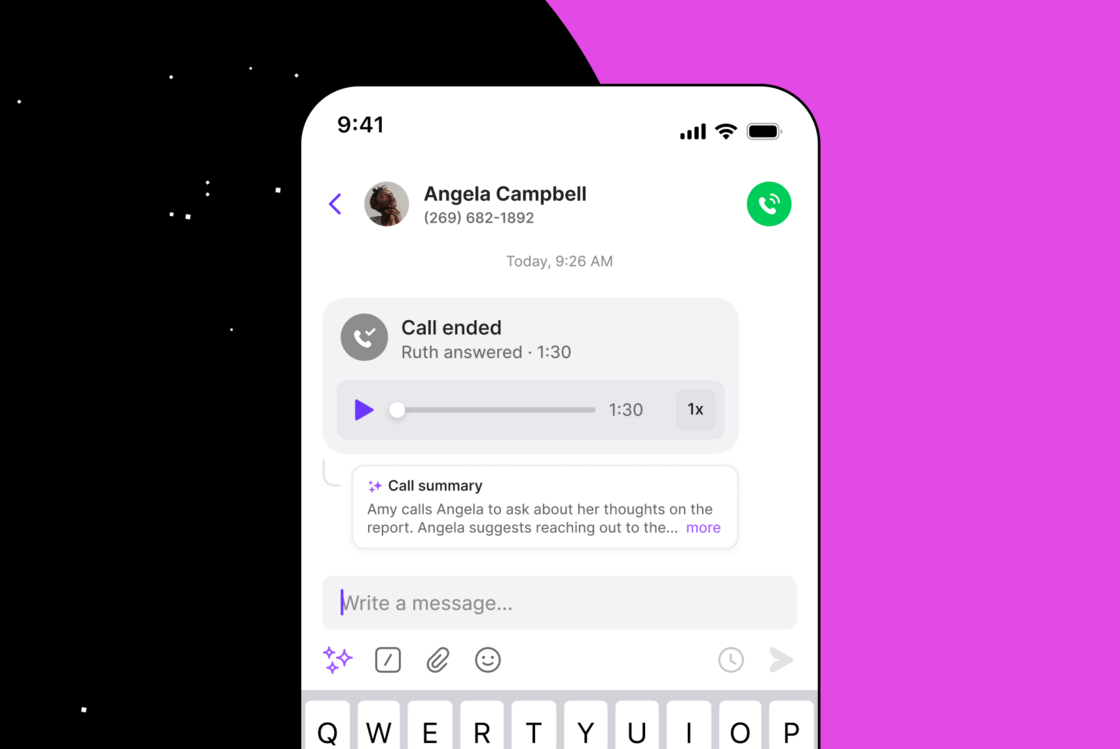
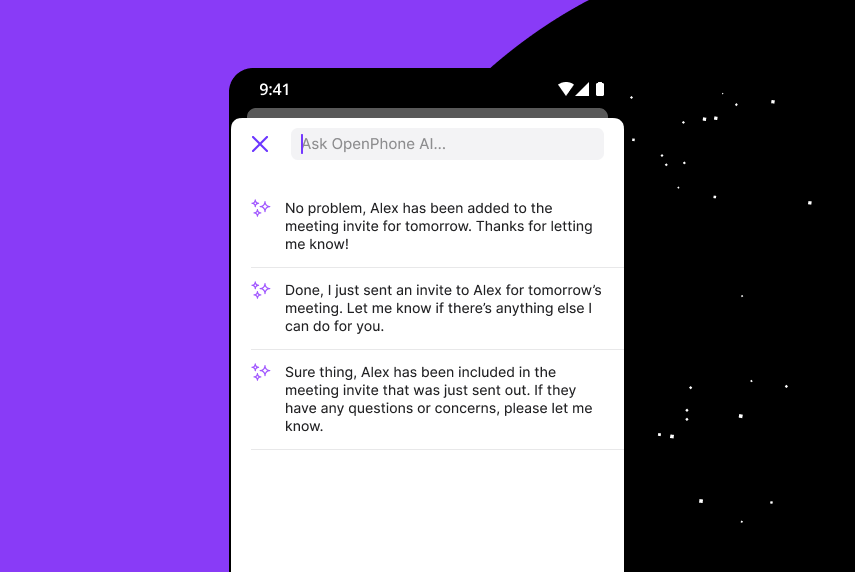 ## View your analytics in seconds
We’ve made significant updates to our analytics feature infrastructure. These changes were implemented to ensure that the data you receive is now even more accurate, reliable, and faster than ever before. With the recent improvements, you can expect to see analytics showing up within just 30 - 60 seconds!
## View your analytics in seconds
We’ve made significant updates to our analytics feature infrastructure. These changes were implemented to ensure that the data you receive is now even more accurate, reliable, and faster than ever before. With the recent improvements, you can expect to see analytics showing up within just 30 - 60 seconds!
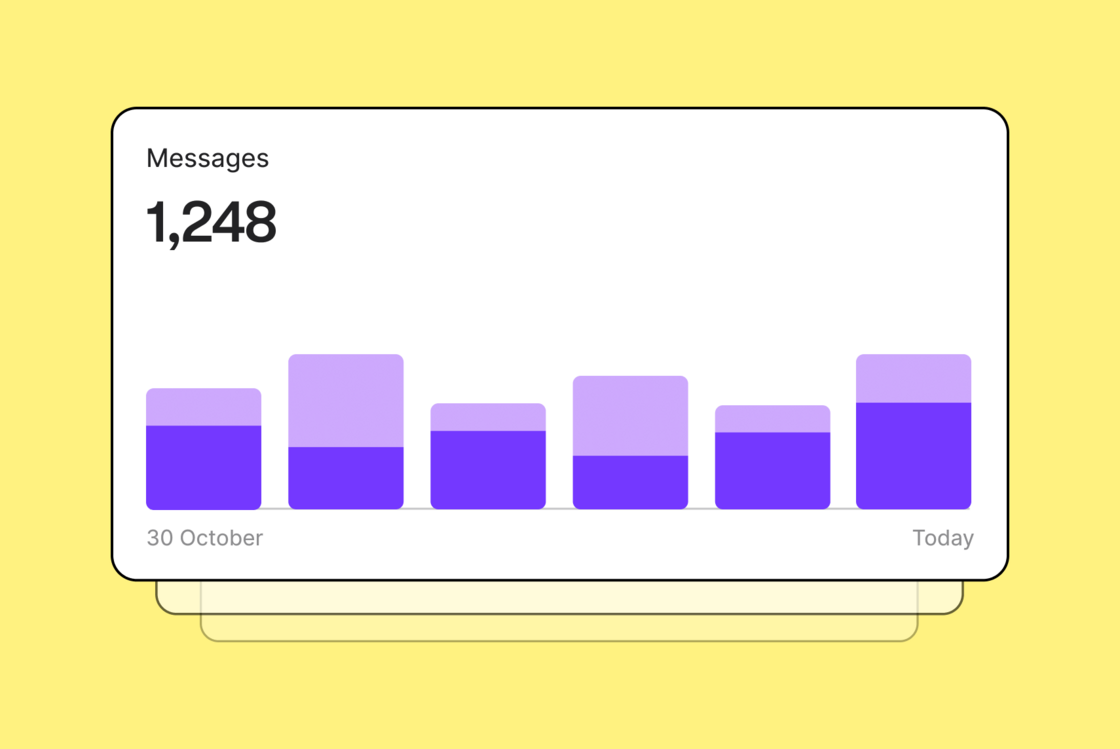 ## Put calls on hold to avoid calling back
Now when you need to look up information or consult a colleague, you can place callers on hold which will mute your microphone and play music for the contact offering them a professional experience while they wait. Call hold is available on our Premium plan.
## Put calls on hold to avoid calling back
Now when you need to look up information or consult a colleague, you can place callers on hold which will mute your microphone and play music for the contact offering them a professional experience while they wait. Call hold is available on our Premium plan.
 ## Share context before transferring a call
We updated the call transfer feature so you have more options for how you handoff a call, including:
* **Warm transfer**, which lets you place the caller on hold and connect with the receiving teammate to pass on relevant information before initiating the transfer.
* **Transfer with a note**, which lets you write a short note about the call that the receiving teammate will see when you transfer the call.
Call transfer works with both incoming and outgoing calls. Available on our Premium plan.
[Learn more in our Help Center →](https://support.quo.com/core-concepts/calling/call-transfer)
## Share context before transferring a call
We updated the call transfer feature so you have more options for how you handoff a call, including:
* **Warm transfer**, which lets you place the caller on hold and connect with the receiving teammate to pass on relevant information before initiating the transfer.
* **Transfer with a note**, which lets you write a short note about the call that the receiving teammate will see when you transfer the call.
Call transfer works with both incoming and outgoing calls. Available on our Premium plan.
[Learn more in our Help Center →](https://support.quo.com/core-concepts/calling/call-transfer)
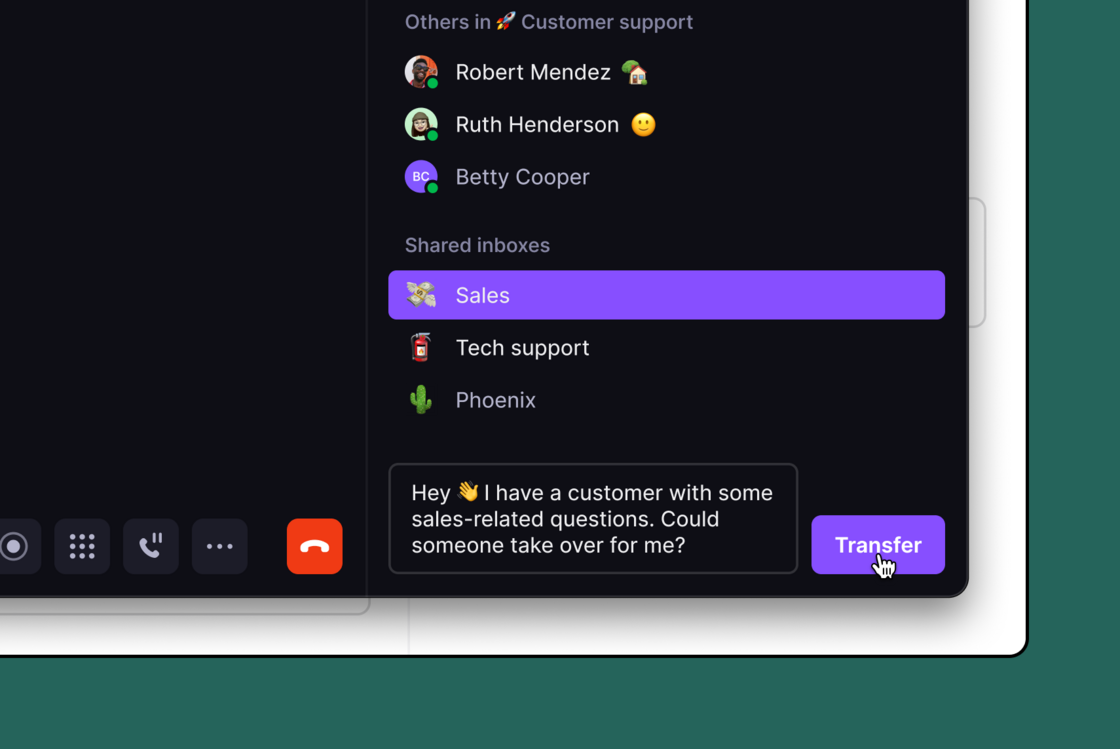 ## Ensure your team never misses important calls with ring order
We're excited to introduce ring order, a major update to OpenPhone's call routing functionality. With ring order, you now have three configuration options to control how team members are notified of incoming calls:
* **All at Once** - Get everyone in sync with simultaneous incoming call notifications for all team members
* **Random** - Divide and conquer by cycling incoming call notifications through random batches of members, with custom batch sizes tailored to your needs
* **Custom** - Craft your perfect call routing strategy by cycling incoming call notifications through your defined groups of members
[Learn more in our Help Center.](https://support.quo.com/core-concepts/administration/call-flows/ring-groups)
## Ensure your team never misses important calls with ring order
We're excited to introduce ring order, a major update to OpenPhone's call routing functionality. With ring order, you now have three configuration options to control how team members are notified of incoming calls:
* **All at Once** - Get everyone in sync with simultaneous incoming call notifications for all team members
* **Random** - Divide and conquer by cycling incoming call notifications through random batches of members, with custom batch sizes tailored to your needs
* **Custom** - Craft your perfect call routing strategy by cycling incoming call notifications through your defined groups of members
[Learn more in our Help Center.](https://support.quo.com/core-concepts/administration/call-flows/ring-groups)
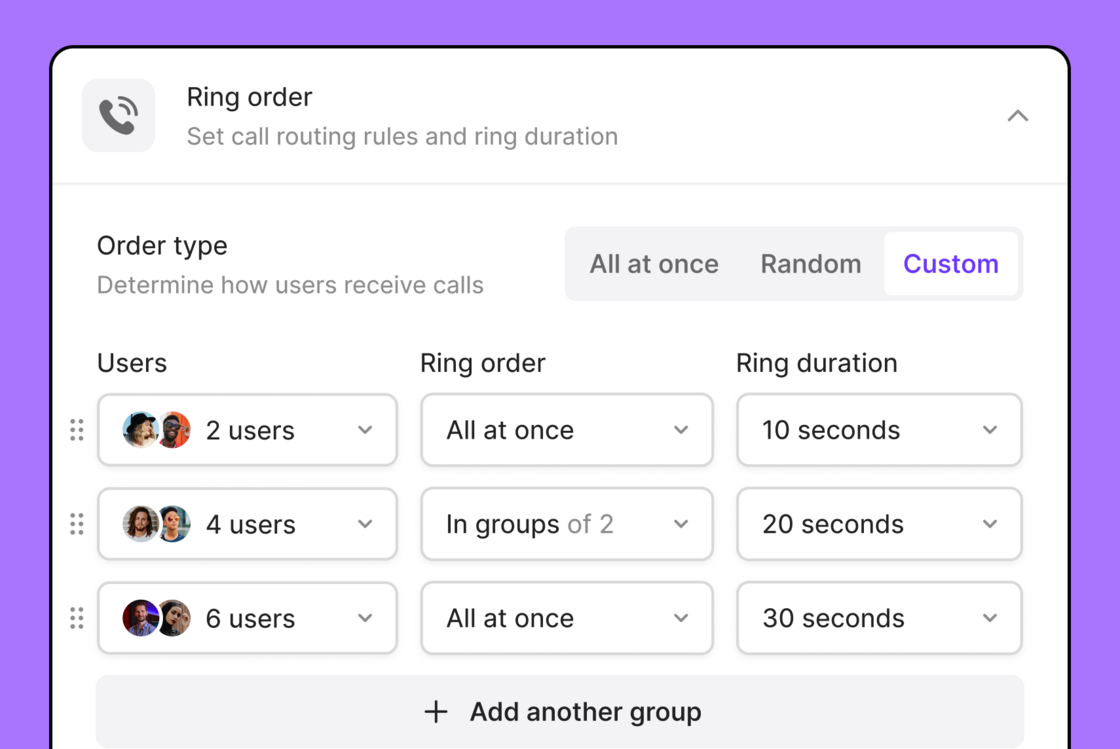 ## Save time and reply faster using AI-suggested message responses
OpenPhone uses AI to automatically suggest 2-3 relevant replies to a message based on the context of the conversation. You can also prompt OpenPhone AI to generate a message that you can then edit or send. Available on all plans.
[Learn more in our Help Center. ](https://support.quo.com/core-concepts/messaging/overview#ai-suggested-responses)
## Save time and reply faster using AI-suggested message responses
OpenPhone uses AI to automatically suggest 2-3 relevant replies to a message based on the context of the conversation. You can also prompt OpenPhone AI to generate a message that you can then edit or send. Available on all plans.
[Learn more in our Help Center. ](https://support.quo.com/core-concepts/messaging/overview#ai-suggested-responses)
 ## AI call summaries take care of note-taking and tracking action items
When you finish a call, OpenPhone will now automatically generate a summary of the conversation and even outline the next steps. It’s great for keeping notes or for your team to get context on a previous customer interaction without reading the entire transcript or listening to the recording. Available on Premium plans.
[Learn more in our Help Center.](https://support.quo.com/core-concepts/calling/summaries-and-transcripts)
## AI call summaries take care of note-taking and tracking action items
When you finish a call, OpenPhone will now automatically generate a summary of the conversation and even outline the next steps. It’s great for keeping notes or for your team to get context on a previous customer interaction without reading the entire transcript or listening to the recording. Available on Premium plans.
[Learn more in our Help Center.](https://support.quo.com/core-concepts/calling/summaries-and-transcripts)
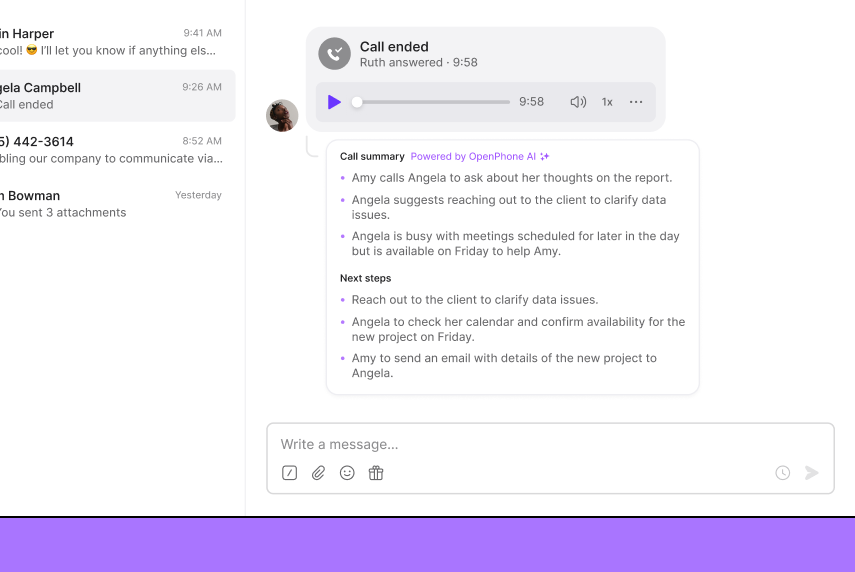 ## View a complete transcript of a call, broken down by speakers
Now you and your team can refer back to the exact words spoken during the call to find specific information, minimizing the risk of miscommunication or misunderstanding. Available on Premium plans.
[Learn more in our Help Center. ](https://support.quo.com/core-concepts/calling/summaries-and-transcripts)
## View a complete transcript of a call, broken down by speakers
Now you and your team can refer back to the exact words spoken during the call to find specific information, minimizing the risk of miscommunication or misunderstanding. Available on Premium plans.
[Learn more in our Help Center. ](https://support.quo.com/core-concepts/calling/summaries-and-transcripts)
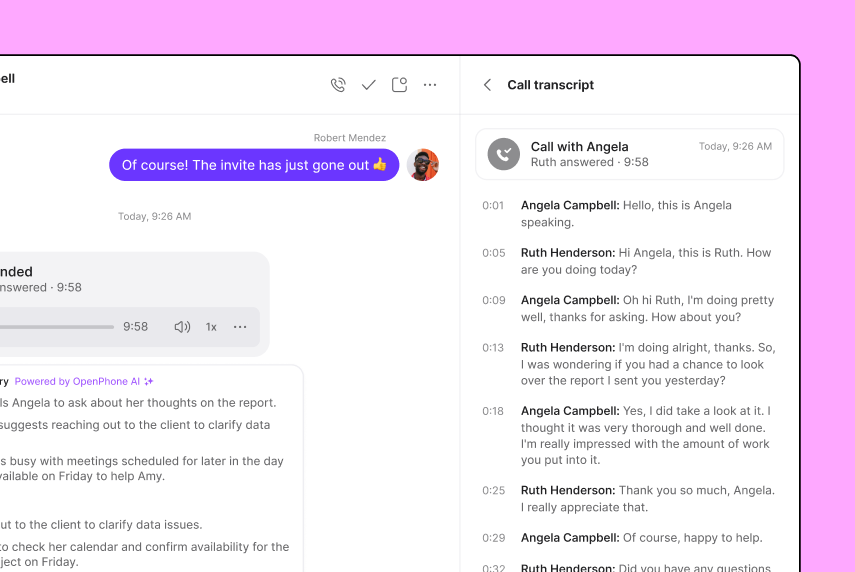 ## View HubSpot and Salesforce contacts on the iOS and Android apps
Now, when you receive a call on [iOS](https://apps.apple.com/us/app/openphone-second-phone-number/id1241817309) or [Android](https://play.google.com/store/apps/details?id=com.openphone\&hl=en_US\&gl=US\&pli=1), OpenPhone will look up the phone number in your Salesforce and HubSpot contacts. If the caller's number matches any of your contacts, their name and information will be displayed. No more guessing or trying to remember who that number belongs to!
## View HubSpot and Salesforce contacts on the iOS and Android apps
Now, when you receive a call on [iOS](https://apps.apple.com/us/app/openphone-second-phone-number/id1241817309) or [Android](https://play.google.com/store/apps/details?id=com.openphone\&hl=en_US\&gl=US\&pli=1), OpenPhone will look up the phone number in your Salesforce and HubSpot contacts. If the caller's number matches any of your contacts, their name and information will be displayed. No more guessing or trying to remember who that number belongs to!
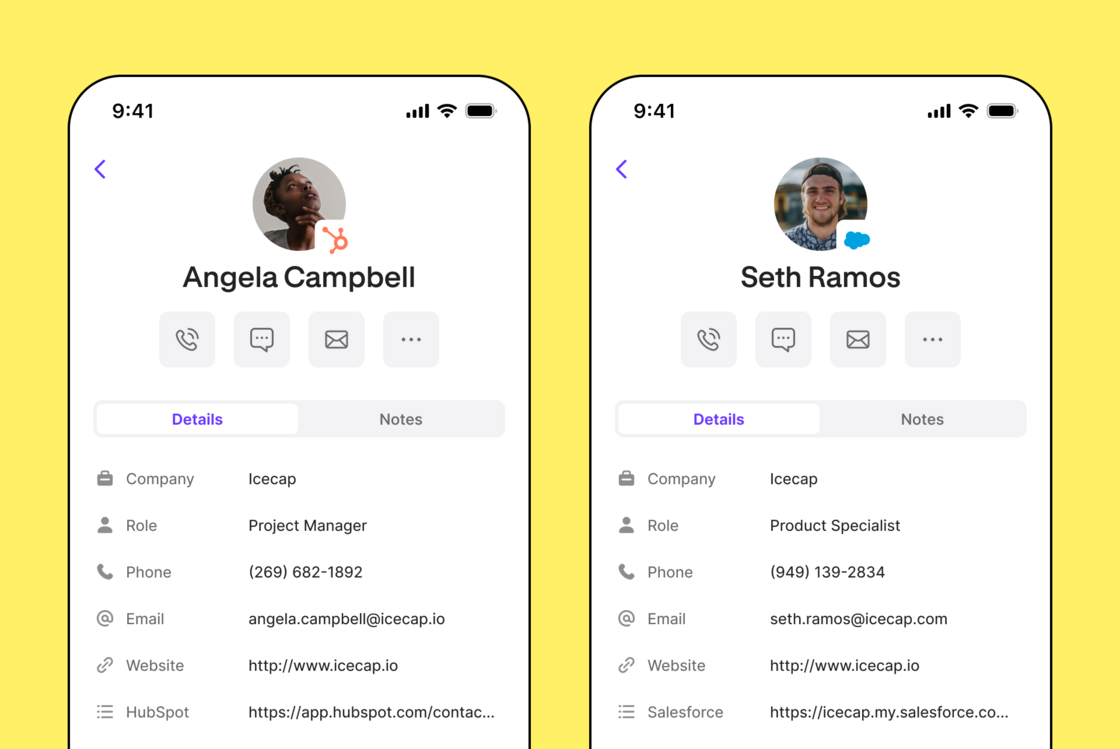 Set up the \*\*\*\*\*\*\*\*[HubSpot integration](https://support.quo.com/core-concepts/integrations/hubspot) and [Salesforce integration](https://support.quo.com/core-concepts/integrations/salesforce), and be sure to update your app or get OpenPhone for [iOS](https://apps.apple.com/us/app/openphone-second-phone-number/id1241817309) and [Android](https://play.google.com/store/apps/details?id=com.openphone\&hl=en_US\&gl=US\&pli=1).
## Talk to multiple people at the same time with group calling
One of our most requested features has arrived: group calling. This feature allows you to add three or more people to a call. Available on our [Premium](https://my.quo.com/settings/billing/plans) plan.
Set up the \*\*\*\*\*\*\*\*[HubSpot integration](https://support.quo.com/core-concepts/integrations/hubspot) and [Salesforce integration](https://support.quo.com/core-concepts/integrations/salesforce), and be sure to update your app or get OpenPhone for [iOS](https://apps.apple.com/us/app/openphone-second-phone-number/id1241817309) and [Android](https://play.google.com/store/apps/details?id=com.openphone\&hl=en_US\&gl=US\&pli=1).
## Talk to multiple people at the same time with group calling
One of our most requested features has arrived: group calling. This feature allows you to add three or more people to a call. Available on our [Premium](https://my.quo.com/settings/billing/plans) plan.
 To start a group call, simply initiate a call with a contact or team member in your workspace. Once connected, click the "add participant" button located in the top right corner of the active call modal. *(Please note that you can only add one participant at a time.)*
When adding team members to a group call, you can send a short invitation message to provide context about the conversation before they join.
We're working on new features to make group calling even more powerful so stay tuned for updates.
Learn more in our [Help Center](https://support.quo.com/core-concepts/calling/conference-calling).
## OpenPhone Update - 5th Birthday Edition - May '23
OpenPhone turns five this week — can you believe it? And to celebrate, you’re the one receiving the gifts! We’ve got a ton of delightful improvements for you. Thanks for celebrating our fifth birthday with us. Here’s to many more! 🥳
Check out the latest updates below:
📲 **Filter inboxes by unresponded**
Want to see only the messages you haven’t responded to? We’ve improved our inbox filtering so you can display only those unresponded conversations. Available now on web and desktop. Coming soon to iOS and Android.
Have any other suggestions to improve inbox filtering? Please let us know.
To start a group call, simply initiate a call with a contact or team member in your workspace. Once connected, click the "add participant" button located in the top right corner of the active call modal. *(Please note that you can only add one participant at a time.)*
When adding team members to a group call, you can send a short invitation message to provide context about the conversation before they join.
We're working on new features to make group calling even more powerful so stay tuned for updates.
Learn more in our [Help Center](https://support.quo.com/core-concepts/calling/conference-calling).
## OpenPhone Update - 5th Birthday Edition - May '23
OpenPhone turns five this week — can you believe it? And to celebrate, you’re the one receiving the gifts! We’ve got a ton of delightful improvements for you. Thanks for celebrating our fifth birthday with us. Here’s to many more! 🥳
Check out the latest updates below:
📲 **Filter inboxes by unresponded**
Want to see only the messages you haven’t responded to? We’ve improved our inbox filtering so you can display only those unresponded conversations. Available now on web and desktop. Coming soon to iOS and Android.
Have any other suggestions to improve inbox filtering? Please let us know.
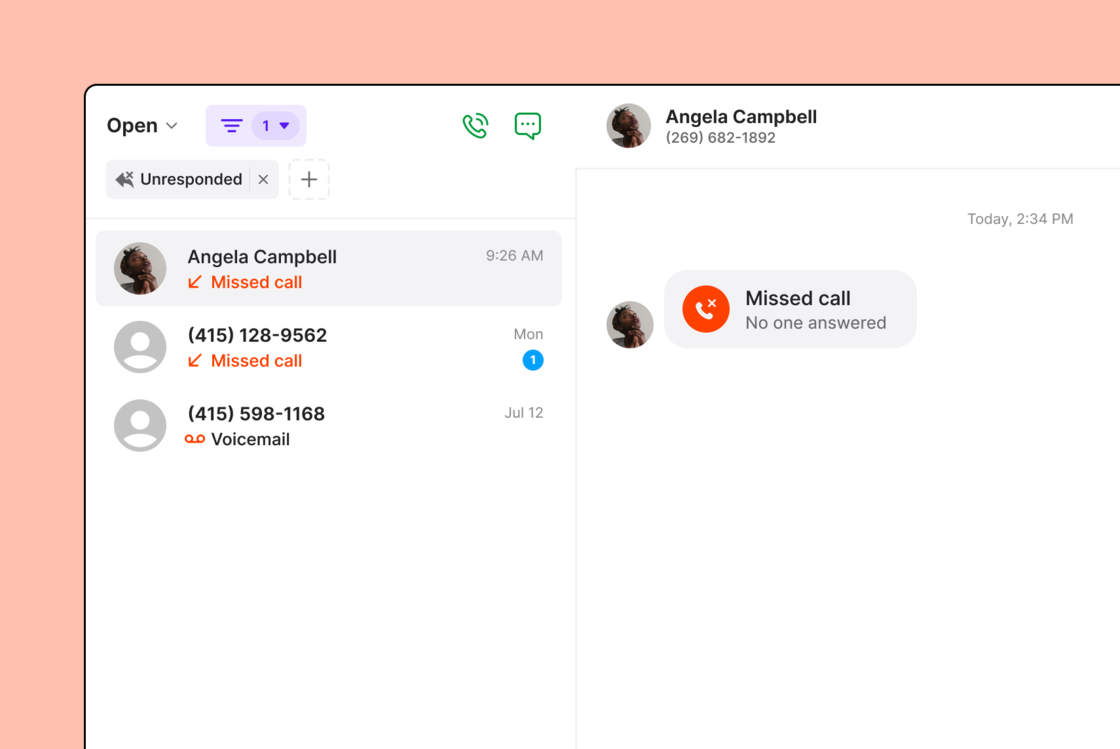 📌 **Pin conversations**
Are you constantly scrolling your inbox to find your most important conversations? Starting today, you can pin up to five conversations to the top of your inbox.
📌 **Pin conversations**
Are you constantly scrolling your inbox to find your most important conversations? Starting today, you can pin up to five conversations to the top of your inbox.
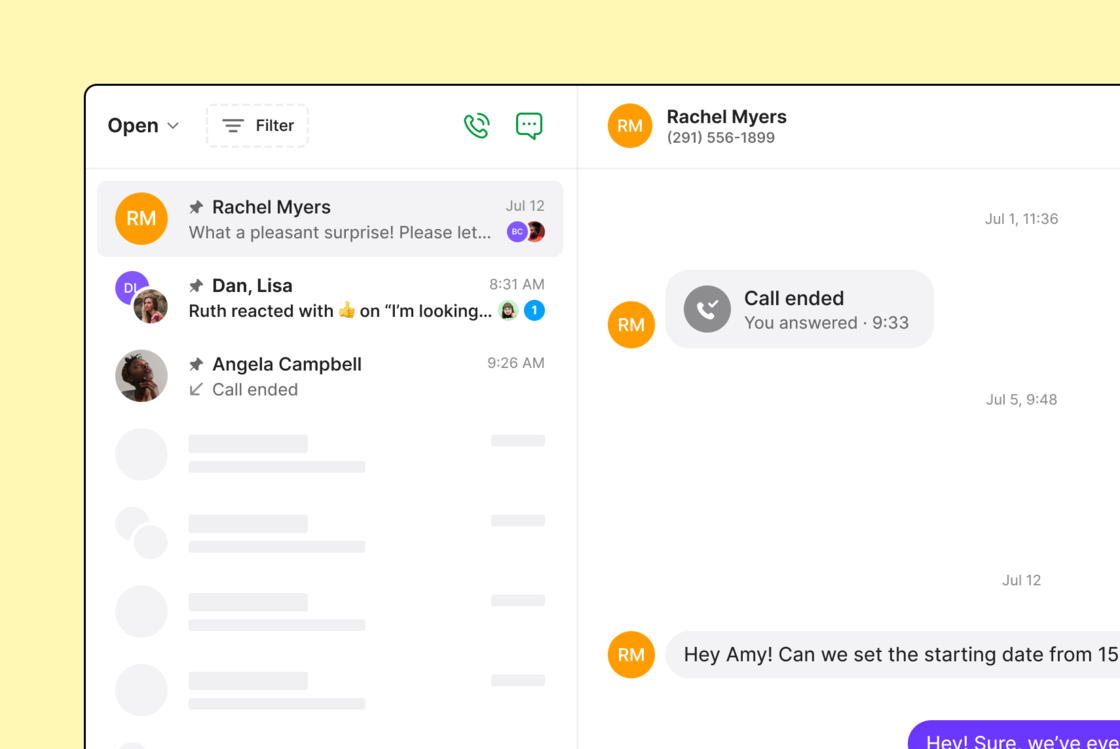 👋 **Rename group conversations**
Having a tough time navigating your multiple group messages? We’ve got you covered! In just two clicks, you can give a unique name to your group messages, allowing you to easily find the right conversation.
Resizing image, please wait…
✨ **Additional delighters**
* Receiving multiple calls at once? The modals for multiple incoming calls now stagger, so you can easily select which call to answer. Next level of productivity unlocked!
* Want to control where the call modal shows for calls? As of today, the active call modal’s position persists between calls, appearing right where you left it.
* No one likes rejection. Rather than rejecting a call outright, you can silence incoming calls by clicking the “x” button in the upper right corner of the call modal.
* Both web and desktop have the option to resize the side navigation, conversations, and contacts panels, allowing you to focus on what matters most!
* Calling your teammates internally? Phone numbers are now split between private and shared so you can confidently call the right number.
* We’ve also improved the way internal conversations with your shared numbers get labeled in your inbox. Instead of seeing the number’s owner, you’ll see the name of the shared numbers.
\[\[\[\[[**Want to try all this out? Update your \[Web\]https://my.quo.com/login), Mac, Windows, iOS, and Android apps.**](https://play.google.com/store/apps/details?id=com.openphone)]\([https://apps.apple.com/us/app/quo-formerly-openphone/id1241817309)\](https://www.quo.com/downloads)\](https://www.quo.com/downloads)\](](https://apps.apple.com/us/app/quo-formerly-openphone/id1241817309\)]\(https://www.quo.com/downloads\)]\(https://www.quo.com/downloads\)]\()[https://my.quo.com/login](https://my.quo.com/login))
When you celebrate an OpenPhone birthday, you keep the party going all month long. Stay tuned for another release next month that’s going to keep you celebrating into June and beyond! 🎉
Thanks!
Ty
*PS:* Keep the gifts coming by [referring a friend](https://my.quo.com/settings/referrals) to OpenPhone! We’ll give both of you \$20 in OpenPhone credit when they become a customer.
*PPS:* For a reflection from our co-founder Daryna on what she would do differently if she could go back in time 5 years, check out our [latest blog post](https://www.quo.com/blog/5-lessons/).
\[[*Want to check out what we’re doing next? Connect with us on LinkedIn or Twitter. Thanks!*](https://clicktotweet.com/YGbZL)]\([https://www.linkedin.com/feed/update/urn:li:activity:6877670984736894976](https://www.linkedin.com/feed/update/urn:li:activity:6877670984736894976))
## New fixes and updates (OpenPhone for iPhone)
We’ve got some exciting news for you in our new update to the OpenPhone app for iPhone. Here's the latest and greatest:
* Added the option to now give your group conversations a name so you can more easily reference them later.
* Made improvements to make sharing contacts and setting your app preferences a breeze.
* Fixed a couple of pesky bugs that were causing issues with Siri commands.
***
Try out the latest version yourself by visiting the [App Store](https://apps.apple.com/us/app/openphone-second-phone-number/id1241817309). As always, stay tuned for even more updates.
## New fixes and updates (OpenPhone for Android)
We've released a new version of OpenPhone which adds some functionality and fixes a few issues. Here's what's new in version 4.2.0.
* Enhancements to general notifications, internal threads, and contact notes so that you get notifications promptly and at the right times.
* Fixes to ensure OpenPhone consumes fewer amounts of data and more reliably syncs to your other devices.
* Improved Android 13 support.
* Bug fixes to the contacts screen, inbound calls, and settings.
***
Update OpenPhone now via the Google Play Store to take advantage of these updates. Stay tuned as even more is coming soon!
## New fixes and updates (OpenPhone for web)
We're back with even more improvements to OpenPhone. Here's what's new for version 3.36.0 of the web app:
* Introduced a dedicated help button in the left navigation bar where you can quickly access Help center, Troubleshooting, What's new?, and Status
* Enhancement to web app performance for faster loading speeds
* Improved accessibility of contact properties
* Fixed an issue where threads wouldn't auto-scroll into view when clicked
* Fixed an analytics bug where voicemails were double counting as two missed calls
* Fixed a bug that prevented creating a new snippet using the keyboard
***
Refresh the browser app to check out these updates. Even more updates are on the way — so stay tuned!
## New fixes and updates (OpenPhone for iPhone)
We've released a new version of OpenPhone for iPhone that fixes a few issues and gives you even more functionality. Here's what's new:
* Along with some improvements and bug fixes, CarPlay support is now available.
* Added a new quick actions menu for the app’s launch icon.
* Added Siri commands including options to ask Siri to start a call in OpenPhone, send a message, read your last message, and read your last call log.
***
Check out the latest changes by updating via the [App Store](https://apps.apple.com/us/app/openphone-second-phone-number/id1241817309). Much more to come soon so stay tuned!
## New fixes and updates (OpenPhone for web)
We've released a new version of OpenPhone for web. Here's what's new for version 3.42.3:
* Improved clarity on how much a customer will be charged when purchasing a phone number on an annual plan
* Fixed an issue with webhooks secret key not being copied correctly
* Fixed an issue preventing Window users from using Google SSO to sign in
* Improved accessibility by enabling keyboard navigation of the contact panel
* Other fixes and improvements (14 in total)
***
Refresh the browser app to enjoy these updates. And stay tuned for more updates in 2023!
## New fixes and updates (OpenPhone for iPhone)
Packed with over 80 fixes, updates, and all-new features, this is our biggest release on iPhone yet! **Here's what's changed in version 3.3.0.**
### What’s new:
* Schedule text messages to be delivered at any point in the future 📆.
👋 **Rename group conversations**
Having a tough time navigating your multiple group messages? We’ve got you covered! In just two clicks, you can give a unique name to your group messages, allowing you to easily find the right conversation.
Resizing image, please wait…
✨ **Additional delighters**
* Receiving multiple calls at once? The modals for multiple incoming calls now stagger, so you can easily select which call to answer. Next level of productivity unlocked!
* Want to control where the call modal shows for calls? As of today, the active call modal’s position persists between calls, appearing right where you left it.
* No one likes rejection. Rather than rejecting a call outright, you can silence incoming calls by clicking the “x” button in the upper right corner of the call modal.
* Both web and desktop have the option to resize the side navigation, conversations, and contacts panels, allowing you to focus on what matters most!
* Calling your teammates internally? Phone numbers are now split between private and shared so you can confidently call the right number.
* We’ve also improved the way internal conversations with your shared numbers get labeled in your inbox. Instead of seeing the number’s owner, you’ll see the name of the shared numbers.
\[\[\[\[[**Want to try all this out? Update your \[Web\]https://my.quo.com/login), Mac, Windows, iOS, and Android apps.**](https://play.google.com/store/apps/details?id=com.openphone)]\([https://apps.apple.com/us/app/quo-formerly-openphone/id1241817309)\](https://www.quo.com/downloads)\](https://www.quo.com/downloads)\](](https://apps.apple.com/us/app/quo-formerly-openphone/id1241817309\)]\(https://www.quo.com/downloads\)]\(https://www.quo.com/downloads\)]\()[https://my.quo.com/login](https://my.quo.com/login))
When you celebrate an OpenPhone birthday, you keep the party going all month long. Stay tuned for another release next month that’s going to keep you celebrating into June and beyond! 🎉
Thanks!
Ty
*PS:* Keep the gifts coming by [referring a friend](https://my.quo.com/settings/referrals) to OpenPhone! We’ll give both of you \$20 in OpenPhone credit when they become a customer.
*PPS:* For a reflection from our co-founder Daryna on what she would do differently if she could go back in time 5 years, check out our [latest blog post](https://www.quo.com/blog/5-lessons/).
\[[*Want to check out what we’re doing next? Connect with us on LinkedIn or Twitter. Thanks!*](https://clicktotweet.com/YGbZL)]\([https://www.linkedin.com/feed/update/urn:li:activity:6877670984736894976](https://www.linkedin.com/feed/update/urn:li:activity:6877670984736894976))
## New fixes and updates (OpenPhone for iPhone)
We’ve got some exciting news for you in our new update to the OpenPhone app for iPhone. Here's the latest and greatest:
* Added the option to now give your group conversations a name so you can more easily reference them later.
* Made improvements to make sharing contacts and setting your app preferences a breeze.
* Fixed a couple of pesky bugs that were causing issues with Siri commands.
***
Try out the latest version yourself by visiting the [App Store](https://apps.apple.com/us/app/openphone-second-phone-number/id1241817309). As always, stay tuned for even more updates.
## New fixes and updates (OpenPhone for Android)
We've released a new version of OpenPhone which adds some functionality and fixes a few issues. Here's what's new in version 4.2.0.
* Enhancements to general notifications, internal threads, and contact notes so that you get notifications promptly and at the right times.
* Fixes to ensure OpenPhone consumes fewer amounts of data and more reliably syncs to your other devices.
* Improved Android 13 support.
* Bug fixes to the contacts screen, inbound calls, and settings.
***
Update OpenPhone now via the Google Play Store to take advantage of these updates. Stay tuned as even more is coming soon!
## New fixes and updates (OpenPhone for web)
We're back with even more improvements to OpenPhone. Here's what's new for version 3.36.0 of the web app:
* Introduced a dedicated help button in the left navigation bar where you can quickly access Help center, Troubleshooting, What's new?, and Status
* Enhancement to web app performance for faster loading speeds
* Improved accessibility of contact properties
* Fixed an issue where threads wouldn't auto-scroll into view when clicked
* Fixed an analytics bug where voicemails were double counting as two missed calls
* Fixed a bug that prevented creating a new snippet using the keyboard
***
Refresh the browser app to check out these updates. Even more updates are on the way — so stay tuned!
## New fixes and updates (OpenPhone for iPhone)
We've released a new version of OpenPhone for iPhone that fixes a few issues and gives you even more functionality. Here's what's new:
* Along with some improvements and bug fixes, CarPlay support is now available.
* Added a new quick actions menu for the app’s launch icon.
* Added Siri commands including options to ask Siri to start a call in OpenPhone, send a message, read your last message, and read your last call log.
***
Check out the latest changes by updating via the [App Store](https://apps.apple.com/us/app/openphone-second-phone-number/id1241817309). Much more to come soon so stay tuned!
## New fixes and updates (OpenPhone for web)
We've released a new version of OpenPhone for web. Here's what's new for version 3.42.3:
* Improved clarity on how much a customer will be charged when purchasing a phone number on an annual plan
* Fixed an issue with webhooks secret key not being copied correctly
* Fixed an issue preventing Window users from using Google SSO to sign in
* Improved accessibility by enabling keyboard navigation of the contact panel
* Other fixes and improvements (14 in total)
***
Refresh the browser app to enjoy these updates. And stay tuned for more updates in 2023!
## New fixes and updates (OpenPhone for iPhone)
Packed with over 80 fixes, updates, and all-new features, this is our biggest release on iPhone yet! **Here's what's changed in version 3.3.0.**
### What’s new:
* Schedule text messages to be delivered at any point in the future 📆. 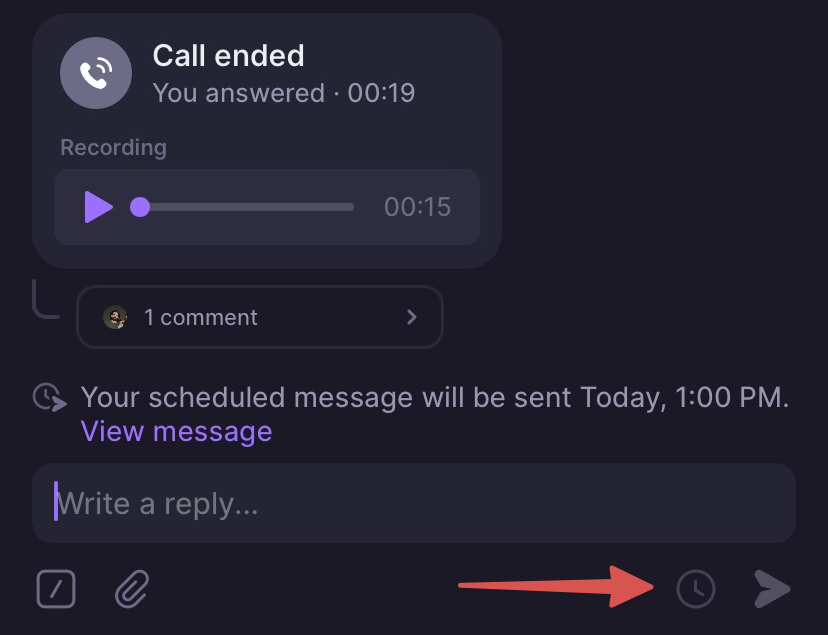 * Send, edit, or delete anything in OpenPhone without an active internet connection. We’ll sync things up when you’re back online.
* Notify everyone sharing a number using @group mentions in threads and contact notes.
* Select multiple photos and videos from the attachment screen.
* Added settings to change OpenPhone’s color theme, default reactions, and emoji skintone.
* Send, edit, or delete anything in OpenPhone without an active internet connection. We’ll sync things up when you’re back online.
* Notify everyone sharing a number using @group mentions in threads and contact notes.
* Select multiple photos and videos from the attachment screen.
* Added settings to change OpenPhone’s color theme, default reactions, and emoji skintone. 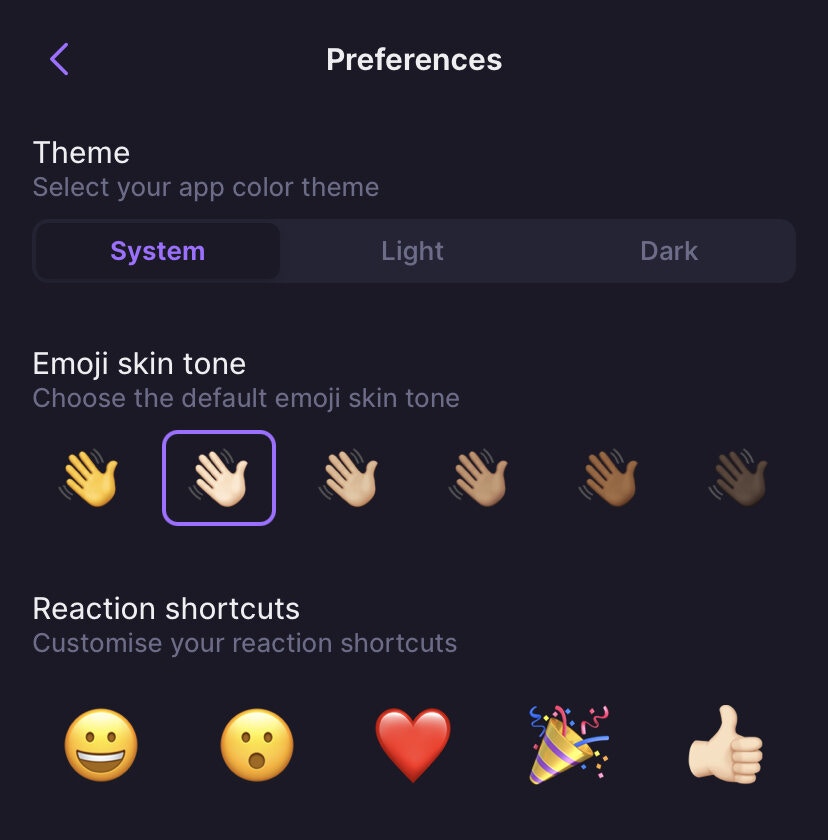 * Listen up! New default sounds and ringtones are making their debut 🎶.
* OpenPhone will now autodetect phone numbers in your clipboard (toggle that in settings).
* Scan and send documents right from within a conversation.
* Listen up! New default sounds and ringtones are making their debut 🎶.
* OpenPhone will now autodetect phone numbers in your clipboard (toggle that in settings).
* Scan and send documents right from within a conversation. 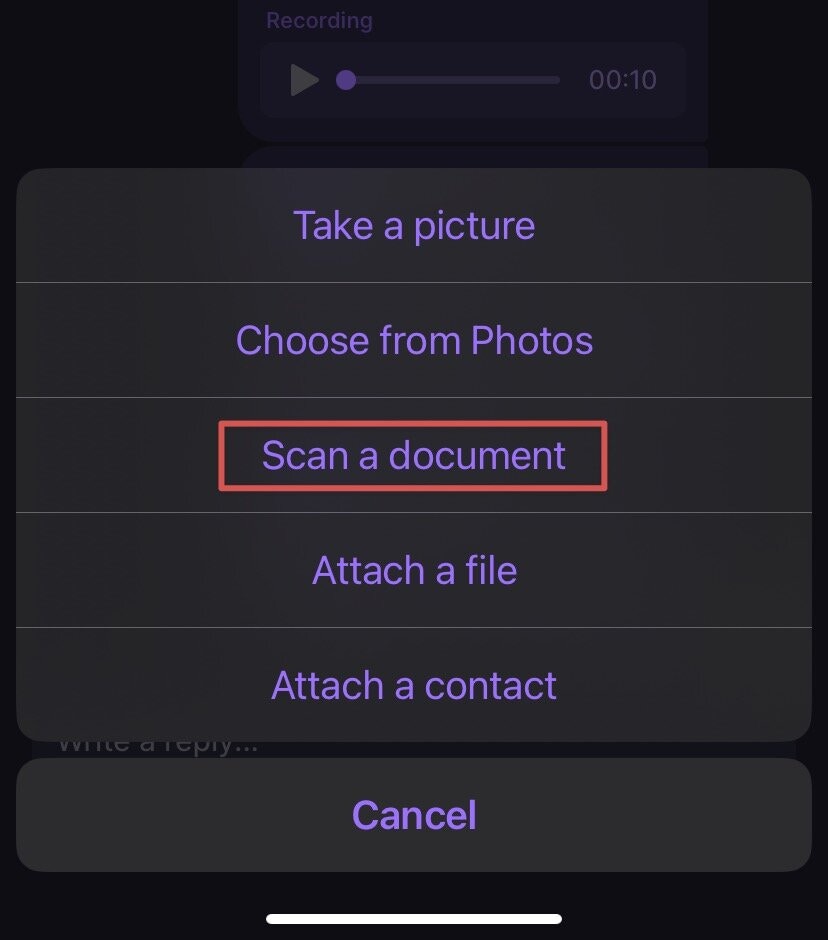 ### Improvements:
* Drafts will now be automatically saved for new conversations as well as existing ones.
* OpenPhone will send you a notification if a text message fails to send.
* We’ve made it possible to delete your account within the app.
* Plus countless bug fixes and stability, performance, and UX improvements!
***
This update is rolling out starting today, but might take a few days to reach your device. As always, more to come soon!
## Native support for Apple silicon is here
We've released a new version of OpenPhone for Mac. **Here's what's changed in version 3.7.1.**
* OpenPhone for Mac now runs natively on Apple silicon.
* Users with Mac devices running Apple's M1 and M2 processors should experience a significant and perceivable speed improvement throughout the entire experience.
* Upgrade when prompted in-app or download the update manually from [https://www.quo.com/downloads](https://www.quo.com/downloads).
***
As always, more to come soon!
## New fixes and updates (OpenPhone for web and desktop)
We've released a new version of OpenPhone which adds some functionality and fixes a few issues. **Here's what's changed in version 3.36.**
* Business hours, phone menu, and round robin settings have been moved into the new call flow section of your phone number settings.
### Improvements:
* Drafts will now be automatically saved for new conversations as well as existing ones.
* OpenPhone will send you a notification if a text message fails to send.
* We’ve made it possible to delete your account within the app.
* Plus countless bug fixes and stability, performance, and UX improvements!
***
This update is rolling out starting today, but might take a few days to reach your device. As always, more to come soon!
## Native support for Apple silicon is here
We've released a new version of OpenPhone for Mac. **Here's what's changed in version 3.7.1.**
* OpenPhone for Mac now runs natively on Apple silicon.
* Users with Mac devices running Apple's M1 and M2 processors should experience a significant and perceivable speed improvement throughout the entire experience.
* Upgrade when prompted in-app or download the update manually from [https://www.quo.com/downloads](https://www.quo.com/downloads).
***
As always, more to come soon!
## New fixes and updates (OpenPhone for web and desktop)
We've released a new version of OpenPhone which adds some functionality and fixes a few issues. **Here's what's changed in version 3.36.**
* Business hours, phone menu, and round robin settings have been moved into the new call flow section of your phone number settings.
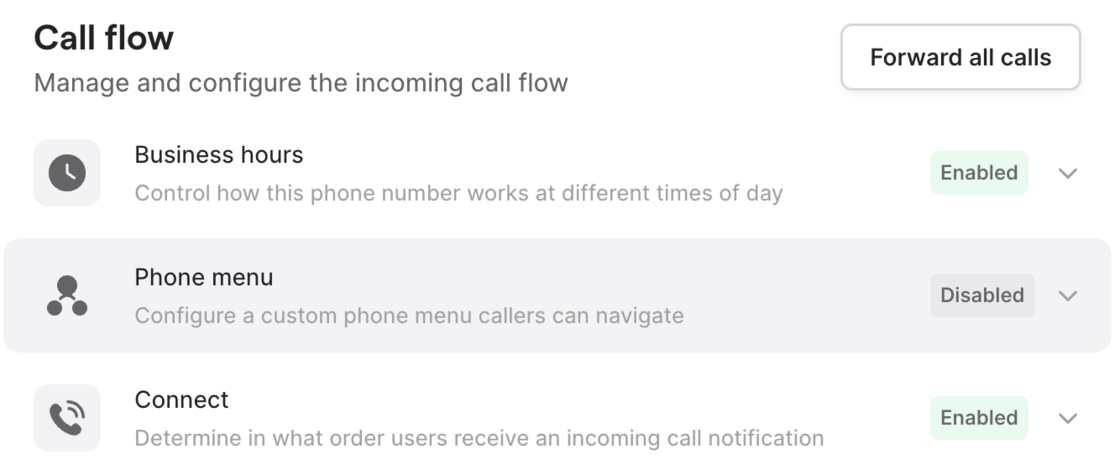 * Made a few performance improvements across our web app.
* Improved keyboard shortcuts for bulk conversation management.
* Added accessibility improvements to snippet creation.
* Other fixes and improvements (51 in total!)
***
Relaunch OpenPhone now to take advantage of these updates. As always, more to come soon!
## OpenPhone Update - September '22
Today’s big release is aimed at one team in particular: Sales.
Yup — it's the one you’ve been waiting for. Salesforce is finally here!
***
# 👔 Integrate directly with Salesforce (Premium)
With just a few clicks, OpenPhone and Salesforce can now work together to help you nurture leads, close deals, and keep your whole team in the loop.
[Watch our announcement video to see it in action >](https://youtu.be/Me3q5CpANIk)
**Caller ID for contacts and leads**
Opportunities come and go, so it’s never been practical to add everyone to your address book. With this integration, you'll automatically know which of your contacts or leads is reaching out.
* Made a few performance improvements across our web app.
* Improved keyboard shortcuts for bulk conversation management.
* Added accessibility improvements to snippet creation.
* Other fixes and improvements (51 in total!)
***
Relaunch OpenPhone now to take advantage of these updates. As always, more to come soon!
## OpenPhone Update - September '22
Today’s big release is aimed at one team in particular: Sales.
Yup — it's the one you’ve been waiting for. Salesforce is finally here!
***
# 👔 Integrate directly with Salesforce (Premium)
With just a few clicks, OpenPhone and Salesforce can now work together to help you nurture leads, close deals, and keep your whole team in the loop.
[Watch our announcement video to see it in action >](https://youtu.be/Me3q5CpANIk)
**Caller ID for contacts and leads**
Opportunities come and go, so it’s never been practical to add everyone to your address book. With this integration, you'll automatically know which of your contacts or leads is reaching out.
 **Automatically log your phone calls and texts**
Incoming and outgoing calls — including their recordings! — can now be automatically logged to a contact in Salesforce. We’ll also log texts and group them by hour.
**Automatically log your phone calls and texts**
Incoming and outgoing calls — including their recordings! — can now be automatically logged to a contact in Salesforce. We’ll also log texts and group them by hour.
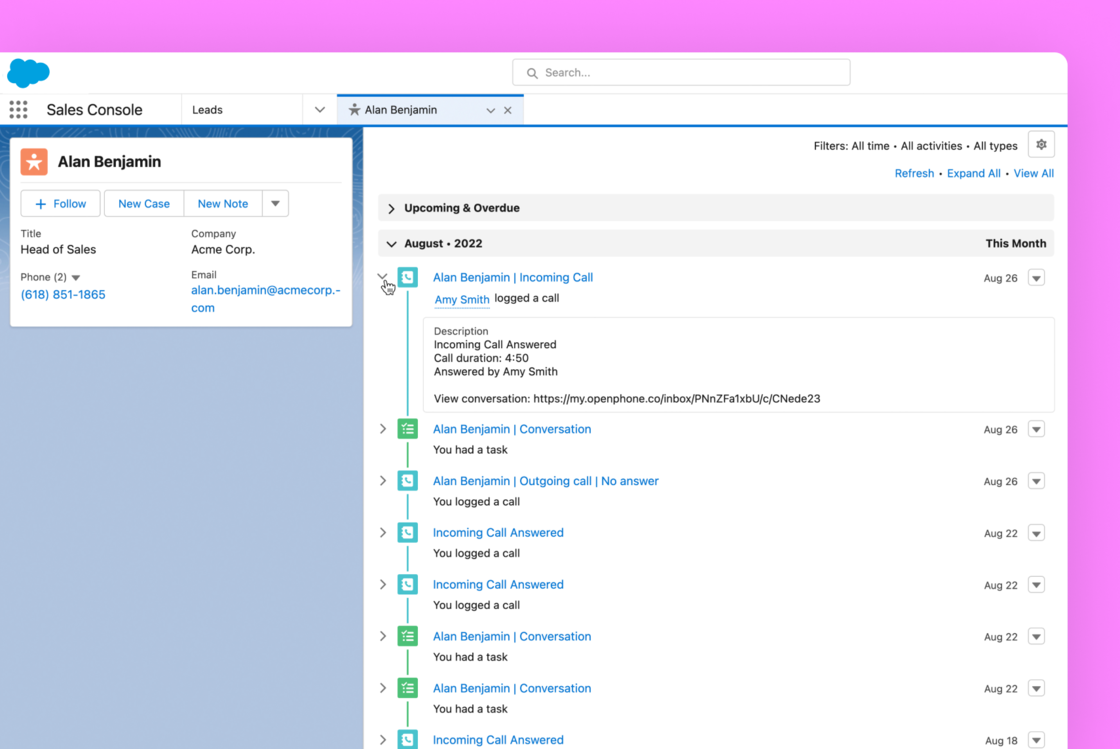 # ➕ Import more fields from HubSpot (Premium)
Know even more about your HubSpot contacts. Today, we're expanding our list of imported properties to include mobile phone, company, associated company name, job title, and contact owner.
# ➕ Import more fields from HubSpot (Premium)
Know even more about your HubSpot contacts. Today, we're expanding our list of imported properties to include mobile phone, company, associated company name, job title, and contact owner.
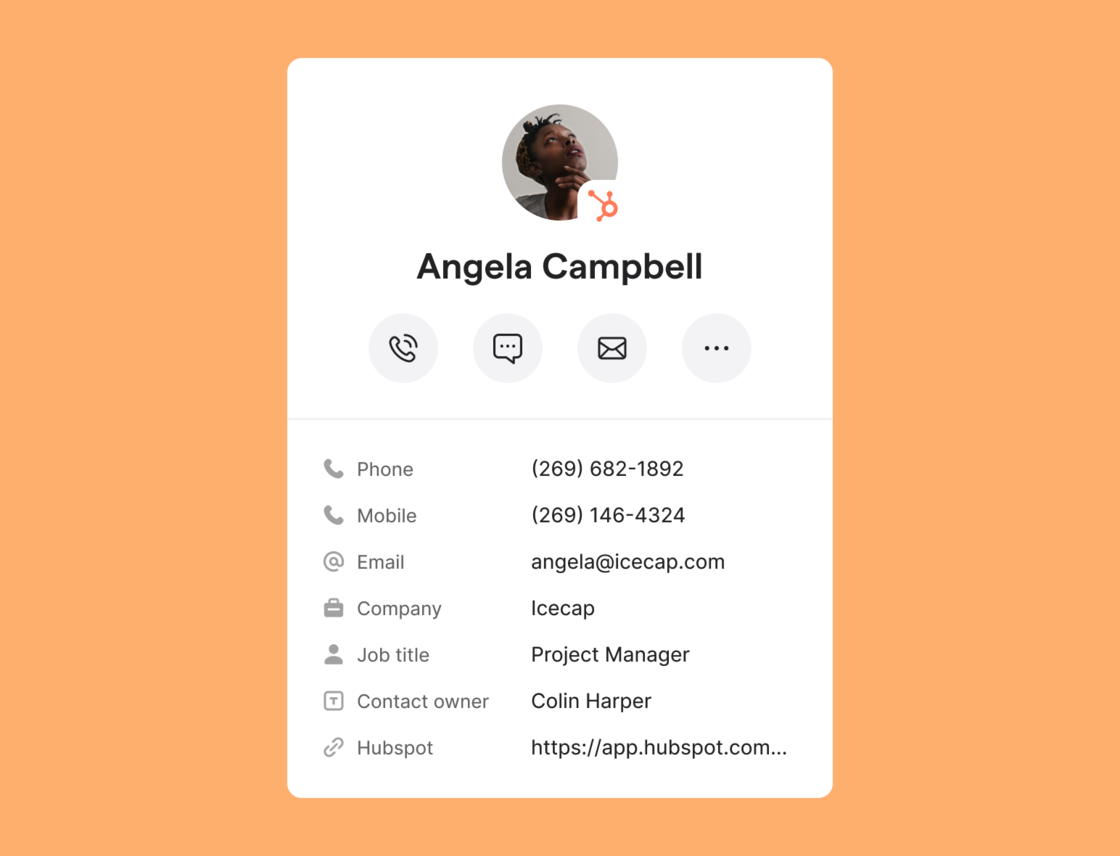 # 🏎️ Manage your conversations in bulk
Moving tons of old conversations to the “done” tab one-by-one can be a pain. Today, we’re making it easier to keep OpenPhone neat and tidy with the release of bulk actions.
# 🏎️ Manage your conversations in bulk
Moving tons of old conversations to the “done” tab one-by-one can be a pain. Today, we’re making it easier to keep OpenPhone neat and tidy with the release of bulk actions.
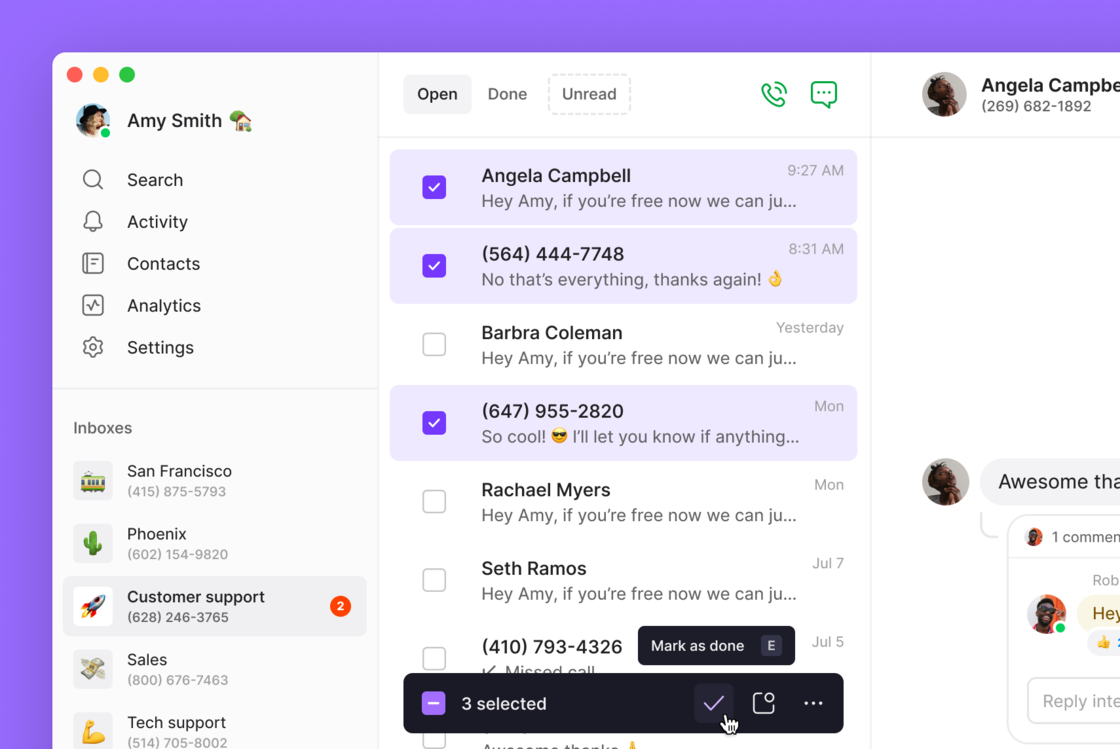 # Delighters ✨
No update is complete without a few extras to make you happier.
* We’re at SaaStr! [Stop by booth 239 to meet our team](https://twitter.com/OpenPhone/status/1569854439661670400) and grab some swag.
* Android devices are now aware of OpenPhone calls. Your call can now appear on, and be controlled by, more wearables and Bluetooth devices!
* We’ve partnered with Ramp, the corporate card and finance automation platform designed to save businesses time and money. Get an exclusive \$500 sign-up bonus by signing up through [https://ramp.com/partners/openphone](https://ramp.com/partners/openphone).
* Our Head of Sales wrote an article for our blog that’s getting a lot of love on social: [How to build a scalable, repeatable, and efficient sales engine at a Series A startup. ](https://www.quo.com/blog/sales-engine/)
***
Want to try all this out? Look out for a message in OpenPhone asking you to refresh for the latest updates.
Don’t have OpenPhone yet? Sign up for a free trial ⤴️
## New fixes and updates (OpenPhone for web and desktop)
We've released a new version of OpenPhone which adds some functionality and fixes a few issues. **Here's what's changed in version 3.33.**
***
* Added input validation when creating new snippets to ensure they're given a title.
* Made accessibility improvements to popover dialogues.
* Fixed a bug where contacts would be hidden due to Groups accidentally being deleted.
* Other fixes and improvements (43 in total).
***
Relaunch OpenPhone now to take advantage of these updates. As always, more to come soon!
## New fixes and updates (OpenPhone for web and desktop)
We've released a new version of OpenPhone which adds some functionality and fixes a few issues. **Here's what's changed in version 3.31.**
* You can now manage conversations in bulk! Select, move, mark unread, and more using keyboard shortcuts you're already familiar with.
# Delighters ✨
No update is complete without a few extras to make you happier.
* We’re at SaaStr! [Stop by booth 239 to meet our team](https://twitter.com/OpenPhone/status/1569854439661670400) and grab some swag.
* Android devices are now aware of OpenPhone calls. Your call can now appear on, and be controlled by, more wearables and Bluetooth devices!
* We’ve partnered with Ramp, the corporate card and finance automation platform designed to save businesses time and money. Get an exclusive \$500 sign-up bonus by signing up through [https://ramp.com/partners/openphone](https://ramp.com/partners/openphone).
* Our Head of Sales wrote an article for our blog that’s getting a lot of love on social: [How to build a scalable, repeatable, and efficient sales engine at a Series A startup. ](https://www.quo.com/blog/sales-engine/)
***
Want to try all this out? Look out for a message in OpenPhone asking you to refresh for the latest updates.
Don’t have OpenPhone yet? Sign up for a free trial ⤴️
## New fixes and updates (OpenPhone for web and desktop)
We've released a new version of OpenPhone which adds some functionality and fixes a few issues. **Here's what's changed in version 3.33.**
***
* Added input validation when creating new snippets to ensure they're given a title.
* Made accessibility improvements to popover dialogues.
* Fixed a bug where contacts would be hidden due to Groups accidentally being deleted.
* Other fixes and improvements (43 in total).
***
Relaunch OpenPhone now to take advantage of these updates. As always, more to come soon!
## New fixes and updates (OpenPhone for web and desktop)
We've released a new version of OpenPhone which adds some functionality and fixes a few issues. **Here's what's changed in version 3.31.**
* You can now manage conversations in bulk! Select, move, mark unread, and more using keyboard shortcuts you're already familiar with.
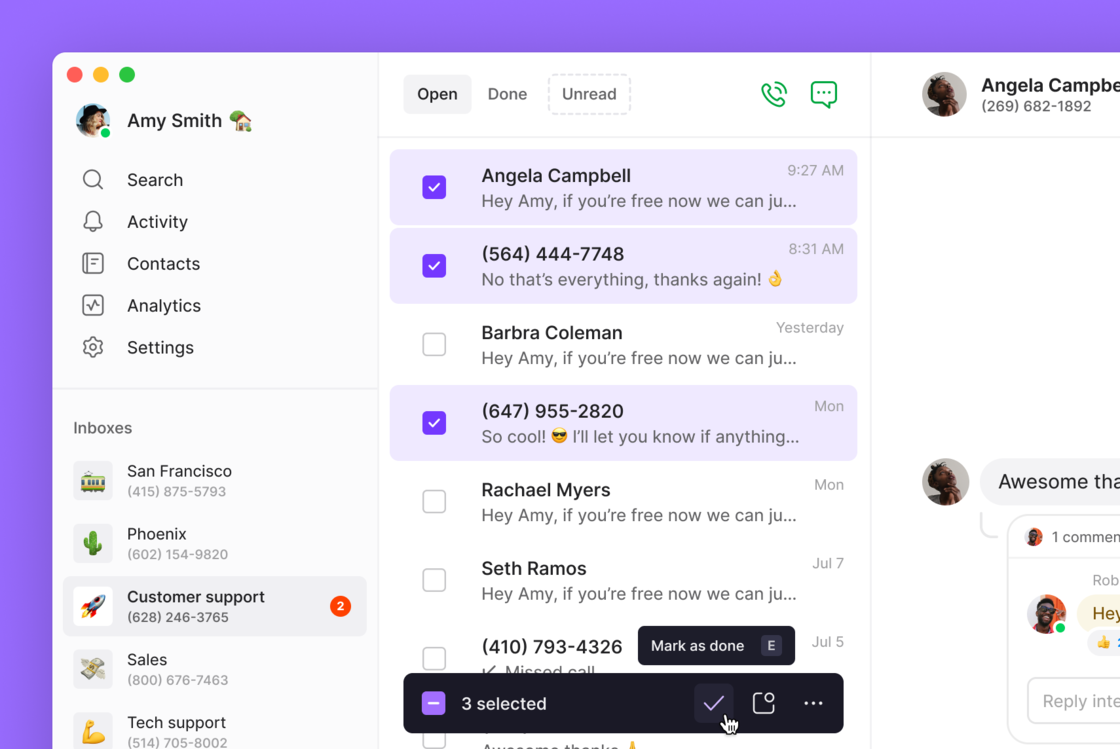 * Fixed an issue where you couldn't reveal the signing secret for webhooks.
* Added some form validation to billing to prevent non-existant zip codes from being added.
* Other fixes and improvements (12 in total!)
***
Relaunch OpenPhone now to take advantage of these updates. As always, more to come soon!
## New fixes and updates (OpenPhone for Android)
We've released a new version of OpenPhone which adds some functionality and fixes a few issues. **Here's what's changed in version 4.0.21.**
* Android devices are now aware of OpenPhone calls. That means that your calls will now appear on, and be controlled by, more wearables and Bluetooth devices!
* Fixed an issue where conversations were not updating correctly for some users.
* Improved reliability when using Bluetooth devices for calls.
***
Update OpenPhone now via the Google Play Store to take advantage of these updates. As always, more to come soon!
## New fixes and updates (OpenPhone for web and desktop)
We've released a new version of OpenPhone which adds some functionality and fixes a few issues. **Here's what's changed in version 3.30.**
* Added a one-time prompt to let users know about scheduled messages.
* Fixed an issue where you couldn't reveal the signing secret for webhooks.
* Added some form validation to billing to prevent non-existant zip codes from being added.
* Other fixes and improvements (12 in total!)
***
Relaunch OpenPhone now to take advantage of these updates. As always, more to come soon!
## New fixes and updates (OpenPhone for Android)
We've released a new version of OpenPhone which adds some functionality and fixes a few issues. **Here's what's changed in version 4.0.21.**
* Android devices are now aware of OpenPhone calls. That means that your calls will now appear on, and be controlled by, more wearables and Bluetooth devices!
* Fixed an issue where conversations were not updating correctly for some users.
* Improved reliability when using Bluetooth devices for calls.
***
Update OpenPhone now via the Google Play Store to take advantage of these updates. As always, more to come soon!
## New fixes and updates (OpenPhone for web and desktop)
We've released a new version of OpenPhone which adds some functionality and fixes a few issues. **Here's what's changed in version 3.30.**
* Added a one-time prompt to let users know about scheduled messages.
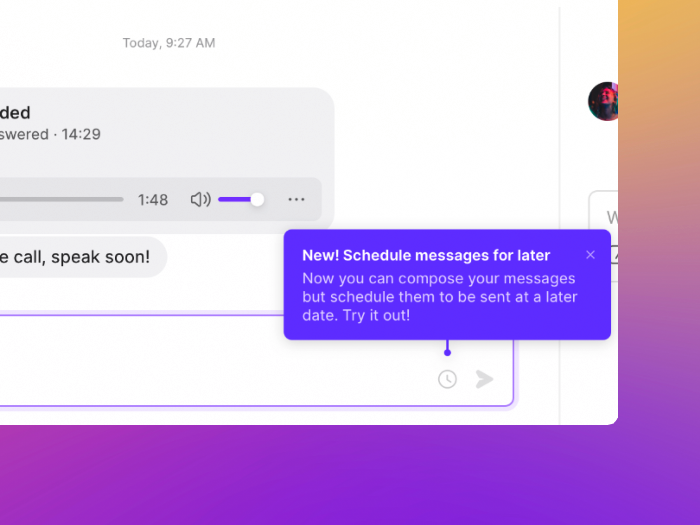 * Side menu accessibility has been improved. You can now navigate it using only your keyboard!
* Our Choose a Plan page in onboarding was updated with improved designs and responsiveness.
* Importing large volumes of Google contacts would sometimes fail, so we completely refactored the process to make it more reliable.
* Fixed an issue where the credit card modal was not sizing correctly when updating billing information.
* Fixed an issue where phone number settings were not displaying correctly on new login.
* Fixed a layout issue where Add a User button in phone number settings was too close to text.
* Other bug fixes and improvements (27 in total!)
***
Relaunch OpenPhone now to take advantage of these updates. As always, more to come soon!
## New fixes and updates (OpenPhone for Web and Desktop)
We've released a new version of OpenPhone which adds some functionality and fixes a few issues. **Here's what's changed in version 3.29.**
* Added a hover delay to our new quick actions to prevent accidental clicks.
* Made it easy to know which phone number inbox you're trying to delete by asking you to type out its name before proceeding.
* Side menu accessibility has been improved. You can now navigate it using only your keyboard!
* Our Choose a Plan page in onboarding was updated with improved designs and responsiveness.
* Importing large volumes of Google contacts would sometimes fail, so we completely refactored the process to make it more reliable.
* Fixed an issue where the credit card modal was not sizing correctly when updating billing information.
* Fixed an issue where phone number settings were not displaying correctly on new login.
* Fixed a layout issue where Add a User button in phone number settings was too close to text.
* Other bug fixes and improvements (27 in total!)
***
Relaunch OpenPhone now to take advantage of these updates. As always, more to come soon!
## New fixes and updates (OpenPhone for Web and Desktop)
We've released a new version of OpenPhone which adds some functionality and fixes a few issues. **Here's what's changed in version 3.29.**
* Added a hover delay to our new quick actions to prevent accidental clicks.
* Made it easy to know which phone number inbox you're trying to delete by asking you to type out its name before proceeding.
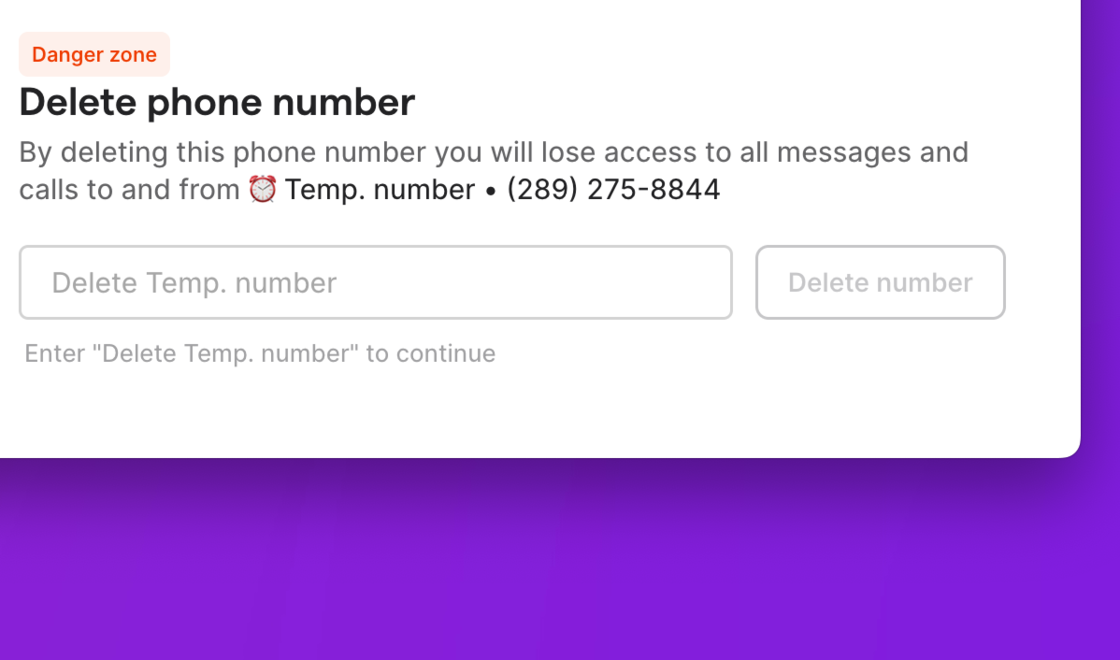 * You can now specify cents when purchasing calling credit. We'll also show a confirmation screen when making large credit purchases.
* Added new validation to the billing information form during onboarding to prevent registration errors.
* Updated the tooltip when posting a contact note from "send message" to "write a note" to improve clarity.
* Updated our HubSpot integration copy to make it easier to understand.
* Fixed an issue where contacts would not save when being created.
* Other fixes and improvements.
***
Relaunch OpenPhone now to take advantage of these updates. As always, more to come soon!
## New fixes and updates (OpenPhone for Web and Desktop)
We've released a new version of OpenPhone which adds some functionality and fixes a few issues. **Here's what's changed in version 3.27**:
* Hover or right-click a conversation to access quick actions like call, mark as done, mark as unread, and more!
* You can now specify cents when purchasing calling credit. We'll also show a confirmation screen when making large credit purchases.
* Added new validation to the billing information form during onboarding to prevent registration errors.
* Updated the tooltip when posting a contact note from "send message" to "write a note" to improve clarity.
* Updated our HubSpot integration copy to make it easier to understand.
* Fixed an issue where contacts would not save when being created.
* Other fixes and improvements.
***
Relaunch OpenPhone now to take advantage of these updates. As always, more to come soon!
## New fixes and updates (OpenPhone for Web and Desktop)
We've released a new version of OpenPhone which adds some functionality and fixes a few issues. **Here's what's changed in version 3.27**:
* Hover or right-click a conversation to access quick actions like call, mark as done, mark as unread, and more! 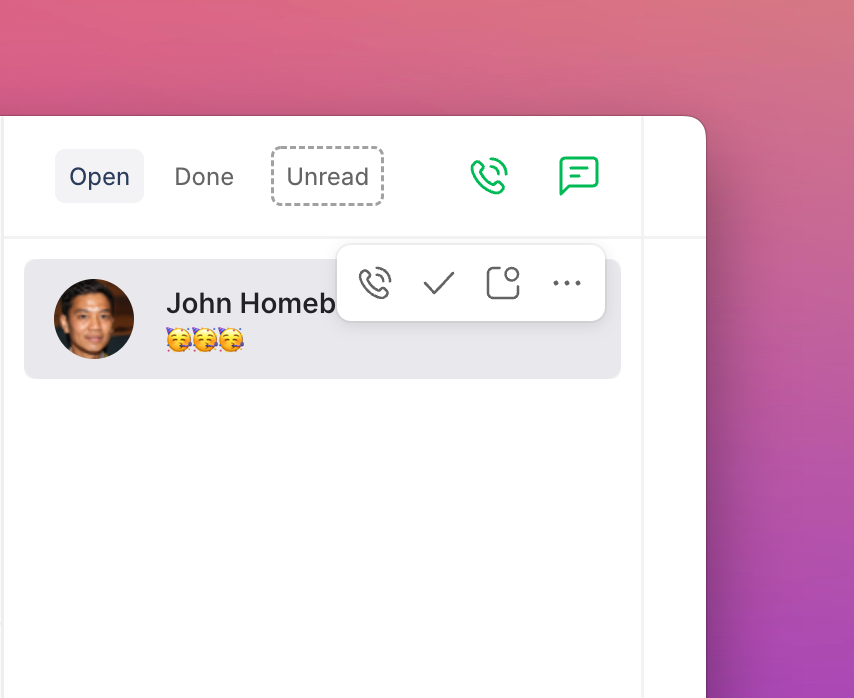 * Window users can now manage OpenPhone notifications through Windows' notification system.
* Added a max height to the message compose box to prevent the UI from breaking when typing longer messages.
* Fixed a bug where you couldn't search by city when looking for a new phone number.
* Fixed a bug where you couldn't tap the enter key to initiate a call from the calling modal.
* Other small fixes and improvements (18 in total!)
***
Relaunch OpenPhone now to take advantage of these updates. As always, more to come soon!
## New fixes and updates (OpenPhone for Web and Desktop)
We've released a new version of OpenPhone which adds some functionality and fixes a few issues. **Here's what's changed in version 3.26**:
* You no longer need to manually select the first option in the message scheduling window. We'll focus on it by default, so you can just hit enter.
* Fixed a bug where the emoji selector would scroll rapidly when opened.
* Fixed a bug where the HubSpot "custom activity type" toggle would not stick when toggled on.
* Fixed a bug where your contact list would scroll back to the top after making a selection.
* Other fixes and improvements (16 in total!)
***
Relaunch OpenPhone now to take advantage of these updates. As always, more to come soon!
## Scheduled messages arrive on Desktop and Web
Depending on your business, texting can be a much more efficient way to chat with customers compared to phone calls. But because they’re so easy and low-commitment, text conversations can go on all. day. long.
That's why today, we're releasing Scheduled Messages.
***
# 📆 How to schedule a message in OpenPhone
After composing your text message, click the new clock icon to launch the scheduling window. You'll find it next to the send arrow.
* Window users can now manage OpenPhone notifications through Windows' notification system.
* Added a max height to the message compose box to prevent the UI from breaking when typing longer messages.
* Fixed a bug where you couldn't search by city when looking for a new phone number.
* Fixed a bug where you couldn't tap the enter key to initiate a call from the calling modal.
* Other small fixes and improvements (18 in total!)
***
Relaunch OpenPhone now to take advantage of these updates. As always, more to come soon!
## New fixes and updates (OpenPhone for Web and Desktop)
We've released a new version of OpenPhone which adds some functionality and fixes a few issues. **Here's what's changed in version 3.26**:
* You no longer need to manually select the first option in the message scheduling window. We'll focus on it by default, so you can just hit enter.
* Fixed a bug where the emoji selector would scroll rapidly when opened.
* Fixed a bug where the HubSpot "custom activity type" toggle would not stick when toggled on.
* Fixed a bug where your contact list would scroll back to the top after making a selection.
* Other fixes and improvements (16 in total!)
***
Relaunch OpenPhone now to take advantage of these updates. As always, more to come soon!
## Scheduled messages arrive on Desktop and Web
Depending on your business, texting can be a much more efficient way to chat with customers compared to phone calls. But because they’re so easy and low-commitment, text conversations can go on all. day. long.
That's why today, we're releasing Scheduled Messages.
***
# 📆 How to schedule a message in OpenPhone
After composing your text message, click the new clock icon to launch the scheduling window. You'll find it next to the send arrow.
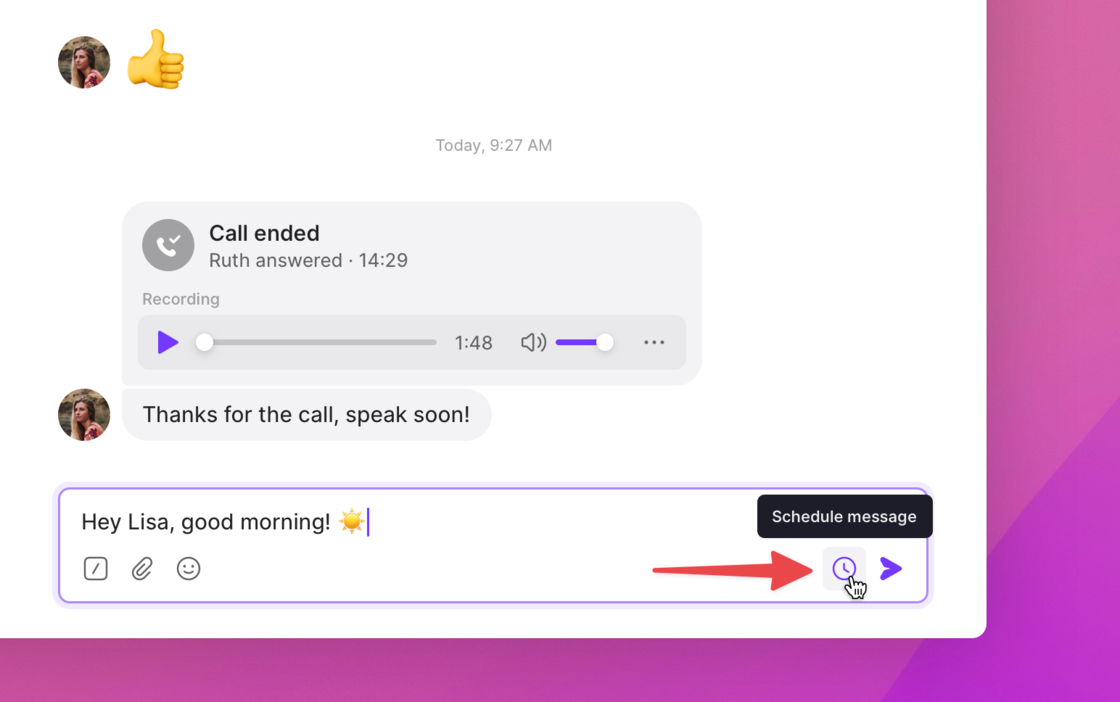 Next, decide when your message should be delivered: “tomorrow at 9 am pacific time,” “two weeks from tomorrow,” or even “6 pm next wednesday.” You can also cancel delivery if they message you first.
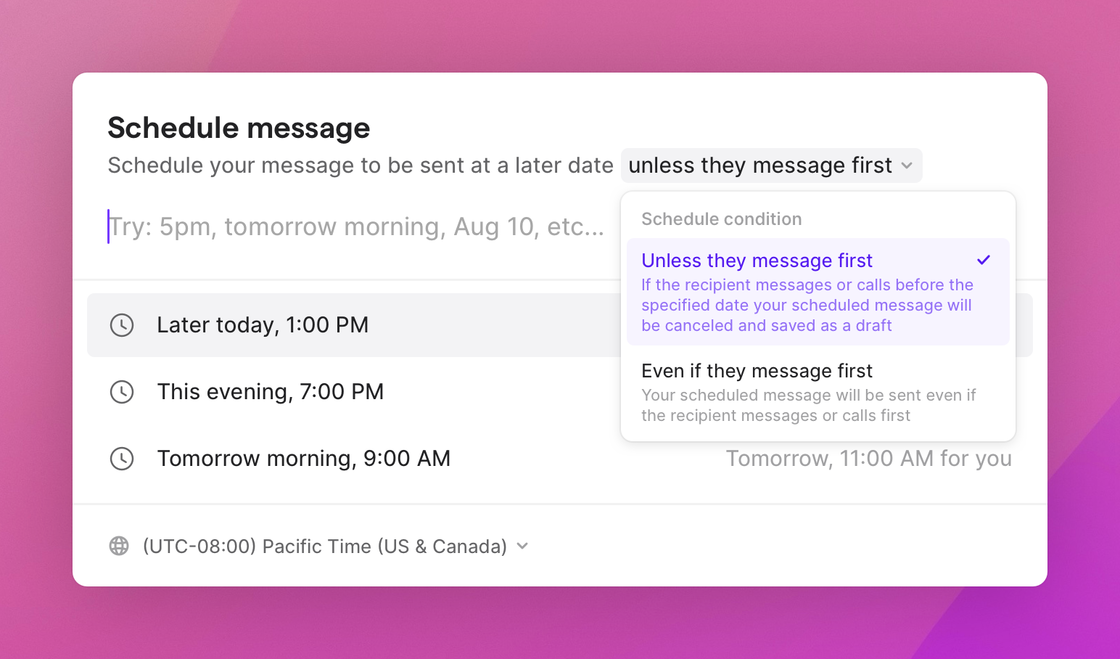 A clock icon will appear next to a conversation once a message has been scheduled for that contact. Your team can view, cancel, and even edit one anothers’ scheduled messages.
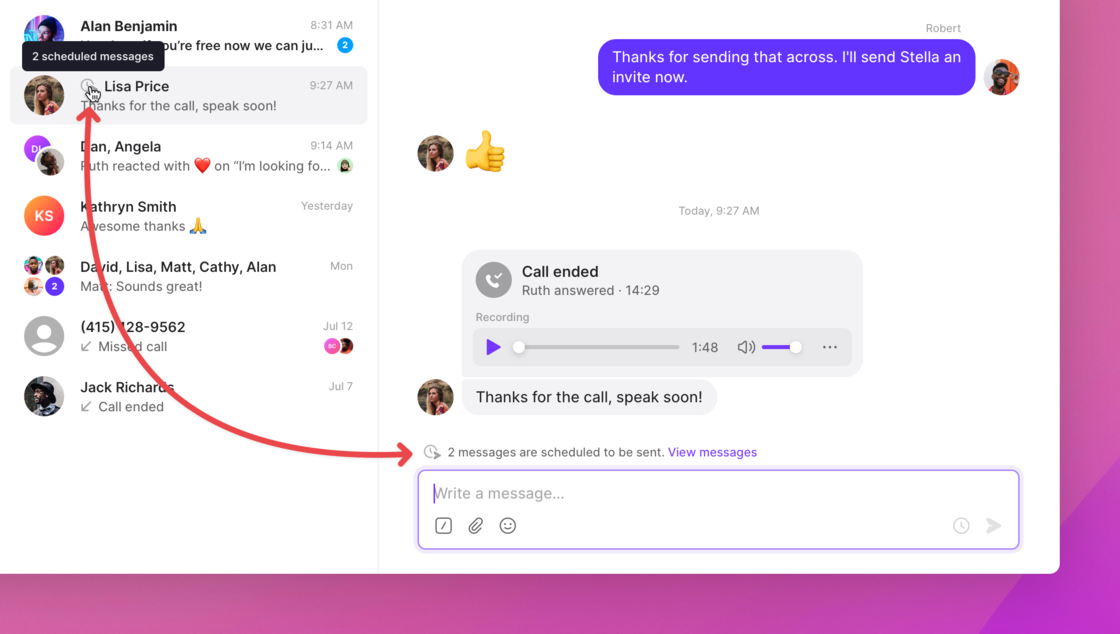 **Scheduled messages are available now**
Update or refresh OpenPhone for Web, Mac, and Windows to reveal the new scheduling options. This feature will be available on iPhone and iPad in the coming weeks, and Android later this year.
# 🪝 Integrate directly with anything using Webhooks
While we build more integrations, we thought we’d give you the option to build your own.
If you’re a developer (or a bit tech-savvy), webhooks can help you send realtime triggers from OpenPhone to any other service that’s built to receive them. That receiving service can then be customized to take any action based on whatever OpenPhone sends over.
Give our [webhooks documentation a read](https://support.quo.com/core-concepts/integrations/webhooks) and start building.
# 🤑 Get paid to refer new customers to OpenPhone
Our new affiliate program lets you earn commission on every referral you make. If you’re a content creator, IT consultant, or just a fan of OpenPhone looking to spread the word, you can apply to receive a unique referral link.
[Learn more and apply to start earning](https://www.quo.com/partners).
# ✨ Delighters
* Share all newly-added contacts workspace-wide with the “default contact sharing” option under Settings > Contacts.
* Change caller ID names for US phone numbers right within OpenPhone. Keep tabs on pending changes, receive timely updates, and even set a default caller ID name for your entire workspace.
* Our HubSpot integration just received some major improvements. You can [read about those here](https://support.quo.com/changelog#july-15%2C-2022).
* We’ve made a ton of updates lately across OpenPhone for Android and Web. You can see them all here.
***
**Want to try all this out? Refresh your browser and update your apps.**
[**Don’t have OpenPhone yet? Sign up for a free trial ⤴️**](https://my.quo.com/signup)
## New fixes and updates (OpenPhone for Web and Desktop)
We've released a new version of OpenPhone which adds some functionality and fixes a few issues. **Here's what's changed in version 3.25.0**:
* Contact panel no longer automatically opens on smaller screen sizes
* Improved clarity around phone menu options
* Improved visibility of other team members typing in a conversation
**Scheduled messages are available now**
Update or refresh OpenPhone for Web, Mac, and Windows to reveal the new scheduling options. This feature will be available on iPhone and iPad in the coming weeks, and Android later this year.
# 🪝 Integrate directly with anything using Webhooks
While we build more integrations, we thought we’d give you the option to build your own.
If you’re a developer (or a bit tech-savvy), webhooks can help you send realtime triggers from OpenPhone to any other service that’s built to receive them. That receiving service can then be customized to take any action based on whatever OpenPhone sends over.
Give our [webhooks documentation a read](https://support.quo.com/core-concepts/integrations/webhooks) and start building.
# 🤑 Get paid to refer new customers to OpenPhone
Our new affiliate program lets you earn commission on every referral you make. If you’re a content creator, IT consultant, or just a fan of OpenPhone looking to spread the word, you can apply to receive a unique referral link.
[Learn more and apply to start earning](https://www.quo.com/partners).
# ✨ Delighters
* Share all newly-added contacts workspace-wide with the “default contact sharing” option under Settings > Contacts.
* Change caller ID names for US phone numbers right within OpenPhone. Keep tabs on pending changes, receive timely updates, and even set a default caller ID name for your entire workspace.
* Our HubSpot integration just received some major improvements. You can [read about those here](https://support.quo.com/changelog#july-15%2C-2022).
* We’ve made a ton of updates lately across OpenPhone for Android and Web. You can see them all here.
***
**Want to try all this out? Refresh your browser and update your apps.**
[**Don’t have OpenPhone yet? Sign up for a free trial ⤴️**](https://my.quo.com/signup)
## New fixes and updates (OpenPhone for Web and Desktop)
We've released a new version of OpenPhone which adds some functionality and fixes a few issues. **Here's what's changed in version 3.25.0**:
* Contact panel no longer automatically opens on smaller screen sizes
* Improved clarity around phone menu options
* Improved visibility of other team members typing in a conversation
 * UX improvements to forgot password flows
* Fixed an issue on desktop where incoming calls would not be silent if you are on a call
* Various other fixes and improvements
***
Relaunch OpenPhone now to take advantage of these updates. As always, more to come soon!
## Fixes for our HubSpot integration
The team's been hard at work on improving OpenPhone's HubSpot integration. Today, we're sharing two significant improvements:
* Fixed an issue where the integration would fail due to a large volume of HubSpot contacts.
* Fixed an issue where newly created contacts would not be imported after disabling and re-enabling the HubSpot integration. This was leading to contact syncing and activity logging issues.
***
If you're experiencing either of these issues, we recommend disconnecting and reconnecting your HubSpot integration from within OpenPhone. As always, more to come soon!
## New fixes and updates (OpenPhone for Web and Desktop)
We've released a new version of OpenPhone which adds some functionality and fixes a few issues. Here's what's changed in version 3.24.0:
* Accidentally block a phone number or mark a conversation as done? Click the new Undo button or use keyboard shortcut `CMD + Z` to undo your action.
* UX improvements to forgot password flows
* Fixed an issue on desktop where incoming calls would not be silent if you are on a call
* Various other fixes and improvements
***
Relaunch OpenPhone now to take advantage of these updates. As always, more to come soon!
## Fixes for our HubSpot integration
The team's been hard at work on improving OpenPhone's HubSpot integration. Today, we're sharing two significant improvements:
* Fixed an issue where the integration would fail due to a large volume of HubSpot contacts.
* Fixed an issue where newly created contacts would not be imported after disabling and re-enabling the HubSpot integration. This was leading to contact syncing and activity logging issues.
***
If you're experiencing either of these issues, we recommend disconnecting and reconnecting your HubSpot integration from within OpenPhone. As always, more to come soon!
## New fixes and updates (OpenPhone for Web and Desktop)
We've released a new version of OpenPhone which adds some functionality and fixes a few issues. Here's what's changed in version 3.24.0:
* Accidentally block a phone number or mark a conversation as done? Click the new Undo button or use keyboard shortcut `CMD + Z` to undo your action.
 ***
Relaunch OpenPhone now to take advantage of these updates. As always, more to come soon!
## New fixes and updates (OpenPhone for Android)
We've released a new version of OpenPhone for Android which adds some functionality and fixes a few issues. Here's what's changed in version 4.0.15:
* Share received files and images to other applications.
* Added the option to login with a password instead of a magic code.
* Muted phone numbers are now clearly indicated in the side menu.
***
Relaunch OpenPhone now to take advantage of these updates. As always, more to come soon!
## New fixes and updates (OpenPhone for Android)
We've released a new version of OpenPhone for Android which adds some functionality and fixes a few issues. Here's what's changed in version 4.0.15:
* Share received files and images to other applications.
* Added the option to login with a password instead of a magic code.
* Muted phone numbers are now clearly indicated in the side menu.
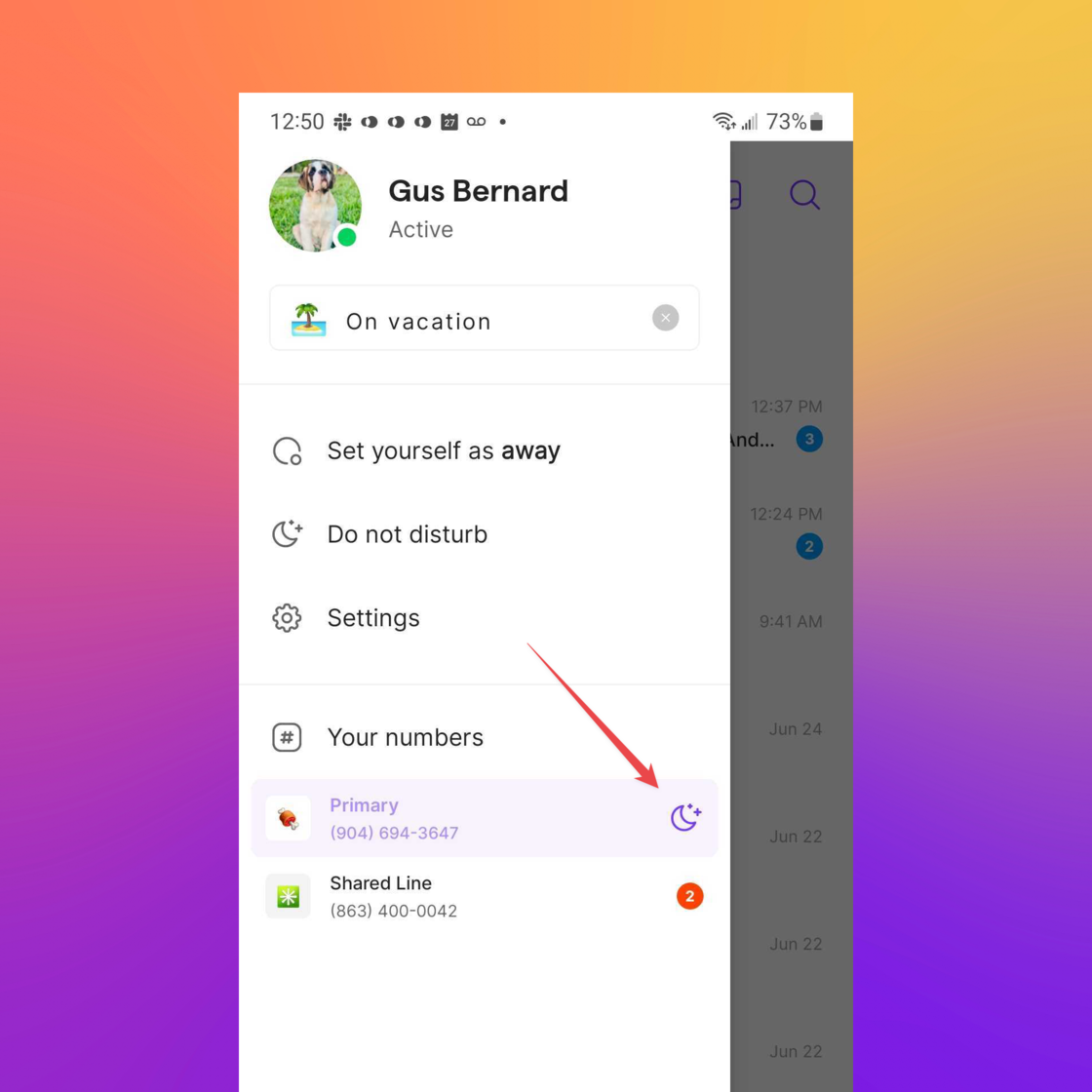 * Created an empty state for home, team, and search screens.
* Set OpenPhone as your default outgoing phone app when tapping phone numbers in other applications.
* Added your unread message count to the "skip to bottom" button.
* Created an empty state for home, team, and search screens.
* Set OpenPhone as your default outgoing phone app when tapping phone numbers in other applications.
* Added your unread message count to the "skip to bottom" button.
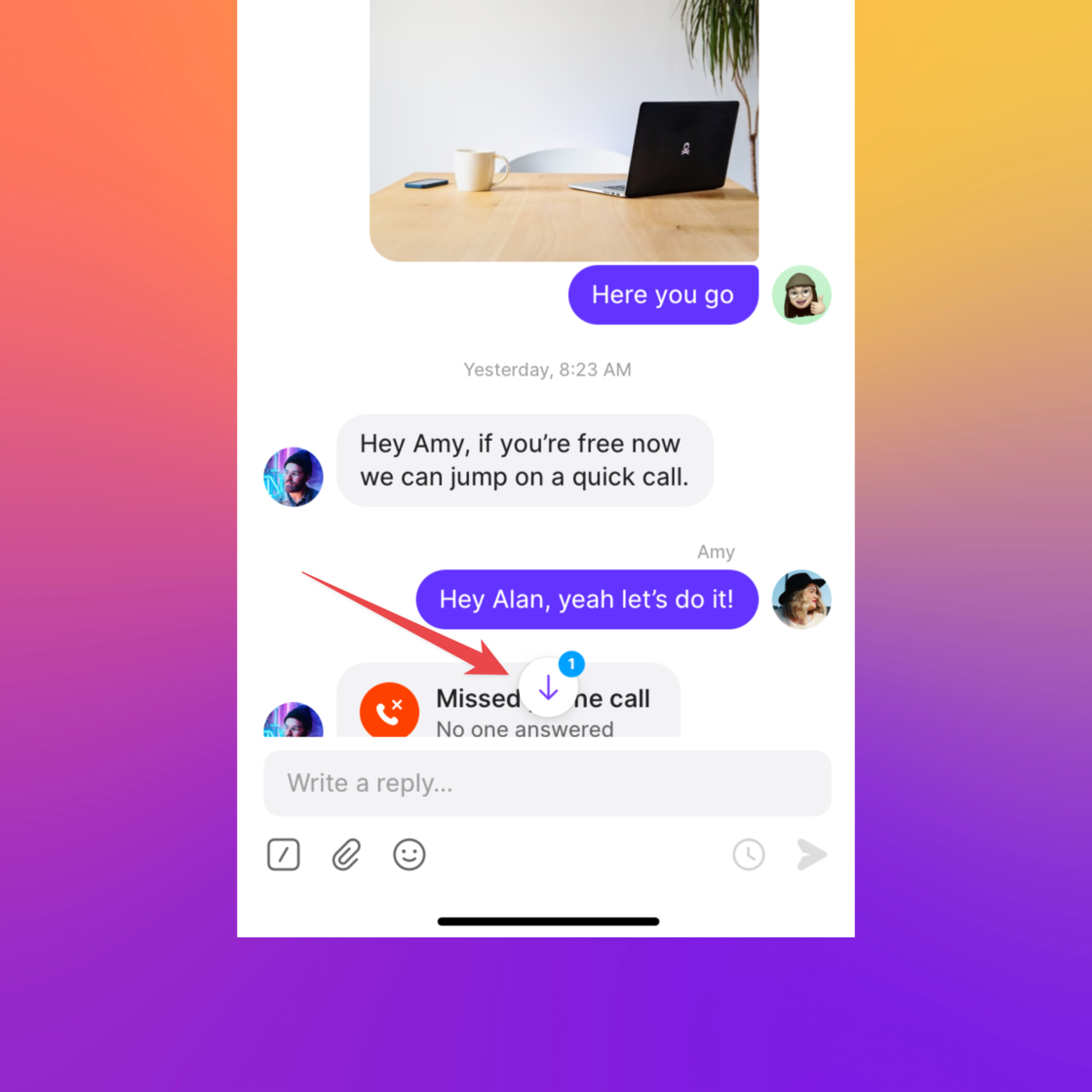 * Fixed an issue where the screen sometimes needed to be unlocked when receiving an incoming call.
* Fixed an issue where the keypad sometimes overlapped with call information and controls.
* Fixed an issue where property tags were not syncing on contacts.
* Other fixes and improvements (26 in total!)
***
**Update via the Google Play store to see all the changes. We'll have more to share soon, so stay tuned!**
## New contact sharing settings and improvements (OpenPhone for Web)
***
In the past, whenever someone on your team would create a new contact, OpenPhone would default to keeping that contact private. But we've heard from workspace owners that they'd like the opposite: to make new contacts *shared* by default.
So today, we're giving you that option:
* Workspace owners and admins can now set sharing defaults for new contacts added to their workspace. New contacts can be shared with the entire workspace, select phone numbers, or even specific individuals.
* Fixed an issue where the screen sometimes needed to be unlocked when receiving an incoming call.
* Fixed an issue where the keypad sometimes overlapped with call information and controls.
* Fixed an issue where property tags were not syncing on contacts.
* Other fixes and improvements (26 in total!)
***
**Update via the Google Play store to see all the changes. We'll have more to share soon, so stay tuned!**
## New contact sharing settings and improvements (OpenPhone for Web)
***
In the past, whenever someone on your team would create a new contact, OpenPhone would default to keeping that contact private. But we've heard from workspace owners that they'd like the opposite: to make new contacts *shared* by default.
So today, we're giving you that option:
* Workspace owners and admins can now set sharing defaults for new contacts added to their workspace. New contacts can be shared with the entire workspace, select phone numbers, or even specific individuals.
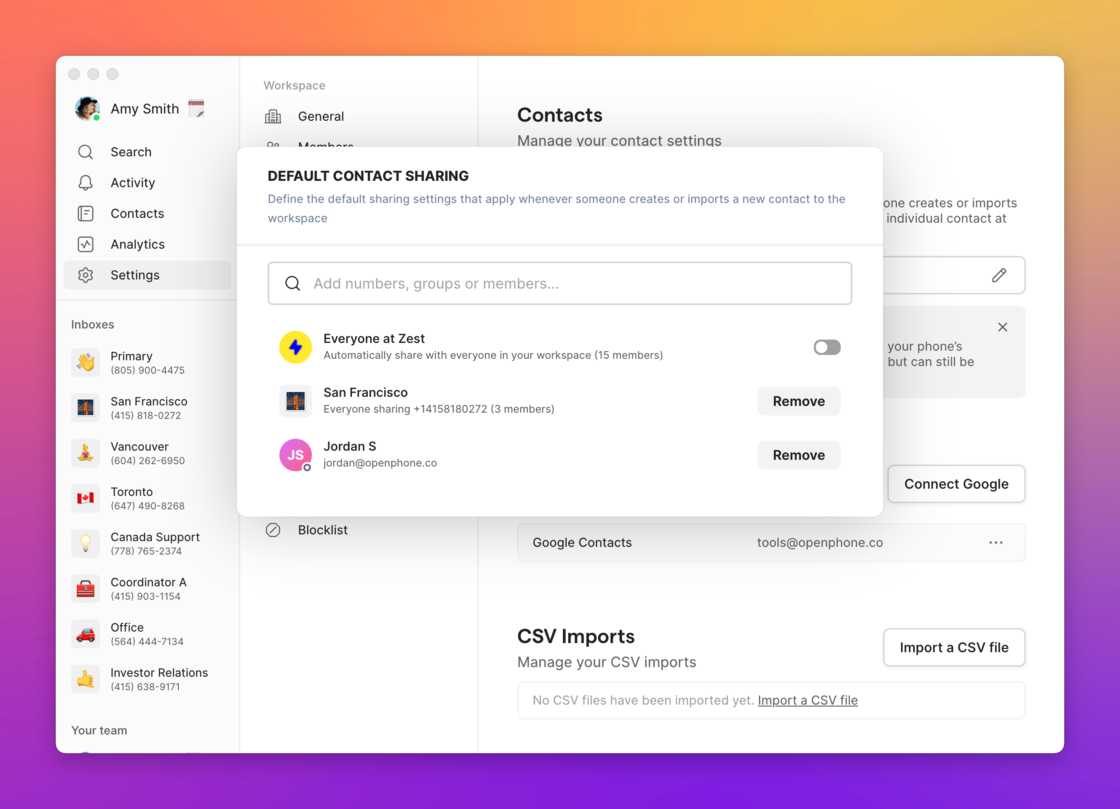 * Defaults will apply to contacts created in OpenPhone or synced from Google or CSV imports. Contacts synced from your phone's address book will remain private by default (though you can always share those manually using the "bulk share" option in the contacts section).
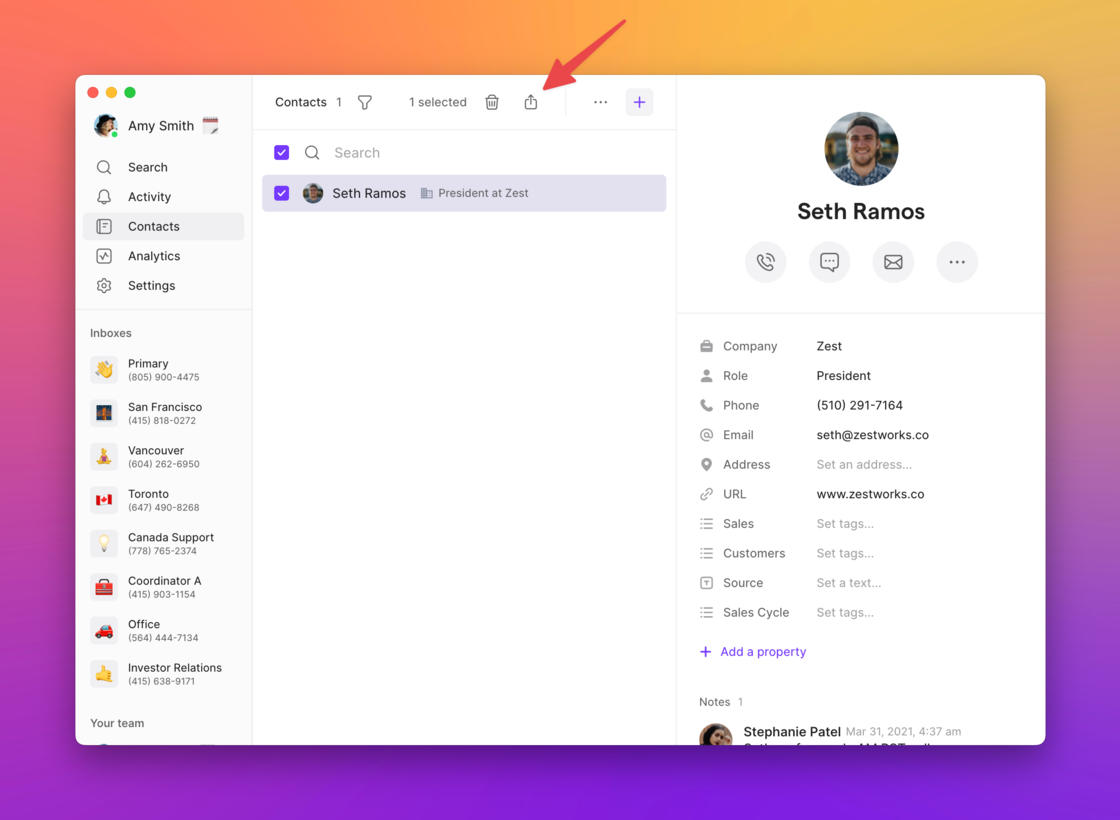 * We've also made usability improvements to both individual and bulk contact sharing.
***
**Refresh your browser window now to take advantage of these updates. As always, more to come soon!**
## New fixes and updates (OpenPhone for Web)
***
OpenPhone for Web v3.23.0 fixes a few minor issues and adds fresh new functionality. Here's what to expect when in this latest release:
* Easily skip to the most recent message in a conversation with our new "return to latest" arrow.
* Create, manage, and update your password from your account settings (Settings > Profile).
* Webhooks are now sorted in reverse chronological order.
* Fixed a bug where the incoming call notification on desktop would not automatically be dismissed when you answer a call from a mobile device.
* Fixed a bug where new messages were not auto-scrolling into focus.
* Lots of other fixes and improvements.
***
**Refresh your browser window now to take advantage of these updates. As always, more to come soon!**
## New fixes and updates (OpenPhone for Android)
***
We've released a new version of OpenPhone for Android which adds some functionality and fixes a few issues. Here's what's changed:
* Started displaying country codes (e.g. +44) for all non-US and Canadian phone numbers.
* Added support for downloading attachments.
* Started displaying sender name and number in group messages.
* Fixed a bug where the app would return to the home screen if your phone was rotated.
* Fixed a bug where your proximity sensor would stay active while on a call if OpenPhone was running in the background.
* Fixed a bug where OpenPhone would stay in the foreground after rejecting a call.
* Fixed a bug where date properties could not be saved on contact cards.
* Other small fixes and improvements.
***
[**Update via the Google Play store to see all the changes. We'll have more to share soon, so stay tuned!**](https://play.google.com/store/apps/details?id=com.openphone\&hl=en_CA\&gl=US)
## Improvements to our HubSpot integration
***
We've made a small (but significant!) improvement to our HubSpot integration:
* Call and text activity would previously fail to log if OpenPhone was unable to match a custom activity type to your HubSpot instance. Now, rather than fail, OpenPhone will log all your call and text activities *without* a custom activity type until the two fields match exactly.
This is just one part of a larger project to improve the stability of HubSpot contact syncing and activity logging. Stay tuned for more!
## New fixes and updates (OpenPhone for Web and Android)
***
Gather 'round, everyone! We've released shiny new versions of our web and Android apps. Here's what's changed:
## 💻 OpenPhone for Web (3.22)
* Fixed a bug where a newly signed-up user would not see phone numbers when visiting Settings > Phone Numbers.
* Fixed a bug where, in some cases, sending a message to a new contact would create duplicate conversations.
* Fixed a bug where users could not see the list of managed numbers under workspace settings.
* Fixed an issue where the OpenPhone web app was crashing due to “Minified React error #311”
* Plus, other under the hood fixes and improvements.
## 🤖 OpenPhone for Android (4.0.11)
* Added a date separator to the beginning of a conversation so you know when the first message was received.
* Fixed a bug where files could not be downloaded unless you tapped outside of the file icon.
* Fixed a bug where swiping a conversation would cause multiple conversations to flicker.
* Fixed a bug where notifications did not display the inbox emoji.
* Fixed a bug where contacts were missing property tags.
* Fixed a bug where, in rare cases, users would see a "missing user id" error when attempting to text a number that wasn't previously saved as a contact.
* Plus, many other behind the scene fixes.
***
[**Update via the Google Play store and refresh your web app to see all the changes. We'll have more to share soon, so stay tuned!**](https://play.google.com/store/apps/details?id=com.openphone\&hl=en_CA\&gl=US)
## Our brand new Android app is finally here!
Completely rebuilt from the ground up (and thoroughly beta tested by hundreds of our amazing users 🙏 ), we’re finally delivering the Android experience you deserve.
Check out our [launch video](https://www.youtube.com/watch?v=JZnyhdFWs_0)!
* We've also made usability improvements to both individual and bulk contact sharing.
***
**Refresh your browser window now to take advantage of these updates. As always, more to come soon!**
## New fixes and updates (OpenPhone for Web)
***
OpenPhone for Web v3.23.0 fixes a few minor issues and adds fresh new functionality. Here's what to expect when in this latest release:
* Easily skip to the most recent message in a conversation with our new "return to latest" arrow.
* Create, manage, and update your password from your account settings (Settings > Profile).
* Webhooks are now sorted in reverse chronological order.
* Fixed a bug where the incoming call notification on desktop would not automatically be dismissed when you answer a call from a mobile device.
* Fixed a bug where new messages were not auto-scrolling into focus.
* Lots of other fixes and improvements.
***
**Refresh your browser window now to take advantage of these updates. As always, more to come soon!**
## New fixes and updates (OpenPhone for Android)
***
We've released a new version of OpenPhone for Android which adds some functionality and fixes a few issues. Here's what's changed:
* Started displaying country codes (e.g. +44) for all non-US and Canadian phone numbers.
* Added support for downloading attachments.
* Started displaying sender name and number in group messages.
* Fixed a bug where the app would return to the home screen if your phone was rotated.
* Fixed a bug where your proximity sensor would stay active while on a call if OpenPhone was running in the background.
* Fixed a bug where OpenPhone would stay in the foreground after rejecting a call.
* Fixed a bug where date properties could not be saved on contact cards.
* Other small fixes and improvements.
***
[**Update via the Google Play store to see all the changes. We'll have more to share soon, so stay tuned!**](https://play.google.com/store/apps/details?id=com.openphone\&hl=en_CA\&gl=US)
## Improvements to our HubSpot integration
***
We've made a small (but significant!) improvement to our HubSpot integration:
* Call and text activity would previously fail to log if OpenPhone was unable to match a custom activity type to your HubSpot instance. Now, rather than fail, OpenPhone will log all your call and text activities *without* a custom activity type until the two fields match exactly.
This is just one part of a larger project to improve the stability of HubSpot contact syncing and activity logging. Stay tuned for more!
## New fixes and updates (OpenPhone for Web and Android)
***
Gather 'round, everyone! We've released shiny new versions of our web and Android apps. Here's what's changed:
## 💻 OpenPhone for Web (3.22)
* Fixed a bug where a newly signed-up user would not see phone numbers when visiting Settings > Phone Numbers.
* Fixed a bug where, in some cases, sending a message to a new contact would create duplicate conversations.
* Fixed a bug where users could not see the list of managed numbers under workspace settings.
* Fixed an issue where the OpenPhone web app was crashing due to “Minified React error #311”
* Plus, other under the hood fixes and improvements.
## 🤖 OpenPhone for Android (4.0.11)
* Added a date separator to the beginning of a conversation so you know when the first message was received.
* Fixed a bug where files could not be downloaded unless you tapped outside of the file icon.
* Fixed a bug where swiping a conversation would cause multiple conversations to flicker.
* Fixed a bug where notifications did not display the inbox emoji.
* Fixed a bug where contacts were missing property tags.
* Fixed a bug where, in rare cases, users would see a "missing user id" error when attempting to text a number that wasn't previously saved as a contact.
* Plus, many other behind the scene fixes.
***
[**Update via the Google Play store and refresh your web app to see all the changes. We'll have more to share soon, so stay tuned!**](https://play.google.com/store/apps/details?id=com.openphone\&hl=en_CA\&gl=US)
## Our brand new Android app is finally here!
Completely rebuilt from the ground up (and thoroughly beta tested by hundreds of our amazing users 🙏 ), we’re finally delivering the Android experience you deserve.
Check out our [launch video](https://www.youtube.com/watch?v=JZnyhdFWs_0)!
 There’s plenty to get excited about, so let’s get into the nitty-gritty:
* With a faster and more responsive UI, OpenPhone for Android is now the snappy and refined experience you’ve come to expect.
* Reliability was another major focus for this rebuild. Rest assured—calling and texting work just like they should.
* Starting today, you can expect a much more consistent experience with your notifications. If you get a call or text, you'll know.
* Even better call quality. With this rebuild, we’ve made improvements to ensure you can hear—and be heard on—every call.
* As we wrap up our rebuild, we’ll switch to working on feature parity. The best is yet to come.
### The all-new OpenPhone for Android is available now
We tied this release off with a bow and shipped it off to the Google Play store this morning. It might take a few days to reach your device, but you can look forward to it soon!
[**Visit the Play Store now to upgrade >**](https://play.google.com/store/apps/details?id=com.openphone\&hl=en_CA\&gl=US)
## Delighters ✨
No update is complete without a few extras to make you happier.
* We recently hit a huge funding milestone: our 40M Series B! Check out [the announcement](https://www.quo.com/blog/series-b/) to learn where we're taking OpenPhone next
* In case you missed it, light mode was rolled out a few weeks ago on our web, desktop, and Apple apps! And yes—Android is right around the corner. Peek into your settings to enable it (but don’t forget your shades).
* Recalibrate your bookmarks, because [OpenPhone.co](https://www.quo.com)***m*** is officially ours! Our Twitter handle’s been tweaked to @OpenPhone, too. We dropped the “App”; it’s cleaner.
Don’t have OpenPhone yet? [**Sign up for a free trial ⤴️**](https://www.quo.com/)
***
We’d love to hear your feedback. How’s this rebuild treating you? Let us know!
PS: Like what we’re building? Come join the team! We’re growing fast and hiring across the board, so [check out our Careers page](https://www.quo.com/careers) (and share it with your friends 😉 ).
## New on the web & desktop: Light mode 💡
We wanted to brighten up your day (literally) ☀️
Light mode is finally available in the OpenPhone web & desktop apps.
There’s plenty to get excited about, so let’s get into the nitty-gritty:
* With a faster and more responsive UI, OpenPhone for Android is now the snappy and refined experience you’ve come to expect.
* Reliability was another major focus for this rebuild. Rest assured—calling and texting work just like they should.
* Starting today, you can expect a much more consistent experience with your notifications. If you get a call or text, you'll know.
* Even better call quality. With this rebuild, we’ve made improvements to ensure you can hear—and be heard on—every call.
* As we wrap up our rebuild, we’ll switch to working on feature parity. The best is yet to come.
### The all-new OpenPhone for Android is available now
We tied this release off with a bow and shipped it off to the Google Play store this morning. It might take a few days to reach your device, but you can look forward to it soon!
[**Visit the Play Store now to upgrade >**](https://play.google.com/store/apps/details?id=com.openphone\&hl=en_CA\&gl=US)
## Delighters ✨
No update is complete without a few extras to make you happier.
* We recently hit a huge funding milestone: our 40M Series B! Check out [the announcement](https://www.quo.com/blog/series-b/) to learn where we're taking OpenPhone next
* In case you missed it, light mode was rolled out a few weeks ago on our web, desktop, and Apple apps! And yes—Android is right around the corner. Peek into your settings to enable it (but don’t forget your shades).
* Recalibrate your bookmarks, because [OpenPhone.co](https://www.quo.com)***m*** is officially ours! Our Twitter handle’s been tweaked to @OpenPhone, too. We dropped the “App”; it’s cleaner.
Don’t have OpenPhone yet? [**Sign up for a free trial ⤴️**](https://www.quo.com/)
***
We’d love to hear your feedback. How’s this rebuild treating you? Let us know!
PS: Like what we’re building? Come join the team! We’re growing fast and hiring across the board, so [check out our Careers page](https://www.quo.com/careers) (and share it with your friends 😉 ).
## New on the web & desktop: Light mode 💡
We wanted to brighten up your day (literally) ☀️
Light mode is finally available in the OpenPhone web & desktop apps.
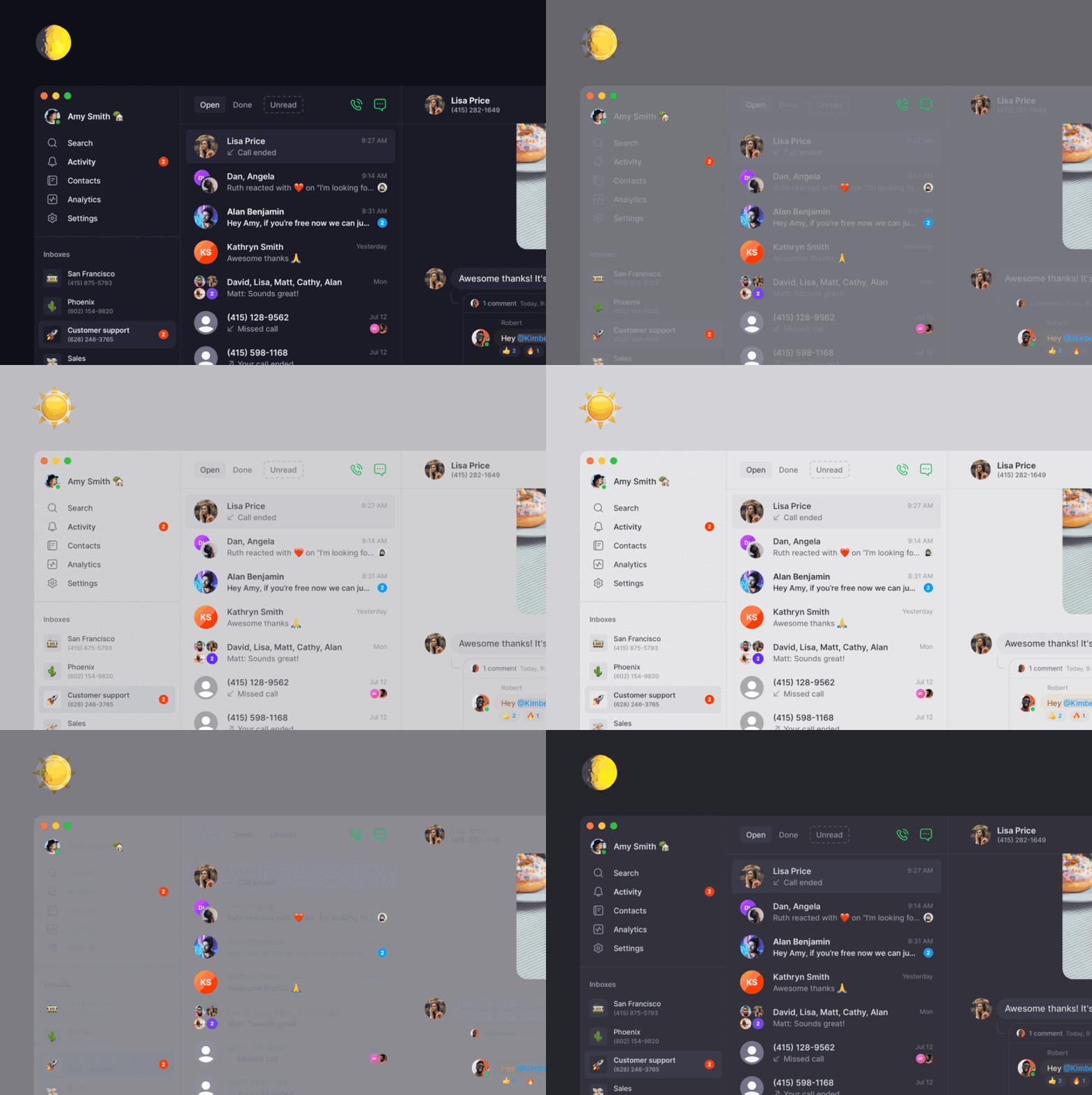 We know many of you have been waiting for this - enjoy!
Bonus: pick your emoji skin tone and customize your reaction shortcuts to make your OpenPhone experience more delightful ✨
Check out [the new Preferences section](https://my.quo.com/settings/preferences) in your Settings to access these.
We know many of you have been waiting for this - enjoy!
Bonus: pick your emoji skin tone and customize your reaction shortcuts to make your OpenPhone experience more delightful ✨
Check out [the new Preferences section](https://my.quo.com/settings/preferences) in your Settings to access these.
 Are you Team Light Mode or Team Dark Mode? Let us know what you think on [Twitter](https://twitter.com/OpenPhoneApp) ✌️
## OpenPhone Update - December 2021
Another stellar year in the books, but we're not done yet! We dusted off your wish list to put together this very special holiday update. Here's what we've wrapped up—just for you 🎁 .
# What's new
* [OpenPhone for Windows is here](https://www.quo.com/downloads)! Check out our [launch video](https://www.youtube.com/watch?v=AiVhPP28qgU) 🎥
Are you Team Light Mode or Team Dark Mode? Let us know what you think on [Twitter](https://twitter.com/OpenPhoneApp) ✌️
## OpenPhone Update - December 2021
Another stellar year in the books, but we're not done yet! We dusted off your wish list to put together this very special holiday update. Here's what we've wrapped up—just for you 🎁 .
# What's new
* [OpenPhone for Windows is here](https://www.quo.com/downloads)! Check out our [launch video](https://www.youtube.com/watch?v=AiVhPP28qgU) 🎥
 * The all-new OpenPhone for Android will hit the Google Play Store early next year, but before then, we're looking for a few brave folks to help us test it. [Apply for early access >](https://openphone.typeform.com/to/zMIVw801)
* We crafted a whole new set of signature sounds for our apps—including two exclusive ringtones! This all-new audio experience is making its debut on Mac, Windows, and Web, but expect an encore in iOS and Android soon.
* You now have more control over how you're alerted while in DND mode or outside business hours!
* The all-new OpenPhone for Android will hit the Google Play Store early next year, but before then, we're looking for a few brave folks to help us test it. [Apply for early access >](https://openphone.typeform.com/to/zMIVw801)
* We crafted a whole new set of signature sounds for our apps—including two exclusive ringtones! This all-new audio experience is making its debut on Mac, Windows, and Web, but expect an encore in iOS and Android soon.
* You now have more control over how you're alerted while in DND mode or outside business hours!
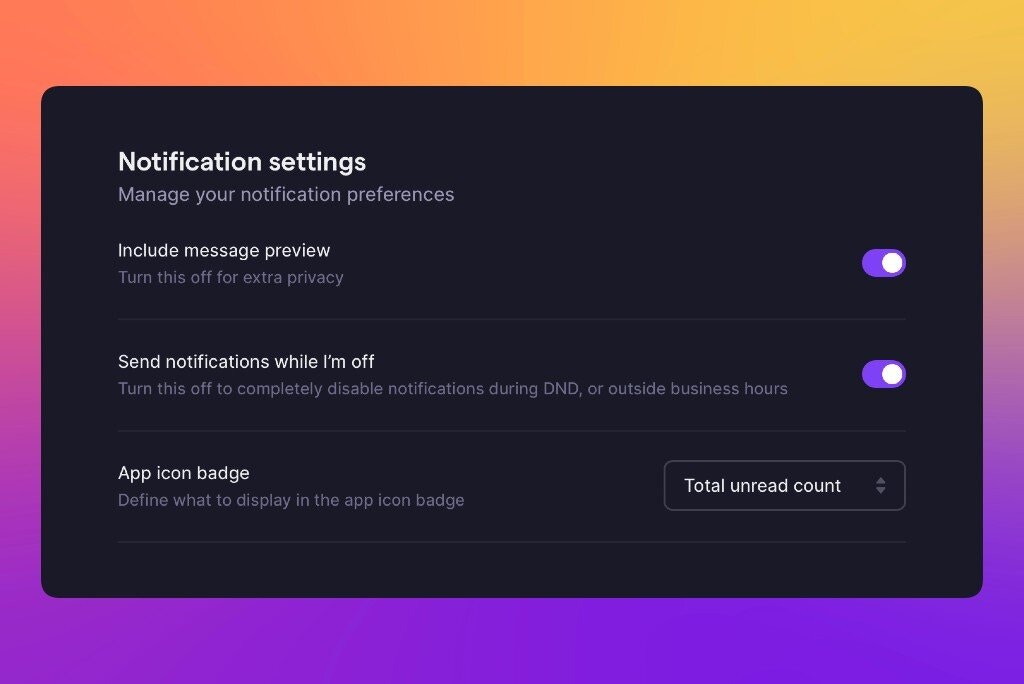 * You can now claim your email domain in OpenPhone (*like @gmail.com, but for your business*) to make onboarding new teammates a one-click process. For those without an email domain, our existing invite process has been sped-up too!
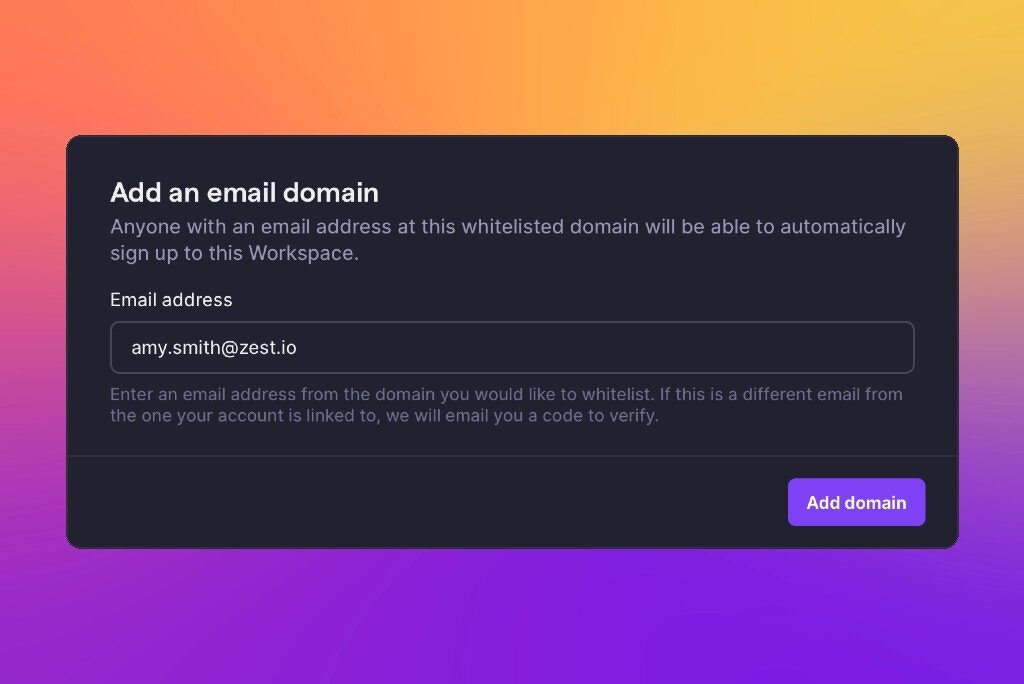 * Work Schedules are here! Think of it them as business hours, but for people—not numbers.
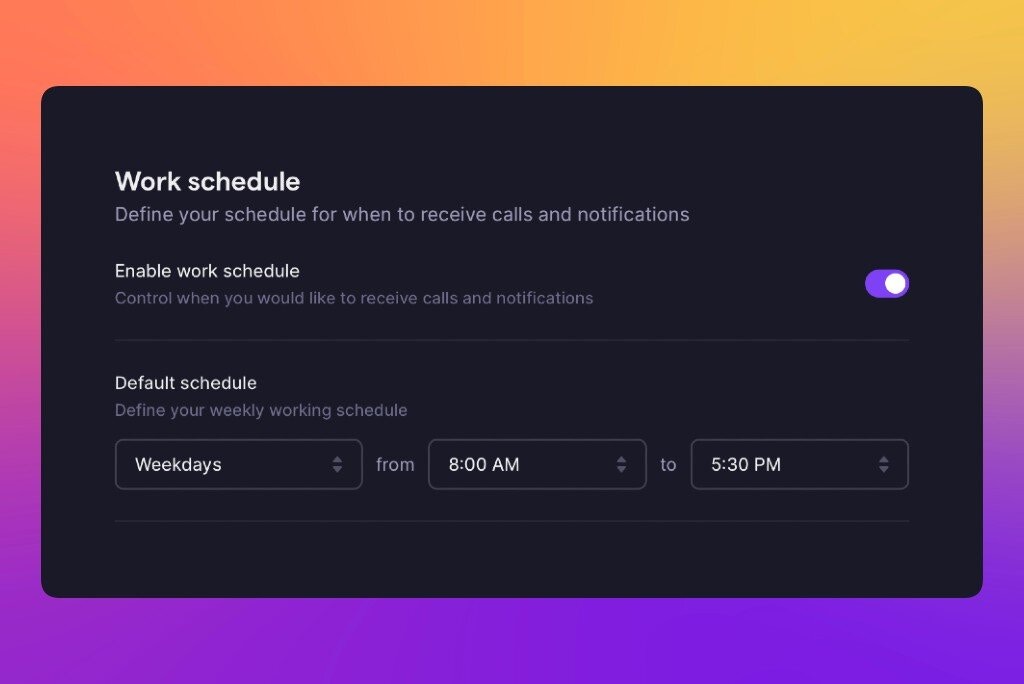 # **Delighters ✨**
No update is complete without a few extras to make you happier.
* Need some real downtime this season? Here are some tips on [how to set expectations with your customers and ensure some restful, stress-free holiday time off for you and your team.](https://www.quo.com/blog/how-to-unplug-for-the-holidays/)
* We soft-launched our Partner program! If you work with folks who'd also benefit from using OpenPhone and want to offer them an exclusive discount, [fill out this quick form](https://openphone.typeform.com/partnerships).
* Voicemail transcriptions weren't very helpful if your caller wasn't speaking English, so we gave you the option to change your default transcription language.
# **We're hiring**
Like what we're building? Come join the team! We're growing fast and hiring across the board, so [check out our Careers page](https://jobs.lever.co/openphone) (and share it with your friends).
## New on iOS: A big heap of updates and quality of life improvements ✨
Golly, we sure do ship a lot. Hopefully you're not getting tired of these, because today's update is chock-full of goodness for our friends on iOS.
# What's new
* Call transfers got a big overhaul. Now you can select -any- number in your workspace and even see their names and symbols.
# **Delighters ✨**
No update is complete without a few extras to make you happier.
* Need some real downtime this season? Here are some tips on [how to set expectations with your customers and ensure some restful, stress-free holiday time off for you and your team.](https://www.quo.com/blog/how-to-unplug-for-the-holidays/)
* We soft-launched our Partner program! If you work with folks who'd also benefit from using OpenPhone and want to offer them an exclusive discount, [fill out this quick form](https://openphone.typeform.com/partnerships).
* Voicemail transcriptions weren't very helpful if your caller wasn't speaking English, so we gave you the option to change your default transcription language.
# **We're hiring**
Like what we're building? Come join the team! We're growing fast and hiring across the board, so [check out our Careers page](https://jobs.lever.co/openphone) (and share it with your friends).
## New on iOS: A big heap of updates and quality of life improvements ✨
Golly, we sure do ship a lot. Hopefully you're not getting tired of these, because today's update is chock-full of goodness for our friends on iOS.
# What's new
* Call transfers got a big overhaul. Now you can select -any- number in your workspace and even see their names and symbols. 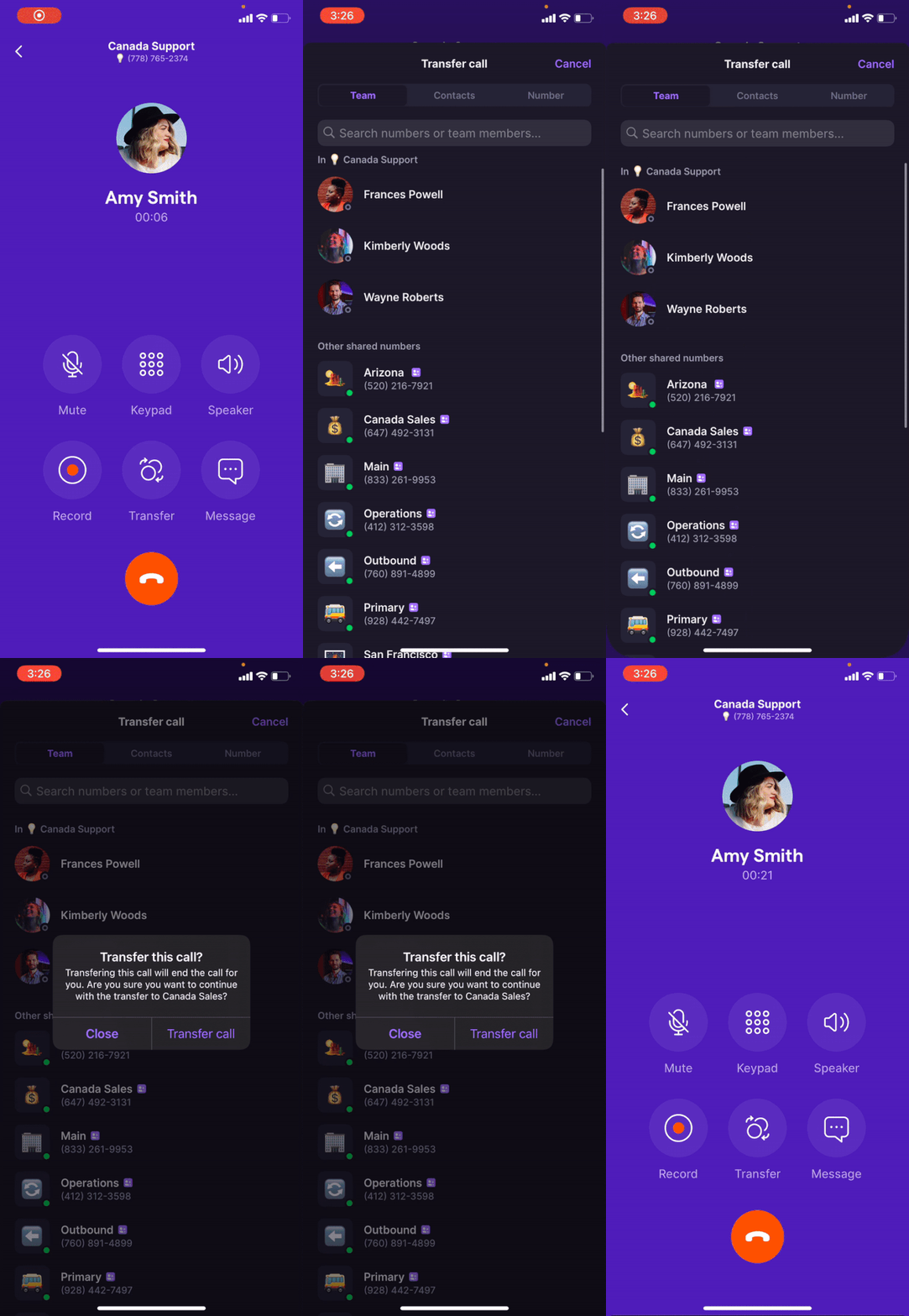 * We integrated with Siri so you can use commands like "Hey Siri, call Jordan with OpenPhone." I can't wait to hear from you.
* Long-press any OpenPhone notification to see some handy quick actions. Fewer steps mean faster responses.
* We integrated with Siri so you can use commands like "Hey Siri, call Jordan with OpenPhone." I can't wait to hear from you.
* Long-press any OpenPhone notification to see some handy quick actions. Fewer steps mean faster responses.
 * Visiting the Activity tab now clears the red dot from your OpenPhone icon. Don't worry—blue 'unread' dots won't clear until you actually tap in.
* Now you can have recent calls from OpenPhone appear alongside regular calls in the "Recents" tab of your "Phone" app. Check settings for that.
* You can enable or disable international calls and automatic call recording directly from your phone number settings.
* Visiting the Activity tab now clears the red dot from your OpenPhone icon. Don't worry—blue 'unread' dots won't clear until you actually tap in.
* Now you can have recent calls from OpenPhone appear alongside regular calls in the "Recents" tab of your "Phone" app. Check settings for that.
* You can enable or disable international calls and automatic call recording directly from your phone number settings.
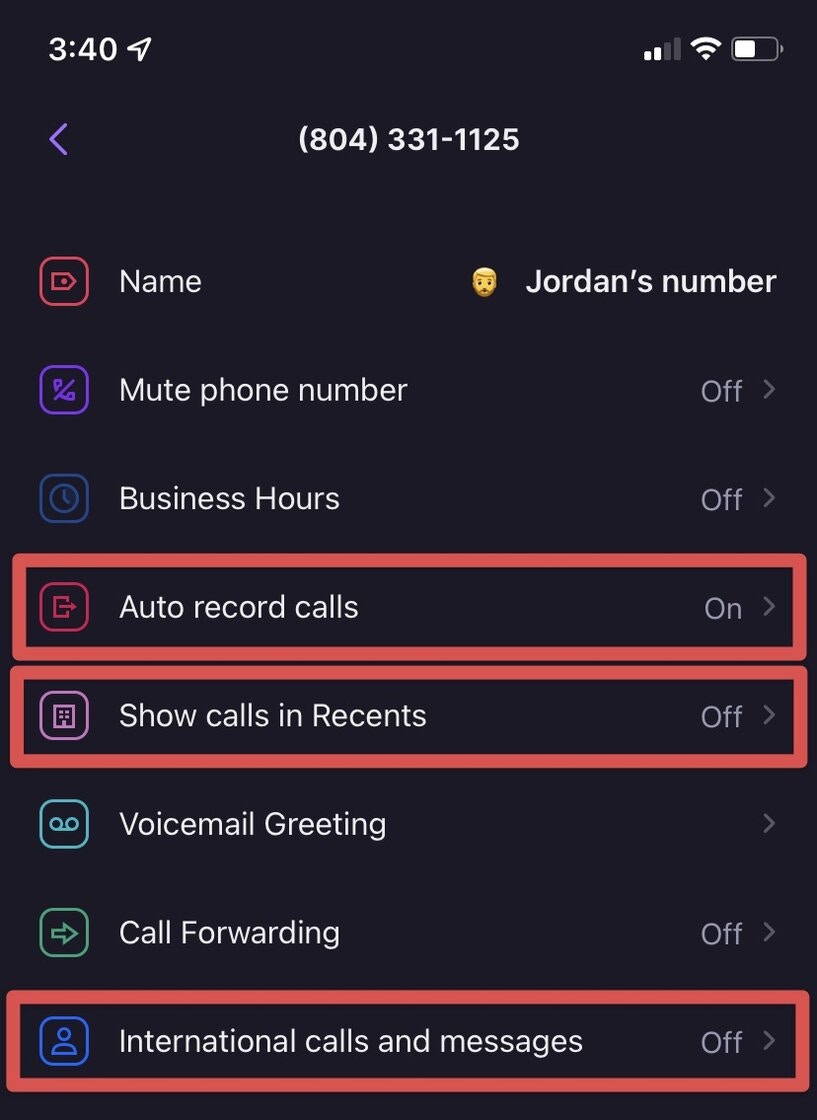 * Long-press any phone number in any app to find the new "OpenPhone 📞" option. That's right—you can now make OpenPhone calls from anywhere!
# Bug fixes
* We stopped adding a string of random characters to your copied-and-pasted links. That was my idea. Sorry.
## New on web/desktop: Major update to call transfers 📲
Golly, we sure do ship a lot. Hopefully you're not getting tired of these, because today's update is chock-full of goodness for our friends on iOS.
# What's new
* Call transfers got a big overhaul. Now you can select -any- number in your workspace and even see their names and symbols.
* We integrated with Siri so you can use commands like "Hey Siri, call Jordan with OpenPhone." I can't wait to hear from you.
* Long-press any OpenPhone notification to see some handy quick actions. Fewer steps mean faster responses.
* Visiting the Activity tab now clears the red dot from your OpenPhone icon. Don't worry—blue 'unread' dots won't clear until you actually tap in.
* Now you can have recent calls from OpenPhone appear alongside regular calls in the "Recents" tab of your "Phone" app. Check settings for that.
* You can enable or disable international calls and automatic call recording directly from your phone number settings.
* Long-press any phone number in any app to find the new "OpenPhone 📞" option. That's right—you can now make OpenPhone calls from anywhere!
# Bug fixes
* We stopped adding a string of random characters to your copied-and-pasted links. That was my idea. Sorry.
## New on web/desktop: More ways to delete call recordings, some useful bug fixes 🐜
Quick update from your friends here at OpenPhone. We've made a few bugfixes and improvements we thought you might like:
# What's new
* Workspace admins can now delete call recordings directly from the web and desktop apps. This is particularly helpful if someone shares anything sensitive while on a call. Your recording will be gone for everyone and can't be undone, so use this option wisely!
* Long-press any phone number in any app to find the new "OpenPhone 📞" option. That's right—you can now make OpenPhone calls from anywhere!
# Bug fixes
* We stopped adding a string of random characters to your copied-and-pasted links. That was my idea. Sorry.
## New on web/desktop: Major update to call transfers 📲
Golly, we sure do ship a lot. Hopefully you're not getting tired of these, because today's update is chock-full of goodness for our friends on iOS.
# What's new
* Call transfers got a big overhaul. Now you can select -any- number in your workspace and even see their names and symbols.
* We integrated with Siri so you can use commands like "Hey Siri, call Jordan with OpenPhone." I can't wait to hear from you.
* Long-press any OpenPhone notification to see some handy quick actions. Fewer steps mean faster responses.
* Visiting the Activity tab now clears the red dot from your OpenPhone icon. Don't worry—blue 'unread' dots won't clear until you actually tap in.
* Now you can have recent calls from OpenPhone appear alongside regular calls in the "Recents" tab of your "Phone" app. Check settings for that.
* You can enable or disable international calls and automatic call recording directly from your phone number settings.
* Long-press any phone number in any app to find the new "OpenPhone 📞" option. That's right—you can now make OpenPhone calls from anywhere!
# Bug fixes
* We stopped adding a string of random characters to your copied-and-pasted links. That was my idea. Sorry.
## New on web/desktop: More ways to delete call recordings, some useful bug fixes 🐜
Quick update from your friends here at OpenPhone. We've made a few bugfixes and improvements we thought you might like:
# What's new
* Workspace admins can now delete call recordings directly from the web and desktop apps. This is particularly helpful if someone shares anything sensitive while on a call. Your recording will be gone for everyone and can't be undone, so use this option wisely!
 # Bug fixes
* Tags would sometimes overlap in the contact panel of the web app. We padded things out and gave them some breathing room.
* Team members can no longer invite new users to join your workspace as admins.
# We're hiring
Like what we're building? Come join the team! We're growing fast and hiring across the board, so check out [our Careers page](https://jobs.lever.co/openphone) (and share it with your friends 😉).
Want to try all this out? Refresh [OpenPhone's web app](https://my.quo.com/) and [download the latest desktop update](https://www.quo.com/downloads).
Don’t have OpenPhone yet? [Sign up for a free trial](https://my.quo.com/signup) ⤴️
## OpenPhone Update – July 2021
Another month, another list of updates from your favorite business phone.
Our team really kicked things into overdrive this summer and there are a ton of improvements we can’t wait to announce. So keep an eye out: you’re going to see posts like these more regularly in the future.
But let’s start with July. Here are all the great new things you can get your hands on today.
# Our referral program is live 💸
One of my favourite questions to ask new customers is, “How did you hear about OpenPhone?” Because more often than not, they were referred by a friend or colleague 🫂.
We can’t thank you enough for the support, but we can reward you for it:
Beginning today, you’ll get $20 in credit for everyone you successfully refer to OpenPhone. And they’ll get $20 in credit too! The rare win/win/win—it’s a beautiful thing.
# Bug fixes
* Tags would sometimes overlap in the contact panel of the web app. We padded things out and gave them some breathing room.
* Team members can no longer invite new users to join your workspace as admins.
# We're hiring
Like what we're building? Come join the team! We're growing fast and hiring across the board, so check out [our Careers page](https://jobs.lever.co/openphone) (and share it with your friends 😉).
Want to try all this out? Refresh [OpenPhone's web app](https://my.quo.com/) and [download the latest desktop update](https://www.quo.com/downloads).
Don’t have OpenPhone yet? [Sign up for a free trial](https://my.quo.com/signup) ⤴️
## OpenPhone Update – July 2021
Another month, another list of updates from your favorite business phone.
Our team really kicked things into overdrive this summer and there are a ton of improvements we can’t wait to announce. So keep an eye out: you’re going to see posts like these more regularly in the future.
But let’s start with July. Here are all the great new things you can get your hands on today.
# Our referral program is live 💸
One of my favourite questions to ask new customers is, “How did you hear about OpenPhone?” Because more often than not, they were referred by a friend or colleague 🫂.
We can’t thank you enough for the support, but we can reward you for it:
Beginning today, you’ll get $20 in credit for everyone you successfully refer to OpenPhone. And they’ll get $20 in credit too! The rare win/win/win—it’s a beautiful thing.
 Here’s everything you need to know:
* [Visit your account settings page](https://my.quo.com/settings/referrals) to copy your unique referral link.
* Share it with anyone who asks for business phone recommendations, or spread it far and wide to communities and followers who might be a good fit for OpenPhone.
* Anyone who signs up through your referral code will get \$20 in credit after their 7-day trial.
* Once they make their first payment, you’ll get \$20 in credit too.
* Credit can be applied to your OpenPhone bill, or towards international calling/texting and SMS automations in Zapier.
* There are no caps on the amount of credit you can earn. Some of you more enterprising individuals are going to have a field day with this, and we salute you.
Happy referring!
# Export your call and message logs 📊 (Premium)
Depending on your line of work, keeping diligent track of calls and texts can be crucial. It might be for detailed record-keeping, compliance reasons, or importing into another app.
Either way, we’re happy to make that easier for you.
Now you can export all your call and message logs [directly from OpenPhone’s Analytics page](https://my.quo.com/analytics). And we’re not just giving you the basics, either. Every CSV export contains twenty-four data points per activity to help you slice, dice, and analyze your phone activity.
Enjoy!
Here’s everything you need to know:
* [Visit your account settings page](https://my.quo.com/settings/referrals) to copy your unique referral link.
* Share it with anyone who asks for business phone recommendations, or spread it far and wide to communities and followers who might be a good fit for OpenPhone.
* Anyone who signs up through your referral code will get \$20 in credit after their 7-day trial.
* Once they make their first payment, you’ll get \$20 in credit too.
* Credit can be applied to your OpenPhone bill, or towards international calling/texting and SMS automations in Zapier.
* There are no caps on the amount of credit you can earn. Some of you more enterprising individuals are going to have a field day with this, and we salute you.
Happy referring!
# Export your call and message logs 📊 (Premium)
Depending on your line of work, keeping diligent track of calls and texts can be crucial. It might be for detailed record-keeping, compliance reasons, or importing into another app.
Either way, we’re happy to make that easier for you.
Now you can export all your call and message logs [directly from OpenPhone’s Analytics page](https://my.quo.com/analytics). And we’re not just giving you the basics, either. Every CSV export contains twenty-four data points per activity to help you slice, dice, and analyze your phone activity.
Enjoy!
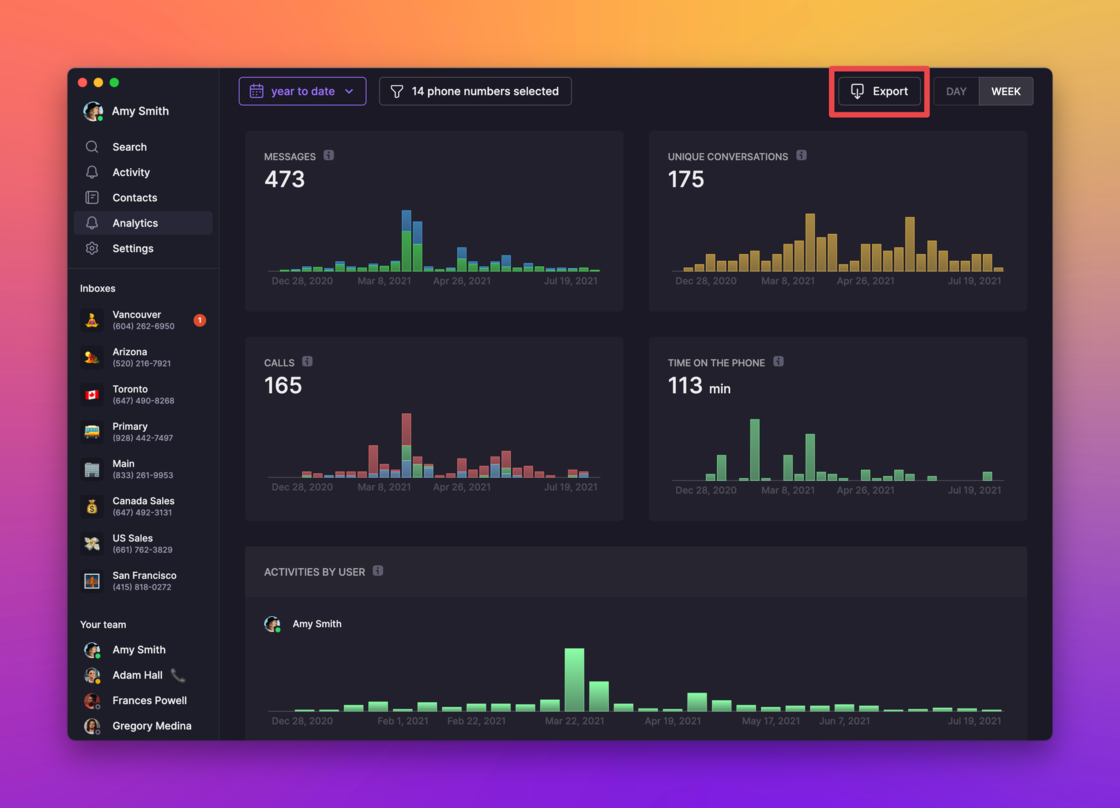 # Share a phone number with up to 100 members 🎉 (Premium)
Shared numbers are one of the best things about OpenPhone. But until today, only 10 of your teammates could share a number at once. Not anymore. We’ve upped the share limit to 100 for those of you on our Premium plan.
That’s right, 100 people can now make calls and send texts through a shared phone number. “But wait,” I hear you asking. “…will all 100 peoples’ devices ring if we get a call?”
Nope—that still maxes out at 10. But if your first 10 teammates don’t pick up, we’ll keep ringing new batches of 10 until somebody does (or we run out and send the call to voicemail).
# Round-robin calling is here 📲 (Premium)
Want more control over how your team gets calls?
OpenPhone can now ring teammates on shared phone numbers in batches, instead of all at once. Using the new round-robin option in [your phone number settings](https://my.quo.com/settings/phone-numbers/), you can now decide how many available teammates we should ring at one time.
Teammates will be randomly assigned to batches for now, but we’re planning to add more control over that soon.
# Share a phone number with up to 100 members 🎉 (Premium)
Shared numbers are one of the best things about OpenPhone. But until today, only 10 of your teammates could share a number at once. Not anymore. We’ve upped the share limit to 100 for those of you on our Premium plan.
That’s right, 100 people can now make calls and send texts through a shared phone number. “But wait,” I hear you asking. “…will all 100 peoples’ devices ring if we get a call?”
Nope—that still maxes out at 10. But if your first 10 teammates don’t pick up, we’ll keep ringing new batches of 10 until somebody does (or we run out and send the call to voicemail).
# Round-robin calling is here 📲 (Premium)
Want more control over how your team gets calls?
OpenPhone can now ring teammates on shared phone numbers in batches, instead of all at once. Using the new round-robin option in [your phone number settings](https://my.quo.com/settings/phone-numbers/), you can now decide how many available teammates we should ring at one time.
Teammates will be randomly assigned to batches for now, but we’re planning to add more control over that soon.
 # Delighters ✨
No update is complete without a few small details to make you happier.
* Get the most out of OpenPhone by watching the [five new videos we just posted to YouTube](https://www.youtube.com/channel/UCdUxj_69AZiL3xbTFGlWIoQ). Don’t forget to like and subscribe!
# We're hiring
Like what we're building? Come join the team! We're growing fast and hiring across the board, so check out [our Careers page](https://jobs.lever.co/openphone) (and share it with your friends 😉).
***
Want to try all this out? \[\[\[[**Upgrade to Premium and update your web, desktop, and iOS apps.**](https://apps.apple.com/us/app/openphone-second-phone-number/id1241817309)]\([https://www.quo.com/downloads)\](https://my.quo.com/)\](](https://www.quo.com/downloads\)]\(https://my.quo.com/\)]\()[https://my.quo.com/settings/billing](https://my.quo.com/settings/billing))
Don’t have OpenPhone yet? [**Sign up for a free trial ⤴️**](https://my.quo.com/signup)
## New in iOS 3.2.2 - sort by last name, delete call recordings, and more!
Hello again from your friends at OpenPhone! Today's release is jam-packed with fixes and improvements, so you'll want to give this a read:
## What's new
* A “sort by last name” option was added to settings! Sorry, Aaron; your reign of terror is over.
* Delete a call recording by long-pressing and selecting the aptly named “delete recording” button. Because some calls just aren't worth revisiting.
* Now you can visit a contact’s details page to see where—and with whom—they’ve been shared. We're all about visibility and context here.
* Edit" and "delete" options were added to the long-press menu for messages in internal threads. Nobody needs to know…
* Did you forget which email you use with your OpenPhone account? Well, now you can find it on your profile page.
## Bug fixes
* Removed the bird and bee emojis as randomized substitutes for numbers without an emoji assigned. We’re not ready to have that talk with you yet.
* Were you told “the operation couldn’t be completed” when trying to record an outgoing voicemail message? That's been fixed, so go complete that operation!
* OpenPhone would sometimes freeze immediately after opening. We’ve given it some coaching and it's much more confident now.
* Comment reactions now get added to the message you actually selected—not the top-level comment it falls under.
* We stopped adding random area codes to 7-digit numbers. Sorry for being creative…
* Solved an issue where the input and navigation bars became hidden after tapping through a notification.
* Changes to contact templates now sync properly across your devices.
* Scrolling through contacts using the alphabet scroll bar now (actually) works.
This update will start rolling out today, so keep a lookout!
[**Update the iOS app ⤴️**](https://apps.apple.com/us/app/openphone-second-phone-number/id1241817309)
## Introducing OpenPhone for Teams & HubSpot Integration 💥
When we started OpenPhone three years ago we saw a future where the phone is much more collaborative, integrated, and open. A phone number is such a powerful communication channel, yet the software powering it is stuck in the past. We thought we could do better.
And this brings us to today…
Say hello to OpenPhone for Teams.
[**Check out our launch video to see what it is in 49 seconds 🎥**](https://www.youtube.com/watch?v=ENfsYC0-1iQ)
# Delighters ✨
No update is complete without a few small details to make you happier.
* Get the most out of OpenPhone by watching the [five new videos we just posted to YouTube](https://www.youtube.com/channel/UCdUxj_69AZiL3xbTFGlWIoQ). Don’t forget to like and subscribe!
# We're hiring
Like what we're building? Come join the team! We're growing fast and hiring across the board, so check out [our Careers page](https://jobs.lever.co/openphone) (and share it with your friends 😉).
***
Want to try all this out? \[\[\[[**Upgrade to Premium and update your web, desktop, and iOS apps.**](https://apps.apple.com/us/app/openphone-second-phone-number/id1241817309)]\([https://www.quo.com/downloads)\](https://my.quo.com/)\](](https://www.quo.com/downloads\)]\(https://my.quo.com/\)]\()[https://my.quo.com/settings/billing](https://my.quo.com/settings/billing))
Don’t have OpenPhone yet? [**Sign up for a free trial ⤴️**](https://my.quo.com/signup)
## New in iOS 3.2.2 - sort by last name, delete call recordings, and more!
Hello again from your friends at OpenPhone! Today's release is jam-packed with fixes and improvements, so you'll want to give this a read:
## What's new
* A “sort by last name” option was added to settings! Sorry, Aaron; your reign of terror is over.
* Delete a call recording by long-pressing and selecting the aptly named “delete recording” button. Because some calls just aren't worth revisiting.
* Now you can visit a contact’s details page to see where—and with whom—they’ve been shared. We're all about visibility and context here.
* Edit" and "delete" options were added to the long-press menu for messages in internal threads. Nobody needs to know…
* Did you forget which email you use with your OpenPhone account? Well, now you can find it on your profile page.
## Bug fixes
* Removed the bird and bee emojis as randomized substitutes for numbers without an emoji assigned. We’re not ready to have that talk with you yet.
* Were you told “the operation couldn’t be completed” when trying to record an outgoing voicemail message? That's been fixed, so go complete that operation!
* OpenPhone would sometimes freeze immediately after opening. We’ve given it some coaching and it's much more confident now.
* Comment reactions now get added to the message you actually selected—not the top-level comment it falls under.
* We stopped adding random area codes to 7-digit numbers. Sorry for being creative…
* Solved an issue where the input and navigation bars became hidden after tapping through a notification.
* Changes to contact templates now sync properly across your devices.
* Scrolling through contacts using the alphabet scroll bar now (actually) works.
This update will start rolling out today, so keep a lookout!
[**Update the iOS app ⤴️**](https://apps.apple.com/us/app/openphone-second-phone-number/id1241817309)
## Introducing OpenPhone for Teams & HubSpot Integration 💥
When we started OpenPhone three years ago we saw a future where the phone is much more collaborative, integrated, and open. A phone number is such a powerful communication channel, yet the software powering it is stuck in the past. We thought we could do better.
And this brings us to today…
Say hello to OpenPhone for Teams.
[**Check out our launch video to see what it is in 49 seconds 🎥**](https://www.youtube.com/watch?v=ENfsYC0-1iQ)  Here’s what’s inside:
### Collaborate in internal threads
Work with your teammates behind the scenes to collaborate on incoming issues and queries, right in the context of the conversation. The customer never sees internal comments, don’t worry!
Here’s what’s inside:
### Collaborate in internal threads
Work with your teammates behind the scenes to collaborate on incoming issues and queries, right in the context of the conversation. The customer never sees internal comments, don’t worry!
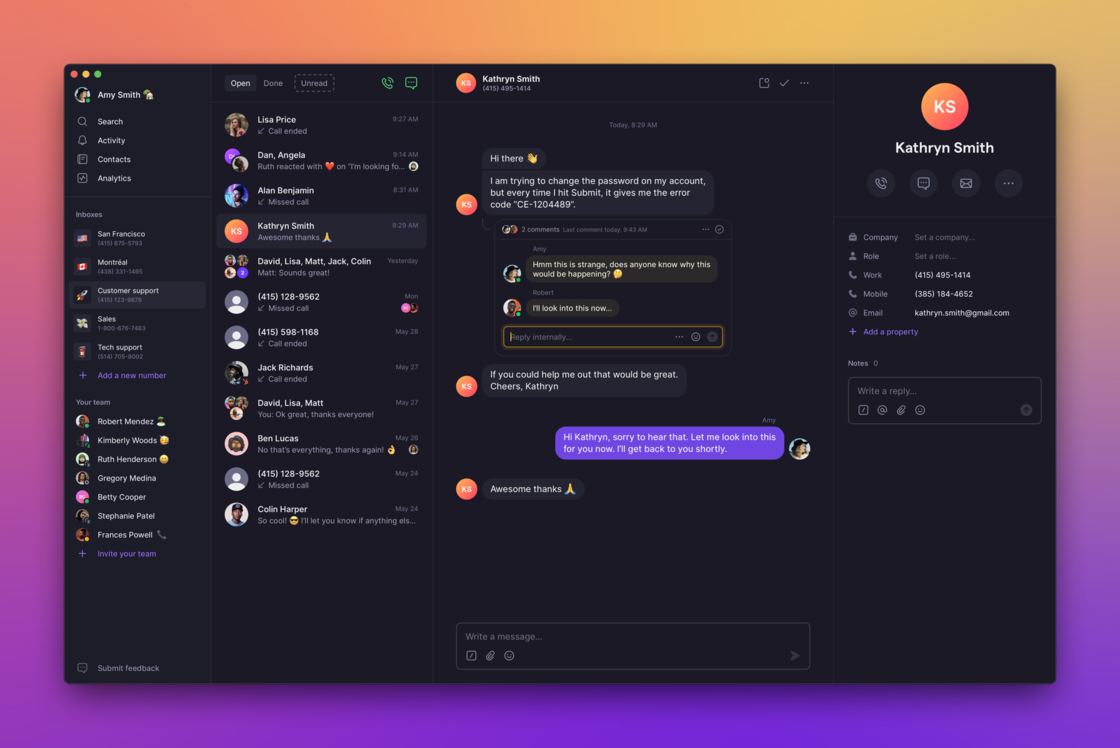 ### Mention your teammates
Notify the right people, get input from your team, and get things done faster. You can mention both individual folks and everyone who has access to the phone number.
### Mention your teammates
Notify the right people, get input from your team, and get things done faster. You can mention both individual folks and everyone who has access to the phone number.
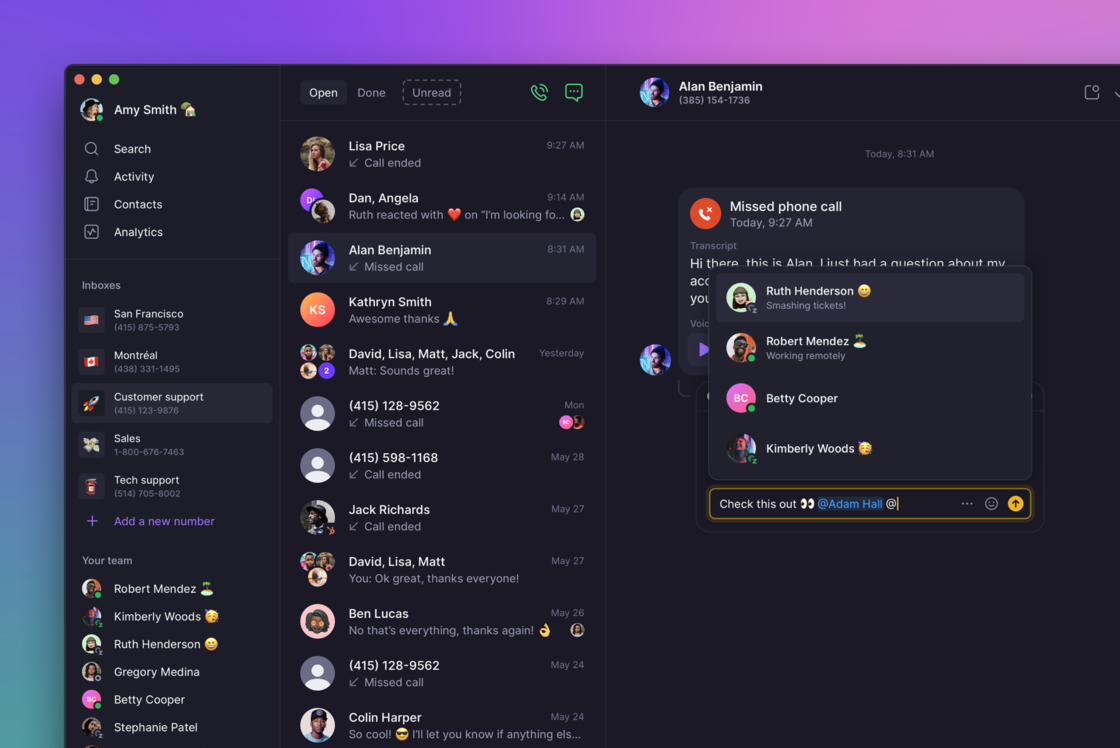 ### React with emoji
Throw a quick 👍 or 🙏 (or anything you feel like, really) on a message. Who said business phones need to be boring?
### React with emoji
Throw a quick 👍 or 🙏 (or anything you feel like, really) on a message. Who said business phones need to be boring?
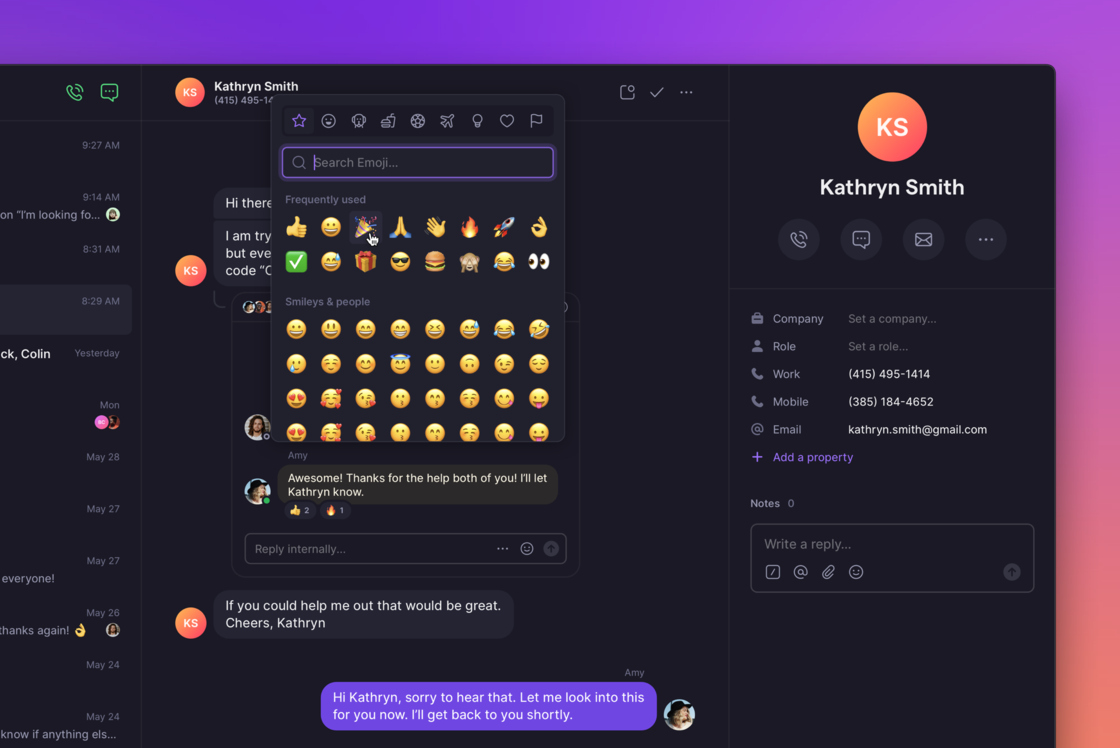 ### Connect OpenPhone to HubSpot
Maintain a single source of truth by logging OpenPhone calls, messages, recordings, and voicemail to the relevant HubSpot records. No more wondering when was the last time you were in touch with a prospect (or what activities contribute to revenue most) 💰
[HubSpot integration](https://www.quo.com/blog/openphone-hubspot-integration/) is a part of the Premium OpenPhone plan. You can upgrade to it [right here](https://my.quo.com/settings/billing) in the “Billing” section of the admin dashboard. If you’d like to learn more about what’s possible, check out [this video](https://www.youtube.com/watch?v=R6rCSN9sPHo) or [contact our Sales team](https://www.quo.com/sales).
### Connect OpenPhone to HubSpot
Maintain a single source of truth by logging OpenPhone calls, messages, recordings, and voicemail to the relevant HubSpot records. No more wondering when was the last time you were in touch with a prospect (or what activities contribute to revenue most) 💰
[HubSpot integration](https://www.quo.com/blog/openphone-hubspot-integration/) is a part of the Premium OpenPhone plan. You can upgrade to it [right here](https://my.quo.com/settings/billing) in the “Billing” section of the admin dashboard. If you’d like to learn more about what’s possible, check out [this video](https://www.youtube.com/watch?v=R6rCSN9sPHo) or [contact our Sales team](https://www.quo.com/sales).
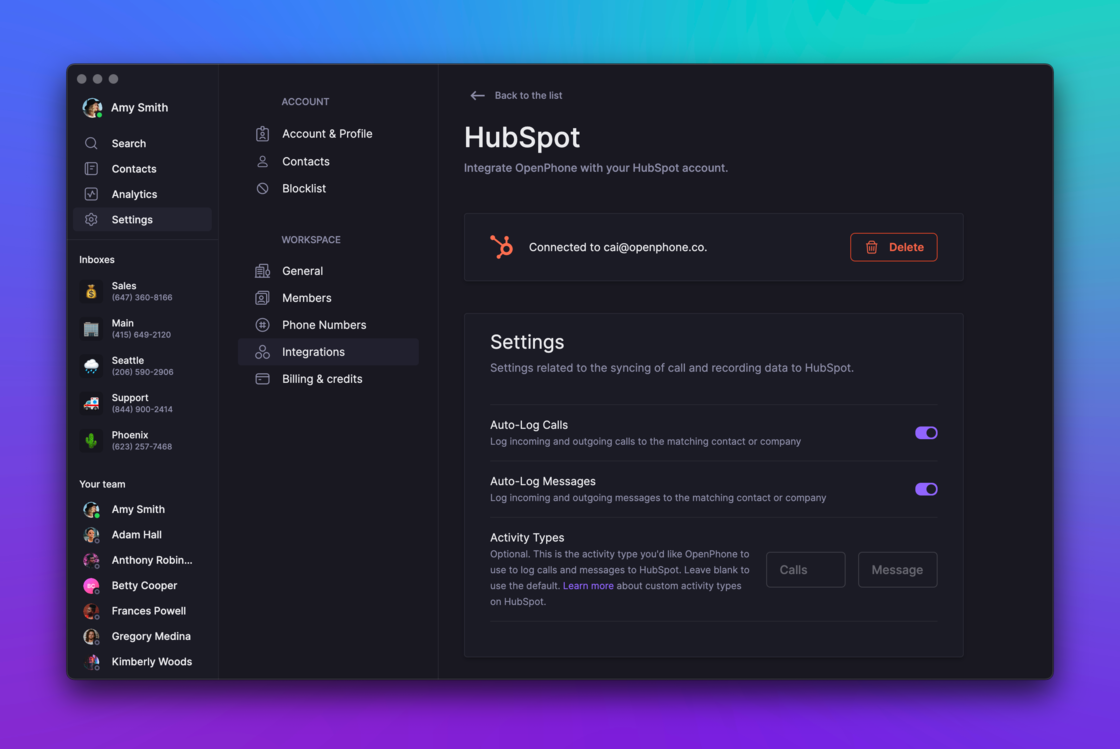 ### Live on Product Hunt
We’re also live on Product Hunt today and [would love your support there](https://www.producthunt.com/posts/openphone-for-teams) ⤴️. Our team will be hanging out there answering questions so come on over.
### We’re hiring
It’s a very special time to join our team.
We recently raised our Series A, are hiring across the board, and are looking for passionate and kind individuals who want to help businesses grow through better communication. Does this sound exciting? [Please apply](https://jobs.lever.co/openphone) – we’re excited to meet you!
## New on the web/desktop: Merge contacts, improved search, and major spring cleaning 🧹
Spring is finally here, so we decided to spend some time sprucing things up as well as improving our products for speed and reliability.
We’ve entirely overhauled our web/desktop and iOS apps to be able to scale with you. You’ll notice that your OpenPhone inbox is much snappier now and there’s no more waiting around for things to load.
Here’s all the new stuff this month.
## Merge contacts (no more duplicates!) 🔗
If you’ve ever created a new contact just to realize later on that you’ve already added them, you know how annoying this can be. Well, no more. OpenPhone now allows you to intelligently merge multiple contacts into one. This means that if you have notes and other information spread out across multiple records, it will be available in one contact record.
### Live on Product Hunt
We’re also live on Product Hunt today and [would love your support there](https://www.producthunt.com/posts/openphone-for-teams) ⤴️. Our team will be hanging out there answering questions so come on over.
### We’re hiring
It’s a very special time to join our team.
We recently raised our Series A, are hiring across the board, and are looking for passionate and kind individuals who want to help businesses grow through better communication. Does this sound exciting? [Please apply](https://jobs.lever.co/openphone) – we’re excited to meet you!
## New on the web/desktop: Merge contacts, improved search, and major spring cleaning 🧹
Spring is finally here, so we decided to spend some time sprucing things up as well as improving our products for speed and reliability.
We’ve entirely overhauled our web/desktop and iOS apps to be able to scale with you. You’ll notice that your OpenPhone inbox is much snappier now and there’s no more waiting around for things to load.
Here’s all the new stuff this month.
## Merge contacts (no more duplicates!) 🔗
If you’ve ever created a new contact just to realize later on that you’ve already added them, you know how annoying this can be. Well, no more. OpenPhone now allows you to intelligently merge multiple contacts into one. This means that if you have notes and other information spread out across multiple records, it will be available in one contact record.
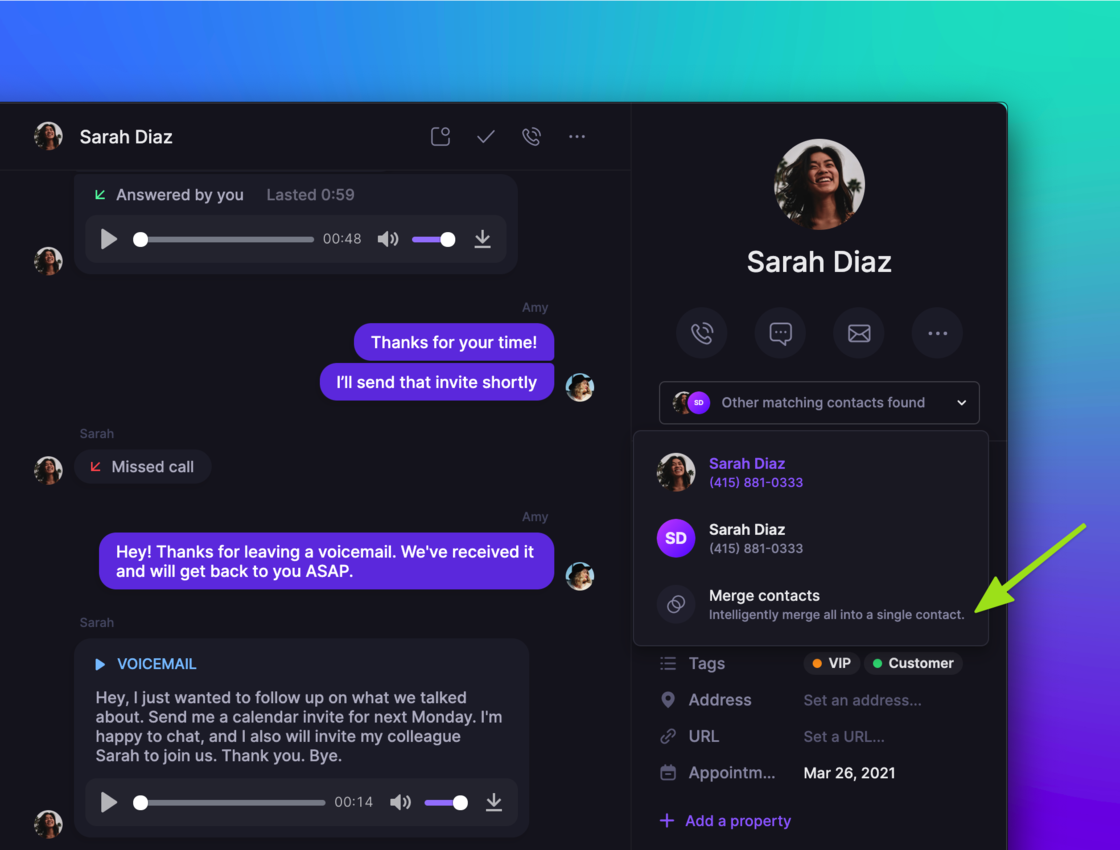 ## Improved search 🔍
We wanted to make it fast and easy for you to surface any piece of information from your conversations. So we did just that.
* Need to search for content in a specific inbox or phone number? Go right ahead.
* Want to find something inside a conversation with a specific contact? We’ve got you covered.
* Looking for contacts by company and role? Easy!
* Love keyboard shortcuts? Just type ‘Command + /’ and search all you want.
## Improved search 🔍
We wanted to make it fast and easy for you to surface any piece of information from your conversations. So we did just that.
* Need to search for content in a specific inbox or phone number? Go right ahead.
* Want to find something inside a conversation with a specific contact? We’ve got you covered.
* Looking for contacts by company and role? Easy!
* Love keyboard shortcuts? Just type ‘Command + /’ and search all you want.
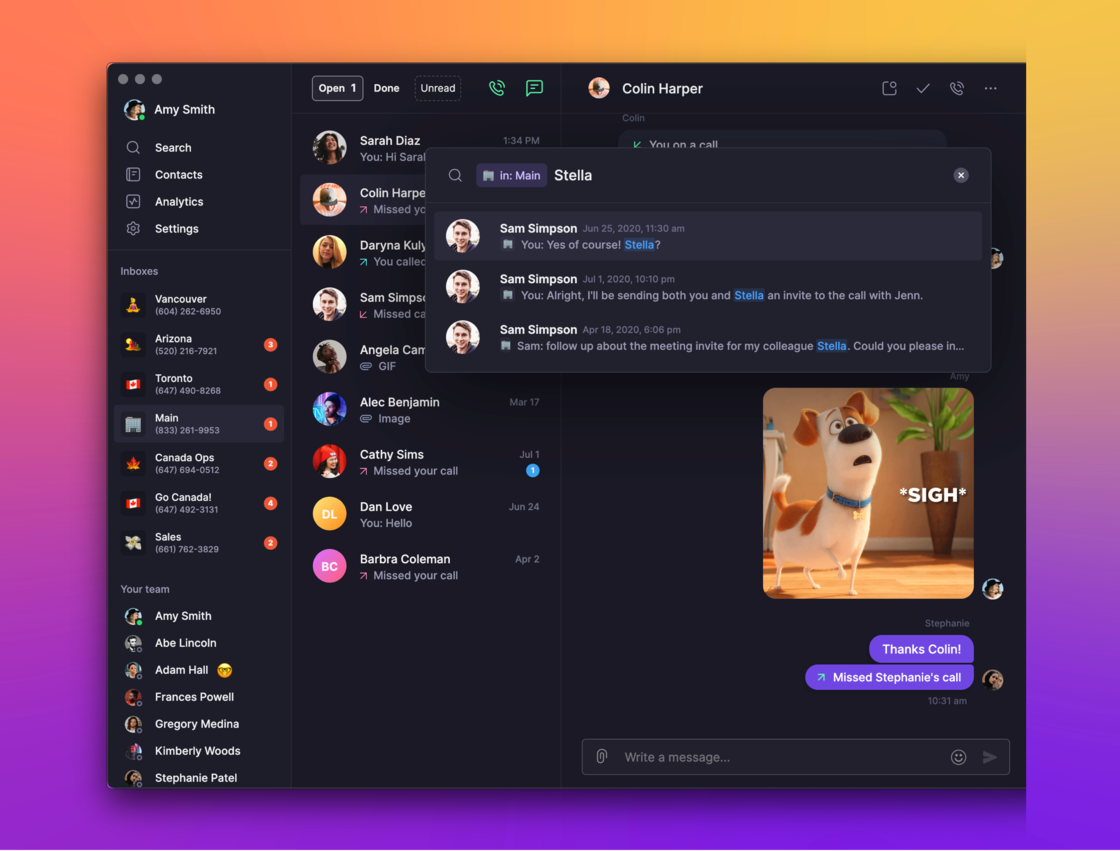 ## Admin improvements 💪
If you’re an admin for your organization, you’re going to love these:
* You can now change the role of any team member in your workspace yourself. No need to contact our Support team anymore (although we’re always happy to help!)
* The admin panel now supports search – making it way easier to find specific numbers or team members
## Admin improvements 💪
If you’re an admin for your organization, you’re going to love these:
* You can now change the role of any team member in your workspace yourself. No need to contact our Support team anymore (although we’re always happy to help!)
* The admin panel now supports search – making it way easier to find specific numbers or team members
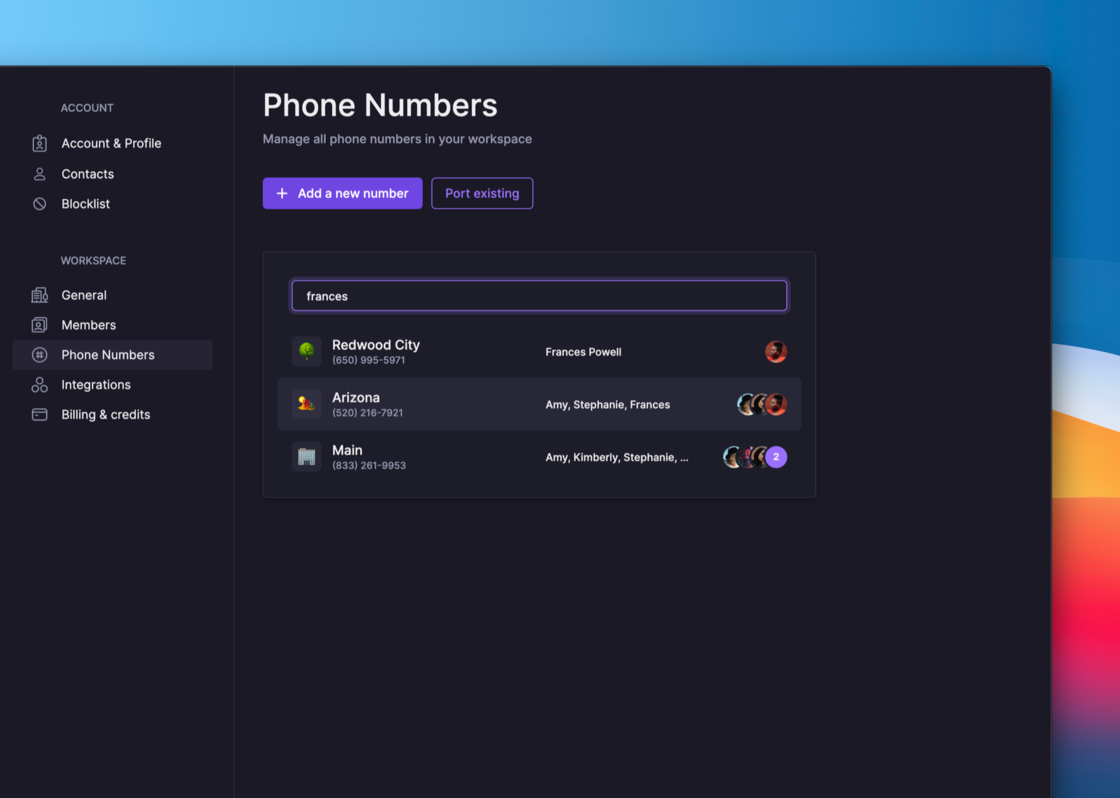 ## Simplified pricing for additional phone numbers 🎁
We heard you loud and clear – our pricing for additional phone numbers was confusing. We’ve gone ahead and simplified it to make OpenPhone even more affordable.
Up until now, we gave each user access to 1 phone number, whether it was shared or private. Any additional number assignment was \$5 per user per month.
Going forward, you will only be charged \$5 per number that exceeds your total user count. So if you’re a team of 5, you can share access to all 5 phone numbers at no extra charge!
This also means that if you’re an OpenPhone admin and want to see the conversations your team members are having with customers, you can join as many numbers in your workspace as you’d like, for free. Plus, you can mute the numbers you join so you’re not bombarded by calls and notifications 🙏
## Delighters ✨
No update is complete without a few small details to make you happier.
* You can now add a photo for every contact on OpenPhone. Say cheese!
* If you ever wanted to rearrange your contacts’ custom properties to make sure the order is on point, you can now go right ahead
* The command menu is now much richer. Press ‘Command + K’ and give it a try!
## Things you can do with OpenPhone ⚡️
We often get questions about what’s possible with OpenPhone. To that end, we’ve put together a series of product feature pages to inform and inspire. [Check them out on our website here.](https://www.quo.com/phone-numbers)
***
Want to try all this out? \[\[[**Update your web, desktop, and iOS apps.**](https://apps.apple.com/us/app/openphone-second-phone-number/id1241817309)]\([https://www.quo.com/downloads)\](](https://www.quo.com/downloads\)]\()[https://my.quo.com/](https://my.quo.com/))
Don’t have OpenPhone yet? [**Sign up for a free trial ⤴️**](https://my.quo.com/signup)
## New in iOS 3.1.0 - speed, new conversation UI, lots of bug fixes 🎁
Hey all! This update is packed with improvements to the user experience and performance of the app.
## What's new
* We noticed that for those of you with a lot of conversations, the app was getting slow and screens were taking a while to load. Well, no more. This update will make your inbox blazing fast. Don't take our word for it - give it a try and let us know what you think!
* We've completely rebuilt the conversation screen. You'll see it has a slick new design, has been optimized for speed, and is ready for some of the new features we're working on (stay tuned!)
## Simplified pricing for additional phone numbers 🎁
We heard you loud and clear – our pricing for additional phone numbers was confusing. We’ve gone ahead and simplified it to make OpenPhone even more affordable.
Up until now, we gave each user access to 1 phone number, whether it was shared or private. Any additional number assignment was \$5 per user per month.
Going forward, you will only be charged \$5 per number that exceeds your total user count. So if you’re a team of 5, you can share access to all 5 phone numbers at no extra charge!
This also means that if you’re an OpenPhone admin and want to see the conversations your team members are having with customers, you can join as many numbers in your workspace as you’d like, for free. Plus, you can mute the numbers you join so you’re not bombarded by calls and notifications 🙏
## Delighters ✨
No update is complete without a few small details to make you happier.
* You can now add a photo for every contact on OpenPhone. Say cheese!
* If you ever wanted to rearrange your contacts’ custom properties to make sure the order is on point, you can now go right ahead
* The command menu is now much richer. Press ‘Command + K’ and give it a try!
## Things you can do with OpenPhone ⚡️
We often get questions about what’s possible with OpenPhone. To that end, we’ve put together a series of product feature pages to inform and inspire. [Check them out on our website here.](https://www.quo.com/phone-numbers)
***
Want to try all this out? \[\[[**Update your web, desktop, and iOS apps.**](https://apps.apple.com/us/app/openphone-second-phone-number/id1241817309)]\([https://www.quo.com/downloads)\](](https://www.quo.com/downloads\)]\()[https://my.quo.com/](https://my.quo.com/))
Don’t have OpenPhone yet? [**Sign up for a free trial ⤴️**](https://my.quo.com/signup)
## New in iOS 3.1.0 - speed, new conversation UI, lots of bug fixes 🎁
Hey all! This update is packed with improvements to the user experience and performance of the app.
## What's new
* We noticed that for those of you with a lot of conversations, the app was getting slow and screens were taking a while to load. Well, no more. This update will make your inbox blazing fast. Don't take our word for it - give it a try and let us know what you think!
* We've completely rebuilt the conversation screen. You'll see it has a slick new design, has been optimized for speed, and is ready for some of the new features we're working on (stay tuned!)
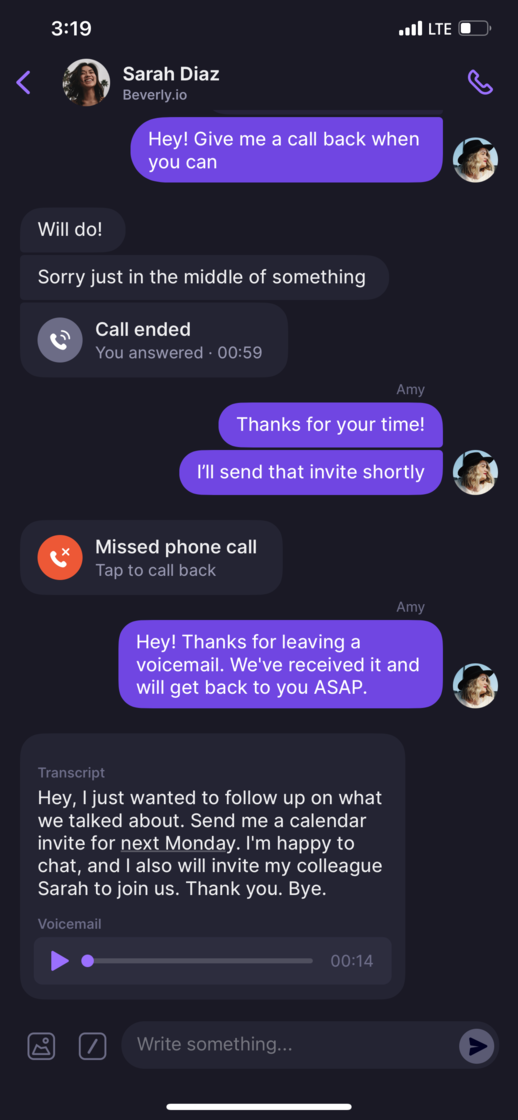 ## Bug fixes
* Fixed the issue with voicemail upload where it wasn't converted to MP3 properly.
* Fixed the issue where the audio output would switch from Bluetooth to the internal microphone on incoming calls.
* Fixed the issue where in some cases you were seeing your own name on the calling screen (as opposed to the contact the number belongs to). Oops! Thanks for flagging this.
* Some of you reported inconsistency between the way the number of notifications is displayed on iOS and our web / desktop apps. Shouldn't be the case anymore!
* Fixed the issue with contacts sync not working properly between iOS and the web / desktop apps. If any of you had issues keeping your contacts in sync, let us know how this update goes.
* Fixed the issue with the speakerphone button not working on Apple iPad Mini and iPad Pro.
Update your app today to get all the goodies!
[**Update the iOS app ⤴️**](https://apps.apple.com/us/app/openphone-second-phone-number/id1241817309)
## New: OpenPhone Zapier integration ⚡️⚡️
It's finally here. We're thrilled to launch our Zapier integration.
Since the very beginning, we wanted to open up the phone (see what I did there?) and make it very easy to connect it to other tools you use. Zapier is a big first step in that direction. Through Zapier, you can connect OpenPhone to 3,000+ applications.
### What's possible
* Save new Pipedrive (or any other CRM) leads as contacts in OpenPhone
* Log OpenPhone call recordings in Airtable (Google Sheets, etc.)
* Save new Livestorm webinar registrants as contacts in OpenPhone and send them a text message
* And much more…
We're actually using one of these for the upcoming Zapier webinar we're hosting.
## Bug fixes
* Fixed the issue with voicemail upload where it wasn't converted to MP3 properly.
* Fixed the issue where the audio output would switch from Bluetooth to the internal microphone on incoming calls.
* Fixed the issue where in some cases you were seeing your own name on the calling screen (as opposed to the contact the number belongs to). Oops! Thanks for flagging this.
* Some of you reported inconsistency between the way the number of notifications is displayed on iOS and our web / desktop apps. Shouldn't be the case anymore!
* Fixed the issue with contacts sync not working properly between iOS and the web / desktop apps. If any of you had issues keeping your contacts in sync, let us know how this update goes.
* Fixed the issue with the speakerphone button not working on Apple iPad Mini and iPad Pro.
Update your app today to get all the goodies!
[**Update the iOS app ⤴️**](https://apps.apple.com/us/app/openphone-second-phone-number/id1241817309)
## New: OpenPhone Zapier integration ⚡️⚡️
It's finally here. We're thrilled to launch our Zapier integration.
Since the very beginning, we wanted to open up the phone (see what I did there?) and make it very easy to connect it to other tools you use. Zapier is a big first step in that direction. Through Zapier, you can connect OpenPhone to 3,000+ applications.
### What's possible
* Save new Pipedrive (or any other CRM) leads as contacts in OpenPhone
* Log OpenPhone call recordings in Airtable (Google Sheets, etc.)
* Save new Livestorm webinar registrants as contacts in OpenPhone and send them a text message
* And much more…
We're actually using one of these for the upcoming Zapier webinar we're hosting.
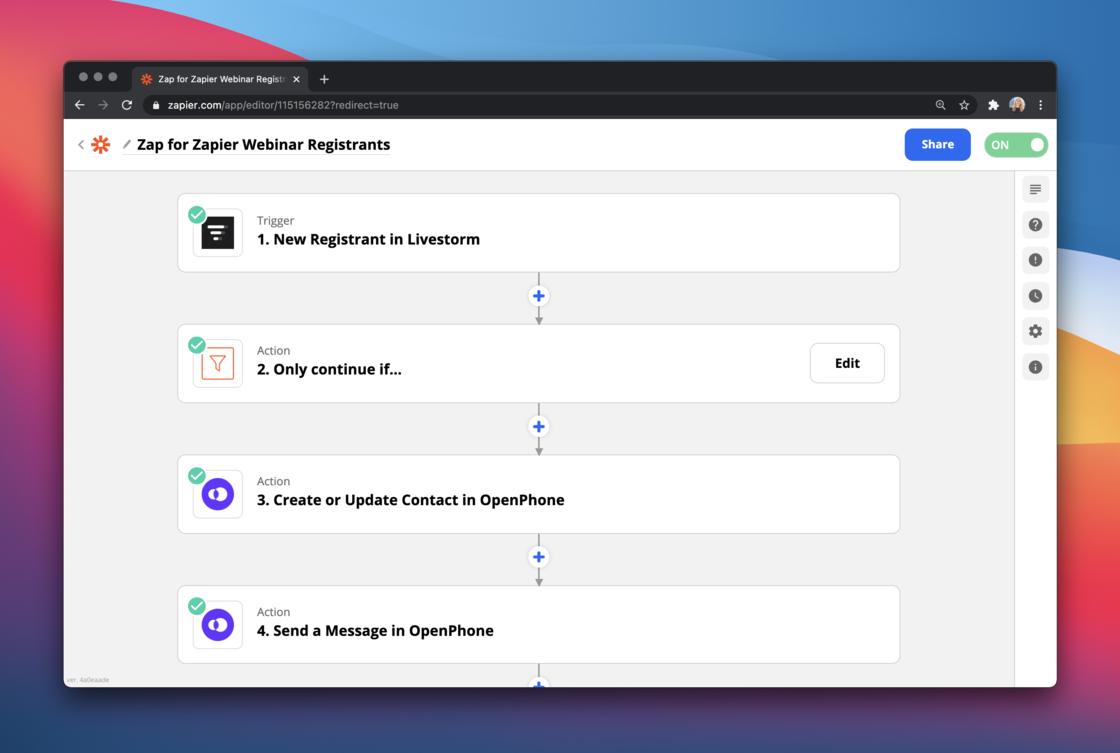 We've prepared many more examples and templates you can start using here: [https://www.quo.com/blog/openphone-zapier-integration/](https://www.quo.com/blog/openphone-zapier-integration/)
### **Pricing**
The Zapier integration is a part of all OpenPhone plans. All triggers are included for free. If you're interested in sending automated messages via Zapier, there will be an additional charge of \$0.01/per message sent.
### Get started with OpenPhone & Zapier
Already a Zapier user? Go to our [Zapier listing](https://zapier.com/apps/openphone/integrations) and connect OpenPhone to other apps you use.
If you don't have a Zapier account yet or want to see a step-by-step guide, [check it out here](https://support.quo.com/core-concepts/integrations/zapier).
### Join our live demo
On Tuesday, March 9th we'll be hosting a live demo to show you the integration in-depth, share more examples of ways you can connect OpenPhone to other apps, and answer your questions. We've got a special guest joining from Zapier team so you don't want to miss this 🙂
[**Sign up for the live demo**](https://support.quo.com/core-concepts/integrations/zapier) ⤴️
Can't make it? Register anyway and we'll send you the recording!
### Thank you!
Huge thank you to everyone who has been using our integration in beta. Y'all have provided us with very valuable feedback and we're excited to keep improving.
How are you using OP & Zapier? Share your workflows with us on [Twitter](https://www.twitter.com/@OpenPhoneApp) and we'll feature the best ones on our blog.
## New in iOS 3.0.6 - lots of UX improvements and polish 💅
Hey folks! We've got lots of user experience improvements inside for you.
Let's dig in:
* We've made some changes to typography and iconography to make the look & feel more polished
* We've reduced the height for some cell rows. This way, you can see more information on the screen and spend less time scrolling
* We've changed the positioning of the "unread dot" in the navbar from top right to top left. This way, you can easily tell whether you're on "Do not Disturb" or not and how many unread conversations you have.
* We found it annoying that the most recent message was never grouped with others. No more!
* In some cases, the OpenPhone badge notification would show that there are unread conversations, even though they've been all read. Fixed.
* Sharing contacts externally was not working. Sorry! Fixed now. Thanks for noticing, Jeff!
* Made changes to deeplinking, allowing you to dial phone numbers directly on OpenPhone. So if you have a product and want to allow your users to place calls via OpenPhone, it's as easy as adding 1 line of code now. Learn more [here](https://support.quo.com/core-concepts/integrations/deep-linking).
Want to get all the goodies?
[**Update your iOS app here ⤴️**](https://apps.apple.com/us/app/openphone-second-phone-number/id1241817309)
## Call transfer, advanced phone menu, muting and more 😎
Our team has been working hard on many exciting updates to kick-off 2021.
Here's what's new:
# Call transfer and advanced phone menu 🔁
Ever pick up a call and realize it's for someone else on your team? You can now forward an incoming call to the best person. [Call transfer](https://support.quo.com/core-concepts/calling/call-transfer) is live on the web/desktop and iOS, and coming soon to Android.
We've prepared many more examples and templates you can start using here: [https://www.quo.com/blog/openphone-zapier-integration/](https://www.quo.com/blog/openphone-zapier-integration/)
### **Pricing**
The Zapier integration is a part of all OpenPhone plans. All triggers are included for free. If you're interested in sending automated messages via Zapier, there will be an additional charge of \$0.01/per message sent.
### Get started with OpenPhone & Zapier
Already a Zapier user? Go to our [Zapier listing](https://zapier.com/apps/openphone/integrations) and connect OpenPhone to other apps you use.
If you don't have a Zapier account yet or want to see a step-by-step guide, [check it out here](https://support.quo.com/core-concepts/integrations/zapier).
### Join our live demo
On Tuesday, March 9th we'll be hosting a live demo to show you the integration in-depth, share more examples of ways you can connect OpenPhone to other apps, and answer your questions. We've got a special guest joining from Zapier team so you don't want to miss this 🙂
[**Sign up for the live demo**](https://support.quo.com/core-concepts/integrations/zapier) ⤴️
Can't make it? Register anyway and we'll send you the recording!
### Thank you!
Huge thank you to everyone who has been using our integration in beta. Y'all have provided us with very valuable feedback and we're excited to keep improving.
How are you using OP & Zapier? Share your workflows with us on [Twitter](https://www.twitter.com/@OpenPhoneApp) and we'll feature the best ones on our blog.
## New in iOS 3.0.6 - lots of UX improvements and polish 💅
Hey folks! We've got lots of user experience improvements inside for you.
Let's dig in:
* We've made some changes to typography and iconography to make the look & feel more polished
* We've reduced the height for some cell rows. This way, you can see more information on the screen and spend less time scrolling
* We've changed the positioning of the "unread dot" in the navbar from top right to top left. This way, you can easily tell whether you're on "Do not Disturb" or not and how many unread conversations you have.
* We found it annoying that the most recent message was never grouped with others. No more!
* In some cases, the OpenPhone badge notification would show that there are unread conversations, even though they've been all read. Fixed.
* Sharing contacts externally was not working. Sorry! Fixed now. Thanks for noticing, Jeff!
* Made changes to deeplinking, allowing you to dial phone numbers directly on OpenPhone. So if you have a product and want to allow your users to place calls via OpenPhone, it's as easy as adding 1 line of code now. Learn more [here](https://support.quo.com/core-concepts/integrations/deep-linking).
Want to get all the goodies?
[**Update your iOS app here ⤴️**](https://apps.apple.com/us/app/openphone-second-phone-number/id1241817309)
## Call transfer, advanced phone menu, muting and more 😎
Our team has been working hard on many exciting updates to kick-off 2021.
Here's what's new:
# Call transfer and advanced phone menu 🔁
Ever pick up a call and realize it's for someone else on your team? You can now forward an incoming call to the best person. [Call transfer](https://support.quo.com/core-concepts/calling/call-transfer) is live on the web/desktop and iOS, and coming soon to Android.
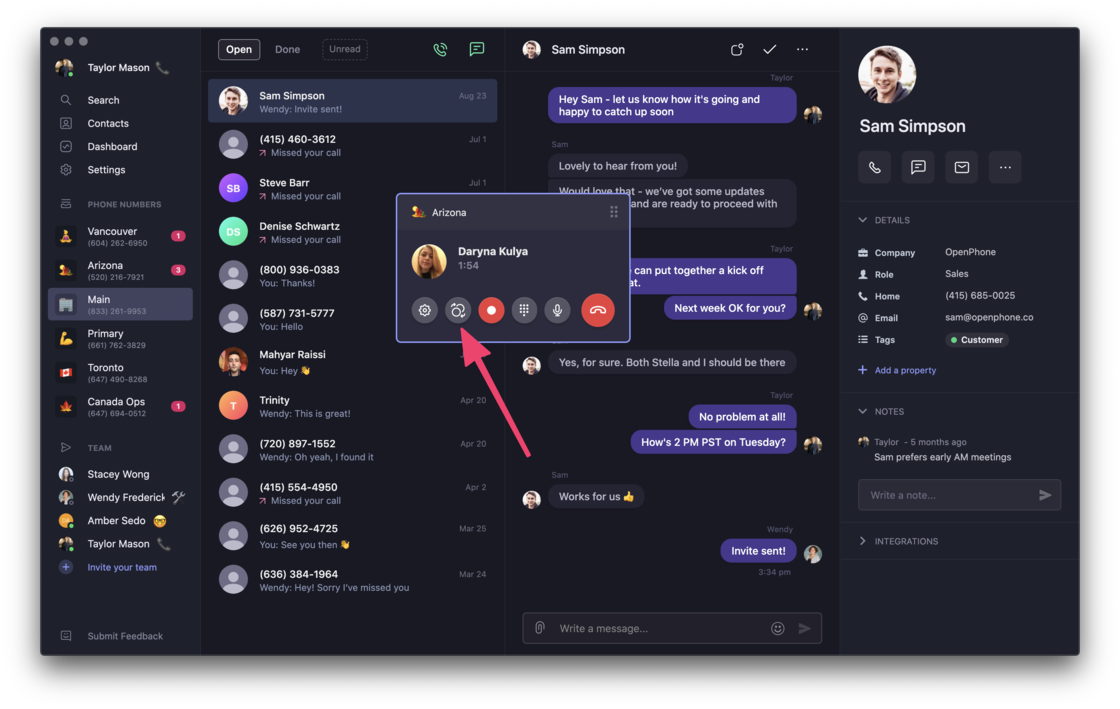 Even better - route calls to a certain member of a shared phone number through the phone menu. Check out all advanced phone menu options we're rolling out [here](https://support.quo.com/core-concepts/administration/call-flows/phone-menu).
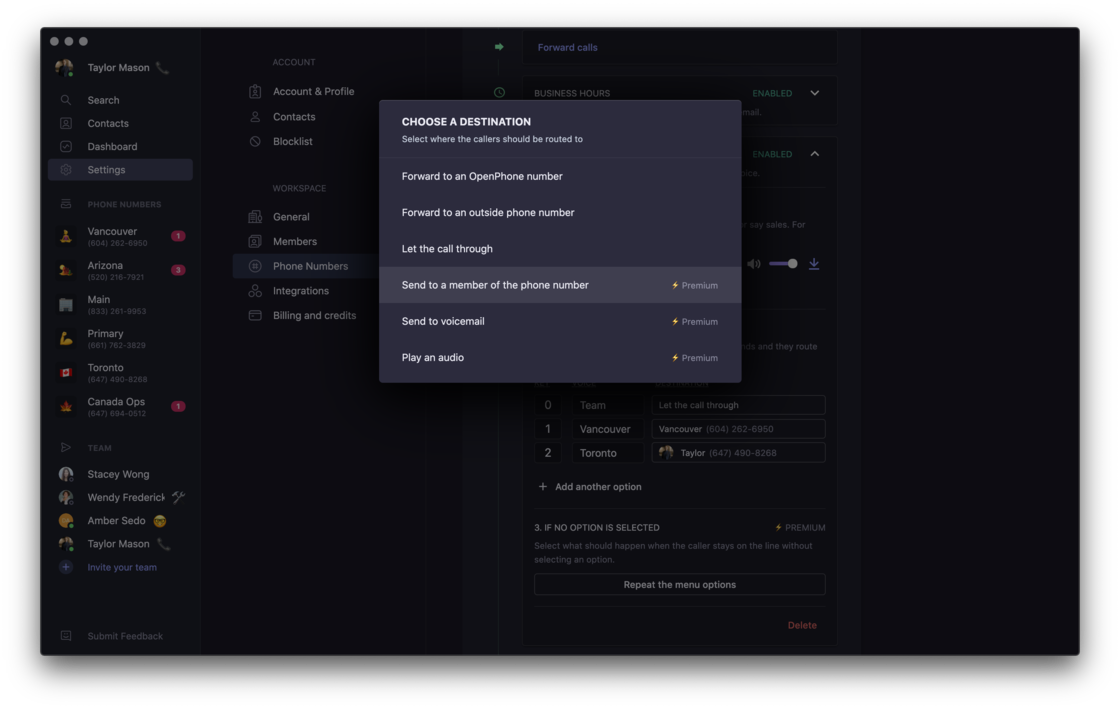 Call transfer and advanced phone menu are Premium features. Want to check them out? [**Change your plan here. ⚡️**](https://my.quo.com/settings/billing)
# Muting 🔕
Do you have multiple OpenPhone numbers but only really need to answer calls or texts on one? No problem! You can now mute the numbers you don't need to receive notifications for.
Learn more about muting [here](https://support.quo.com/core-concepts/account/notifications#muting-phone-numbers). Enjoy some extra peace and quiet!
Call transfer and advanced phone menu are Premium features. Want to check them out? [**Change your plan here. ⚡️**](https://my.quo.com/settings/billing)
# Muting 🔕
Do you have multiple OpenPhone numbers but only really need to answer calls or texts on one? No problem! You can now mute the numbers you don't need to receive notifications for.
Learn more about muting [here](https://support.quo.com/core-concepts/account/notifications#muting-phone-numbers). Enjoy some extra peace and quiet!
 # Reject an incoming call with a text message ✌️
Have you ever received a call while on another call? Or were too busy to answer? Whatever the reason, you can now reject an incoming call with a text message. It takes 2 seconds and is much more polite!
Best part? If you've set your OpenPhone status, we generate a text message that's tailored to what you're up to.
# Reject an incoming call with a text message ✌️
Have you ever received a call while on another call? Or were too busy to answer? Whatever the reason, you can now reject an incoming call with a text message. It takes 2 seconds and is much more polite!
Best part? If you've set your OpenPhone status, we generate a text message that's tailored to what you're up to.
 # Android app improvements 🏗
We've heard you loud and clear. Our Android app needs work. This is why we're starting 2021 with fundamental improvements to the app infrastructure. Today's update is a big step in that direction.
Here's what's inside:
* Reliable push notifications for calls, messages, and all activity.
* Calls that ring reliably. If you've ever had issues receiving calls - sorry! No more.
* Ability to multitask while on OpenPhone call without losing audio (or having the call drop).
[**Update your Android app today ⤴️**](https://play.google.com/store/apps/details?id=com.openphone\&hl=en_US\&gl=US)
Huge thanks to those of you who've shared your feedback with us. Keep it coming and we'll keep the improvements coming! 🙏
# Delighters ✨
No release goes out without some little (yet important) details.
* You can now order or reorder custom properties on contacts. Just drag and drop them on the web/desktop. If you're OCD like me, this is a big improvement 🙂
* We consider URLs as custom properties now which means that if you're importing contacts into OpenPhone that have multiple URLs, they'll be mapped properly. Thanks to Amit for the suggestion!
# We're hiring 🚀
It's an exciting time at OpenPhone as we're hiring on all teams (and establishing many teams we don't have yet), so if you or someone you know is looking for a challenge, apply here. We'd love to hear from you.
## New in iOS 3.0.4 - lots of bug fixes & UX delighters 📲
First iOS app release of 2021 - here we go, folks!💪
Lots of fixes in this update, big and small:
* Using OpenPhone on speaker caused an echo for some of you. So sorry! Fixed.
* Some links shared in conversations wouldn't be clickable. Oops! No more.
* If you muted a phone number, you'd still receive voicemail notifications coming into it. While it's nice to be informed, you wanted to get some peace and quiet when muting that number. All sorted now - enjoy no notifications when you're on mute.
* If you had a group chat, it wasn't always clear who said what from the conversation screen. Fixed!
* Speaking of all things grouping - messages in conversations weren't grouped optimally in the interface. We're modified this so you are never guessing the timeline of communications.
* Pasting links from Safari added a random .txt file that did nothing. Sorry! Fixed.
We've also made some improvements to deeplinking and a lot of other small (but mighty) UI changes to make OpenPhone better for you. Enjoy and let us know what you think!
[**Update your iOS app here ⤴️**](https://apps.apple.com/us/app/openphone-second-phone-number/id1241817309)
***
PS - did you know we're hiring? We've got roles available on pretty much all teams. Check out our Careers page [here](https://jobs.lever.co/openphone).
## ⚡️ iOS App 3.0.1 and Zapier beta⚡️
We've got a lot of fixes coming your way on iOS, folks.
* We had an odd issue with some messages sent via the web app not showing up on iOS. Sorry about that. Fixed!
* If you went on Do Not Disturb in the web app, the mobile app wouldn't pick that up. Not anymore. Enjoy your deserved peace and quiet!
* We had an issue with the phone number symbol being erased when you change business hours. Odd, eh? Fixed.
* We found that the app would, by default, sync your personal contacts with OpenPhone. That shouldn't be the case. It's opt-in only. Fixed.
* When sharing a phone number with your team, you weren't able to see the name of the teammate who answered a call. Oops! Fixed that too.
* In some cases, you would receive a voicemail transcript without the option to listen to the audio. Sorry! Enjoy listening to your voicemail!
* For some of you, calls that have been answered show up as if they have been missed. No good! This is all fixed now.
[**Update your iOS app here ⤴️**](https://apps.apple.com/us/app/openphone-second-phone-number/id1241817309)
***
## Zapier integration ⚡️
If you're using both OpenPhone & Zapier and want to automate manual work, I've got some good news for you. 🙂 We're starting to give beta access to our integration.
Zapier integration is a part of our Standard plan and all triggers are included at no extra cost. If you want to send automated messages via Zapier, there will be an additional cost of \$0.01 per text message sent.
While the integration is in beta, these will be free for you.🤗
For instructions and tips on getting started, check out [this post](https://support.quo.com/core-concepts/integrations/zapier).
Want to get early access? [**Sign up here ⤴️**](https://openphone.typeform.com/to/zbseFxRi)
## Our \$14M Series A Round and a Massive Product Launch 🚀
Hey folks - we've got some news!
# 💸 \$14M Series A to Redefine the Business Phone
We're thrilled to announce our \$14M Series A funding round, led by Craft Ventures, with participation from Y Combinator, Slow Ventures, Kindred Ventures, Garage Capital, and a group of incredible angel investors.
This is a huge milestone for us as we continue on our mission to build the world’s most delightful, reliable, and smartest business phone platform.
If this sounds exciting to you, consider applying as [**we're hiring**](https://jobs.lever.co/openphone) across the board.
Our CEO Mahyar reflected on today's milestone on our blog - [**check it out.**](https://www.quo.com/blog/series-a/)
With this announcement, we are also launching our biggest product update yet. It's live on [**Product Hunt today ⤴️**](https://www.producthunt.com/posts/openphone-3-0)
Here's what's new.
# **💬 Group messaging**
You probably use group chats to talk to friends and family. Now you can communicate in groups on OpenPhone too. Save time and keep everyone on the same page. Plus, it's fun. Especially if you love sending GIFs as much as we do.
# Android app improvements 🏗
We've heard you loud and clear. Our Android app needs work. This is why we're starting 2021 with fundamental improvements to the app infrastructure. Today's update is a big step in that direction.
Here's what's inside:
* Reliable push notifications for calls, messages, and all activity.
* Calls that ring reliably. If you've ever had issues receiving calls - sorry! No more.
* Ability to multitask while on OpenPhone call without losing audio (or having the call drop).
[**Update your Android app today ⤴️**](https://play.google.com/store/apps/details?id=com.openphone\&hl=en_US\&gl=US)
Huge thanks to those of you who've shared your feedback with us. Keep it coming and we'll keep the improvements coming! 🙏
# Delighters ✨
No release goes out without some little (yet important) details.
* You can now order or reorder custom properties on contacts. Just drag and drop them on the web/desktop. If you're OCD like me, this is a big improvement 🙂
* We consider URLs as custom properties now which means that if you're importing contacts into OpenPhone that have multiple URLs, they'll be mapped properly. Thanks to Amit for the suggestion!
# We're hiring 🚀
It's an exciting time at OpenPhone as we're hiring on all teams (and establishing many teams we don't have yet), so if you or someone you know is looking for a challenge, apply here. We'd love to hear from you.
## New in iOS 3.0.4 - lots of bug fixes & UX delighters 📲
First iOS app release of 2021 - here we go, folks!💪
Lots of fixes in this update, big and small:
* Using OpenPhone on speaker caused an echo for some of you. So sorry! Fixed.
* Some links shared in conversations wouldn't be clickable. Oops! No more.
* If you muted a phone number, you'd still receive voicemail notifications coming into it. While it's nice to be informed, you wanted to get some peace and quiet when muting that number. All sorted now - enjoy no notifications when you're on mute.
* If you had a group chat, it wasn't always clear who said what from the conversation screen. Fixed!
* Speaking of all things grouping - messages in conversations weren't grouped optimally in the interface. We're modified this so you are never guessing the timeline of communications.
* Pasting links from Safari added a random .txt file that did nothing. Sorry! Fixed.
We've also made some improvements to deeplinking and a lot of other small (but mighty) UI changes to make OpenPhone better for you. Enjoy and let us know what you think!
[**Update your iOS app here ⤴️**](https://apps.apple.com/us/app/openphone-second-phone-number/id1241817309)
***
PS - did you know we're hiring? We've got roles available on pretty much all teams. Check out our Careers page [here](https://jobs.lever.co/openphone).
## ⚡️ iOS App 3.0.1 and Zapier beta⚡️
We've got a lot of fixes coming your way on iOS, folks.
* We had an odd issue with some messages sent via the web app not showing up on iOS. Sorry about that. Fixed!
* If you went on Do Not Disturb in the web app, the mobile app wouldn't pick that up. Not anymore. Enjoy your deserved peace and quiet!
* We had an issue with the phone number symbol being erased when you change business hours. Odd, eh? Fixed.
* We found that the app would, by default, sync your personal contacts with OpenPhone. That shouldn't be the case. It's opt-in only. Fixed.
* When sharing a phone number with your team, you weren't able to see the name of the teammate who answered a call. Oops! Fixed that too.
* In some cases, you would receive a voicemail transcript without the option to listen to the audio. Sorry! Enjoy listening to your voicemail!
* For some of you, calls that have been answered show up as if they have been missed. No good! This is all fixed now.
[**Update your iOS app here ⤴️**](https://apps.apple.com/us/app/openphone-second-phone-number/id1241817309)
***
## Zapier integration ⚡️
If you're using both OpenPhone & Zapier and want to automate manual work, I've got some good news for you. 🙂 We're starting to give beta access to our integration.
Zapier integration is a part of our Standard plan and all triggers are included at no extra cost. If you want to send automated messages via Zapier, there will be an additional cost of \$0.01 per text message sent.
While the integration is in beta, these will be free for you.🤗
For instructions and tips on getting started, check out [this post](https://support.quo.com/core-concepts/integrations/zapier).
Want to get early access? [**Sign up here ⤴️**](https://openphone.typeform.com/to/zbseFxRi)
## Our \$14M Series A Round and a Massive Product Launch 🚀
Hey folks - we've got some news!
# 💸 \$14M Series A to Redefine the Business Phone
We're thrilled to announce our \$14M Series A funding round, led by Craft Ventures, with participation from Y Combinator, Slow Ventures, Kindred Ventures, Garage Capital, and a group of incredible angel investors.
This is a huge milestone for us as we continue on our mission to build the world’s most delightful, reliable, and smartest business phone platform.
If this sounds exciting to you, consider applying as [**we're hiring**](https://jobs.lever.co/openphone) across the board.
Our CEO Mahyar reflected on today's milestone on our blog - [**check it out.**](https://www.quo.com/blog/series-a/)
With this announcement, we are also launching our biggest product update yet. It's live on [**Product Hunt today ⤴️**](https://www.producthunt.com/posts/openphone-3-0)
Here's what's new.
# **💬 Group messaging**
You probably use group chats to talk to friends and family. Now you can communicate in groups on OpenPhone too. Save time and keep everyone on the same page. Plus, it's fun. Especially if you love sending GIFs as much as we do.
 # 👋 Direct messaging
Need help from your team? You can quickly DM your teammates right from the app to make collaboration faster for everyone.
You can now see when your teammates are online or away. Even better - set a custom status to share what you're up to. Maybe you're on a call with a customer or taking your dog for a walk.
If your colleagues aren't on OpenPhone yet, it's a good time to [invite them](https://support.quo.com/core-concepts/administration/members#adding-team-members) 😉
# 👋 Direct messaging
Need help from your team? You can quickly DM your teammates right from the app to make collaboration faster for everyone.
You can now see when your teammates are online or away. Even better - set a custom status to share what you're up to. Maybe you're on a call with a customer or taking your dog for a walk.
If your colleagues aren't on OpenPhone yet, it's a good time to [invite them](https://support.quo.com/core-concepts/administration/members#adding-team-members) 😉
 # 🌍 International calling and messaging
Many of you requested the ability to call and text people outside of the US & Canada. Good news - you can now call and text anyone in the world, at [low rates](https://www.quo.com/rates). Enjoy!
# 📈 Analytics and reporting
How much time did you spend talking to customers last week? What's the busiest time of the day for your team? Get insight into these and more with OpenPhone analytics. Available as a part of our new \$25 per user per month [Premium plan](https://www.quo.com/pricing).
# 🌍 International calling and messaging
Many of you requested the ability to call and text people outside of the US & Canada. Good news - you can now call and text anyone in the world, at [low rates](https://www.quo.com/rates). Enjoy!
# 📈 Analytics and reporting
How much time did you spend talking to customers last week? What's the busiest time of the day for your team? Get insight into these and more with OpenPhone analytics. Available as a part of our new \$25 per user per month [Premium plan](https://www.quo.com/pricing).
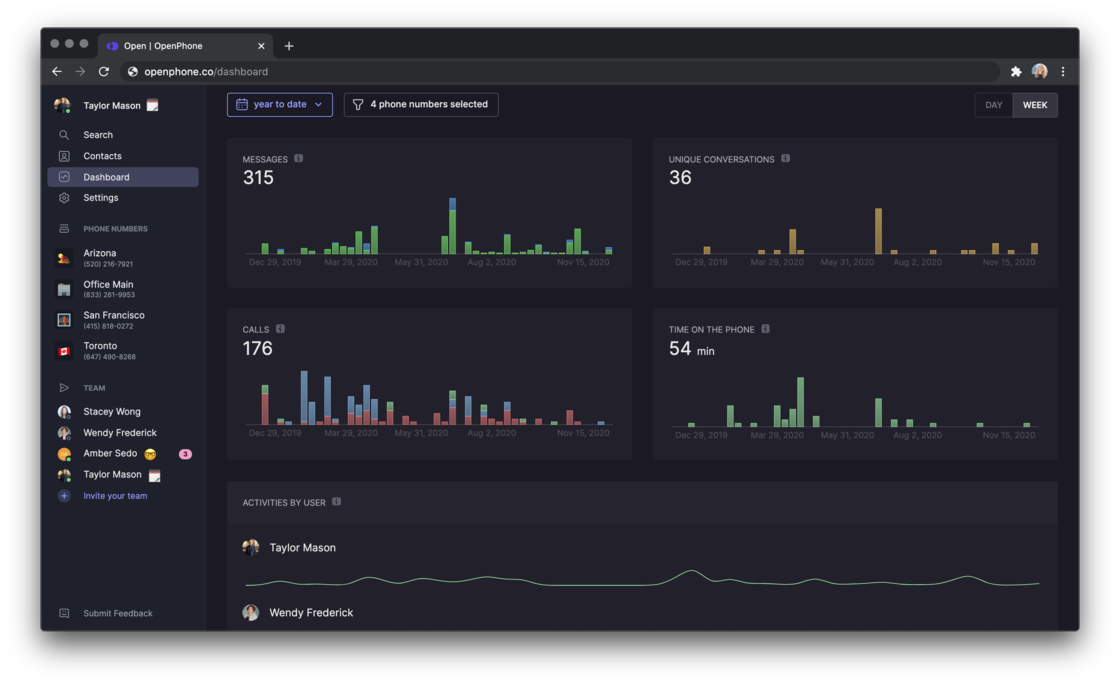 # 🔍 Search
You can now find any contact, message, activity, or voicemail transcript easily. Try it out, it's pretty magical.
# 🔍 Search
You can now find any contact, message, activity, or voicemail transcript easily. Try it out, it's pretty magical.
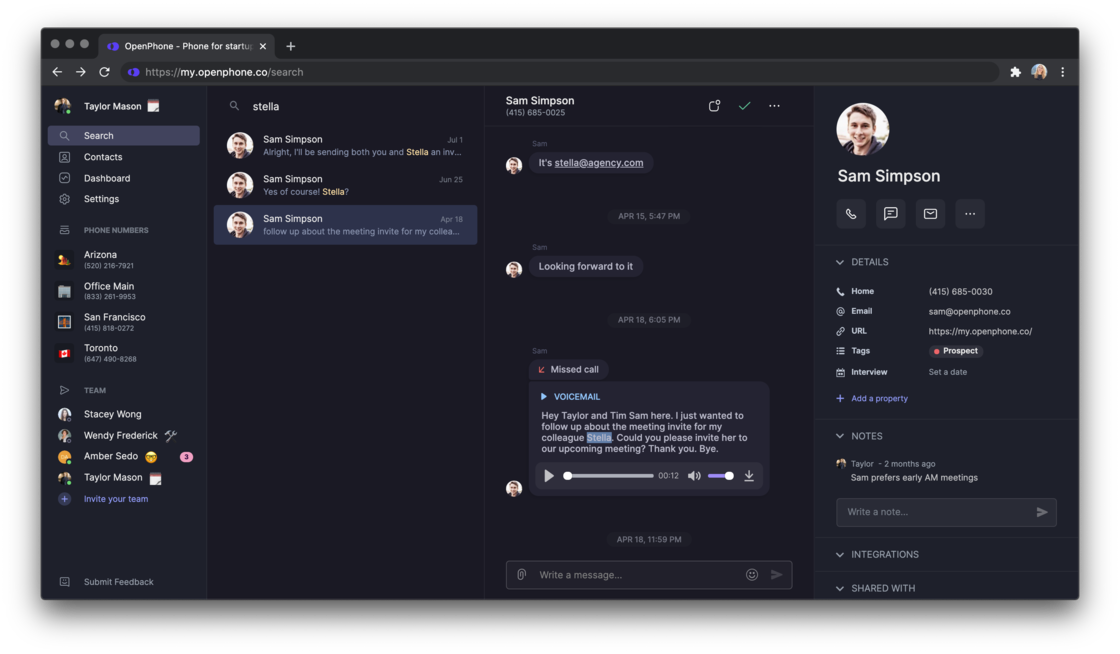 # ⚡️ Integrations with HubSpot and Zapier
If you use HubSpot CRM, we've got more good news. You can now see a full picture of your customer interactions and sync data between both systems. [Get early access](https://openphone.typeform.com/to/snkyBCzL) ⤴️
And through our Zapier integration, you can connect OpenPhone to thousands of applications you use. Airtable, Typeform, Intercom, Zendesk, you name it. If you hate manual work and want your tools to work nicely together, [apply for access here](https://openphone.typeform.com/to/zbseFxRi) ⤴️
# 📹 Send videos, GIFs, and all sorts of files
We now support sending all types of files. Try it! If you love sending GIFs like us, type '/giphy' to pick the one that perfectly suits your conversation.
# 😍 Tons of UX improvements
As you'll be able to tell very quickly, all our OpenPhone applications look much cleaner and more streamlined. And we have a brand new website. There are lots of little details we've worked on to delight you. Here are some of them.
* Give your phone number an emoji symbol to help you and your team distinguish it among all other numbers in your workspace. It's also way more fun!
* Set an [outgoing caller ID](https://support.quo.com/core-concepts/calling/caller-id#updating-a-caller-id-name) for your number to control what shows up when you call
* To easily access the command bar no matter where you are in the web & desktop apps, type Command + K
# ⚡️ Integrations with HubSpot and Zapier
If you use HubSpot CRM, we've got more good news. You can now see a full picture of your customer interactions and sync data between both systems. [Get early access](https://openphone.typeform.com/to/snkyBCzL) ⤴️
And through our Zapier integration, you can connect OpenPhone to thousands of applications you use. Airtable, Typeform, Intercom, Zendesk, you name it. If you hate manual work and want your tools to work nicely together, [apply for access here](https://openphone.typeform.com/to/zbseFxRi) ⤴️
# 📹 Send videos, GIFs, and all sorts of files
We now support sending all types of files. Try it! If you love sending GIFs like us, type '/giphy' to pick the one that perfectly suits your conversation.
# 😍 Tons of UX improvements
As you'll be able to tell very quickly, all our OpenPhone applications look much cleaner and more streamlined. And we have a brand new website. There are lots of little details we've worked on to delight you. Here are some of them.
* Give your phone number an emoji symbol to help you and your team distinguish it among all other numbers in your workspace. It's also way more fun!
* Set an [outgoing caller ID](https://support.quo.com/core-concepts/calling/caller-id#updating-a-caller-id-name) for your number to control what shows up when you call
* To easily access the command bar no matter where you are in the web & desktop apps, type Command + K
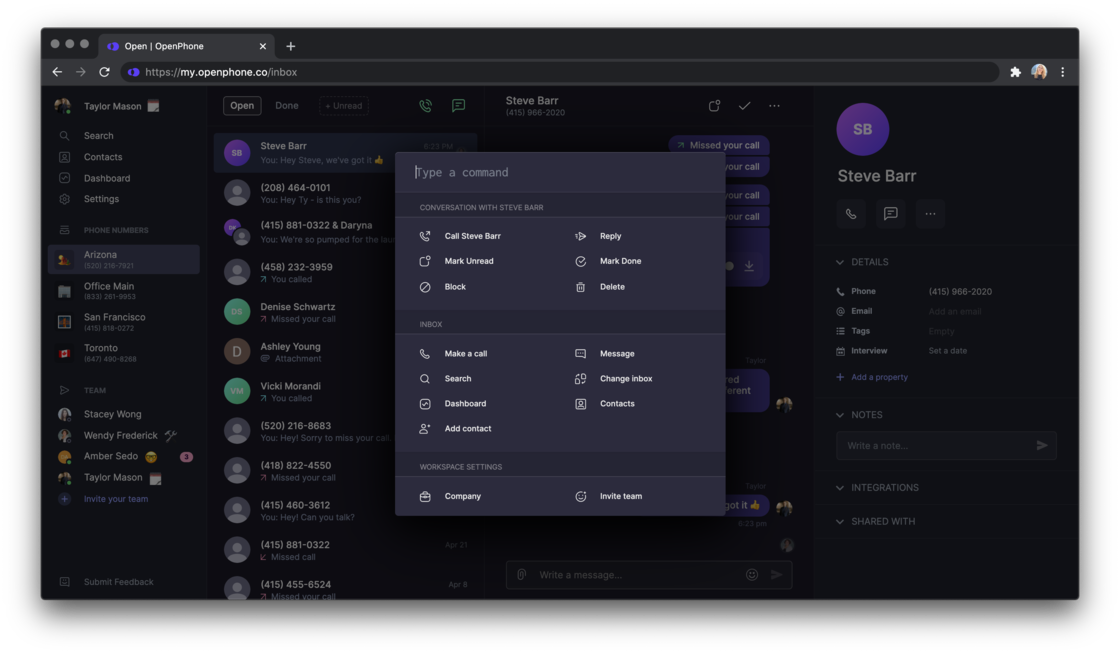 # 🚀 Live on Product Hunt
Our entire team is available to answer any questions on Product Hunt today. Check us out and let us know what you think. We appreciate your support. ♥️
[**Go to Product Hunt ⤴️**](https://www.producthunt.com/posts/openphone-3-0)
# 🙏 **Thank you!**
From the early days of OpenPhone, we've been incredibly fortunate to have awesome customers like you on our side. You're the reason we wake up every day to keep building and improving. We wouldn't be here without your support and we're excited to continue this journey together.
As always, we'd love to hear what you think. Let us know how we can make OpenPhone better for you.
## New in iOS: Send files, videos, GIFs, contacts, and more
Using OP on iOS? It's your day! Check out what's new in our big product update.
### Send GIFs via GIPHY 💃
We've integrated with GIPHY so you can find the perfect GIF for any situation. Want to wish your client a happy birthday? Or send a TGIF to a teammate? No problem! Just tap on the `/` button or type `/giphy` and search for the perfect GIF to express how you feel.
Who said your business phone should be boring?🤘
# 🚀 Live on Product Hunt
Our entire team is available to answer any questions on Product Hunt today. Check us out and let us know what you think. We appreciate your support. ♥️
[**Go to Product Hunt ⤴️**](https://www.producthunt.com/posts/openphone-3-0)
# 🙏 **Thank you!**
From the early days of OpenPhone, we've been incredibly fortunate to have awesome customers like you on our side. You're the reason we wake up every day to keep building and improving. We wouldn't be here without your support and we're excited to continue this journey together.
As always, we'd love to hear what you think. Let us know how we can make OpenPhone better for you.
## New in iOS: Send files, videos, GIFs, contacts, and more
Using OP on iOS? It's your day! Check out what's new in our big product update.
### Send GIFs via GIPHY 💃
We've integrated with GIPHY so you can find the perfect GIF for any situation. Want to wish your client a happy birthday? Or send a TGIF to a teammate? No problem! Just tap on the `/` button or type `/giphy` and search for the perfect GIF to express how you feel.
Who said your business phone should be boring?🤘
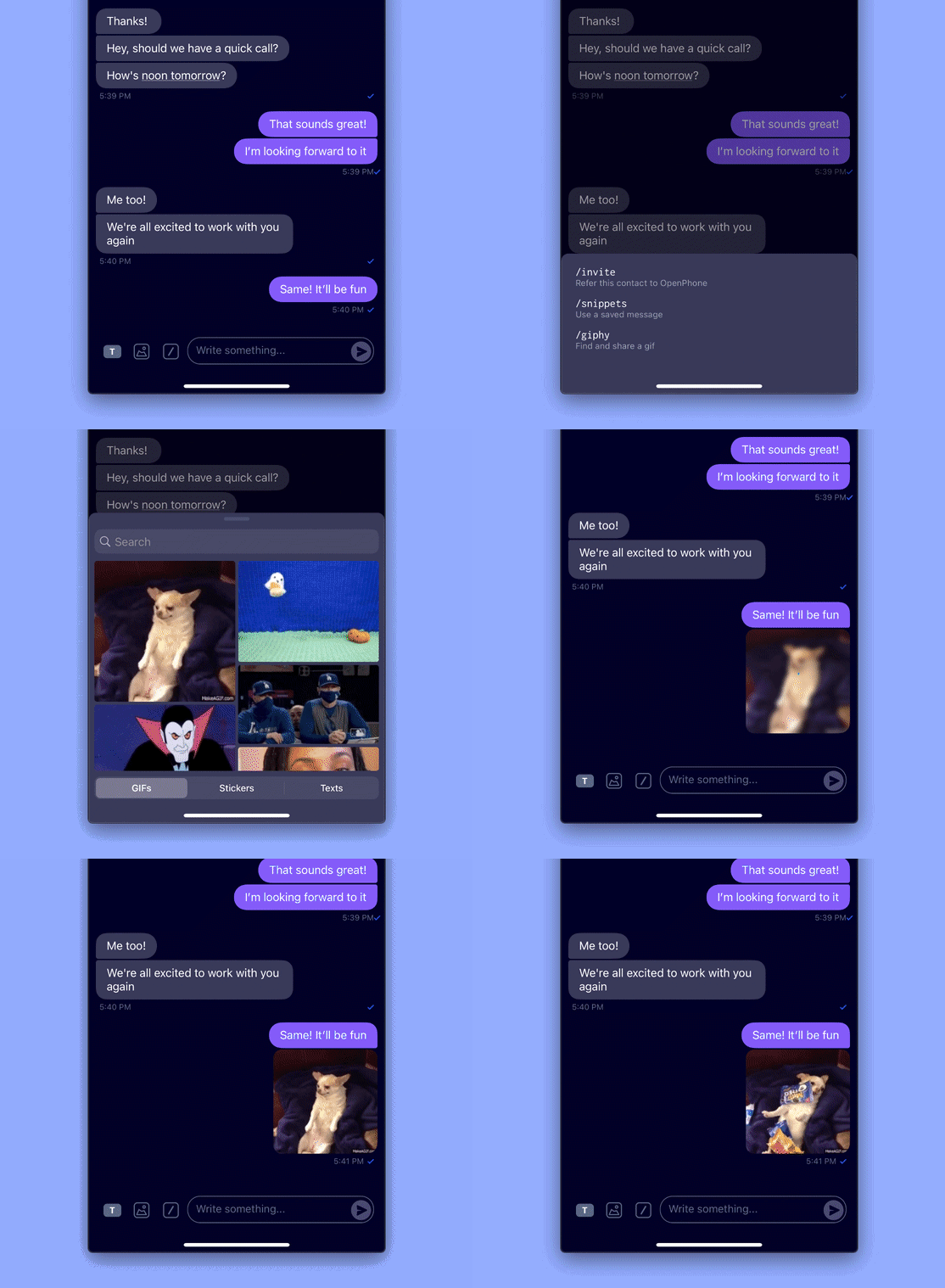 ### Send files, videos, and contacts 📹
You can now send and receive any and all types of content via OpenPhone. Want to share someone's contact information with a colleague? Or a quick video? You can even send a spreadsheet!
### Send files, videos, and contacts 📹
You can now send and receive any and all types of content via OpenPhone. Want to share someone's contact information with a colleague? Or a quick video? You can even send a spreadsheet!
 ### Tighter integration with iOS 🤝
iOS now recognizes OpenPhone as the communication app (about time!) so you will see OpenPhone show up as the option for sharing that picture you took or that file you have on your phone. Just go to your camera roll, pick any photo and then tap share. Hurray!
### Tighter integration with iOS 🤝
iOS now recognizes OpenPhone as the communication app (about time!) so you will see OpenPhone show up as the option for sharing that picture you took or that file you have on your phone. Just go to your camera roll, pick any photo and then tap share. Hurray!
 ### More intelligent voicemail playback 🎧
If you ever played back a voicemail or a call that you recorded on OpenPhone, you noticed they'll play over speaker. This isn't great, especially if you're in a public place or dealing with sensitive information. Now, OpenPhone will play via headphones or the speaker based on your selected media source. Thanks to Mallory for this suggestion!
### Improved call quality (when your Internet isn't the greatest) 🗼
We don't always have the strongest Internet connection so we've optimized the bitrate needed for calls. This will allow you to have a great call even on slower networks. Let us know what you think!
### Deep-link to OpenPhone from your service 🌟
If you want to deep-link to OpenPhone from your service, you now can! For example, `openphone://dial?number=4101234567` would open the dialer with the number you're passing on. Or if you want to draft a text message, use `openphone://message?number=4101234567&text=Hello,%20buddy` - get in touch if you'd like more info!
## Bug Fixes 🐛
* In iOS 14 Apple changed how incoming calls show up. To be able to show you the name of the OpenPhone number on the call screen we had to come up with a clever solution. You will now see a tag representing the name of your OpenPhone number on that screen. We still love you, Apple!
* In certain cases, contacts added via the web or desktop app wouldn't show up on mobile. We know how frustrating this can be. Fixed.
* Sometimes you'd open the app and it would appear as if you're on a phone call (when in fact, you're not). Oops! That's fixed now.
* Sometimes you'd get a Missed Call notification while OP is ringing. It wasn't our intention to play mind games, so we've fixed that.
* Sometimes when you receive a message from a new contact while the app is closed and tap on the notification, OP would open the conversation screen that's empty. No more!
* iPad users would sometimes get a crash when changing business hours or sharing a message in a conversation. Fixed!
* Sometimes the checkmark below a sent message would overlap with the date stamp 😬 It's in the right place now.
* Some of you experienced an issue with adding contact properties in the app. The app would become unresponsive. Sorry about that - fixed!
***
Get all these goodies in iOS 2.1.7 on the App Store. [**Update your app here ⤴️**](https://apps.apple.com/us/app/openphone-second-phone-number/id1241817309)
And do let us know what you think. You know how to reach us 😉
Text us at [(855) 746 6304](https://sms:+18557466304)
## New in Android: Enriched contacts, notes, delete conversations✨
Android friends, we've good a big update for you today.
Here's what's new in Android 2.3.6:
### Enriched contacts
* We've revamped the contacts experience on Android, allowing you to add custom properties to your OpenPhone contacts.
* You can also add internal notes to your contacts so you never miss a single detail.
### More intelligent voicemail playback 🎧
If you ever played back a voicemail or a call that you recorded on OpenPhone, you noticed they'll play over speaker. This isn't great, especially if you're in a public place or dealing with sensitive information. Now, OpenPhone will play via headphones or the speaker based on your selected media source. Thanks to Mallory for this suggestion!
### Improved call quality (when your Internet isn't the greatest) 🗼
We don't always have the strongest Internet connection so we've optimized the bitrate needed for calls. This will allow you to have a great call even on slower networks. Let us know what you think!
### Deep-link to OpenPhone from your service 🌟
If you want to deep-link to OpenPhone from your service, you now can! For example, `openphone://dial?number=4101234567` would open the dialer with the number you're passing on. Or if you want to draft a text message, use `openphone://message?number=4101234567&text=Hello,%20buddy` - get in touch if you'd like more info!
## Bug Fixes 🐛
* In iOS 14 Apple changed how incoming calls show up. To be able to show you the name of the OpenPhone number on the call screen we had to come up with a clever solution. You will now see a tag representing the name of your OpenPhone number on that screen. We still love you, Apple!
* In certain cases, contacts added via the web or desktop app wouldn't show up on mobile. We know how frustrating this can be. Fixed.
* Sometimes you'd open the app and it would appear as if you're on a phone call (when in fact, you're not). Oops! That's fixed now.
* Sometimes you'd get a Missed Call notification while OP is ringing. It wasn't our intention to play mind games, so we've fixed that.
* Sometimes when you receive a message from a new contact while the app is closed and tap on the notification, OP would open the conversation screen that's empty. No more!
* iPad users would sometimes get a crash when changing business hours or sharing a message in a conversation. Fixed!
* Sometimes the checkmark below a sent message would overlap with the date stamp 😬 It's in the right place now.
* Some of you experienced an issue with adding contact properties in the app. The app would become unresponsive. Sorry about that - fixed!
***
Get all these goodies in iOS 2.1.7 on the App Store. [**Update your app here ⤴️**](https://apps.apple.com/us/app/openphone-second-phone-number/id1241817309)
And do let us know what you think. You know how to reach us 😉
Text us at [(855) 746 6304](https://sms:+18557466304)
## New in Android: Enriched contacts, notes, delete conversations✨
Android friends, we've good a big update for you today.
Here's what's new in Android 2.3.6:
### Enriched contacts
* We've revamped the contacts experience on Android, allowing you to add custom properties to your OpenPhone contacts.
* You can also add internal notes to your contacts so you never miss a single detail.
 ### Google Contacts sync
We've made it easier to sync your Google Contacts with OpenPhone if you choose to do so. Check out Contact Settings right in the app.
### Google Contacts sync
We've made it easier to sync your Google Contacts with OpenPhone if you choose to do so. Check out Contact Settings right in the app.
 ### Delete conversations
You can now delete your conversations right from the app. Tap on the "More" icon inside the conversation screen and you'll be able to delete the conversation or block a contact.
### Delete conversations
You can now delete your conversations right from the app. Tap on the "More" icon inside the conversation screen and you'll be able to delete the conversation or block a contact.
 ### Drafts
Did you ever type something in a conversation and then have to switch to something else? You won't lose any of your drafts.
### Drafts
Did you ever type something in a conversation and then have to switch to something else? You won't lose any of your drafts.
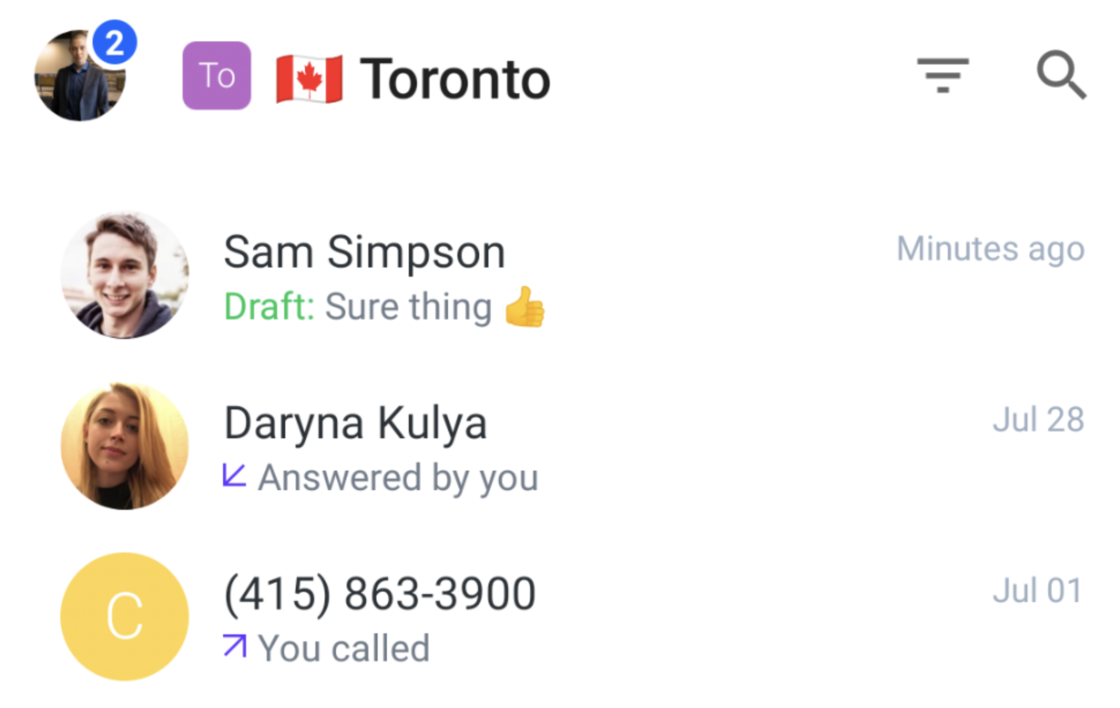 ### Bluetooth connection
We've improved OpenPhone's connection with Bluetooth so that you can use any Bluetooth device for your calls. Give it a try and let us know what you think!
Want to get all these? [**Update your app here ⤴️**](https://play.google.com/store/apps/details?id=com.openphone\&hl=en_US)
As always, let us know if you have any feedback. [Text 855 746 6304](https://sms:+18557466304)
## New in iOS: Snippets, GIFs, easier to block callers 🧙♀️
iOS users, we've got some updates for y'all today.
## Snippets ⚡️
Tired of typing the same response over and over again? Then you should use snippets (or message templates). You can create, share, edit, and use snippets on-the-go now. And if you made a snippet with the web / desktop app, you'll be able to use it on mobile seamlessly.
### Bluetooth connection
We've improved OpenPhone's connection with Bluetooth so that you can use any Bluetooth device for your calls. Give it a try and let us know what you think!
Want to get all these? [**Update your app here ⤴️**](https://play.google.com/store/apps/details?id=com.openphone\&hl=en_US)
As always, let us know if you have any feedback. [Text 855 746 6304](https://sms:+18557466304)
## New in iOS: Snippets, GIFs, easier to block callers 🧙♀️
iOS users, we've got some updates for y'all today.
## Snippets ⚡️
Tired of typing the same response over and over again? Then you should use snippets (or message templates). You can create, share, edit, and use snippets on-the-go now. And if you made a snippet with the web / desktop app, you'll be able to use it on mobile seamlessly.
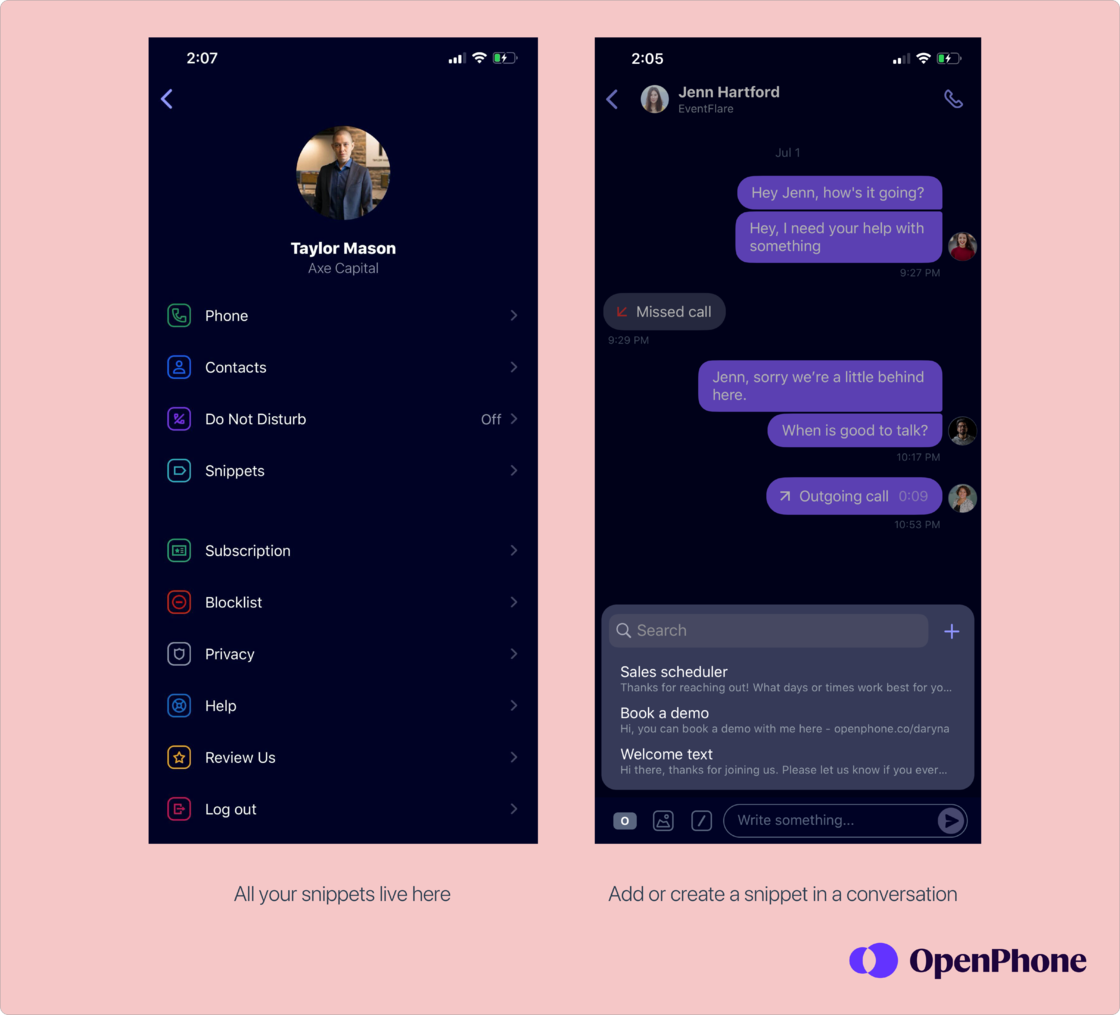 ## GIFs 💃
Love GIFs? You can now send both GIF and PNG images from the app.
## GIFs 💃
Love GIFs? You can now send both GIF and PNG images from the app.
 ## Easier to block callers and senders 🙅🏻♀️
Hate spam? We do too! Save time by blocking a sender or a caller right from the conversation screen.
## Easier to block callers and senders 🙅🏻♀️
Hate spam? We do too! Save time by blocking a sender or a caller right from the conversation screen.
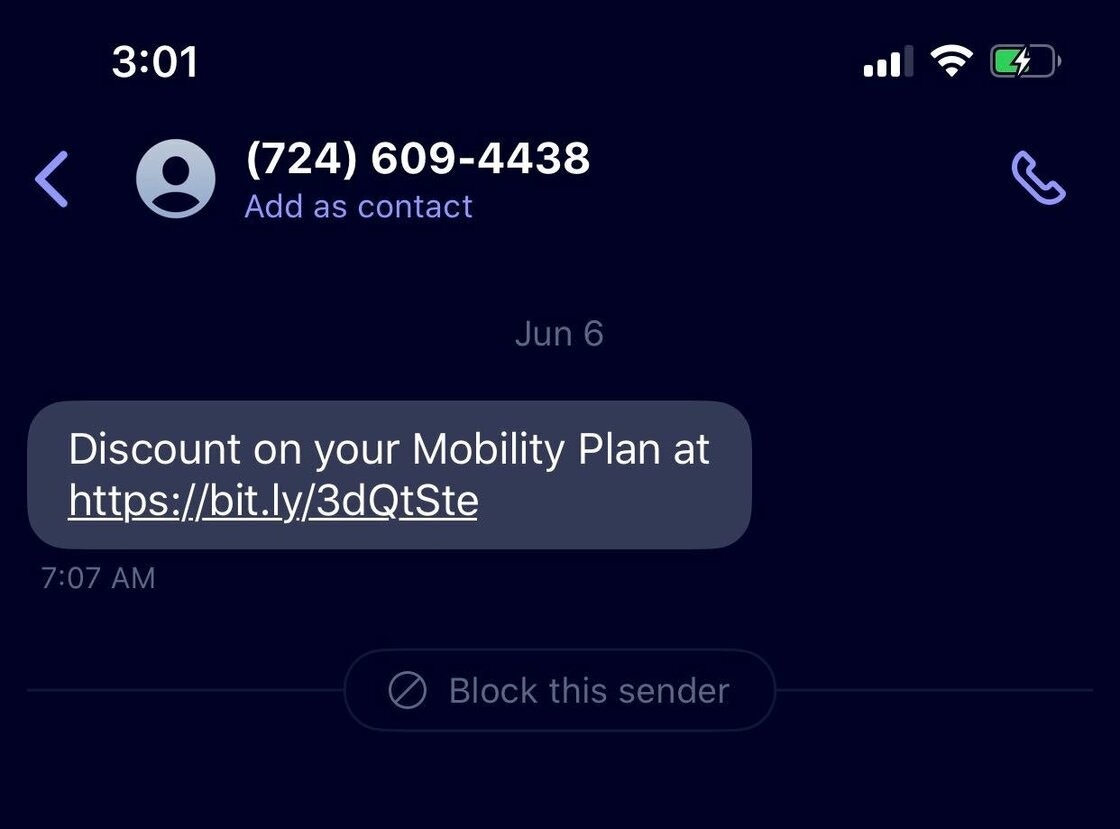 ## Delete conversations 🗑
You can now delete your conversations from the conversation list view via the "More" menu. Keep your inbox clean!
Oh, and by the way, this doesn't un-send or delete the conversation for your contact. It only deletes it from your end.
## Delete conversations 🗑
You can now delete your conversations from the conversation list view via the "More" menu. Keep your inbox clean!
Oh, and by the way, this doesn't un-send or delete the conversation for your contact. It only deletes it from your end.
 ***
[**Update your app to get all the new features 🎁**](https://apps.apple.com/us/app/openphone-second-phone-number/id1241817309)
Have feedback for us? Send us a text! 💬[(855) 746-6304](sms:8557466304)
Oh, and if you're curious to see OpenPhone in action join us for a [live demo](https://www.quo.com/webinar/office-hours).
## Admin dashboard is now mobile-friendly ✨
As we've added a lot of useful features to the web dashboard, we've realized something.
Many of you wanted to use it on-the-go through your mobile browsers. This wasn't possible before. We had a blank screen.
Well, no more!
You can now launch your admin dashboard on your phone or tablet browser and do everything you expect:
* Invite team members
* Add phone numbers
* View and modify phone number settings like auto-replies, auto-recording, and more
* Set up integrations (Slack, email, Google Contacts, and more coming soon)
* Make changes to your billing
***
[**Update your app to get all the new features 🎁**](https://apps.apple.com/us/app/openphone-second-phone-number/id1241817309)
Have feedback for us? Send us a text! 💬[(855) 746-6304](sms:8557466304)
Oh, and if you're curious to see OpenPhone in action join us for a [live demo](https://www.quo.com/webinar/office-hours).
## Admin dashboard is now mobile-friendly ✨
As we've added a lot of useful features to the web dashboard, we've realized something.
Many of you wanted to use it on-the-go through your mobile browsers. This wasn't possible before. We had a blank screen.
Well, no more!
You can now launch your admin dashboard on your phone or tablet browser and do everything you expect:
* Invite team members
* Add phone numbers
* View and modify phone number settings like auto-replies, auto-recording, and more
* Set up integrations (Slack, email, Google Contacts, and more coming soon)
* Make changes to your billing
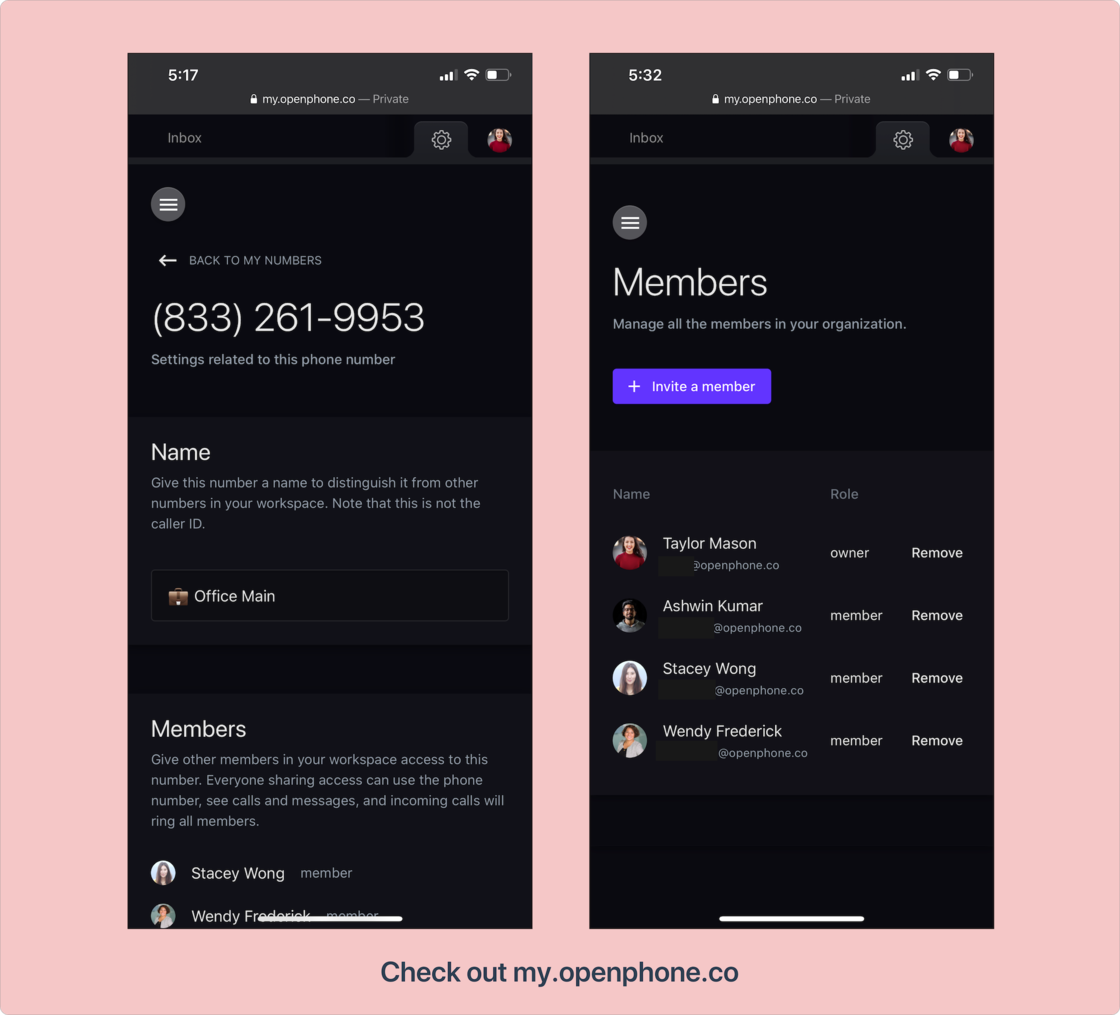 [**Check it out on my.openphone.co ⤴️**](https://my.quo.com)
***
Got feedback? Text us at (855) 746 6304 💬
## New in iOS: Contacts settings, bulk select, and tons of bug fixes 💪
Today's 2.1.5 release has tons of improvements and fixes to make your OpenPhone contacts better.
## Contacts settings ⚙️
We've introduced a simple Contacts Settings menu with three explicit options for syncing your iOS contacts.
Tap on your OpenPhone account on the top left -> `Settings` -> `Contacts` to access them.
* **🙅🏻♀️ Don't sync your contacts at all** (keep your iOS contacts completely away from OpenPhone);
* **📲 Sync locally on your existing device** (sync your iOS contacts with the existing device so that if someone calls or messages, you know who they are based on your iOS address book);
* **☁️ Sync remotely** (upload your contacts to OpenPhone servers so that you can see them when using OpenPhone web + desktop apps).
## Bulk select for contacts ✅
You can now select multiple contacts in order to share them or delete them from OpenPhone.
[**Check it out on my.openphone.co ⤴️**](https://my.quo.com)
***
Got feedback? Text us at (855) 746 6304 💬
## New in iOS: Contacts settings, bulk select, and tons of bug fixes 💪
Today's 2.1.5 release has tons of improvements and fixes to make your OpenPhone contacts better.
## Contacts settings ⚙️
We've introduced a simple Contacts Settings menu with three explicit options for syncing your iOS contacts.
Tap on your OpenPhone account on the top left -> `Settings` -> `Contacts` to access them.
* **🙅🏻♀️ Don't sync your contacts at all** (keep your iOS contacts completely away from OpenPhone);
* **📲 Sync locally on your existing device** (sync your iOS contacts with the existing device so that if someone calls or messages, you know who they are based on your iOS address book);
* **☁️ Sync remotely** (upload your contacts to OpenPhone servers so that you can see them when using OpenPhone web + desktop apps).
## Bulk select for contacts ✅
You can now select multiple contacts in order to share them or delete them from OpenPhone.
 ## Bug fixes 🐛
No release is complete without bug fixes. Here's what we've fixed:
* We had an issue on iOS with calls being dropped in some cases at the 10-11 minute mark. Sorry about that, it's solved now!
* If you're a user with the issue of duplicate contacts from different devices, it's fixed. You can now disable contacts sync from one of your devices from the new Contacts Settings screen in the side menu.
* If you're a new user and have multiple devices, you won't have your contacts duplicated between them.
* Revoking access to the device contacts on iOS didn't remove them from the web app. This is solved now.
* Rarely, you'd get a notification about a message without the content of that message. You'd have to open the app to see the content of the message. We've fixed this issue now. No more mysterious notifications.
***
[Update your app here to get all the new stuff 📲 ](https://apps.apple.com/us/app/openphone-second-phone-number/id1241817309)
Have feedback for us? [We're all ears!](mailto:support@quo.com)💬
Enjoy!
## New in iOS: Put callers on hold + lots of bug fixes 😎
It's always a good day when we have an update both for iOS and Android users.
Here's what's new in 2.1.4
## Put callers on hold (or call waiting) 🤙
You can now put callers on hold. So if you're on an active call and have a second call coming in, you'll be able to either reject the second call or pick it up and place the original call on hold. Neat, eh?
## Bug fixes 🐛
No release is complete without bug fixes. Here's what we've fixed:
* We had an issue on iOS with calls being dropped in some cases at the 10-11 minute mark. Sorry about that, it's solved now!
* If you're a user with the issue of duplicate contacts from different devices, it's fixed. You can now disable contacts sync from one of your devices from the new Contacts Settings screen in the side menu.
* If you're a new user and have multiple devices, you won't have your contacts duplicated between them.
* Revoking access to the device contacts on iOS didn't remove them from the web app. This is solved now.
* Rarely, you'd get a notification about a message without the content of that message. You'd have to open the app to see the content of the message. We've fixed this issue now. No more mysterious notifications.
***
[Update your app here to get all the new stuff 📲 ](https://apps.apple.com/us/app/openphone-second-phone-number/id1241817309)
Have feedback for us? [We're all ears!](mailto:support@quo.com)💬
Enjoy!
## New in iOS: Put callers on hold + lots of bug fixes 😎
It's always a good day when we have an update both for iOS and Android users.
Here's what's new in 2.1.4
## Put callers on hold (or call waiting) 🤙
You can now put callers on hold. So if you're on an active call and have a second call coming in, you'll be able to either reject the second call or pick it up and place the original call on hold. Neat, eh?
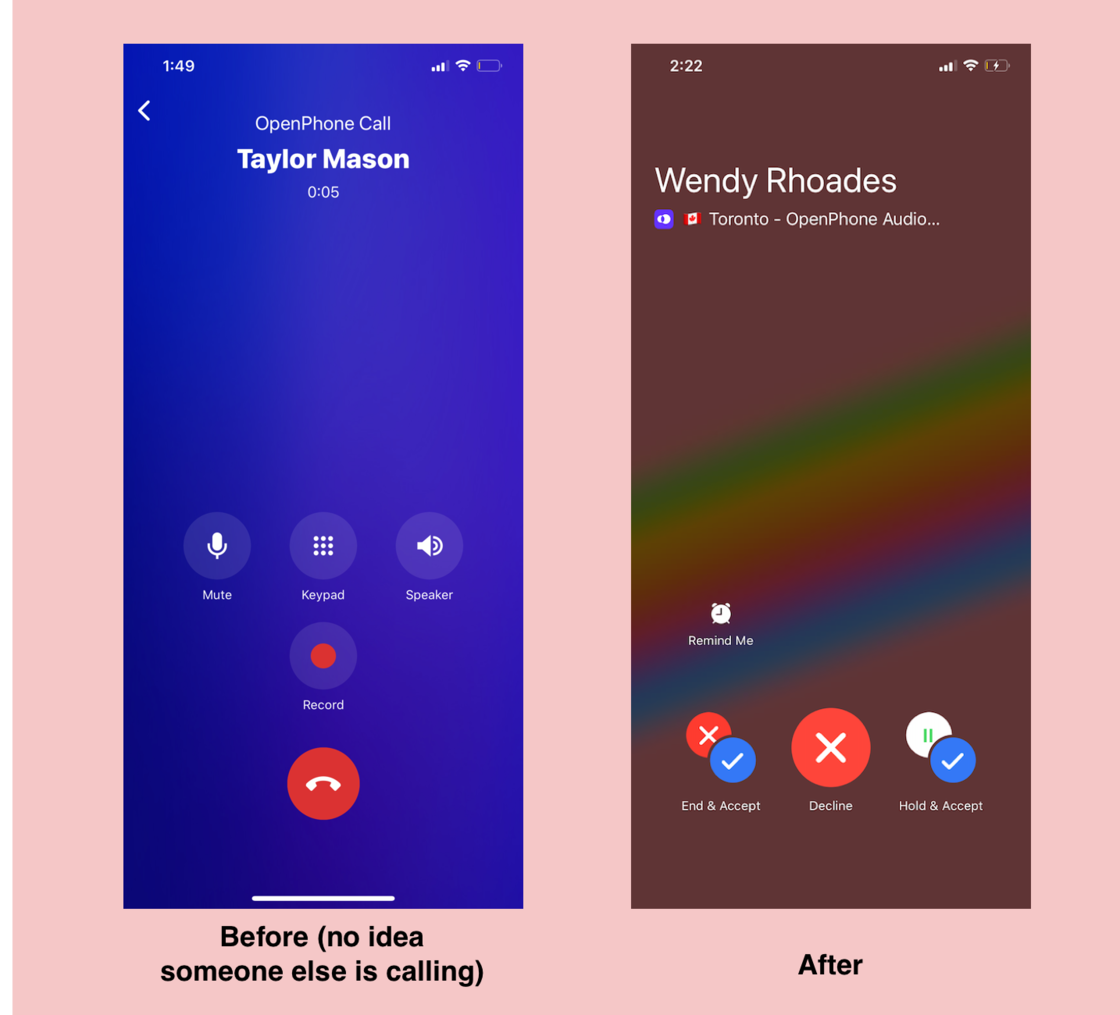 More details on how call waiting works (if you're interested in the nitty-gritty):
1 - If you are on a call that you've received, the second incoming call will give you the following options:
* End the existing call and accept the new call
* Decline the new call
* Put the existing call on hold while you accept the second call.
*While you have 2 calls happening at the same time, you can switch between them. Multitasking at its finest!*
2 - If you are on a call that you've made, the new incoming call will give you the options to:
* End the existing call and accept the new call
* Decline the new call
3 - Call waiting currently only works on direct (non-shared) phone numbers. If you have a shared phone number and are on an existing call, your teammates will get other incoming calls to help you share the load.
## Bug fixes 🐛
This update includes fixes to the following bugs:
* Sometimes the badge number wouldn't update after reading a message. So even though you read a message, it looked like you didn't. So annoying. Well, no more. Thanks to Jack for reporting this issue. 🙏
* On some devices, numbers typed through the dialpad couldn't be fully visible. We've optimized the dial screen to devices of all sizes. Enjoy!
* Some of you reported an issue with sending screenshots through OpenPhone. Regular images were working fine. This is now fully fixed - keep those screenshots coming!
* We also had a completely unnecessary 'x' button in the dialer that was there even if no digits were entered. We don't like clutter so that's removed now.
***
[**Update your app to get all the new stuff 📣**](https://apps.apple.com/us/app/openphone-second-phone-number/id1241817309)
As always, let us know what you think and if you have a moment, we'd love an App Store review. We read and respond to all reviews.♥️
## New in Android: Inline reply, dialer improvements, bug fixes 🌟
Hey folks, we've got a big Android update for you today.
Here's what's new in Android 2.2.9
## Reply from the notification itself ⚡️
You can now reply to messages directly from the notification.
If you have a quick reply for someone, no need to launch the conversation screen and open the app, respond right from the notification.
More details on how call waiting works (if you're interested in the nitty-gritty):
1 - If you are on a call that you've received, the second incoming call will give you the following options:
* End the existing call and accept the new call
* Decline the new call
* Put the existing call on hold while you accept the second call.
*While you have 2 calls happening at the same time, you can switch between them. Multitasking at its finest!*
2 - If you are on a call that you've made, the new incoming call will give you the options to:
* End the existing call and accept the new call
* Decline the new call
3 - Call waiting currently only works on direct (non-shared) phone numbers. If you have a shared phone number and are on an existing call, your teammates will get other incoming calls to help you share the load.
## Bug fixes 🐛
This update includes fixes to the following bugs:
* Sometimes the badge number wouldn't update after reading a message. So even though you read a message, it looked like you didn't. So annoying. Well, no more. Thanks to Jack for reporting this issue. 🙏
* On some devices, numbers typed through the dialpad couldn't be fully visible. We've optimized the dial screen to devices of all sizes. Enjoy!
* Some of you reported an issue with sending screenshots through OpenPhone. Regular images were working fine. This is now fully fixed - keep those screenshots coming!
* We also had a completely unnecessary 'x' button in the dialer that was there even if no digits were entered. We don't like clutter so that's removed now.
***
[**Update your app to get all the new stuff 📣**](https://apps.apple.com/us/app/openphone-second-phone-number/id1241817309)
As always, let us know what you think and if you have a moment, we'd love an App Store review. We read and respond to all reviews.♥️
## New in Android: Inline reply, dialer improvements, bug fixes 🌟
Hey folks, we've got a big Android update for you today.
Here's what's new in Android 2.2.9
## Reply from the notification itself ⚡️
You can now reply to messages directly from the notification.
If you have a quick reply for someone, no need to launch the conversation screen and open the app, respond right from the notification.
 Besides being able to reply from the notification directly, you can also:
* Mark the conversation as Read
* Call your contact
Besides being able to reply from the notification directly, you can also:
* Mark the conversation as Read
* Call your contact
 ## Dialer user improvements 🤙
We've made a lot of improvements to the dial screen to make your workflow faster.
* Easier to switch between phone numbers if you have multiple OpenPhone numbers.
* Contacts show up as you enter phone number digits in case we find a match in your address book.
* Need to navigate away from the dialer screen? That's easier now, too.
## Dialer user improvements 🤙
We've made a lot of improvements to the dial screen to make your workflow faster.
* Easier to switch between phone numbers if you have multiple OpenPhone numbers.
* Contacts show up as you enter phone number digits in case we find a match in your address book.
* Need to navigate away from the dialer screen? That's easier now, too.
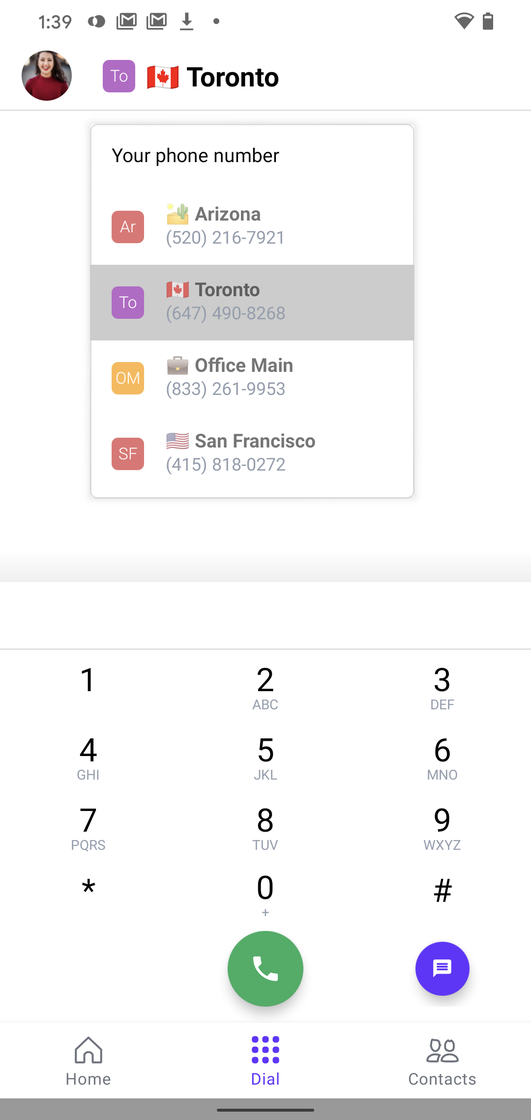 ## Bug fixes 🐛
This update also includes fixes to these bugs:
* Many of you told us the sound of the OpenPhone ringtone wasn't loud enough. We've made some optimizations on the ringtone to make sure it comes through loud & clear.
* At the same time, the sound of pressing dialer keys was a little too loud which was distracting. Fixed that too.
* If you log out of the app, you won't be getting notifications about new calls (sorry about that!)
* We had a really odd issue where sometimes, audio playback on call recordings and voicemails could resume randomly while using other applications on your device. We were able to reproduce and fix this issue for good.
* Much easier to tell when a message was received vs sent from the conversation view. Look for the "You:" prefix. Small change, but handy when you have a busy inbox.
***
[**Update your app to get all the new stuff 📣**](https://play.google.com/store/apps/details?id=com.openphone\&hl=en_US)
As always, let us know what you think and if you have a moment, we'd love a Play Store review. We read and respond to all reviews. ♥️
## New in the web: Snippets, Google Contacts sync, Bulk actions, and more ⚡️
We're launching some of your top requested features today, folks. Here's what's new.
# **⚡️ Snippets**
Tired of typing the same response over and over again? Or copying and pasting?
Create message templates for common questions.
Type `/` in the message box to access snippets and other hidden commands.
* `/snippets` to insert, create, and edit snippets
* `/invite` to refer your contact to OpenPhone
## Bug fixes 🐛
This update also includes fixes to these bugs:
* Many of you told us the sound of the OpenPhone ringtone wasn't loud enough. We've made some optimizations on the ringtone to make sure it comes through loud & clear.
* At the same time, the sound of pressing dialer keys was a little too loud which was distracting. Fixed that too.
* If you log out of the app, you won't be getting notifications about new calls (sorry about that!)
* We had a really odd issue where sometimes, audio playback on call recordings and voicemails could resume randomly while using other applications on your device. We were able to reproduce and fix this issue for good.
* Much easier to tell when a message was received vs sent from the conversation view. Look for the "You:" prefix. Small change, but handy when you have a busy inbox.
***
[**Update your app to get all the new stuff 📣**](https://play.google.com/store/apps/details?id=com.openphone\&hl=en_US)
As always, let us know what you think and if you have a moment, we'd love a Play Store review. We read and respond to all reviews. ♥️
## New in the web: Snippets, Google Contacts sync, Bulk actions, and more ⚡️
We're launching some of your top requested features today, folks. Here's what's new.
# **⚡️ Snippets**
Tired of typing the same response over and over again? Or copying and pasting?
Create message templates for common questions.
Type `/` in the message box to access snippets and other hidden commands.
* `/snippets` to insert, create, and edit snippets
* `/invite` to refer your contact to OpenPhone
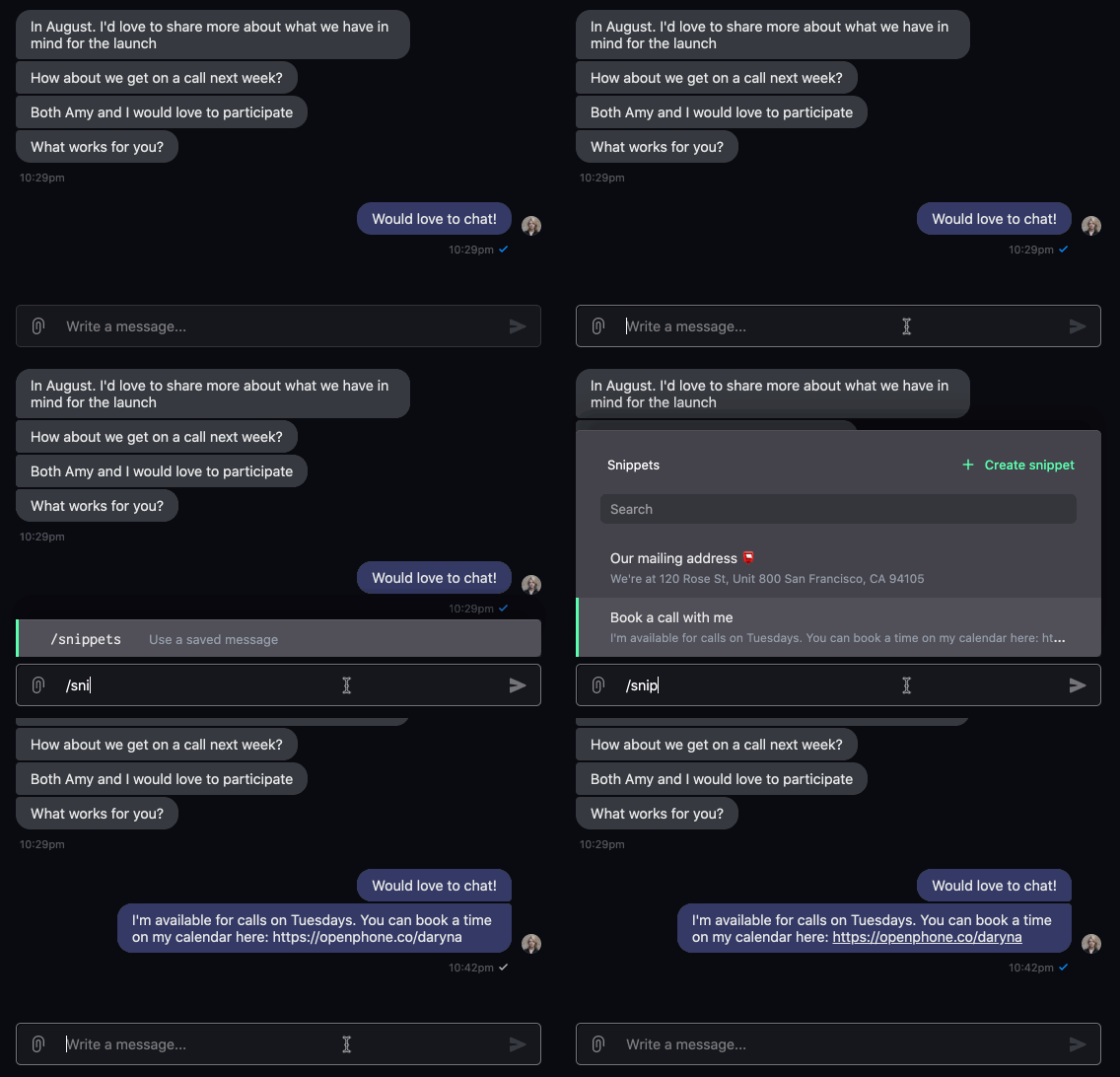 \> ☝️ You can share snippets with the whole team so that everyone saves time and your messaging is consistent.
# 👥 Google Contacts sync
If you use Google Contacts, you'll be able to sync them with OpenPhone in a single click.
You can sync contacts from multiple Google accounts, too.
If you need to revoke access to a Google account or resync your contacts we've got you covered.
\> ☝️ You can share snippets with the whole team so that everyone saves time and your messaging is consistent.
# 👥 Google Contacts sync
If you use Google Contacts, you'll be able to sync them with OpenPhone in a single click.
You can sync contacts from multiple Google accounts, too.
If you need to revoke access to a Google account or resync your contacts we've got you covered.
 [Connect your Google Contacts ⤴️](https://my.quo.com/settings/contacts)
# 🔀 Forward phone menu options to external numbers
You can now set up an auto-attendant on OpenPhone with the option to forward calls to external (non-OpenPhone) numbers.
Calls can be forwarded to any US or Canadian number - landline, someone's cell number, an answering service, etc.
[Connect your Google Contacts ⤴️](https://my.quo.com/settings/contacts)
# 🔀 Forward phone menu options to external numbers
You can now set up an auto-attendant on OpenPhone with the option to forward calls to external (non-OpenPhone) numbers.
Calls can be forwarded to any US or Canadian number - landline, someone's cell number, an answering service, etc.
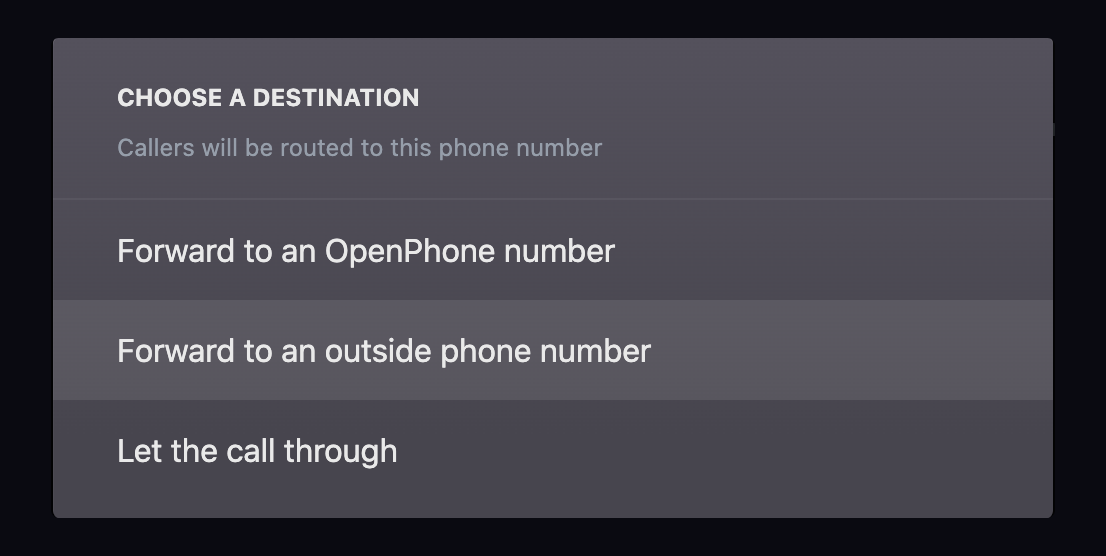 [Add a phone menu here ⤴️](https://my.quo.com/settings/phone-numbers)
# ⚙️ Bulk actions + Contacts settings
Since we've made it possible to bring a large number of contacts into OpenPhone, we wanted to make sure you have the tools to manage them easily.
You can now:
* Share a list of contacts with your team
* Select and delete a list of your contacts from OpenPhone
* Delete all of your contacts from OpenPhone
* Manage and delete contacts uploaded via CSV files
[Add a phone menu here ⤴️](https://my.quo.com/settings/phone-numbers)
# ⚙️ Bulk actions + Contacts settings
Since we've made it possible to bring a large number of contacts into OpenPhone, we wanted to make sure you have the tools to manage them easily.
You can now:
* Share a list of contacts with your team
* Select and delete a list of your contacts from OpenPhone
* Delete all of your contacts from OpenPhone
* Manage and delete contacts uploaded via CSV files
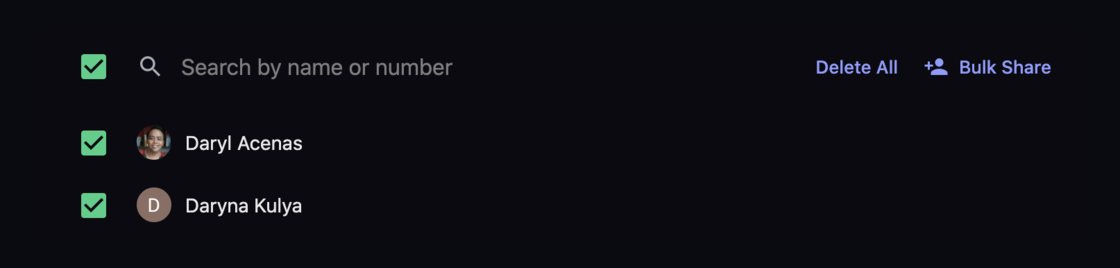 [Access your contacts settings ⤴️](https://my.quo.com/settings/contacts)
# 🍿 Live demo + Q\&A
We've started hosting live demos to show you OpenPhone in action and answer your questions.
Want to get our best tips and learn some of the lesser-known features?
[Join us next week ⤴️](https://www.quo.com/webinar/office-hours)
(And even if you can't make it live, we'll send you the recording)
***
## [**Launch your web app to get all the new stuff 🎁**](https://my.quo.com)
We'd love to get your thoughts and always enjoy hearing from you. We're [@OpenPhoneApp on Twitter](https://www.twitter.com/OpenPhoneApp) and you can text us at (855) 746-6304 ✌️
## Our first-ever live demo + Q\&A 🍿
If you're new to OpenPhone, want to see it in action or curious to step up your calling & messaging game, join us on our first-ever live demo.
**Date: Thursday, July 2nd at 9:30 AM PST.**
You'll learn how to:
🧘♀️Set up OpenPhone to fit your workflow
⚡️Talk and text efficiently
👌 Stay on top of your professional relationships
🎯 Share the responsibility for a phone number with your team
[**Register here ⤴️**](https://www.quo.com/webinar/office-hours)
Hope to see you here!
ps - even if you can't make it live we'll send you the recording!
## Emoji keyboard 💃
A picture is worth a thousand words. An emoji must be worth a lot too. We're excited to bring the magic of an emoji keyboard to the OpenPhone web and desktop (in beta) apps.
You can now type `:calendar:` or `:coffee:` to add 📅☕️ to your messages.
Best part? These are entirely keyboard-friendly so you don't need to touch your mouse at all.
Just start typing `:cal` and navigate the list you see with 🔼 and 🔽 keys.
[Access your contacts settings ⤴️](https://my.quo.com/settings/contacts)
# 🍿 Live demo + Q\&A
We've started hosting live demos to show you OpenPhone in action and answer your questions.
Want to get our best tips and learn some of the lesser-known features?
[Join us next week ⤴️](https://www.quo.com/webinar/office-hours)
(And even if you can't make it live, we'll send you the recording)
***
## [**Launch your web app to get all the new stuff 🎁**](https://my.quo.com)
We'd love to get your thoughts and always enjoy hearing from you. We're [@OpenPhoneApp on Twitter](https://www.twitter.com/OpenPhoneApp) and you can text us at (855) 746-6304 ✌️
## Our first-ever live demo + Q\&A 🍿
If you're new to OpenPhone, want to see it in action or curious to step up your calling & messaging game, join us on our first-ever live demo.
**Date: Thursday, July 2nd at 9:30 AM PST.**
You'll learn how to:
🧘♀️Set up OpenPhone to fit your workflow
⚡️Talk and text efficiently
👌 Stay on top of your professional relationships
🎯 Share the responsibility for a phone number with your team
[**Register here ⤴️**](https://www.quo.com/webinar/office-hours)
Hope to see you here!
ps - even if you can't make it live we'll send you the recording!
## Emoji keyboard 💃
A picture is worth a thousand words. An emoji must be worth a lot too. We're excited to bring the magic of an emoji keyboard to the OpenPhone web and desktop (in beta) apps.
You can now type `:calendar:` or `:coffee:` to add 📅☕️ to your messages.
Best part? These are entirely keyboard-friendly so you don't need to touch your mouse at all.
Just start typing `:cal` and navigate the list you see with 🔼 and 🔽 keys.
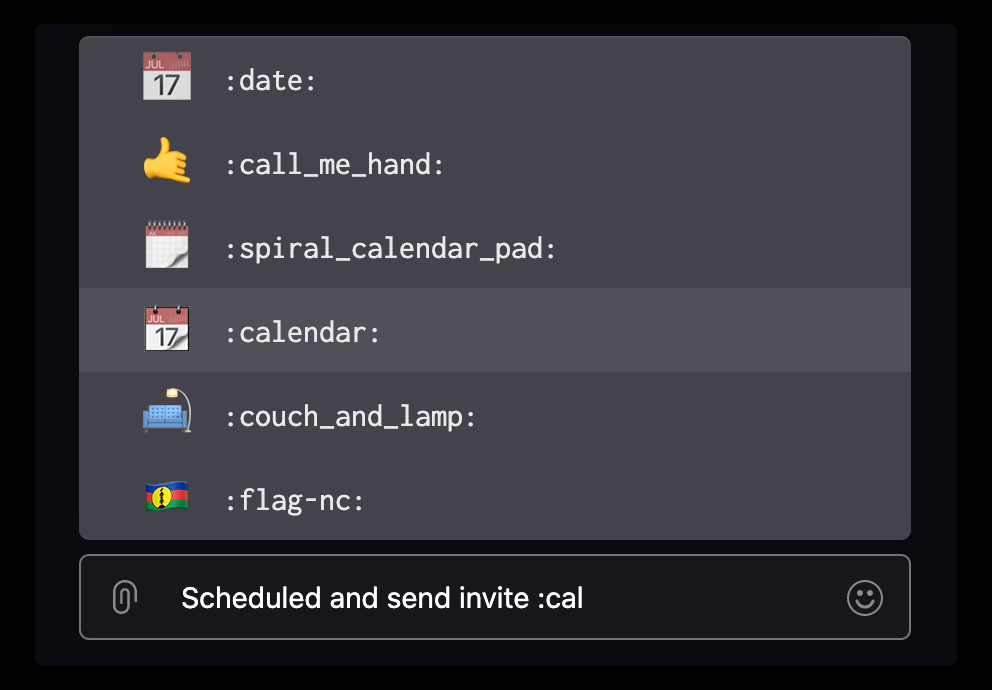 Go ahead and add some flair to your communications.
[**Launch the web app ⤴️**](https://my.quo.com/)
Want to get early access to the installable desktop app on Mac & Windows? We've got you. [Sign up for the waitlist.](https://www.quo.com/downloads)
***
ps - we've launched a lot of features this month. Want a breakdown? [Check out our blog.](https://www.quo.com/blog/openphone-product-update-june-2020/)
## New in iOS: Search contacts & notes, UX improvements ✨
More updates coming your way today. These came as a direct result of your feedback.
Keep sharing your thoughts and we'll keep building 💪
[Update your iOS app to get new stuff ⤴️](https://apps.apple.com/us/app/openphone-second-phone-number/id1241817309)
***
## Search for a contact from anywhere in the app 🔍
No matter where in the app you are, there's a search bar to make it easy and fast to find the contact or information you need.
For example, just pull down your screen or tap on 🔍 to find the person you want to call, message, etc.
This even works on the dialer screen.
Seems like a small thing, but incredibly useful and powerful if you want to communicate faster.
Go ahead and add some flair to your communications.
[**Launch the web app ⤴️**](https://my.quo.com/)
Want to get early access to the installable desktop app on Mac & Windows? We've got you. [Sign up for the waitlist.](https://www.quo.com/downloads)
***
ps - we've launched a lot of features this month. Want a breakdown? [Check out our blog.](https://www.quo.com/blog/openphone-product-update-june-2020/)
## New in iOS: Search contacts & notes, UX improvements ✨
More updates coming your way today. These came as a direct result of your feedback.
Keep sharing your thoughts and we'll keep building 💪
[Update your iOS app to get new stuff ⤴️](https://apps.apple.com/us/app/openphone-second-phone-number/id1241817309)
***
## Search for a contact from anywhere in the app 🔍
No matter where in the app you are, there's a search bar to make it easy and fast to find the contact or information you need.
For example, just pull down your screen or tap on 🔍 to find the person you want to call, message, etc.
This even works on the dialer screen.
Seems like a small thing, but incredibly useful and powerful if you want to communicate faster.
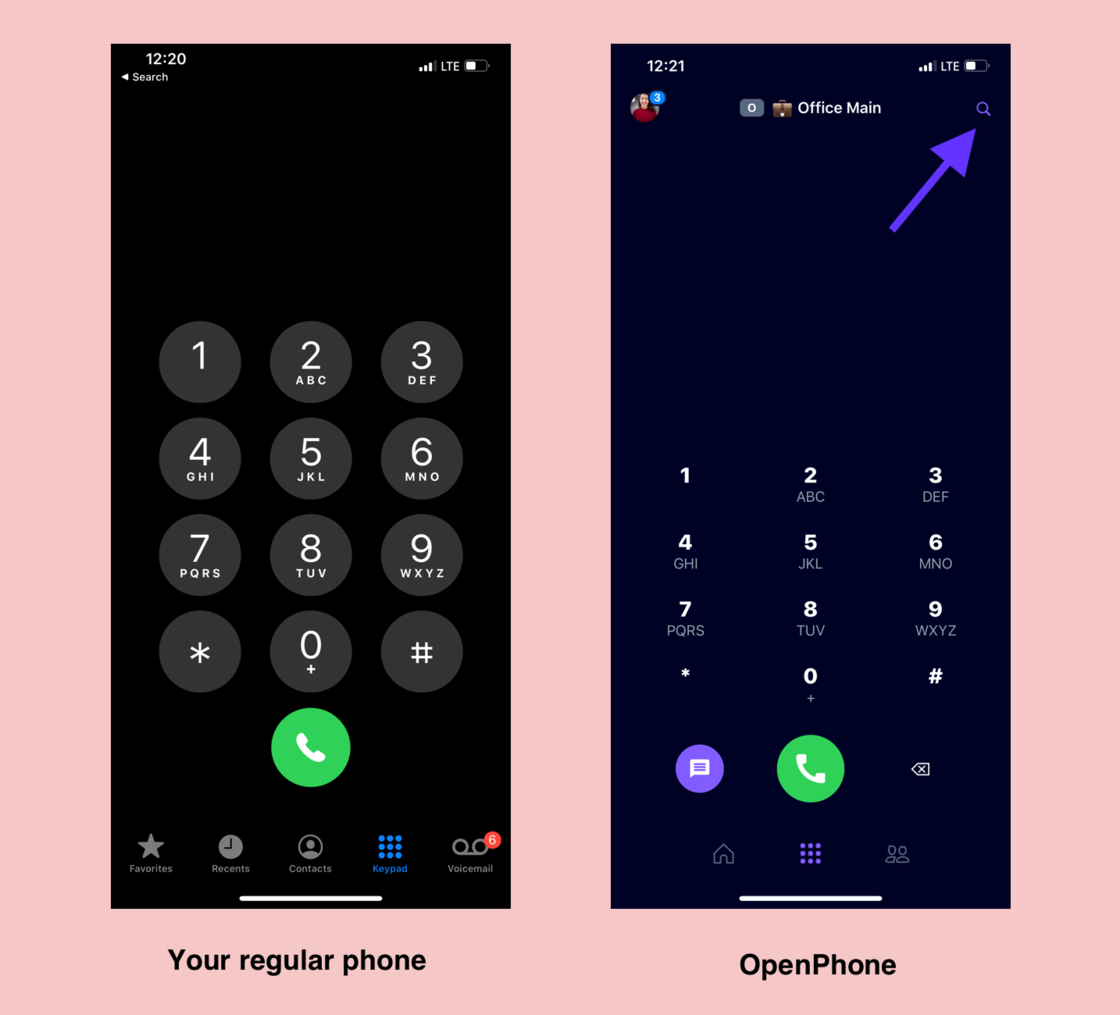 ## Search for custom properties and notes
If you left a note on a contact but not sure which one, you can now find it in seconds.
Want to see all contacts with a specific tag? No problem! You can search your tags and other custom properties.
## UX Improvements
This update is full of little big details to make your life easier.
* We've moved the new message button to the bottom right corner so it's faster to access and more familiar to you.
## Search for custom properties and notes
If you left a note on a contact but not sure which one, you can now find it in seconds.
Want to see all contacts with a specific tag? No problem! You can search your tags and other custom properties.
## UX Improvements
This update is full of little big details to make your life easier.
* We've moved the new message button to the bottom right corner so it's faster to access and more familiar to you.
 * You can now rename and delete any of your voicemail recordings. Don't like a recording you made? No problem! Get rid of it forever. We've been there ;)
 * There was a crash with contact information not being saved right away. Sorry! It's fixed now and works nicely.
***
[Update your iOS app to get all these updates ⤴️](https://apps.apple.com/us/app/openphone-second-phone-number/id1241817309)
We'd love to get your thoughts and always enjoy hearing from you. We're [@OpenPhoneApp on Twitter](https://twitter.com/OpenPhoneApp) and you can text us at (855) 746-6304 ✌️
## Installable Desktop App Now in Beta 📣
Tired of searching through endless browser tabs to answer your OpenPhone calls? Not anymore🙅
Many of you have been requesting an installable OpenPhone desktop app. We're excited to announce that our desktop app is now in beta - unlock the power of OpenPhone directly on your Mac or PC 👊💥
Want early access? Get your beta invite [here](https://www.quo.com/downloads)
***
## Why the desktop app?
## 🏃♀️ Speed and Stability
You can call, text, and communicate more efficiently, faster than ever before
## 🚨 Desktop Notifications
Alerts directly on your desktop, so you'll never miss a call or text again
## 🖥 Ease of Access
Easily handle all talk and text, conveniently on your desktop
* There was a crash with contact information not being saved right away. Sorry! It's fixed now and works nicely.
***
[Update your iOS app to get all these updates ⤴️](https://apps.apple.com/us/app/openphone-second-phone-number/id1241817309)
We'd love to get your thoughts and always enjoy hearing from you. We're [@OpenPhoneApp on Twitter](https://twitter.com/OpenPhoneApp) and you can text us at (855) 746-6304 ✌️
## Installable Desktop App Now in Beta 📣
Tired of searching through endless browser tabs to answer your OpenPhone calls? Not anymore🙅
Many of you have been requesting an installable OpenPhone desktop app. We're excited to announce that our desktop app is now in beta - unlock the power of OpenPhone directly on your Mac or PC 👊💥
Want early access? Get your beta invite [here](https://www.quo.com/downloads)
***
## Why the desktop app?
## 🏃♀️ Speed and Stability
You can call, text, and communicate more efficiently, faster than ever before
## 🚨 Desktop Notifications
Alerts directly on your desktop, so you'll never miss a call or text again
## 🖥 Ease of Access
Easily handle all talk and text, conveniently on your desktop
 We'd love to hear your thoughts. [Sign-up today](https://www.quo.com/downloads) and experience OpenPhone directly on your Mac or PC!
## New in the web: faster start up time, drafts, organize your numbers, and more 💨
Hi folks, the web app is getting much faster with this update. Plus, we've got some new features for you. Enjoy!
[Reload your web app to get all the new stuff ⤴️](https://my.quo.com)
***
## Speed ⚡️
If you have a lot of conversations on OpenPhone, you probably had to wait for your web app to load on many occasions. I know this has been the case for me. And if you have multiple numbers, that means every inbox took time to load. Pretty frustrating, eh?
We've been making changes behind the scenes, rewriting big chunks of the app for improved speed and reliability over the past few weeks.
This update makes the web app significantly faster.
See how quickly you can go through your inbox (use the up ⬆️ & down ⬇️ keys)
We'd love to hear your thoughts. [Sign-up today](https://www.quo.com/downloads) and experience OpenPhone directly on your Mac or PC!
## New in the web: faster start up time, drafts, organize your numbers, and more 💨
Hi folks, the web app is getting much faster with this update. Plus, we've got some new features for you. Enjoy!
[Reload your web app to get all the new stuff ⤴️](https://my.quo.com)
***
## Speed ⚡️
If you have a lot of conversations on OpenPhone, you probably had to wait for your web app to load on many occasions. I know this has been the case for me. And if you have multiple numbers, that means every inbox took time to load. Pretty frustrating, eh?
We've been making changes behind the scenes, rewriting big chunks of the app for improved speed and reliability over the past few weeks.
This update makes the web app significantly faster.
See how quickly you can go through your inbox (use the up ⬆️ & down ⬇️ keys)
 ## Drafts ✍️
Have you ever drafted that perfect response just to click into another conversation and lose your draft? That won't happen again.
You can now see your drafts in the web app. So don't worry about clicking away or even refreshing the app. Your drafts will be automatically saved.
## Drafts ✍️
Have you ever drafted that perfect response just to click into another conversation and lose your draft? That won't happen again.
You can now see your drafts in the web app. So don't worry about clicking away or even refreshing the app. Your drafts will be automatically saved.
 ## Delete conversations 🗑
Did you ever want to delete a conversation? No, not just mark it as "Done". Delete it entirely.
You can now delete it right from your conversation screen via the 3-dot menu.
You can block the contact from the 3-dot menu too. In fact, blocking a contact deletes your conversation with them. 🎯
## Delete conversations 🗑
Did you ever want to delete a conversation? No, not just mark it as "Done". Delete it entirely.
You can now delete it right from your conversation screen via the 3-dot menu.
You can block the contact from the 3-dot menu too. In fact, blocking a contact deletes your conversation with them. 🎯
 ## Organize your phone numbers 🗃
If you have multiple numbers on OpenPhone, you may want to display them in a certain order. That's now possible. Drag & drop your phone numbers into the order that works for you.
The web app will remember your preference so if you log in again, you'll see your inbox exactly how you prefer.
## Organize your phone numbers 🗃
If you have multiple numbers on OpenPhone, you may want to display them in a certain order. That's now possible. Drag & drop your phone numbers into the order that works for you.
The web app will remember your preference so if you log in again, you'll see your inbox exactly how you prefer.
 ***
[Reload your web app to get new features ⤴️](https://my.quo.com)
We'd love your thoughts and always enjoy hearing from you. We're [@OpenPhoneApp on Twitter](https://twitter.com/openphoneapp) and you can text us at (855) 746-6304 ✌️
## New in the web & iOS: bulk upload for contacts, instant phone menu, and more
It's hard to start this update with any degree of positivity due to the racial injustice happening.
We stand in solidarity with the black community today and always.
We've donated to these organizations fighting for change and hope you do too if you can:
* [**Black Lives Matter**](https://secure.actblue.com/donate/ms_blm_homepage_2019)
* [**Campaign Zero**](https://www.joincampaignzero.org/)
Check out [**#8CANTWAIT**](https://8cantwait.org/) which is a list of 8 policies to reduce police violence. Find your city and call your mayor demanding change.
We're in this together 🖤✊🏾
***
Here's what we've recently added to the web and iOS apps.
# Web app updates 🖥
[Reload the web app to get them all ⤴️](https://my.quo.com/)
**CSV upload for contacts** 📇
Many of you have been waiting for this. You can now do a bulk upload of contacts into your OpenPhone address book.
Even better - you can map the data fields in your spreadsheet to appropriate OpenPhone contact properties.
Want to create a new property to capture more data you care about? No problem!
***
[Reload your web app to get new features ⤴️](https://my.quo.com)
We'd love your thoughts and always enjoy hearing from you. We're [@OpenPhoneApp on Twitter](https://twitter.com/openphoneapp) and you can text us at (855) 746-6304 ✌️
## New in the web & iOS: bulk upload for contacts, instant phone menu, and more
It's hard to start this update with any degree of positivity due to the racial injustice happening.
We stand in solidarity with the black community today and always.
We've donated to these organizations fighting for change and hope you do too if you can:
* [**Black Lives Matter**](https://secure.actblue.com/donate/ms_blm_homepage_2019)
* [**Campaign Zero**](https://www.joincampaignzero.org/)
Check out [**#8CANTWAIT**](https://8cantwait.org/) which is a list of 8 policies to reduce police violence. Find your city and call your mayor demanding change.
We're in this together 🖤✊🏾
***
Here's what we've recently added to the web and iOS apps.
# Web app updates 🖥
[Reload the web app to get them all ⤴️](https://my.quo.com/)
**CSV upload for contacts** 📇
Many of you have been waiting for this. You can now do a bulk upload of contacts into your OpenPhone address book.
Even better - you can map the data fields in your spreadsheet to appropriate OpenPhone contact properties.
Want to create a new property to capture more data you care about? No problem!
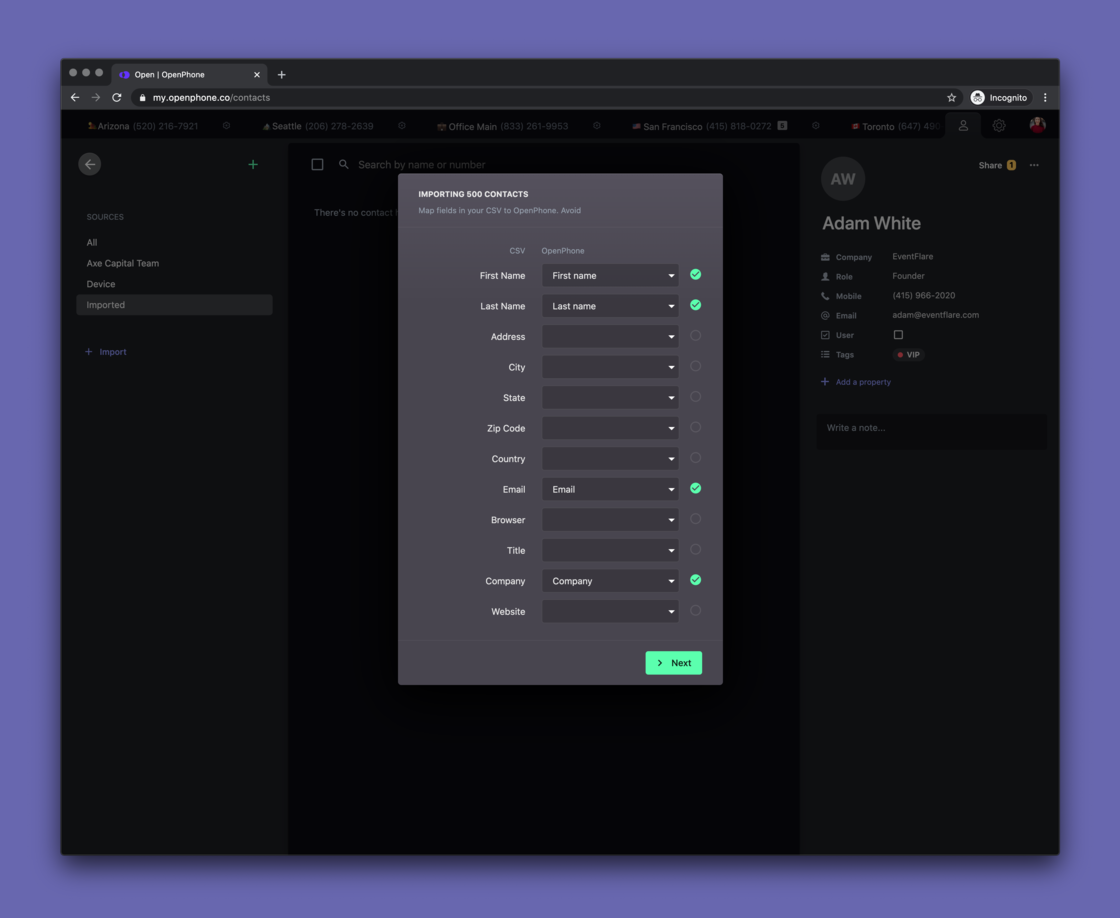 All uploaded contacts will be available in the "Imported" tab and you'll be able to share them all with your team members if you'd like.
[**Upload your contacts to OpenPhone ⤴️**](https://my.quo.com/contacts)
All uploaded contacts will be available in the "Imported" tab and you'll be able to share them all with your team members if you'd like.
[**Upload your contacts to OpenPhone ⤴️**](https://my.quo.com/contacts)
 **Instant phone menu** 🔀
We've recently launched the phone menu (or auto-attendant) on OpenPhone.
Up until now, you had to direct menu options to other OpenPhone numbers.
For those of you with one OpenPhone number, this wasn't practical. You had to get an extra number just to get started.
With today's update, you can have a phone menu while using only one OpenPhone number.
[**Set up your phone menu here ⤴️**](https://my.quo.com/settings/my-phone-numbers)
**Instant phone menu** 🔀
We've recently launched the phone menu (or auto-attendant) on OpenPhone.
Up until now, you had to direct menu options to other OpenPhone numbers.
For those of you with one OpenPhone number, this wasn't practical. You had to get an extra number just to get started.
With today's update, you can have a phone menu while using only one OpenPhone number.
[**Set up your phone menu here ⤴️**](https://my.quo.com/settings/my-phone-numbers)
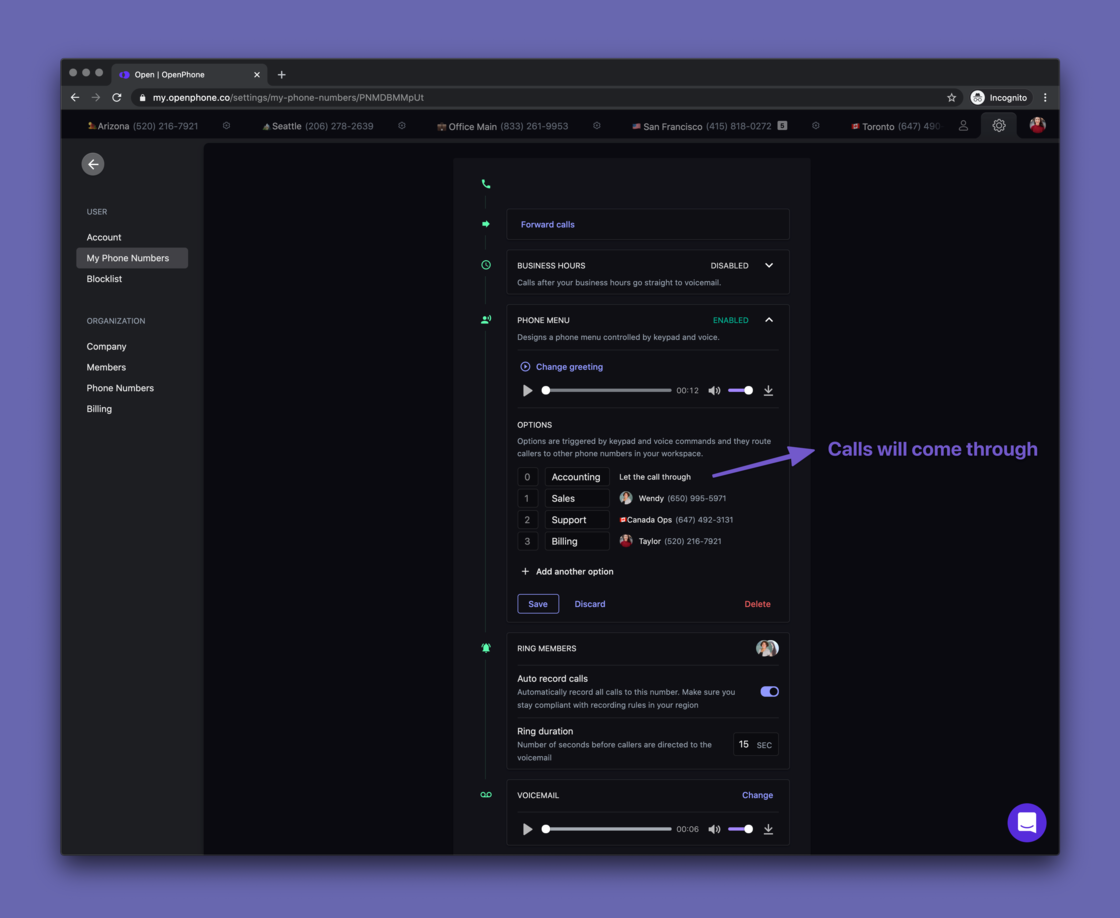 **Side Menu 👉Tabs**
We've removed the side menu and opted for a more friendly tab-based design.
If you have one number on OpenPhone, going to the side menu was a waste of time.
And if you have multiple numbers, modifying your settings was a nightmare (speaking from my own experience here).
Now you can easily get to the phone number settings for any of your numbers and copy your OpenPhone number to your clipboard.
**Side Menu 👉Tabs**
We've removed the side menu and opted for a more friendly tab-based design.
If you have one number on OpenPhone, going to the side menu was a waste of time.
And if you have multiple numbers, modifying your settings was a nightmare (speaking from my own experience here).
Now you can easily get to the phone number settings for any of your numbers and copy your OpenPhone number to your clipboard.
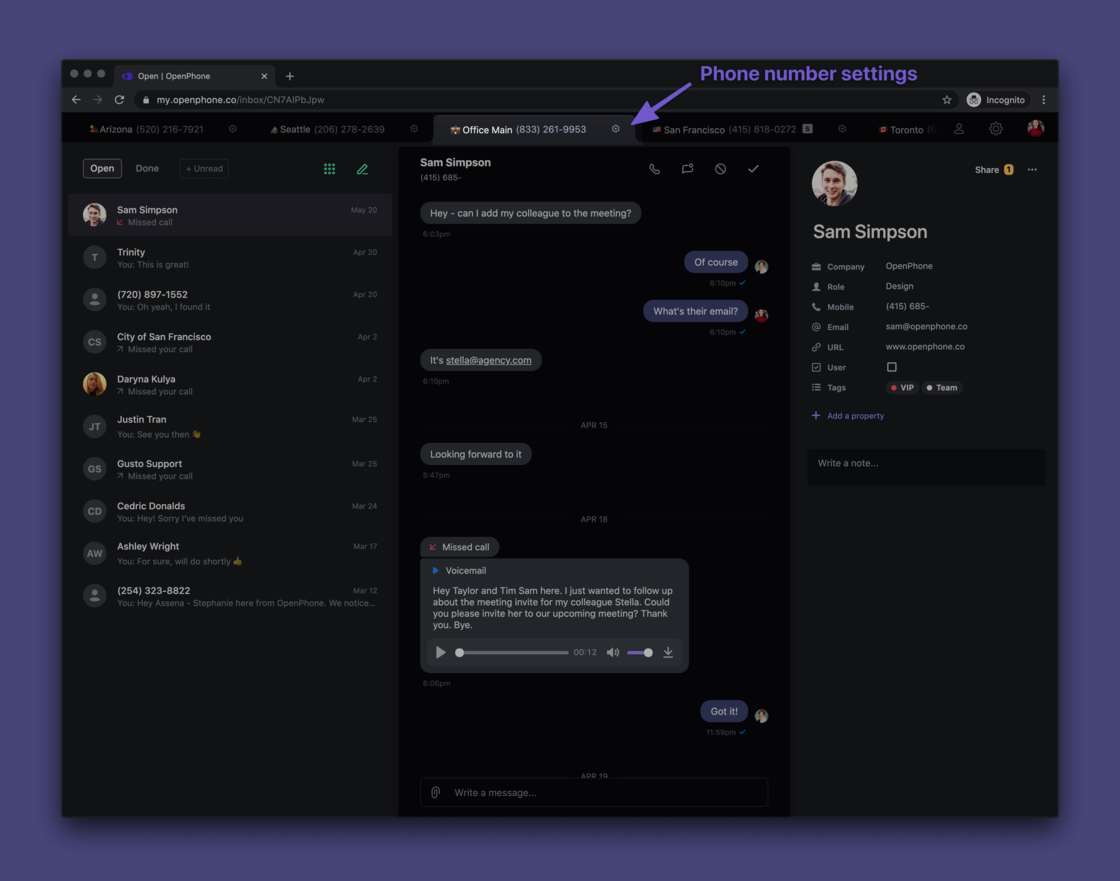 **Number porting made easier**
Many of you have existing phone numbers you want to use on OpenPhone. We've simplified the porting process.
You can now fill out a form right from the web app to request a port for your phone number.
[**Port your phone number to OpenPhone ⤴️**](https://openphone.typeform.com/to/IVK4vZ)
**Number porting made easier**
Many of you have existing phone numbers you want to use on OpenPhone. We've simplified the porting process.
You can now fill out a form right from the web app to request a port for your phone number.
[**Port your phone number to OpenPhone ⤴️**](https://openphone.typeform.com/to/IVK4vZ)
 **Easier to invite team members**
Did you ever invite a team member to OpenPhone just to have them join a different organization? This sometimes happened and was very annoying (sorry!)
So we've introduced a concept of *pending invites.*
If you invite a team member to OpenPhone and they sign up on our website, they'll be prompted to join your organization. Less room for error and, hopefully, way easier both for you and your teammates.
[**Invite your team to OpenPhone ⤴️**](https://my.quo.com/settings/members)
**Easier to invite team members**
Did you ever invite a team member to OpenPhone just to have them join a different organization? This sometimes happened and was very annoying (sorry!)
So we've introduced a concept of *pending invites.*
If you invite a team member to OpenPhone and they sign up on our website, they'll be prompted to join your organization. Less room for error and, hopefully, way easier both for you and your teammates.
[**Invite your team to OpenPhone ⤴️**](https://my.quo.com/settings/members)
 **Add your company logo**
See how on the screenshot above there's a company logo?
You can now customize your web app to suit you and your brand better.
[**Add your company logo ⤴️**](https://my.quo.com/settings/company)
**Add your company logo**
See how on the screenshot above there's a company logo?
You can now customize your web app to suit you and your brand better.
[**Add your company logo ⤴️**](https://my.quo.com/settings/company)
 ***
## iOS app updates 📱
[Update the iOS app to get them all ⤴️](https://apps.apple.com/us/app/openphone-second-phone-number/id1241817309)
**Add custom properties and notes to your OpenPhone contacts**
You can now add custom properties and notes to your OpenPhone contacts just like you can in the web app. You can add notes while on a call too - multitasking galore!
***
## iOS app updates 📱
[Update the iOS app to get them all ⤴️](https://apps.apple.com/us/app/openphone-second-phone-number/id1241817309)
**Add custom properties and notes to your OpenPhone contacts**
You can now add custom properties and notes to your OpenPhone contacts just like you can in the web app. You can add notes while on a call too - multitasking galore!
 **Add pictures of your contacts**
It's great to see a friendly face (or a logo) when they call or message. No more empty circles!
**Upload iOS contacts to the OpenPhone web app**
Want to see your phone contacts in the web app? Easy! If you sync your contacts, you'll be able to opt into that.
**Add pictures of your contacts**
It's great to see a friendly face (or a logo) when they call or message. No more empty circles!
**Upload iOS contacts to the OpenPhone web app**
Want to see your phone contacts in the web app? Easy! If you sync your contacts, you'll be able to opt into that.
 **Bug fixes 🐛**
* If you add a contact via the web app, it'll show up in the mobile app instantly
* We've fixed that annoying bug when pasting a phone number into the dialpad would paste the previously called number (oops!)
* If you have multiple OpenPhone numbers, going into the inbox of one of them makes that number the default outgoing number for any calls made. No more having to switch that around every time you make a call
***
## We love your feedback
We appreciate any thoughts or feedback you'd be willing to share. What would you like to see in OpenPhone next?
Send us a note to [\[email protected\]](/cdn-cgi/l/email-protection#2a595f5a5a45585e6a455a4f445a4245444f044945) or text OpenPhone Support right from the app ✌️
## Web app - speed improvements & bug fixes 💪
After a big release on Friday, we took some time to clean things up to make sure you're having a great experience 🧹
**Speed**
* Optimized the speed of rendering conversation data. If you're someone with a lot of conversations, you'll feel the difference when using the app
* *New shortcut* `Command + Delete` to delete a conversation
**Bug fixes**
* When you go into Settings and then go back to Inbox, your last selected conversation in the Inbox is remembered so you're not directed to an empty page
* Opening an image doesn't mess with its resolution anymore
* When messaging a contact that has 2 (or more) phone numbers, you'll be prompted to pick what number to message them on
* A call longer than 1 hour used to have a weird duration shown. That's fixed now
* Sometimes, when you were sending a new message, the new message box wouldn't get selected automatically. Now it does
* When you were editing a contact and pressed `Esc` to close the editing text box, it would take you back to your Inbox. It doesn't do it anymore
* When you were adding a note to a contact we had a `Send` button. One of our users, Brandon, mentioned the word "Send" gave the feeling of the note being sent and visible to the recipient rather than an internal note. Good point! That's now changed to `Add Note`. *Thanks, Brandon!*
* Recording voicemail via the web app didn't work as the `Save` button didn't seem to do anything. It works beautifully now 👌
We hope you enjoy these. Have a great week!
## Phone menu, auto-replies, notes on contacts and more 🔥
To celebrate OpenPhone's 2nd birthday we've got a big update for you today.
**🔀 Phone menu**
We heard that you'd like to be able to route calls to your team members. Something like "Press 1 for Sales, 2 for Support
It's now possible. You can set up a phone menu for your OpenPhone number and route calls to others at your company.
Callers can navigate the menu via keypad or voice. So they can just say Sales to connect to your team.
**Bug fixes 🐛**
* If you add a contact via the web app, it'll show up in the mobile app instantly
* We've fixed that annoying bug when pasting a phone number into the dialpad would paste the previously called number (oops!)
* If you have multiple OpenPhone numbers, going into the inbox of one of them makes that number the default outgoing number for any calls made. No more having to switch that around every time you make a call
***
## We love your feedback
We appreciate any thoughts or feedback you'd be willing to share. What would you like to see in OpenPhone next?
Send us a note to [\[email protected\]](/cdn-cgi/l/email-protection#2a595f5a5a45585e6a455a4f445a4245444f044945) or text OpenPhone Support right from the app ✌️
## Web app - speed improvements & bug fixes 💪
After a big release on Friday, we took some time to clean things up to make sure you're having a great experience 🧹
**Speed**
* Optimized the speed of rendering conversation data. If you're someone with a lot of conversations, you'll feel the difference when using the app
* *New shortcut* `Command + Delete` to delete a conversation
**Bug fixes**
* When you go into Settings and then go back to Inbox, your last selected conversation in the Inbox is remembered so you're not directed to an empty page
* Opening an image doesn't mess with its resolution anymore
* When messaging a contact that has 2 (or more) phone numbers, you'll be prompted to pick what number to message them on
* A call longer than 1 hour used to have a weird duration shown. That's fixed now
* Sometimes, when you were sending a new message, the new message box wouldn't get selected automatically. Now it does
* When you were editing a contact and pressed `Esc` to close the editing text box, it would take you back to your Inbox. It doesn't do it anymore
* When you were adding a note to a contact we had a `Send` button. One of our users, Brandon, mentioned the word "Send" gave the feeling of the note being sent and visible to the recipient rather than an internal note. Good point! That's now changed to `Add Note`. *Thanks, Brandon!*
* Recording voicemail via the web app didn't work as the `Save` button didn't seem to do anything. It works beautifully now 👌
We hope you enjoy these. Have a great week!
## Phone menu, auto-replies, notes on contacts and more 🔥
To celebrate OpenPhone's 2nd birthday we've got a big update for you today.
**🔀 Phone menu**
We heard that you'd like to be able to route calls to your team members. Something like "Press 1 for Sales, 2 for Support
It's now possible. You can set up a phone menu for your OpenPhone number and route calls to others at your company.
Callers can navigate the menu via keypad or voice. So they can just say Sales to connect to your team.
 *Pricing*
The pricing remains the same - $10/mo per user and $5/mo for an extra number.
The simplest phone menu setup (where all calls go to 1 person) is \$15/mo
If you're routing calls to, say, 3 team members, that's $30 + $5 = \$35/mo
Want to try it out? [Set up your phone menu ⤴️](https://my.quo.com/settings/my-phone-numbers)
**⚡️Text message auto-replies**
You can't answer every call. Some calls will be missed and texts will be answered on the next business day. Don't let that result in lost business or bad experience.
Set up text message auto-replies for different scenarios.
Customer texting you at 11 pm? Missed a call while you were in the middle of something? Taking time off? We've got you covered.
(don't worry, the system is smart not to spam your contacts if they send you multiple texts or call twice)
[Set up auto-replies ⤴️](https://my.quo.com/settings/my-phone-numbers)
*Pricing*
The pricing remains the same - $10/mo per user and $5/mo for an extra number.
The simplest phone menu setup (where all calls go to 1 person) is \$15/mo
If you're routing calls to, say, 3 team members, that's $30 + $5 = \$35/mo
Want to try it out? [Set up your phone menu ⤴️](https://my.quo.com/settings/my-phone-numbers)
**⚡️Text message auto-replies**
You can't answer every call. Some calls will be missed and texts will be answered on the next business day. Don't let that result in lost business or bad experience.
Set up text message auto-replies for different scenarios.
Customer texting you at 11 pm? Missed a call while you were in the middle of something? Taking time off? We've got you covered.
(don't worry, the system is smart not to spam your contacts if they send you multiple texts or call twice)
[Set up auto-replies ⤴️](https://my.quo.com/settings/my-phone-numbers)
 ### **📝 Notes on contacts**
You're on a call with someone and want to take note of something they just mentioned so you don't forget. What do you do?
Now, you can add internal notes to OpenPhone contacts right in the web app. If you have a shared phone number, you'll see who on the team added a note.
### **📝 Notes on contacts**
You're on a call with someone and want to take note of something they just mentioned so you don't forget. What do you do?
Now, you can add internal notes to OpenPhone contacts right in the web app. If you have a shared phone number, you'll see who on the team added a note.
 ### **👀 More visibility in a shared number**
We've improved the shared number experience thanks to your feedback.
You can now see when:
* A call is in progress
* Who on the team answered a call or placed a call
* No more getting a "missed call" notification if a team member picked up the call (sorry!)
### **👀 More visibility in a shared number**
We've improved the shared number experience thanks to your feedback.
You can now see when:
* A call is in progress
* Who on the team answered a call or placed a call
* No more getting a "missed call" notification if a team member picked up the call (sorry!)
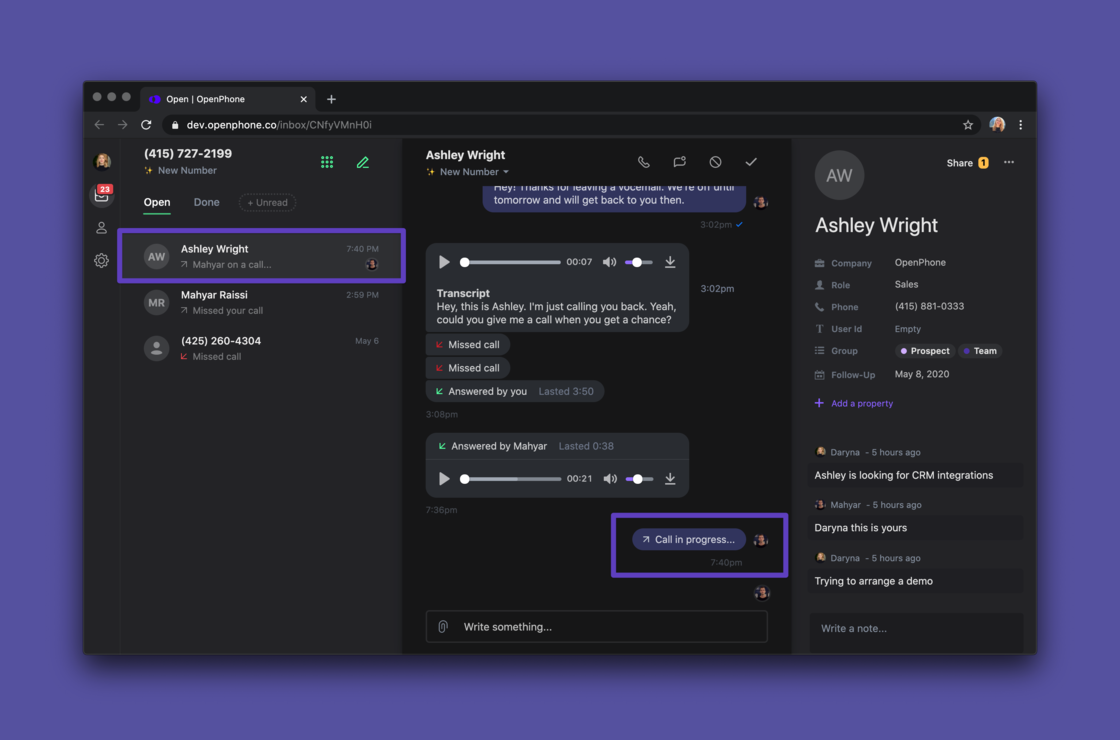 ### **⚙️ Phone number settings**
Many of you asked us why it wasn't possible to change your business hours via the web app. Or upload a new voicemail greeting. Or set up call forwarding. Fair point.
So we did an overhaul of the [phone number settings page](https://my.quo.com/settings/my-phone-numbers). It's now all you want it to be. And a little more.
### **⚙️ Phone number settings**
Many of you asked us why it wasn't possible to change your business hours via the web app. Or upload a new voicemail greeting. Or set up call forwarding. Fair point.
So we did an overhaul of the [phone number settings page](https://my.quo.com/settings/my-phone-numbers). It's now all you want it to be. And a little more.
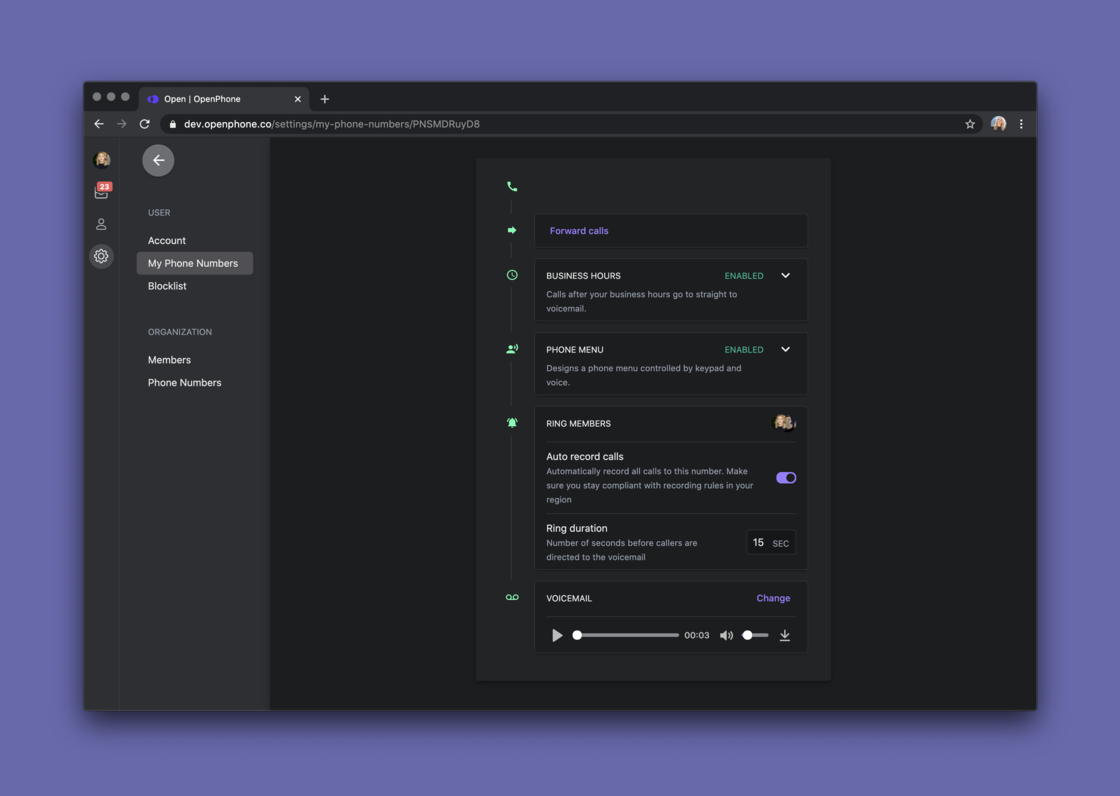 * **Forward calls** if you want someone else to take care of them
* **Set your business hours** so you can disconnect from work sometimes
* **Create a voicemail** (record a message yourself, upload an MP3 file or simply enter the text)
* **Ring duration** so you get to pick how long the phone rings before the call goes to voicemail
### 🤯 **Professional voicemail recording on-demand**
I'm saving the best for last. You can create a professional voicemail recording or custom greeting by simply typing it.
* **Forward calls** if you want someone else to take care of them
* **Set your business hours** so you can disconnect from work sometimes
* **Create a voicemail** (record a message yourself, upload an MP3 file or simply enter the text)
* **Ring duration** so you get to pick how long the phone rings before the call goes to voicemail
### 🤯 **Professional voicemail recording on-demand**
I'm saving the best for last. You can create a professional voicemail recording or custom greeting by simply typing it.
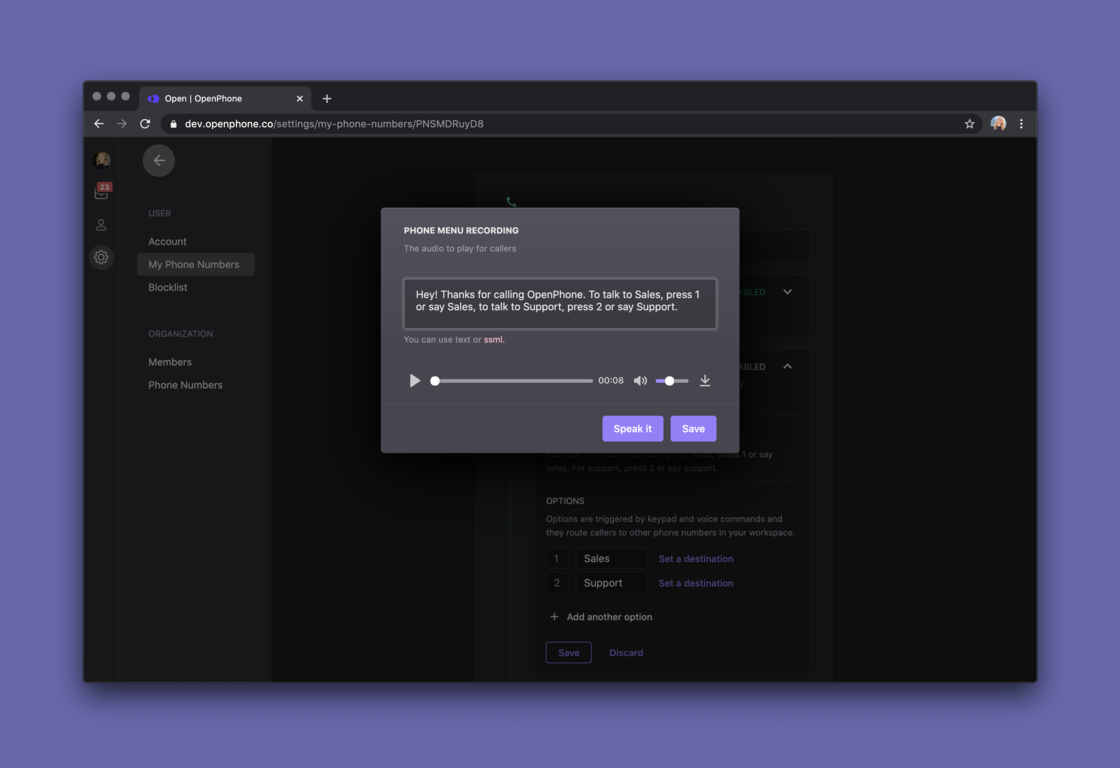 As always, I'd love to hear your thoughts and feedback.
Have a great weekend!
## New in iOS: Call recording, who's typing, dark mode 😎
First - thanks for your support on [Product Hunt](https://www.producthunt.com/posts/openphone-2-0) this week. 🙏
We've got more updates for you today.
Here's what's new in our iOS app.
**⏺ Call recording**
You can now record your phone calls on iOS just like you've been able to do it on the web and Android. Just tap `Record` and then `Stop`.
If you turn on auto-recording in the web app your calls will be automatically recorded in iOS. Enjoy!
And make sure you're staying compliant with [call recording laws in your region ⤴️](https://www.quo.com/blog/how-to-legally-record-phone-calls/)
As always, I'd love to hear your thoughts and feedback.
Have a great weekend!
## New in iOS: Call recording, who's typing, dark mode 😎
First - thanks for your support on [Product Hunt](https://www.producthunt.com/posts/openphone-2-0) this week. 🙏
We've got more updates for you today.
Here's what's new in our iOS app.
**⏺ Call recording**
You can now record your phone calls on iOS just like you've been able to do it on the web and Android. Just tap `Record` and then `Stop`.
If you turn on auto-recording in the web app your calls will be automatically recorded in iOS. Enjoy!
And make sure you're staying compliant with [call recording laws in your region ⤴️](https://www.quo.com/blog/how-to-legally-record-phone-calls/)
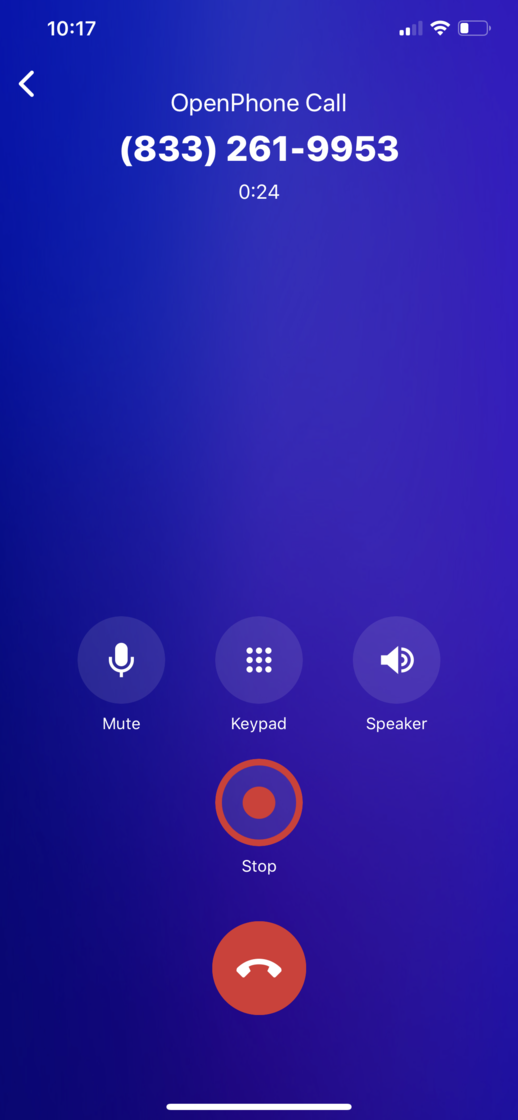 **😎 Dark mode**
No app is complete without dark mode. Give your eyes a break when working on your phone💜
**😎 Dark mode**
No app is complete without dark mode. Give your eyes a break when working on your phone💜
 **👩🏼💻Who said what**
If you have a shared phone number, you'll be able to see who on your team sent what message. No more guessing.
**👩🏼💻Who said what**
If you have a shared phone number, you'll be able to see who on your team sent what message. No more guessing.
 **👀 Who's viewing a conversation**
You can see who in the shared phone number is viewing a conversation. That might mean they're going to reply. Or just checking stuff out.
**👀 Who's viewing a conversation**
You can see who in the shared phone number is viewing a conversation. That might mean they're going to reply. Or just checking stuff out.
 **💬Who's typing**
You can see who in a shared phone number is typing in a conversation. No more sending a customer two messages at the same time. Especially if they're are different. Oops!
**💬Who's typing**
You can see who in a shared phone number is typing in a conversation. No more sending a customer two messages at the same time. Especially if they're are different. Oops!
 **🐛Bug fixes**
* You weren't able to copy & paste message content properly. It used to be annoying as the paste option wasn't available immediately. Anyway, that's fixed now!
* If a message fails to send it no longer randomly disappears. You can now retry sending it.
* Rating the app used to result in a crash. Not our best look - we fixed that.
* You used to be able to send a picture into nowhere (aka send an image even if there's no recipient) Fun, eh? That's removed now. But if you used this capability for any chance, let us know 😄
* If you used the web app to add a custom property to a contact and then opened that contact in the iOS app, the app crashed. That's fixed for good
* Fix the displayed app version. A little meta but we thought you should know it's accurate now
* Fixed the issue where you were unable to set your profile photo. Go ahead and add your pretty face now
We hope you enjoy these. Let us know how we can make OP better for you. Just message us in the app!
Have a nice weekend!🍹
## 💫 Shared phone numbers, auto-record calls + we're on Product Hunt!
Big update from us today, folks!
We're thrilled to launch shared phone numbers on OpenPhone.
It's live on [Product Hunt](https://www.producthunt.com/posts/openphone-2-0) and would appreciate your feedback and support there 🙏
***
You can now team up on your phone inbox.
Multiple people can share responsibility for a phone number. Everyone will be able to call and text from a single number and see what's going on.
**How do shared numbers work?**
* When you get a call, the app rings for everyone. The first person to pick up stops ringing for others. You can place concurrent calls so the line is never “busy”
* Every message shows who sent it - no more guessing.
* You can see when someone is viewing a conversation or typing. Never send multiple replies to a customer again.
**🐛Bug fixes**
* You weren't able to copy & paste message content properly. It used to be annoying as the paste option wasn't available immediately. Anyway, that's fixed now!
* If a message fails to send it no longer randomly disappears. You can now retry sending it.
* Rating the app used to result in a crash. Not our best look - we fixed that.
* You used to be able to send a picture into nowhere (aka send an image even if there's no recipient) Fun, eh? That's removed now. But if you used this capability for any chance, let us know 😄
* If you used the web app to add a custom property to a contact and then opened that contact in the iOS app, the app crashed. That's fixed for good
* Fix the displayed app version. A little meta but we thought you should know it's accurate now
* Fixed the issue where you were unable to set your profile photo. Go ahead and add your pretty face now
We hope you enjoy these. Let us know how we can make OP better for you. Just message us in the app!
Have a nice weekend!🍹
## 💫 Shared phone numbers, auto-record calls + we're on Product Hunt!
Big update from us today, folks!
We're thrilled to launch shared phone numbers on OpenPhone.
It's live on [Product Hunt](https://www.producthunt.com/posts/openphone-2-0) and would appreciate your feedback and support there 🙏
***
You can now team up on your phone inbox.
Multiple people can share responsibility for a phone number. Everyone will be able to call and text from a single number and see what's going on.
**How do shared numbers work?**
* When you get a call, the app rings for everyone. The first person to pick up stops ringing for others. You can place concurrent calls so the line is never “busy”
* Every message shows who sent it - no more guessing.
* You can see when someone is viewing a conversation or typing. Never send multiple replies to a customer again.
 **Shared contacts**
Share your business contacts with people on your team. Changes to shared contacts are instantly synced to all members.
**Shared contacts**
Share your business contacts with people on your team. Changes to shared contacts are instantly synced to all members.
 **How to share a phone number**
You can invite a team member to share your number right from the [Admin Dashboard.](https://my.quo.com/settings/members)
**How to share a phone number**
You can invite a team member to share your number right from the [Admin Dashboard.](https://my.quo.com/settings/members)
 If they're already on OpenPhone, that's even easier. You can add them to your number from the [Phone Numbers page](https://my.quo.com/settings/my-phone-numbers).
The pricing is simple - \$10/mo per member with access to the shared number.
**Auto-record calls**
We've heard from many of you that you'd like to be able to set all calls to be recorded, automatically.
No problem! You can set this up in your [Phone numbers page](https://my.quo.com/settings/my-phone-numbers).
If they're already on OpenPhone, that's even easier. You can add them to your number from the [Phone Numbers page](https://my.quo.com/settings/my-phone-numbers).
The pricing is simple - \$10/mo per member with access to the shared number.
**Auto-record calls**
We've heard from many of you that you'd like to be able to set all calls to be recorded, automatically.
No problem! You can set this up in your [Phone numbers page](https://my.quo.com/settings/my-phone-numbers).
 **Billing history**
You can now see all receipts for the OpenPhone payments you've made right from the [Billing page](https://my.quo.com/settings/billing).
**Billing history**
You can now see all receipts for the OpenPhone payments you've made right from the [Billing page](https://my.quo.com/settings/billing).
 ***
Thanks to all of you who've given us early feedback! 🙏
We're excited to be launching shared numbers alongside all the recent product releases on Product Hunt today!
Our whole team is available to answer any of your questions, so [join the conversation on Product Hunt ⤴️](https://www.producthunt.com/posts/openphone-2-0)
We appreciate your support ♥️
## Call recording on Android ⏺
Good news - call recording is now available in the Android app.
Just tap on the record button while in the call to start and stop recording.
Don't forget to let the person you're talking to know that the call is being recording. Stay compliant with your country or state recording laws. We've written a [guide for staying compliant with the laws in your region when recording calls ⤴️](https://www.quo.com/blog/how-to-legally-record-phone-calls/)
Your recorded conversation will be available in the app immediately after the call.
Using Android? Give it a try! [Update the app on the Play Store 👩🏼💻](https://play.google.com/store/apps/details?id=com.openphone\&hl=en_US)
On iOS? Stay tuned 😉
## Android: who said what, someone's typing, copy to clipboard ✅
Since launching our new Android app two weeks ago, we've been making updates based on your feedback (thank you 🙏)
This update has some most requested features and fixes.
**1. Shared number - see who said what**
If you have a shared phone number, you'll be able to see who on the team sent what message. This way there's no confusion about who sent a customer what message.
**2. See who's typing**
Even better - you can see when your team member is typing or even has a conversation open. It helps avoid a lot of awkward moments.
**3. Copy conversation text to your clipboard**
Long press on the message and its content will be copied to your clipboard right away.
**4. Easier to type**
You told us that the box for typing messages is really small. We've made it bigger so it's easier to type 👌
***
Thanks to all of you who've given us early feedback! 🙏
We're excited to be launching shared numbers alongside all the recent product releases on Product Hunt today!
Our whole team is available to answer any of your questions, so [join the conversation on Product Hunt ⤴️](https://www.producthunt.com/posts/openphone-2-0)
We appreciate your support ♥️
## Call recording on Android ⏺
Good news - call recording is now available in the Android app.
Just tap on the record button while in the call to start and stop recording.
Don't forget to let the person you're talking to know that the call is being recording. Stay compliant with your country or state recording laws. We've written a [guide for staying compliant with the laws in your region when recording calls ⤴️](https://www.quo.com/blog/how-to-legally-record-phone-calls/)
Your recorded conversation will be available in the app immediately after the call.
Using Android? Give it a try! [Update the app on the Play Store 👩🏼💻](https://play.google.com/store/apps/details?id=com.openphone\&hl=en_US)
On iOS? Stay tuned 😉
## Android: who said what, someone's typing, copy to clipboard ✅
Since launching our new Android app two weeks ago, we've been making updates based on your feedback (thank you 🙏)
This update has some most requested features and fixes.
**1. Shared number - see who said what**
If you have a shared phone number, you'll be able to see who on the team sent what message. This way there's no confusion about who sent a customer what message.
**2. See who's typing**
Even better - you can see when your team member is typing or even has a conversation open. It helps avoid a lot of awkward moments.
**3. Copy conversation text to your clipboard**
Long press on the message and its content will be copied to your clipboard right away.
**4. Easier to type**
You told us that the box for typing messages is really small. We've made it bigger so it's easier to type 👌
 Enjoy and let us know what you think!
## Call recording, speed dialing, get more numbers 📞
We've got another big update for you folks. Here is what's new in the web app.
**⏺ Call recording**
124 of you asked for call recording so it has been a popular request.
You can now record both incoming and outgoing calls right from the web app. Just click on the record button while in the call.
Enjoy and let us know what you think!
## Call recording, speed dialing, get more numbers 📞
We've got another big update for you folks. Here is what's new in the web app.
**⏺ Call recording**
124 of you asked for call recording so it has been a popular request.
You can now record both incoming and outgoing calls right from the web app. Just click on the record button while in the call.
 Also, you can start and stop recording multiple times during the call. This way, you can record the entire call or just a snippet.
Your call audio will be available in the conversation screen right after you finish recording. Go back and listen whenever.
If you have a shared phone number for your team, call recordings will be available to everyone with access to that number.
**👩🏻⚖️Legal bit:** You must notify the person you're talking to that you'd like to record the call before you start recording. You'll be on the right side of the law when you give them the opportunity to opt-out of having the conversation recorded.
[More information about how to legally record your calls](https://www.quo.com/blog/how-to-legally-record-phone-calls/)
**💨Speed dialing**
We thought it was odd to dial numbers by punching them one at a time just like we used to ☎️
So we made it super fast to dial any number or contact. Just enter the name or the number and press Enter. That's it.
Don't worry, you can still use your keypad while on the call if you need to navigate a phone menu.
Also, you can start and stop recording multiple times during the call. This way, you can record the entire call or just a snippet.
Your call audio will be available in the conversation screen right after you finish recording. Go back and listen whenever.
If you have a shared phone number for your team, call recordings will be available to everyone with access to that number.
**👩🏻⚖️Legal bit:** You must notify the person you're talking to that you'd like to record the call before you start recording. You'll be on the right side of the law when you give them the opportunity to opt-out of having the conversation recorded.
[More information about how to legally record your calls](https://www.quo.com/blog/how-to-legally-record-phone-calls/)
**💨Speed dialing**
We thought it was odd to dial numbers by punching them one at a time just like we used to ☎️
So we made it super fast to dial any number or contact. Just enter the name or the number and press Enter. That's it.
Don't worry, you can still use your keypad while on the call if you need to navigate a phone menu.
 **🔢Get more phone numbers**
You can now buy additional OpenPhone numbers yourself, in seconds. No need to reach out to our team (though we're happy to help, as always!)
You can get more numbers right from your [Admin Dashboard](https://my.quo.com/settings/phone-numbers) ⤴️
**🔢Get more phone numbers**
You can now buy additional OpenPhone numbers yourself, in seconds. No need to reach out to our team (though we're happy to help, as always!)
You can get more numbers right from your [Admin Dashboard](https://my.quo.com/settings/phone-numbers) ⤴️
 The pricing stays the same:
* Individual numbers are \$10/mo each
* Shared numbers are \$15/mo per member
**👩🏼💻Assign phone numbers to your team members**
Once you get a new number, you can assign it to a team member. This applies to any existing phone number that you'd like to re-assign.
Here's how that works:
The pricing stays the same:
* Individual numbers are \$10/mo each
* Shared numbers are \$15/mo per member
**👩🏼💻Assign phone numbers to your team members**
Once you get a new number, you can assign it to a team member. This applies to any existing phone number that you'd like to re-assign.
Here's how that works:
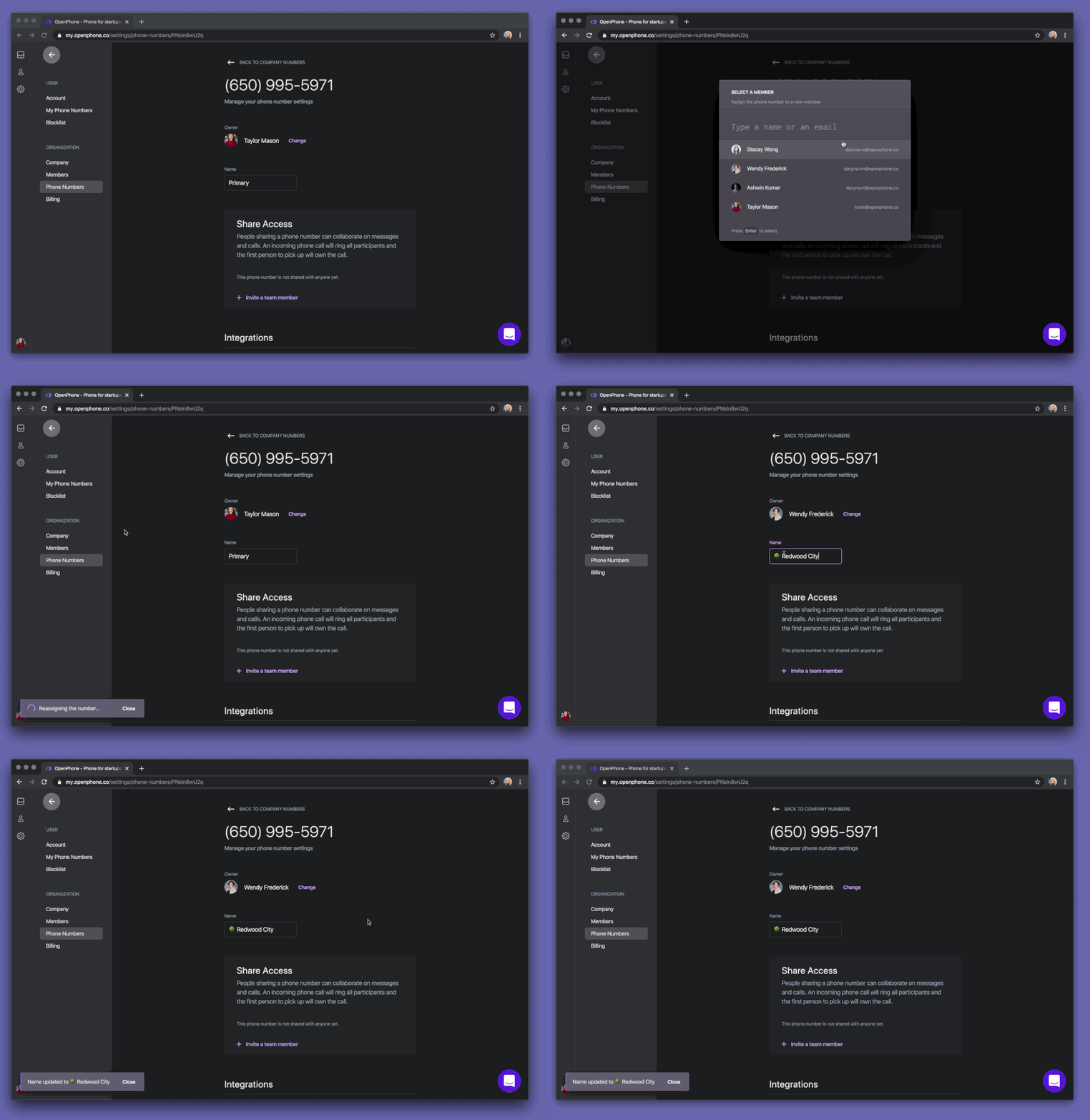 Assign a phone number to your colleague right from the [Admin Dashboard](https://my.quo.com/settings/phone-numbers) ⤴️
**🎙Audio settings**
Ever been on the call and wanted to change the mic or speaker you use? You can now change them both right from the dial screen.
Assign a phone number to your colleague right from the [Admin Dashboard](https://my.quo.com/settings/phone-numbers) ⤴️
**🎙Audio settings**
Ever been on the call and wanted to change the mic or speaker you use? You can now change them both right from the dial screen.
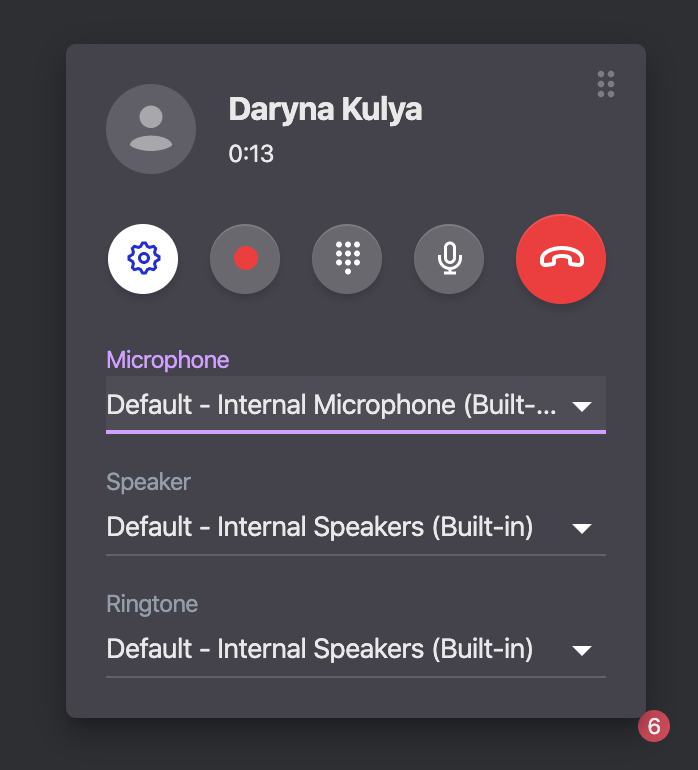 **✨User experience improvements**
* You can drag & drop the call screen anywhere you like on the screen so it doesn't clutter your view
* Copy your phone numbers from the side menu
* Way easier to access your profile and settings
* Invite your team members to OpenPhone in 1 click
* Unread is now a filter (rather than an inbox) so it's even easier to stay on top of things
**✨User experience improvements**
* You can drag & drop the call screen anywhere you like on the screen so it doesn't clutter your view
* Copy your phone numbers from the side menu
* Way easier to access your profile and settings
* Invite your team members to OpenPhone in 1 click
* Unread is now a filter (rather than an inbox) so it's even easier to stay on top of things
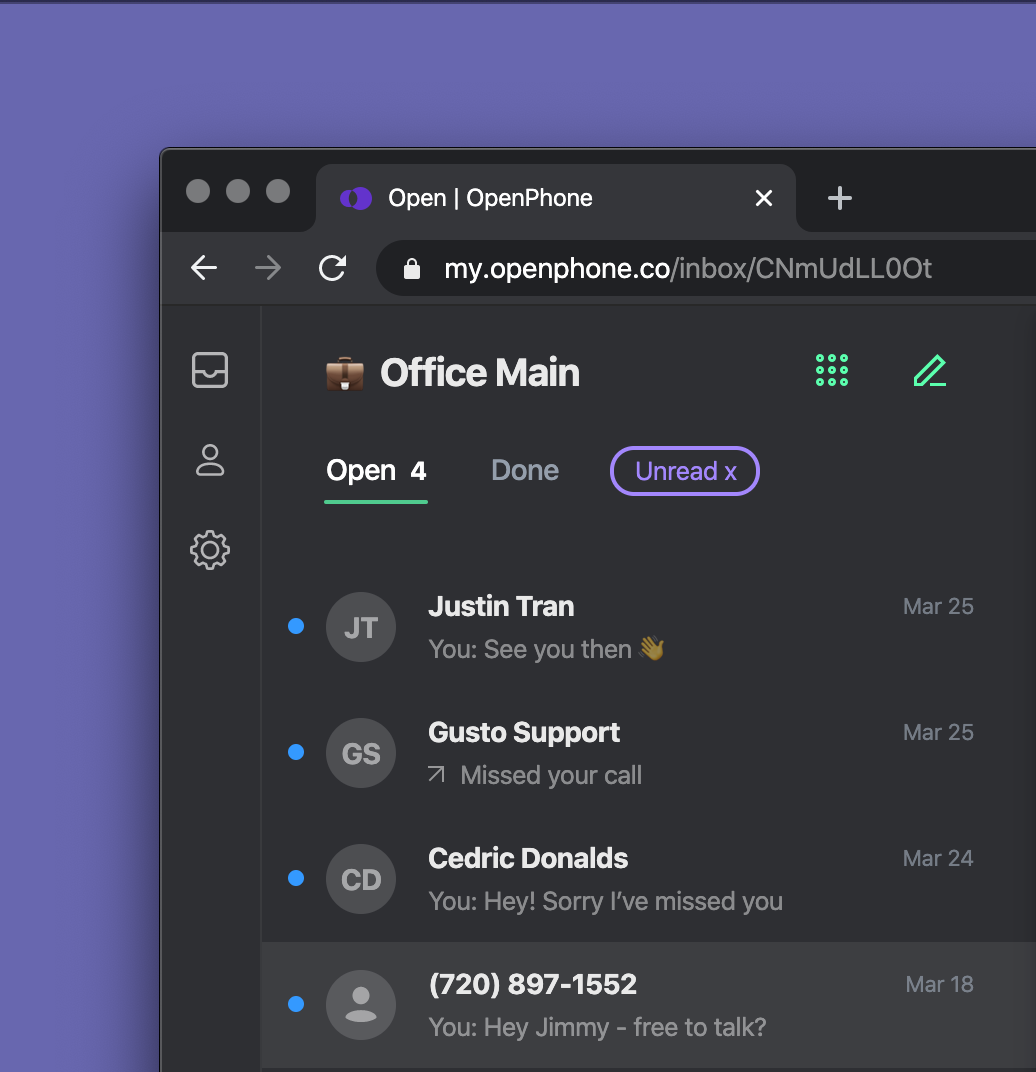 **🐛Bug fixes**
* You can now update your payment information inside the web app without issues
* We fixed the bug where you couldn't update your email address on the account
***
We hope you enjoy these! Let us know what you think.
Stay healthy folks!🏡
## Shared numbers - someone's typing 💬
If you're using a shared phone number with your team, you'll love this.
**1. See who said what 👩🏼💻**
No more guessing who said what - every message clearly shows the team member who sent it.
**🐛Bug fixes**
* You can now update your payment information inside the web app without issues
* We fixed the bug where you couldn't update your email address on the account
***
We hope you enjoy these! Let us know what you think.
Stay healthy folks!🏡
## Shared numbers - someone's typing 💬
If you're using a shared phone number with your team, you'll love this.
**1. See who said what 👩🏼💻**
No more guessing who said what - every message clearly shows the team member who sent it.
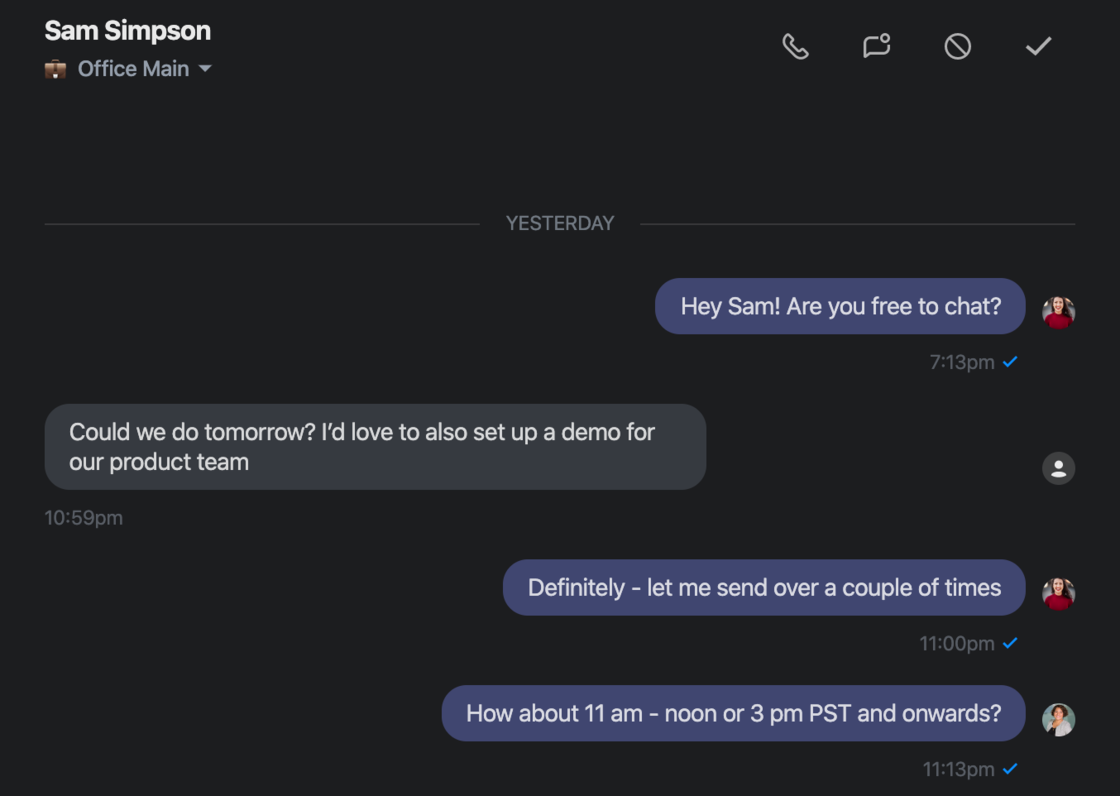 **2. See who's typing 💬**
There's nothing worse than having two people send customer different messages (oops!)
You can now see when one of your colleagues is typing so you know they've got it covered.
**2. See who's typing 💬**
There's nothing worse than having two people send customer different messages (oops!)
You can now see when one of your colleagues is typing so you know they've got it covered.
 **3. See who has the conversation open 👀**
Is your team member looking at a conversation thread and deciding what to answer? You'll be able to tell!
**3. See who has the conversation open 👀**
Is your team member looking at a conversation thread and deciding what to answer? You'll be able to tell!
 You'll even know if they're actively in the thread or looking things up in another window.
 **Here's a GIF preview of this experience:**
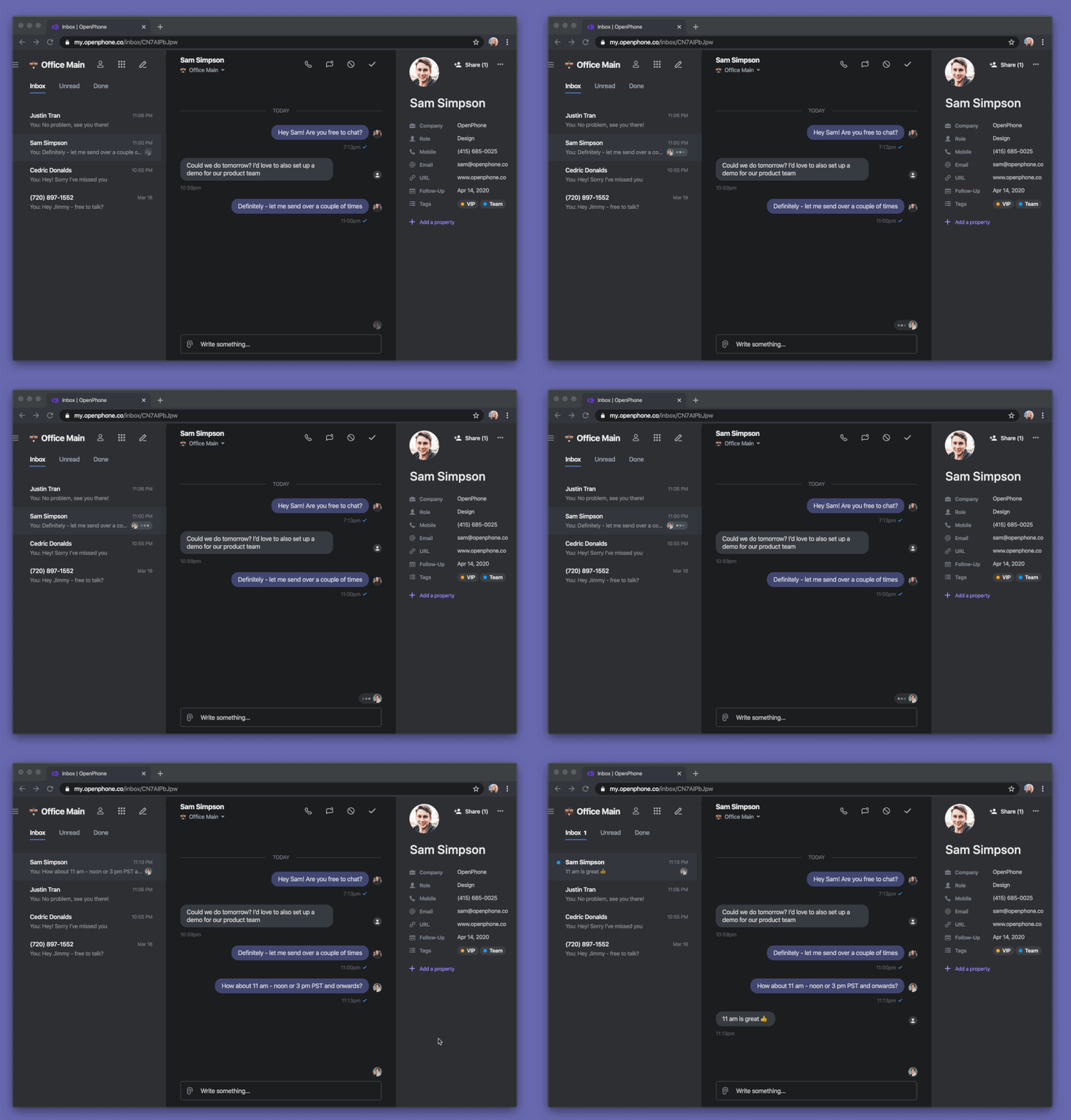 Want to try sharing a phone number with your team? [Invite your colleagues here](https://my.quo.com/settings/members)
## Android app 2.0 🎉
We've launched the new Android app. It's a complete rewrite from the previous version.
Want to try sharing a phone number with your team? [Invite your colleagues here](https://my.quo.com/settings/members)
## Android app 2.0 🎉
We've launched the new Android app. It's a complete rewrite from the previous version.
 **Why did we rewrite the Android app?**
* We wanted an Android app you could rely on for your business
* An Android app we could be proud of
* And, as our user August mentioned to us - *not a buggy mess* 😅
**What's new:**
1 - Reliable push notifications for calls, messages, and voicemail. No more missing calls or texts.
2 - No more "loading". Conversation screens load instantly, no matter how busy your account is.
3 - Mark conversations as Unread and Done to keep your inbox clean. This has been available in the iOS and web apps for a while and it's now on Android as well.
4 - Reliable Bluetooth connection when using your car speaker or headphones. We know a lot of you had issues with connecting your Bluetooth devices. No more.
5 - Support for multiple phone numbers. Filter your inbox by each number to stay on top of conversations.
To get the new app, update it right from the [Play Store —>](https://play.google.com/store/apps/details?id=com.openphone\&hl=en_US)
As always, we'd love your thoughts and feedback. Let us know what you think.
## Web app 2.0 🖥
We've been working on some major improvements to the web app behind the scenes and are excited to finally share them with you.
**✨ Custom properties on contacts**
You can now add useful fields to contacts like their address and website. Even better - add custom properties.
**Why did we rewrite the Android app?**
* We wanted an Android app you could rely on for your business
* An Android app we could be proud of
* And, as our user August mentioned to us - *not a buggy mess* 😅
**What's new:**
1 - Reliable push notifications for calls, messages, and voicemail. No more missing calls or texts.
2 - No more "loading". Conversation screens load instantly, no matter how busy your account is.
3 - Mark conversations as Unread and Done to keep your inbox clean. This has been available in the iOS and web apps for a while and it's now on Android as well.
4 - Reliable Bluetooth connection when using your car speaker or headphones. We know a lot of you had issues with connecting your Bluetooth devices. No more.
5 - Support for multiple phone numbers. Filter your inbox by each number to stay on top of conversations.
To get the new app, update it right from the [Play Store —>](https://play.google.com/store/apps/details?id=com.openphone\&hl=en_US)
As always, we'd love your thoughts and feedback. Let us know what you think.
## Web app 2.0 🖥
We've been working on some major improvements to the web app behind the scenes and are excited to finally share them with you.
**✨ Custom properties on contacts**
You can now add useful fields to contacts like their address and website. Even better - add custom properties.
 For example, tag contacts to have full context when communicating with them. You can create and use tags like `Customer` `Prospect` `Investor` `VIP`
Or add the date of your next appointment. The possibilities are endless.
**👥 Shared contacts**
You can now share an OpenPhone contact with your whole company, team or specific individuals. When someone makes a change, everyone gets updated info right away.
For example, tag contacts to have full context when communicating with them. You can create and use tags like `Customer` `Prospect` `Investor` `VIP`
Or add the date of your next appointment. The possibilities are endless.
**👥 Shared contacts**
You can now share an OpenPhone contact with your whole company, team or specific individuals. When someone makes a change, everyone gets updated info right away.
 **📮 Filter your inbox by phone number**
Have multiple numbers on OpenPhone? You can filter your inbox by each of them. It's also equipped for shared phone numbers. This way, your private and shared numbers are separate.
**📮 Filter your inbox by phone number**
Have multiple numbers on OpenPhone? You can filter your inbox by each of them. It's also equipped for shared phone numbers. This way, your private and shared numbers are separate.
 **🖼 Picture messaging**
Want to send a product image or a screenshot? You can do it right from the web app. Drag & drop, copy & paste or upload a file. Whatever you prefer.
**🖼 Picture messaging**
Want to send a product image or a screenshot? You can do it right from the web app. Drag & drop, copy & paste or upload a file. Whatever you prefer.
 **Bug fixes 🐛**
We've also fixed some bugs.
* Audio player for voicemail is now much nicer
* Fixed the bug where you couldn't block a contact
Want to check these out in action? [Launch the web app ⤴️](https://my.quo.com)
## iOS app updates ✨
The latest iOS app has some sweet updates and improvements you've asked for.
**1. Separate inboxes for phone numbers**
If you have multiple phone numbers on OpenPhone, you'll now be able to filter and separate your inbox by phone number. This way, you can see all conversations for a specific phone number in one place.
Want to see them in one view? No problem! Check out the *All Private Numbers* inbox.
**2. Support for shared phone numbers**
As you might have heard, we're getting ready to launch shared phone numbers on OpenPhone. The new iOS app supports shared numbers already.
A **shared phone number** is like a shared inbox for all calls, messages, voicemail.
Your shared numbers are organized as separate inboxes so that you and your team can stay on top of conversations easily.
Want to try shared phone numbers? Check out your [Admin Dashboard](https://my.quo.com/settings/members)
**3. Much easier to share feedback**
You can now send us your feedback much easier directly from the app 💌
**Bug fixes 🐛**
We've also fixed some bugs.
* Audio player for voicemail is now much nicer
* Fixed the bug where you couldn't block a contact
Want to check these out in action? [Launch the web app ⤴️](https://my.quo.com)
## iOS app updates ✨
The latest iOS app has some sweet updates and improvements you've asked for.
**1. Separate inboxes for phone numbers**
If you have multiple phone numbers on OpenPhone, you'll now be able to filter and separate your inbox by phone number. This way, you can see all conversations for a specific phone number in one place.
Want to see them in one view? No problem! Check out the *All Private Numbers* inbox.
**2. Support for shared phone numbers**
As you might have heard, we're getting ready to launch shared phone numbers on OpenPhone. The new iOS app supports shared numbers already.
A **shared phone number** is like a shared inbox for all calls, messages, voicemail.
Your shared numbers are organized as separate inboxes so that you and your team can stay on top of conversations easily.
Want to try shared phone numbers? Check out your [Admin Dashboard](https://my.quo.com/settings/members)
**3. Much easier to share feedback**
You can now send us your feedback much easier directly from the app 💌
 ## Brand new Android app 🎉
Our brand new Android app is now in beta 🎉
We've rewritten it from scratch to be reliable and fast. It's built entirely with native code, which means everything runs incredibly smoothly.
Want to try it? Fill out this form we'll give invite you to our beta.
[Get beta access](https://openphone.typeform.com/to/vMbuT9) 💌
## New: Contact sync between iOS & web 📇
Since launching the web app, you told us that you'd like to be able to sync your phone contacts with the web app.
We heard that loud and clear and are excited to bring it to life.
Today, this is available in the iOS app.
Here's how it works:
1 - Launch OpenPhone for iOS
2 - Tap on the **Contacts** button on the main menu
3 - Tap to **Sync device contacts**
Now, you'll be able to see information for your contacts when talking to them via the web app.
Want to try it? [OpenPhone for iOS](https://apps.apple.com/us/app/openphone/id1241817309?ls=1)
***
Lastly, we've updated our branding and the sign-in screen on the iOS app. What do y'all think?
## Brand new Android app 🎉
Our brand new Android app is now in beta 🎉
We've rewritten it from scratch to be reliable and fast. It's built entirely with native code, which means everything runs incredibly smoothly.
Want to try it? Fill out this form we'll give invite you to our beta.
[Get beta access](https://openphone.typeform.com/to/vMbuT9) 💌
## New: Contact sync between iOS & web 📇
Since launching the web app, you told us that you'd like to be able to sync your phone contacts with the web app.
We heard that loud and clear and are excited to bring it to life.
Today, this is available in the iOS app.
Here's how it works:
1 - Launch OpenPhone for iOS
2 - Tap on the **Contacts** button on the main menu
3 - Tap to **Sync device contacts**
Now, you'll be able to see information for your contacts when talking to them via the web app.
Want to try it? [OpenPhone for iOS](https://apps.apple.com/us/app/openphone/id1241817309?ls=1)
***
Lastly, we've updated our branding and the sign-in screen on the iOS app. What do y'all think?
 ## Web app improvements 🖥
The web app has a lot of improvements you've asked for.
1 - Separate **business address book** and ability to add new contacts directly to OpenPhone 📇
## Web app improvements 🖥
The web app has a lot of improvements you've asked for.
1 - Separate **business address book** and ability to add new contacts directly to OpenPhone 📇
 2 - **Command interface** to jump to any conversation `Command + /`
  3 - **Speed** - no more lag when you go between inboxes and conversations
How can we make the web app even better? [\[email protected\]](/cdn-cgi/l/email-protection#47343237372835330728372229372f282922692428) 💌
## Slack + Email Integrations 📣
With our new Slack and email integrations, OpenPhone can notify the right people or channels whenever any of your OpenPhone numbers receive a call, message or voicemail.
Here's what it looks like:
3 - **Speed** - no more lag when you go between inboxes and conversations
How can we make the web app even better? [\[email protected\]](/cdn-cgi/l/email-protection#47343237372835330728372229372f282922692428) 💌
## Slack + Email Integrations 📣
With our new Slack and email integrations, OpenPhone can notify the right people or channels whenever any of your OpenPhone numbers receive a call, message or voicemail.
Here's what it looks like:
 Here's how to connect your OpenPhone number to Slack:
* Go to **Phone Numbers** in the [Admin Dashboard](https://my.quo.com/settings/phone-numbers) ⤴️
* Select the number you'd like to connect
* Click **Add** next to Slack
* Select the Slack channel you'd like OpenPhone to post to
* Click **Allow** to grant OpenPhone permission to post in your Slack workspace
* That's it!
Similarly, you can connect your email to get notified about any relevant OpenPhone activity there.
You can send notifications to multiple email recipients too 💌
Here's how to connect your OpenPhone number to Slack:
* Go to **Phone Numbers** in the [Admin Dashboard](https://my.quo.com/settings/phone-numbers) ⤴️
* Select the number you'd like to connect
* Click **Add** next to Slack
* Select the Slack channel you'd like OpenPhone to post to
* Click **Allow** to grant OpenPhone permission to post in your Slack workspace
* That's it!
Similarly, you can connect your email to get notified about any relevant OpenPhone activity there.
You can send notifications to multiple email recipients too 💌
 Enjoy!✌️
## Coming Soon - Shared Phone Numbers 💥
We're gearing up to launch shared phone numbers on OpenPhone.
It's like a shared inbox, but for a phone number.
You'll be able to team up on responding to calls and messages with your colleagues.
There are so many use cases we'll be able to power:
* Support phone number
* Inbound sales number
* Dedicated phone number for VIP customers that's shared by the founders
* Being able to share access to your phone number with your assistant
* Having a shared buzzer number for the office
The possibilities are endless - what will you be able to do with shared numbers?
Sign up for beta access here to be among the first people to try -> [https://openphone.typeform.com/to/ZKHIKk](https://openphone.typeform.com/to/ZKHIKk)
## Introducing the OpenPhone Web App 🖥
Since launching OpenPhone \~1.5 years ago, our #1 feature request has been talking and texting on the computer.
If you spend the vast majority of your day in front of a monitor, you'll understand why.
⌨️ It's nice to give your thumbs a break when responding to messages.
🧠Not having to open your phone every time you need to call or message for work helps you stay focused and avoid distractions.
✨ You can get through your phone inbox way faster.
We've built the web app with this in mind and it's live today 🚀
Check out this 3-minute overview video to learn more 📹
To use the web app, log in to your OpenPhone account here: [https://my.quo.com/login](https://my.quo.com/login)
If you don't have an account yet, you can sign up here: [https://my.quo.com/signup](https://my.quo.com/signup)
Enjoy!
## Web app gets tons of improvements + dark mode 🎉
Just in time for the holidays, we have some big updates to the web app.
**😎 Better layout + dark mode**
You told us that navigating between the inbox and the contact list wasn't intuitive. We wanted to make it better.
So we brought it together in a more streamlined layout. You can now see information about the person you're talking to on the right-hand side.
And we now have dark mode.🎉
Enjoy!✌️
## Coming Soon - Shared Phone Numbers 💥
We're gearing up to launch shared phone numbers on OpenPhone.
It's like a shared inbox, but for a phone number.
You'll be able to team up on responding to calls and messages with your colleagues.
There are so many use cases we'll be able to power:
* Support phone number
* Inbound sales number
* Dedicated phone number for VIP customers that's shared by the founders
* Being able to share access to your phone number with your assistant
* Having a shared buzzer number for the office
The possibilities are endless - what will you be able to do with shared numbers?
Sign up for beta access here to be among the first people to try -> [https://openphone.typeform.com/to/ZKHIKk](https://openphone.typeform.com/to/ZKHIKk)
## Introducing the OpenPhone Web App 🖥
Since launching OpenPhone \~1.5 years ago, our #1 feature request has been talking and texting on the computer.
If you spend the vast majority of your day in front of a monitor, you'll understand why.
⌨️ It's nice to give your thumbs a break when responding to messages.
🧠Not having to open your phone every time you need to call or message for work helps you stay focused and avoid distractions.
✨ You can get through your phone inbox way faster.
We've built the web app with this in mind and it's live today 🚀
Check out this 3-minute overview video to learn more 📹
To use the web app, log in to your OpenPhone account here: [https://my.quo.com/login](https://my.quo.com/login)
If you don't have an account yet, you can sign up here: [https://my.quo.com/signup](https://my.quo.com/signup)
Enjoy!
## Web app gets tons of improvements + dark mode 🎉
Just in time for the holidays, we have some big updates to the web app.
**😎 Better layout + dark mode**
You told us that navigating between the inbox and the contact list wasn't intuitive. We wanted to make it better.
So we brought it together in a more streamlined layout. You can now see information about the person you're talking to on the right-hand side.
And we now have dark mode.🎉
 **🎹 More keyboard shortcuts**
* Press `Up` and `Down` keys to preview conversations without marking them as read. Then press `Enter` to reply
* `E` to mark a conversation as Done
* `U` to mark a conversation as Unread
* Press `D` for the dialer
* `/` to search contacts
**🕵🏼♀️ Search contacts by company**
Other than searching by name, you can now search by company name. Want to see who you can contact at a specific company? Just enter `/`.
**🎹 More keyboard shortcuts**
* Press `Up` and `Down` keys to preview conversations without marking them as read. Then press `Enter` to reply
* `E` to mark a conversation as Done
* `U` to mark a conversation as Unread
* Press `D` for the dialer
* `/` to search contacts
**🕵🏼♀️ Search contacts by company**
Other than searching by name, you can now search by company name. Want to see who you can contact at a specific company? Just enter `/`.
 **🎆 Inbox zero**
When you've responded and marked as done all conversations in the inbox, we wanted to show you something fun.
From now on you'll see an image and fun fact of the day when you're at Inbox zero. You can also see it when you have nothing unread.
**🎆 Inbox zero**
When you've responded and marked as done all conversations in the inbox, we wanted to show you something fun.
From now on you'll see an image and fun fact of the day when you're at Inbox zero. You can also see it when you have nothing unread.
 ***
Want to try the web app? Sign up here: [https://www.quo.com/downloads](https://www.quo.com/downloads)
## Faster, smoother voicemail recording on iOS 🎙
First impressions matter. When it comes to your business phone, your voicemail greeting makes that impression.
We wanted to make recording your perfect voicemail incredibly fast and smooth.
Here's what it looks like now:
* No more clunky UI
* No bugs (sorry!)
* Much higher quality
Update your OpenPhone app (iOS) here 👉[https://apps.apple.com/us/app/openphone-second-phone-number/id1241817309](https://apps.apple.com/us/app/openphone-second-phone-number/id1241817309)
Happy recording!🎙
## Web app (beta) gets more updates you've asked for
To those of you using the beta version already, thanks so much for your feedback and comments! Keep it coming and we'll keep the updates coming!
Here's what we added to the web app today.
**🔔Chrome push notifications**
You now receive browser notifications for calls and messages. No need to hit "refresh", have OpenPhone web app tab active or worry about missing anything!
***
Want to try the web app? Sign up here: [https://www.quo.com/downloads](https://www.quo.com/downloads)
## Faster, smoother voicemail recording on iOS 🎙
First impressions matter. When it comes to your business phone, your voicemail greeting makes that impression.
We wanted to make recording your perfect voicemail incredibly fast and smooth.
Here's what it looks like now:
* No more clunky UI
* No bugs (sorry!)
* Much higher quality
Update your OpenPhone app (iOS) here 👉[https://apps.apple.com/us/app/openphone-second-phone-number/id1241817309](https://apps.apple.com/us/app/openphone-second-phone-number/id1241817309)
Happy recording!🎙
## Web app (beta) gets more updates you've asked for
To those of you using the beta version already, thanks so much for your feedback and comments! Keep it coming and we'll keep the updates coming!
Here's what we added to the web app today.
**🔔Chrome push notifications**
You now receive browser notifications for calls and messages. No need to hit "refresh", have OpenPhone web app tab active or worry about missing anything!
 **🖇Copy numbers easily**
You can also easily copy the phone number of the contact that sent you a message.
The number is copied in the E.164 international format to make your life easier.
**🖇Copy numbers easily**
You can also easily copy the phone number of the contact that sent you a message.
The number is copied in the E.164 international format to make your life easier.
 **✨Manage multiple OpenPhone numbers**
If you have multiple OpenPhone numbers, you now know what phone number received the message. When you respond or call, that number will be used. No funky switching anymore!
You can choose what number to make a call from when accessing the dialer.
**✨Manage multiple OpenPhone numbers**
If you have multiple OpenPhone numbers, you now know what phone number received the message. When you respond or call, that number will be used. No funky switching anymore!
You can choose what number to make a call from when accessing the dialer.
 **💯See all numbers on your account**
Whether you have one or many numbers, sometimes you just need to verify you're giving the right number. We've made it super easy to copy & paste it right from your account page.
Simply click on your account on the top left and see all your numbers.
**💯See all numbers on your account**
Whether you have one or many numbers, sometimes you just need to verify you're giving the right number. We've made it super easy to copy & paste it right from your account page.
Simply click on your account on the top left and see all your numbers.
 ***
Want to try the web app in beta as well? Fill out this form: [https://www.quo.com/downloads](https://www.quo.com/downloads)
## OpenPhone for Teams + Admin Dashboard
Some exciting updates from our team as we get into December.
**👥Get OpenPhone numbers for your team members**
Don't ask your employees to use their personal phone numbers for work. Give them supercharged business phone numbers instead.
Invite your colleagues and they'll be able to get their business phone numbers in seconds.
***
Want to try the web app in beta as well? Fill out this form: [https://www.quo.com/downloads](https://www.quo.com/downloads)
## OpenPhone for Teams + Admin Dashboard
Some exciting updates from our team as we get into December.
**👥Get OpenPhone numbers for your team members**
Don't ask your employees to use their personal phone numbers for work. Give them supercharged business phone numbers instead.
Invite your colleagues and they'll be able to get their business phone numbers in seconds.  * Protect your team members' privacy
* Issue company-owned phone numbers
* Simplify employee onboarding and offboarding
Invite your team here 👉[https://my.quo.com/settings/members](https://my.quo.com/settings/members)
**⚙️Admin Dashboard**
You can now control everything about your OpenPhone account from the web.
* Manage your billing and account information
* See all phone numbers you own
* Invite team members
Log in to your dashboard here 👉[https://my.quo.com/login](https://my.quo.com/login)
## One place for all product updates
We've been working on lots of updates and exciting new features. We thought it was time to give them a home. This way, you can go to one place to see what we're up to. Stay tuned. ✨
* Protect your team members' privacy
* Issue company-owned phone numbers
* Simplify employee onboarding and offboarding
Invite your team here 👉[https://my.quo.com/settings/members](https://my.quo.com/settings/members)
**⚙️Admin Dashboard**
You can now control everything about your OpenPhone account from the web.
* Manage your billing and account information
* See all phone numbers you own
* Invite team members
Log in to your dashboard here 👉[https://my.quo.com/login](https://my.quo.com/login)
## One place for all product updates
We've been working on lots of updates and exciting new features. We thought it was time to give them a home. This way, you can go to one place to see what we're up to. Stay tuned. ✨